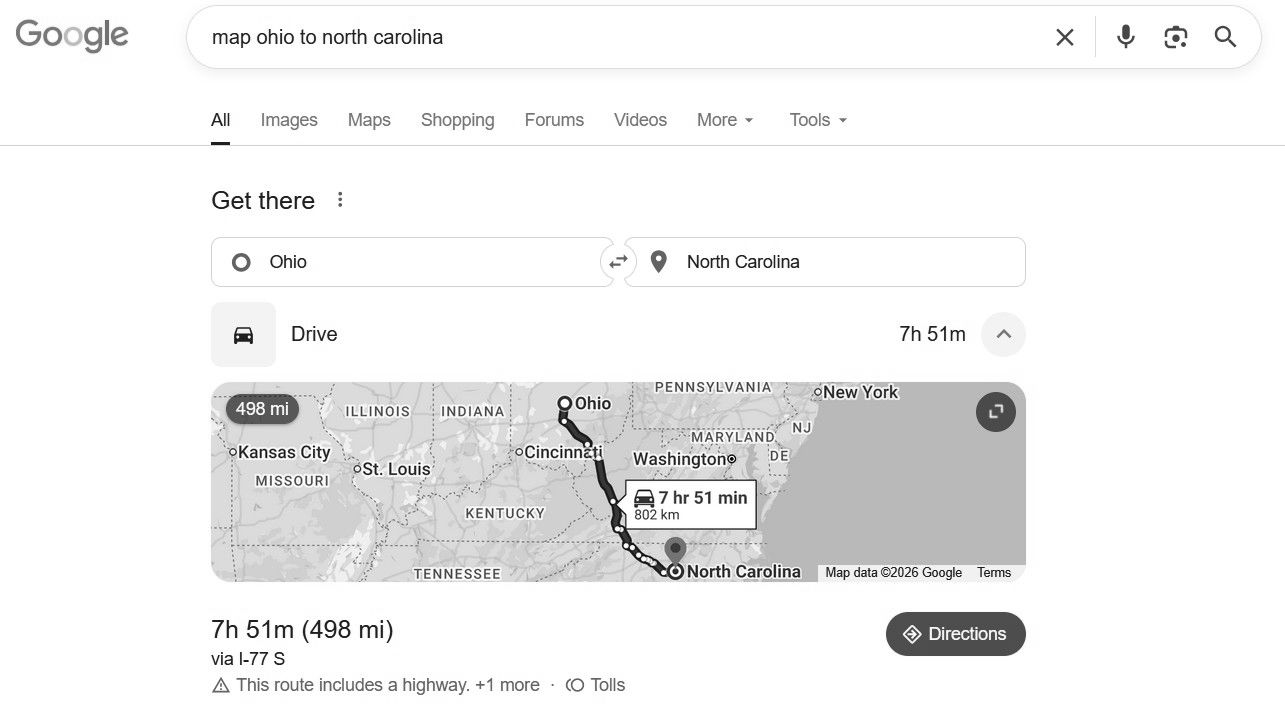
Hi. I am not having any luck navigating anywhere outside of a small radius. I am in Ohio, USA and need to find directions to somewhere in North Carolina, about 580 miles away. The original navigation app (I am updated to 1.5 already) says it can load up to 1,000 miles away but it isn’t doing that. It seems to be maxing out at ~200 miles.
Second, I hope someone can help with this. My kompakt does not connect to my computer. The mudita center software on the computer recognized my phone one time when I first plugged it in and loaded music. Never once has it recognized it again. I would like to sideload a navigation app if that is the only option for road trips (I would rather use the basic navigation app but as I said above it isn’t loading far away locations), but I cannot do that if the mudita center will not “find“ my phone. I have been dealing with these for months and have tried all the fixes suggested by mudita center when it fails to find the phone.
Did you download the maps first? You have to download any map area of interest.
As for the center…it connected once, so it should not be an issue but in the off change are you running linux? If so, there are terminal commands you can use for your setup to recognize via USB. Also, I find that USB C to USB C works the best.
@nikkirodney In the Maps app you can add the maps you need for each state in the path between OH and NC, or cities or region, maybe something like that. I don’t think it’s necessary to connect your phone to a laptop with a cable to get the maps, I got the map for my area just using the Maps app on the Kompakt phone.
Suggestion: I would use a smartphone with a real map application if you are going on such a trip.
Cables are a frequent problem with the Kompakt, you need a good cable that is capable of data and some cables only do charging. Try a different USB cable to connect to your computer to download music.
You might have more luck with the user-created Calm Directory app. It feels a lot more user friendly and despite the name, is a full navigation app for walking, driving, and cycling.
Have you tried a different cable? Sometime that’s the simplest option to try. Also, if this keep happening, I would encourage you to submit a support ticket VIA Mudita Center. This way, logs are automatically attached, giving our tech team some insight as to what could be happening in your case:
Thank you! I just downloaded the maps along the way for my trip. The problem is, now when I type the address into the MK, it finds a thousand possible places and it’s impossible to find whether or not it actually found my destination
I am currently traveling - used the a-GPS for a quick fix, turned it off and getting around SoCal no issues. Just to say, map gets the basics done - no times, ratings, link to yelp, but stock MK access to OpenMaps is mostly updated.
It was a decision that was made when we launched. For example, my older PC does only had a USB option, & no USB-C slot. So I think we tried to be more inclusive.
@nikkirodney If you’re set on using the Kompakt Maps app, try using a website like Find Latitude & Longitude on Map — Instant Address ↔ Coordinate Converter to get the exact coordinates of your desired address. For example, if I want to find Mudita’s headquarters, but a search in Maps isn’t pulling it up, I can use the website to find the exact coordinates, type in “52.1960674,21.0173696” into Maps. Clicking the first option, “52.19607° N, 21.01737° E,” pulls up the exact location I was looking for.