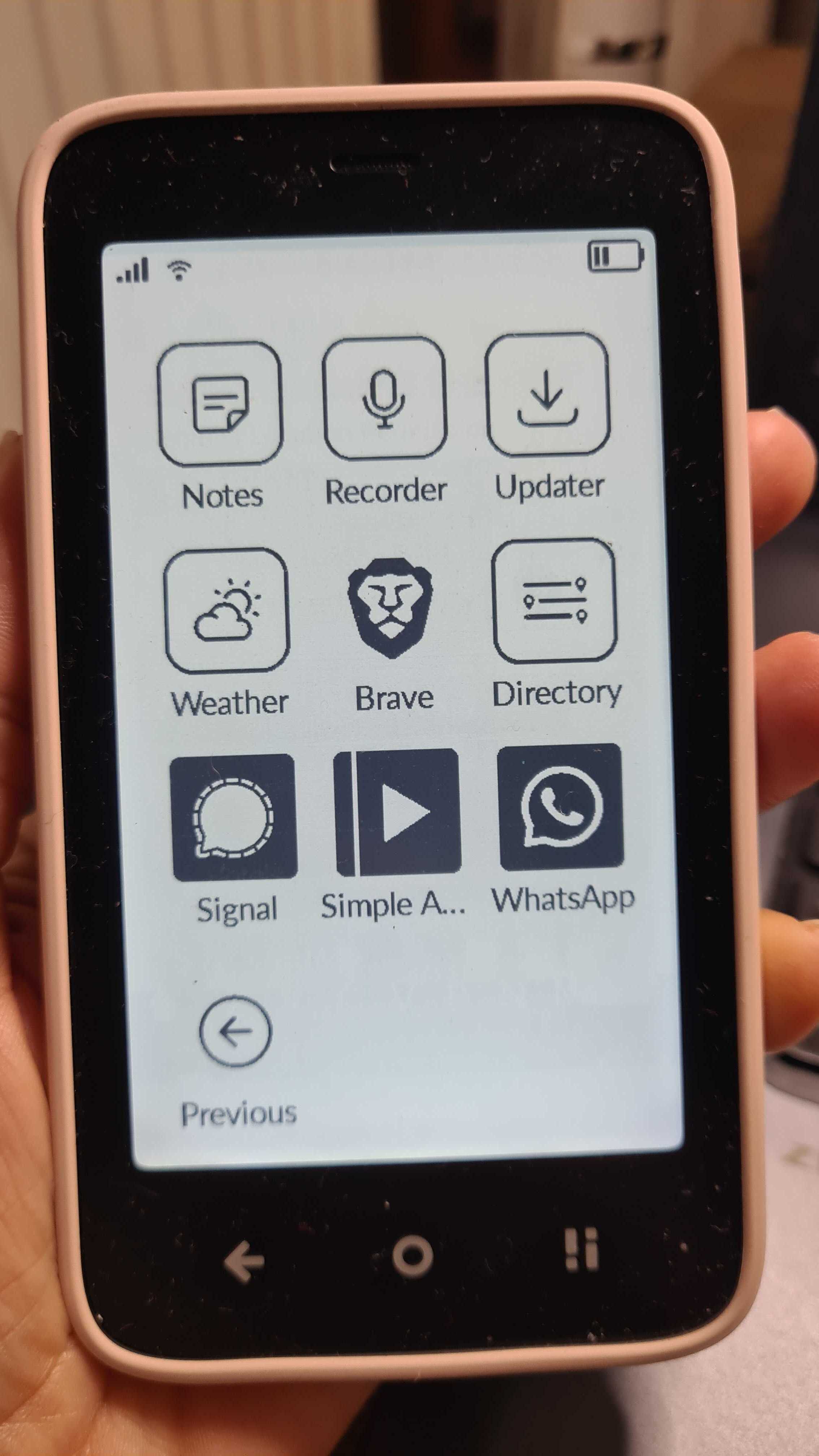
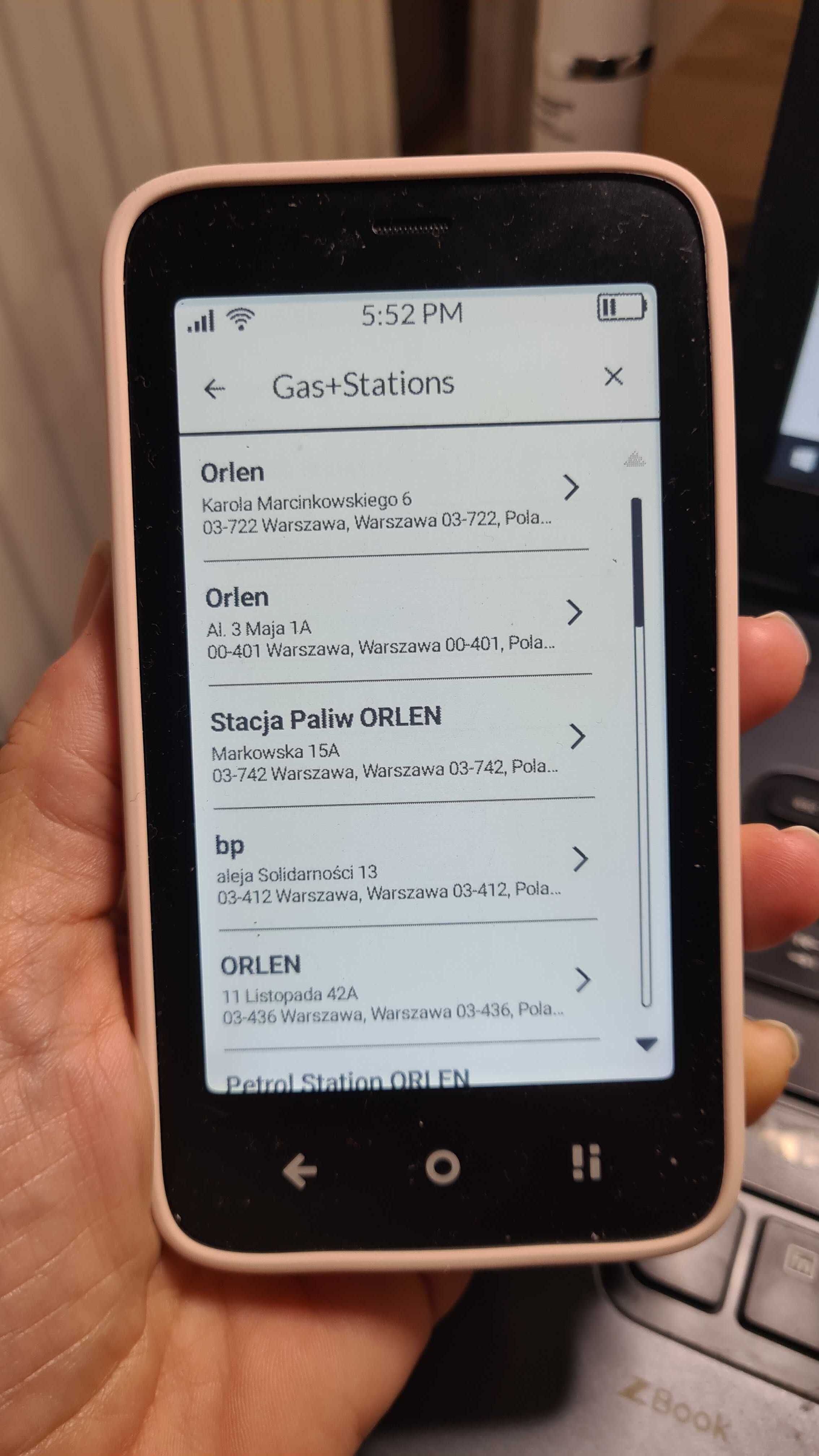
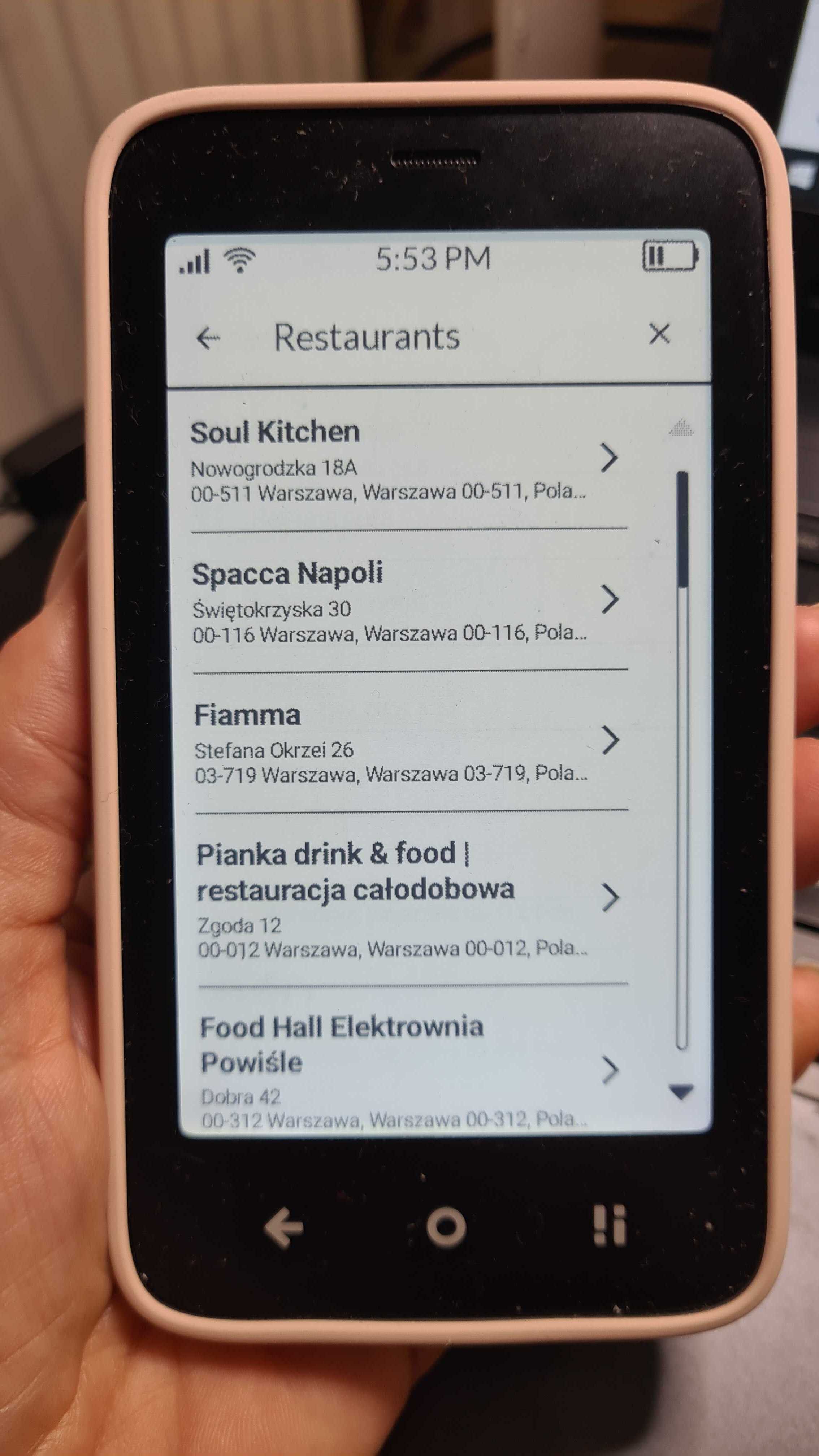
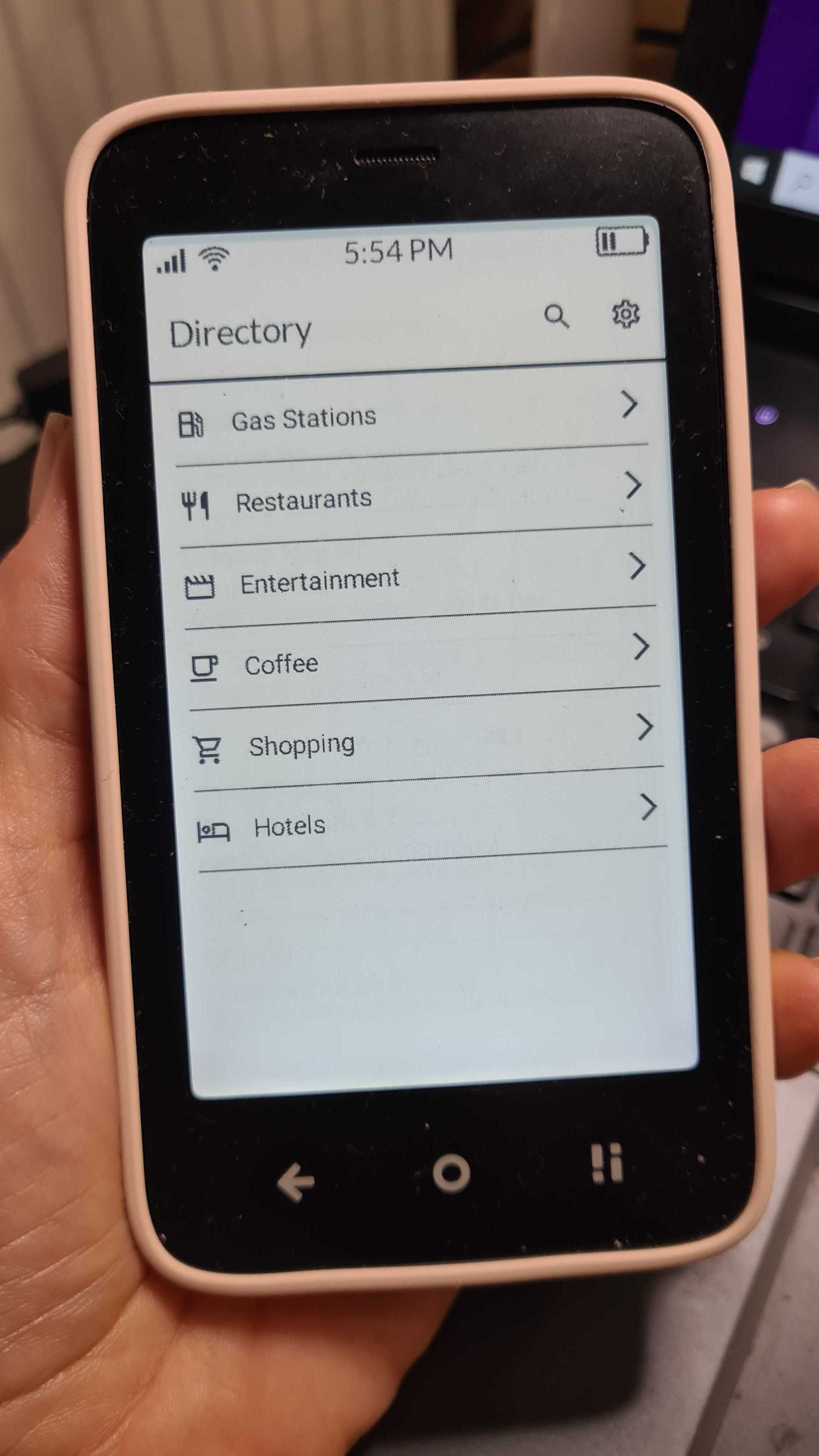
Since Mudita Kompakt was released a lot of people asked about a Directory
Well…
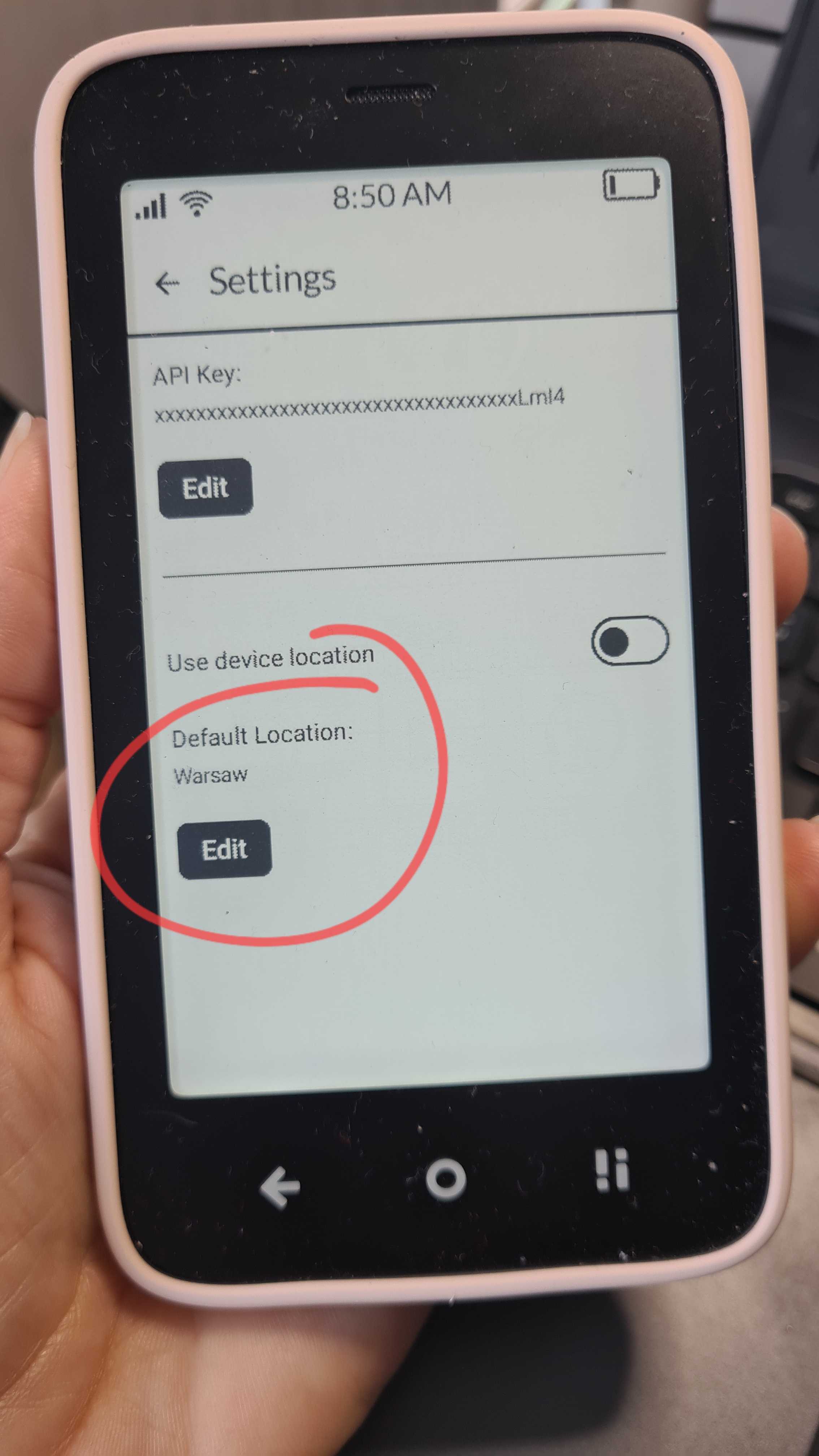
I’m excited to share something very cool created by one of our Mudita Kompakt users. A user @davidraywilson (I don’t think he’s on the FORUM) has developed a custom app called CalmDirectory using the Mudita Mindful Design framework, the toolkit for building distraction-free, privacy-respecting apps for Kompakt, which we shared last month.
CalmDirectory is a simple, mindful file explorer designed specifically for Mudita Kompakt.
It’s open-source too, so anyone can take a look, contribute, or learn from it:
You can get it on GitHub:
We absolutely love seeing the community experiment, innovate, and help expand the mindful tech ecosystem together. This is exactly the kind of creativity we’re hoping to inspire with the Mudita Mindful Design platform.
If you’d like to try the app, test it, or share feedback with the creator, feel free to jump in! Your input can help shape what mindful apps look like for Mudita Kompakt users going forward.
Drop your thoughts below, and let’s cheer on this kind of awesome initiative!
Can someone please explain what does the App do?
I am confused… it seems like it gives you information for places of interest near you? But if I am correct, how does it gather it’s information?
You can set the location manually. Otherwise it just uses the RECEIVE only GPS signal, but you have to manually allow for that, (so it’s a bit slow in that sense). I like it because it gives you the operating hours, in addition to the address.
For the data/information It uses Google Places API. That’s why you need to get the API key in Google Console and add it in the app settings for it to work.
Basically all points of interests registered in Google Maps will appear on this app so you can get addresses, opening hours and phone numbers.
@urszula The person that made this app said they’re unable to post on the forum. I know this is a measure against the bot spam, but it seems a lot of new users have to wait long before posting.
I like the app, will think if I really need it. I like the struggle of not being able to look something up whenever I think of it.
Plus, Google via API could store all I’m asking about, no? Not a dealbreaker but worth being aware of sometimes.
Doesn’t that kind of null the “de-googled” part of the Kompakt?
Seems nice, but I am going paranoid with all the potential ways my data could be stored and profiled…
I understand this. And it would be cool to have an alternative way to get the information otherwise. I really hope to hear from the creator of this app as soon has he “can” write in this forum. What an cool app!
Maybe further down the line, these apps could get a certification by mudita and be published in an mudita calm store? That would be amazing to make the community thrive even more Accessibility for the win!
@davidray Welcome to the Mudita FORUM, we’re glad you’re here.
Thank you so much for creating this app. It’s GREAT. I have it on my Mudita Kompakt already & my absolute favorite feature is the fact that it’s connected to the calling app & you can call the establishment.
Absolutely! I wanted the directory to be actionable. The v0.2.0 of the app also allows you to open the address in whatever maps app you have installed so you can get directions.
Note: For anyone with an older version already installed, you will need to be sure to add the “Geocoding API” to your api-key in the Google Cloud Console when updating. This is what converts the location you entered into a valid lat/long.
Thank @davidray for all of the hard work. Is there any chance you or someone else can create a video walking through the setup of the app, especially the android studio portion?
Ok, I give up.
Now, is there an .apk or do I have to install the whole Android Studio and go down the rabbit hole of creating a timer app because it’s too tempting to install an IDE to just compile other people APKs?
Hey, I’m not sure I understand the reference to the timer app but you can find the apk for the Directory app on the github releases page for the project: