Thank you for all your hard work and for taking time to understand me on this! I’m 99% sure this was how the icon functioned in 1.5, but again, I’m still figuring things out and perhaps I’m confused. I was also using KompaktX (which I had to remove with 1.6), so maybe I’m mixing things up! But if nothing else, it may be a helpful idea for the future as you said. Haha. In the meantime, I will simply hide the icon and use the launcher with joy! 
4 Likes
No worries, we all started like this
Yeah it should come soon, maybe tomorrow if I have time. I’ve added a few features and fixed a few bugs.
3 Likes
Katapult 1.4 Update with a few improvements:
[1.4 release]
Added
-
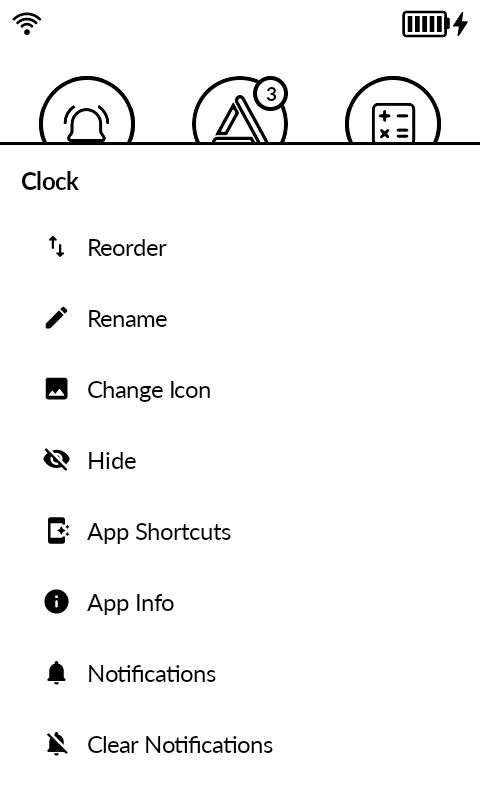
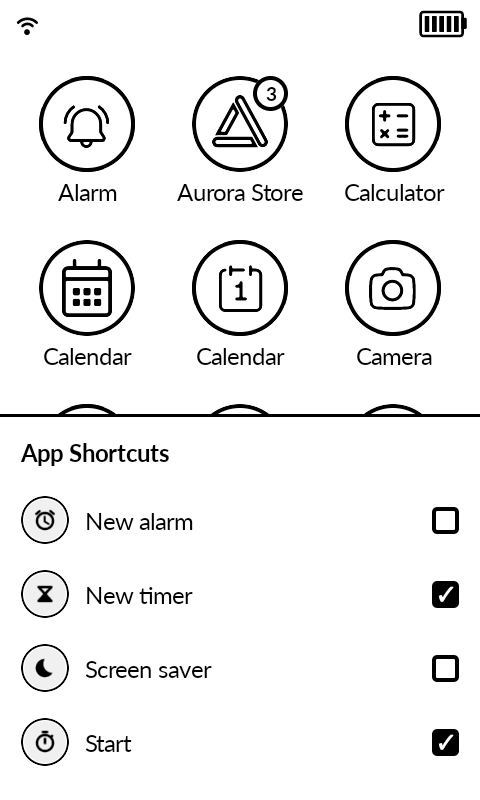
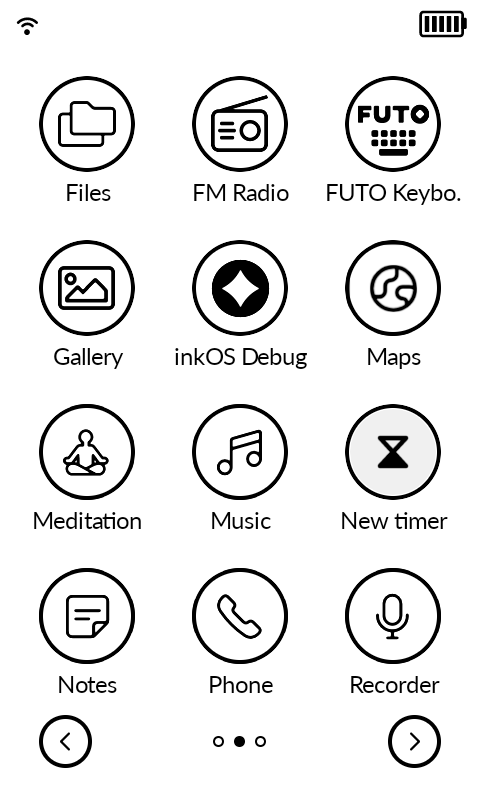
App Shortcuts: long-press an app in All Apps and pick App Shortcuts to enable the shortcuts it publishes (For example New timer, a specific conversation, and so on). Enabled shortcuts appear in All Apps as their own tiles with reorder, rename, and remove.
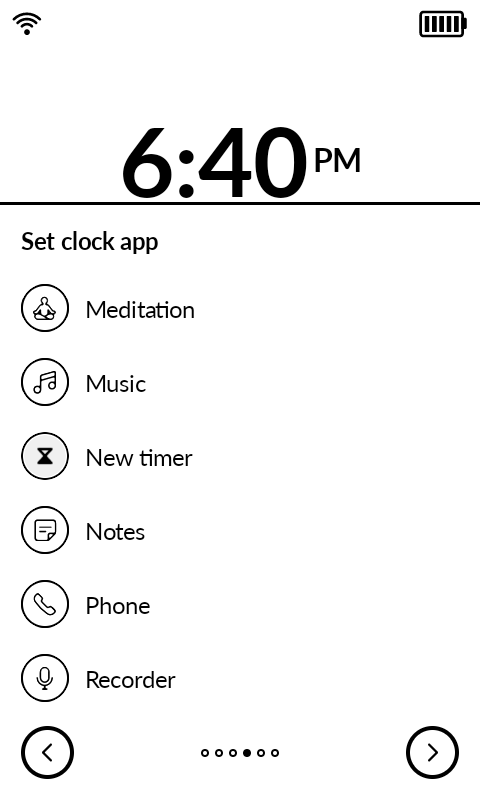
So basically using app shortcuts you can set timer/stopwatch shortcut when tapping on the AOSP clock app (I know a lot of users requested timers).
-
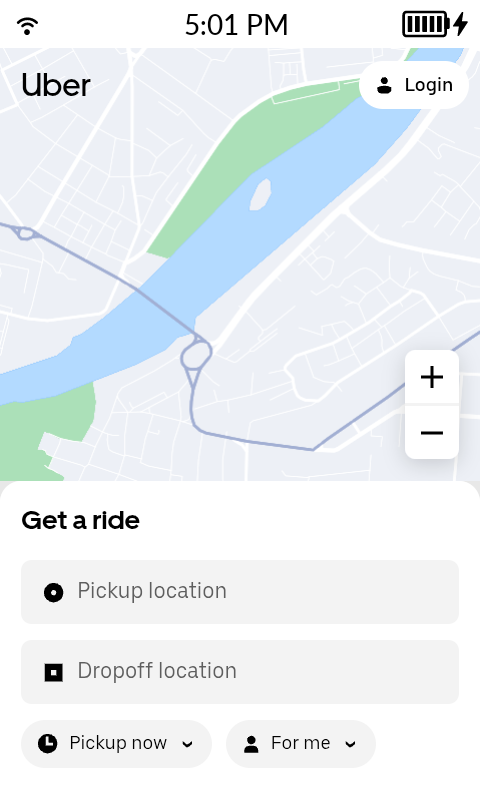
Pinned shortcut support: “Add to Home screen” from the browser (websites and PWAs) and pin requests from other apps now land in All Apps. (for PWAs it requires a chromium based browser like Chrome, for just website shortcuts Firefox works as well). Below you can see the example of installing a progressive m.uber.com as a PWA or as a browser shortcut.
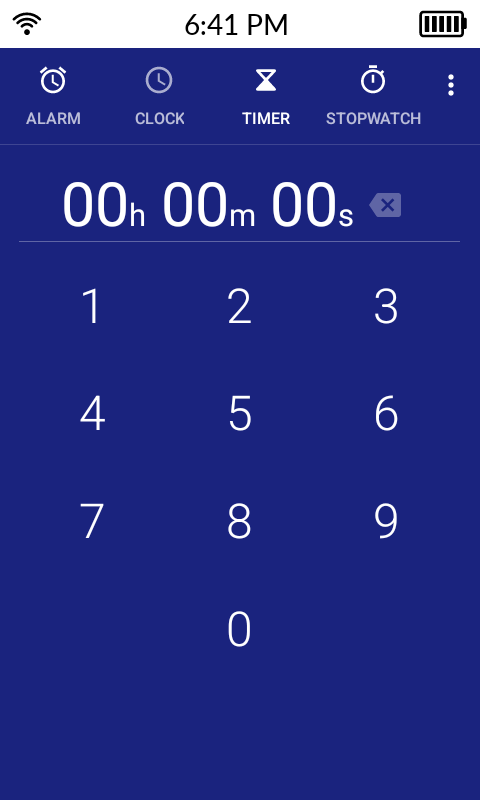
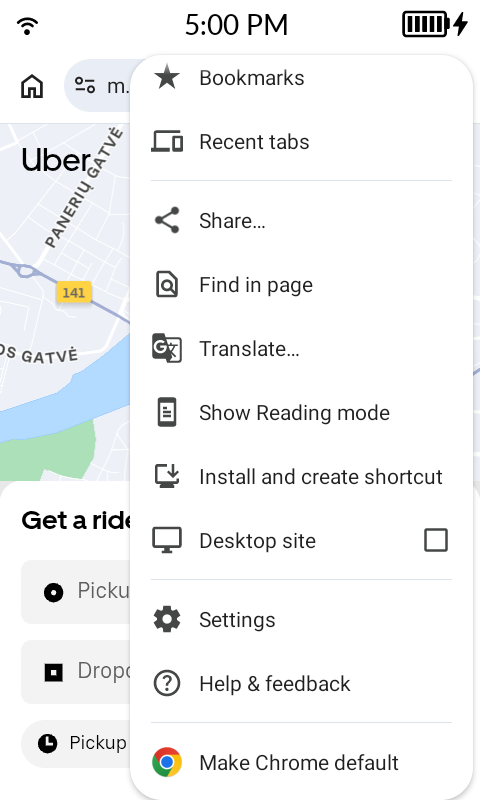
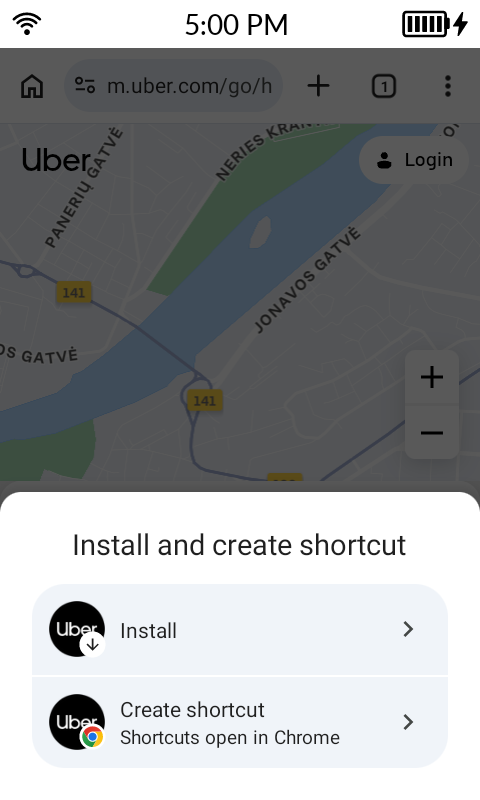
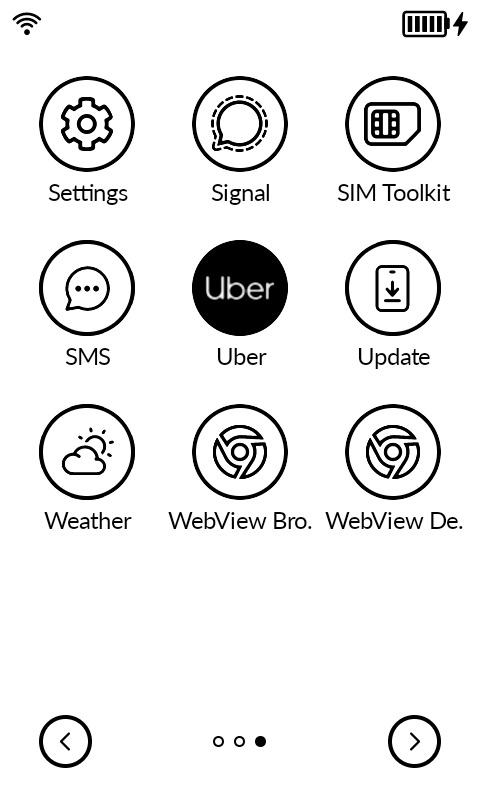
PWA = Progressive Web App, a lot of websites use this feature and you can “install” these websites that become a simple app in a wrapper. They use the browser, but no URL bar will show which can be benifitial for some sites like m.uber.com
-
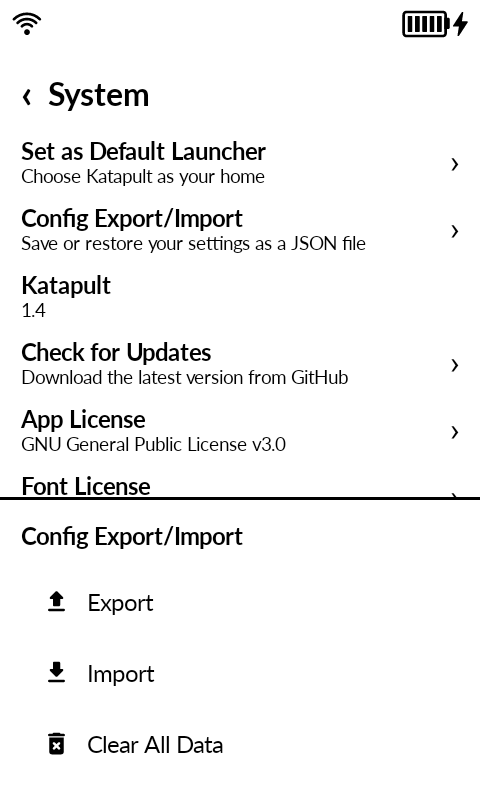
Config Export/Import: save all settings to a JSON file and restore them later, plus a Clear All Data option. This will help out in case you need to backup before factory resetting your device, or sending it for service.
-
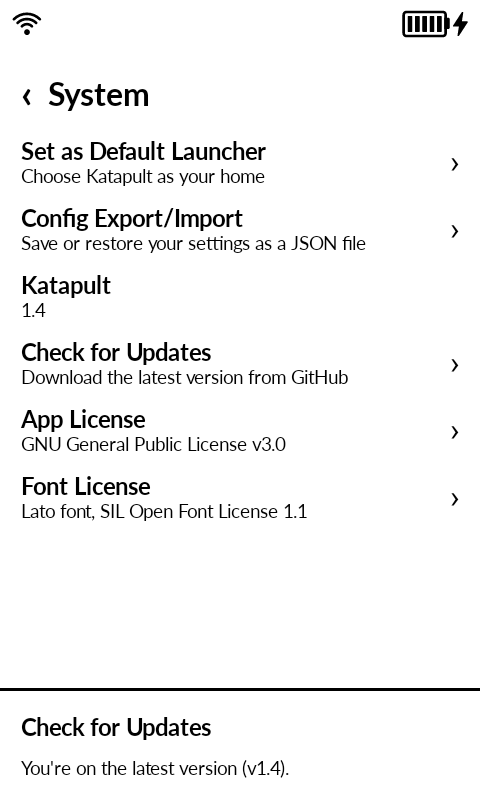
Check for Updates: Now Katapult support an in-app updater that checks GitHub releases, shows the release notes, and downloads and installs the new APK. So you won’t need to use MuditaCenter, Obtanium or adb to install the updates. So from next version you will be able to update Katapult from within Katapult.
-
Double Tap in home now cycles between Disabled, Brightness, and Lock Phone (locking uses the accessibility service). Replaces the Double-Tap Brightness toggle; an enabled toggle carries over as Brightness.
-
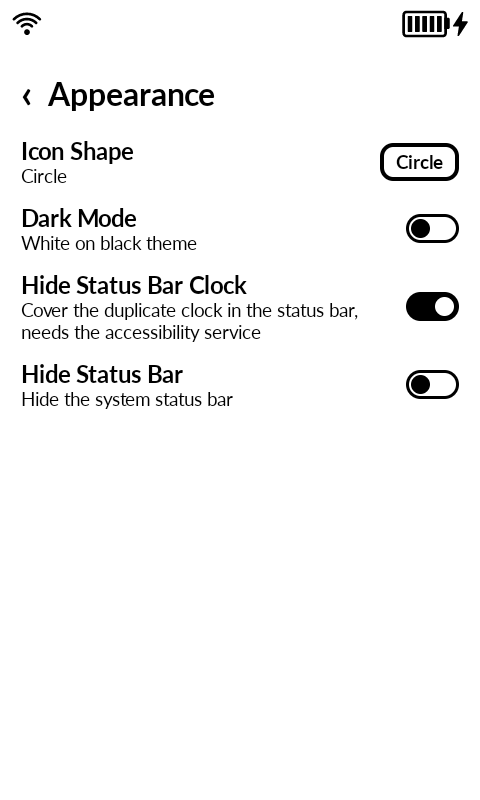
Hide Status Bar Clock setting: covers the duplicate status bar clock while the launcher is in the foreground, since the home screen shows its own clock. Needs the accessibility service; off by default. You can turn it on on Settings / Appearance
-
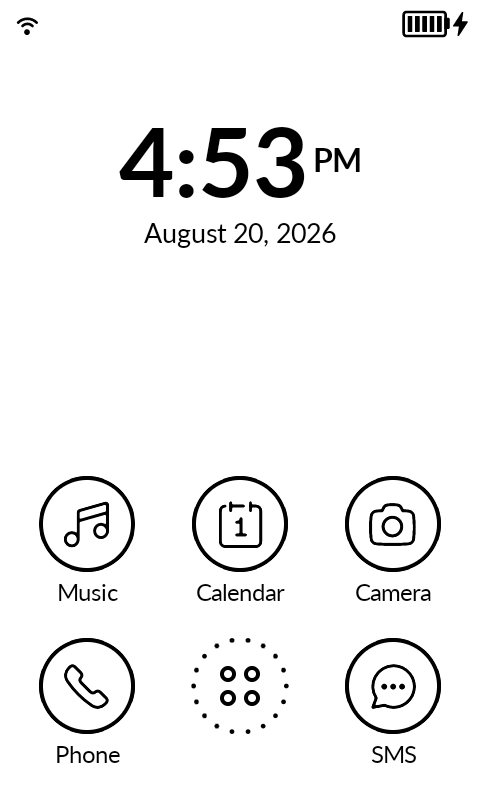
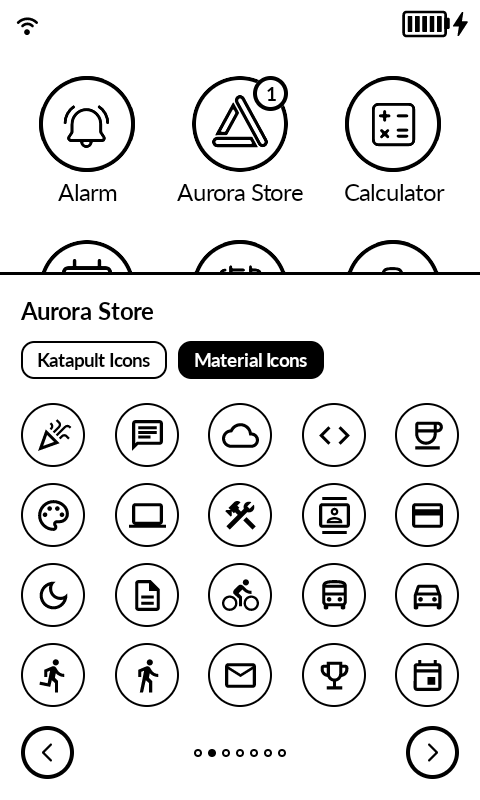
Material Icons in Change Icon: the dialog now has two tabs, Katapult Icons (bundled set plus PNG/SVG import, as before) and Material Icons with 133 outlined Material icons to assign to any app.
Changed
- The accessibility service is now listed as Katapult Action Service in system accessibility settings, since it powers the lockscreen widget, the status bar clock cover, phone locking, and the screensaver. Only the label changed; an already enabled service stays enabled after updating.
Fixed
- AOSP Calendar, WebView DevTools, and AOSP Search (Quick Search Box) now get bundled default icons (calendar, chromium, and the new Search icon) instead of their stock ones.
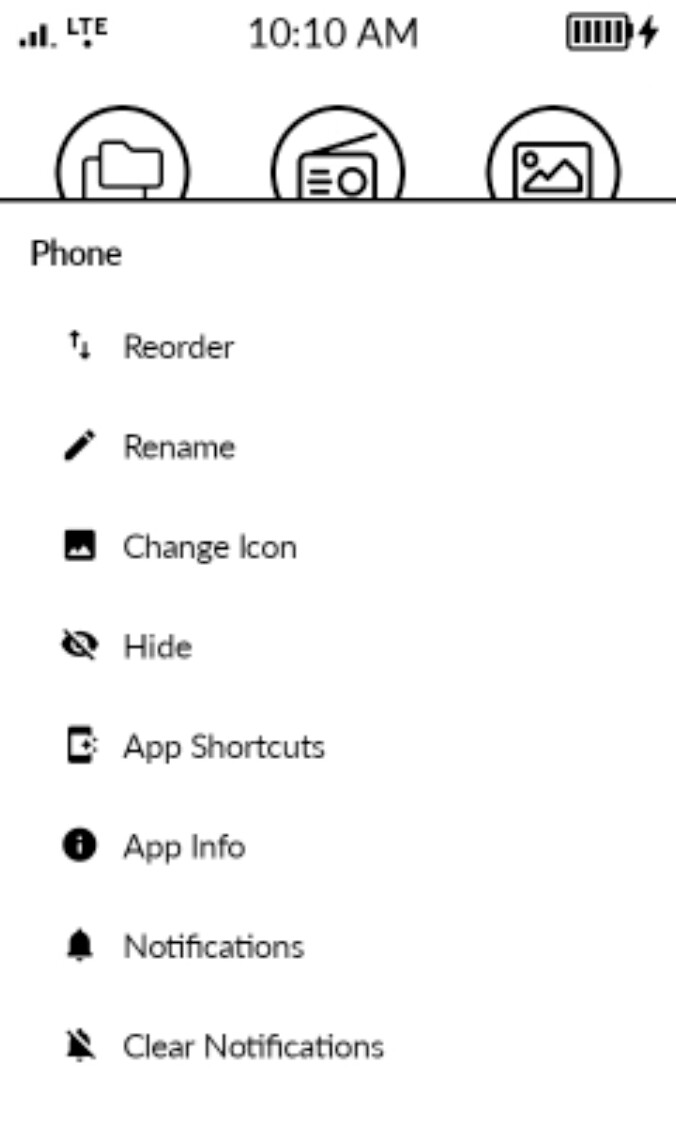
Lastly I’ve added support for voicemail and rejected calls, and for those of you who had rejected call notifications stuck from the stale import during the upgrade to 1.6.0 Mudita OS K I added an option to the phone app to clear those notifications.
Simply longpress in the phone icon (in all apps page) and you’ll have a clear notifications button that will clear any stale notifications.
I’ve made a short video about this:

8 Likes
6 Likes
Hey,
I’ve installed Katapult to get rid of the phone notifications and will keep it for a while to test it.
I’ve a small problem: in the bottom right of the screen, there’s a small K which prevents me from clicking on the right arrow. But when I click on it, it makes the status bar clock appear/disappear.
Is that a feature or a bug?
Nevermind: just found out if was the “Katapult accessibility button” I had enabled by accident. Disabling it solves the problem (and seems to solve Katapult constantly asking to enable accessibility permission)
2 Likes
Katapult Action Service is needed for some of the features:
- Lockscreen/screensaver notifications feature
- Double tap to lock the phone
- Hiding the clock in status bar (there’s no way to disable the clock in status bar, and a user here gave me an idea that worked, basically drawing a white square over the clock).
So if you want to use any of these features you have to enable it. But only enable the Katapult action service toggle, not the shortcut one (that’s why you got a K floating) it’s an android feature for settings that u want to turn on/off quickly. But all of these features are settings that u set once.
In settings / gestures it used to be just double tap for brightness, now it’s a cycle switch you can choose between brightness or locking the screen. (cycle between those by tapping the setting, to choose which option you want). If you had double tap for brightness ON it will default to brightness.
4 Likes
Yes, sorry for my stupid question. When I checked the settings again I finally saw the button, but by then I had already turned my computer off so I couldn’t correct/delete my forum post.
Awesome job as usual!
2 Likes
I’ve just installed the launcher and it’s amazing! Does anyone know if it drains the battery faster (compared to the stock launcher)? I have no screensaver
P.S. Does anyone know why I can not hear sounds notifications when I receive a new WhatsApp message? If I set the stock launcher it works again
1 Like
Thank you!
There hasn’t been any impact on my testing. The app doesn’t use animations, doesn’t process a lot of data. Most of the processing happens during first initialization where the launcher tries to grab the monochrome icons for the apps that support it, and stylizes the icons for the apps that don’t support it. This is a one time thing. And it simply reads the date, time, alarm, battery, notifications straight from the system, so it’s not processing any of these by itself.
This can’t be caused by the launcher, it doesn’t have any features related to sound (doesn’t ask permissions to use or affect sound/vibrate/mute modes) or anything similar.
And I just tested whatsapp on mine, with both launchers the sound for Whatsapp notification worked fine.
Check the phone sound settings, they made some changes on the last update I think. Or the Whatsapp notifications settings (within Whatsapp).
2 Likes
@gezimos Is there a way to have an alarm going off disable the lockscreen notifications?
I have now discovered that I can move the notification widget, but it would be nice if the alarm could temporarily shut it off/override it.
Thanks for all your hard work in improving the user experience!
1 Like
Since switching to Katapult, I can’t update apps through Aurora Store. It looks like Aurora Store is sending me notifications on which I should act/confirm but I don’t see them the normal MUDITA way (in fact, I don’t see them at all, only hear them and see the badge on the icon).
I’m not 100% sure it is Katapult as I recently updated Aurora Store itself.
Has anybody been using a recent Aurora Store with Katapult?
1 Like
That is not possible within Katapult. It is normally possible with the DND feature of android but they have hidden it in settings it’s not accessible.
@lisa made an app to pretty much bring this up maybe you can test with it.
so with her app at your desired hours you should not receive notifications so you won’t have to mess with the widget at all.
Thank you!
2 Likes
I was having the same issue yestrday with Aurora I wasn’t able to install an app I was getting “server busy” for new apps and for updates it wasn’t reacting at all.
Aurora sends you notifications whether you have Katapult installed or not, that is correct. The notifications you have are probably “server busy”. Which happens when the Aurora anonymous accounts exceed their download limit and google refuses them to allow downloading.
You have to go to press Aurora settings button, near the account press the user settings icon and you can press 3 dots to refresh all accounts. You can even add a dummy google account if you have one so you don’t have to share it with others.
After doing this the server busy should go away. For me it went away when I put my own dummy account that I use to register on sites I only have to use once.
I’m not 100% sure it is Katapult as I recently updated Aurora Store itself.
Well I’m 100% sure it’s not, because Katapult has no such system privileges to affect the installation of apps from other sources. (also confirmed this by uninstalling Katapult fully).
AuroraStore has downtime pretty often, sometimes the guest accounts get limited, or you need to change the spoof manager to a different phone (for example to android 13 to download some apps).
2 more things:
- you can clear the aurora notifications by longpressing on the icon “clear notifications”
- Katapult settings / notifications / notification log / Here you have the android utility for notifications and you can debug what each notification is (it’s scrollbar is broken), but it is usefu, to find notifications that don’t go away. I found this as a middle ground for people that don’t want a notification tray, but don’t want to stuck with notifications that don’t know what they are.
hope this helps
3 Likes
It doesn’t work. If I jump back to the stock launcher, it works again, but once I switch to Katapult Launcher I can not hear any notification sounds. I can see the notification number both on the lockscreen and on the app itself, but if I receive a new message I can not hear any sounds. That’s weird…
EDIT: I just tested (again) the stock launcher, and it has the same problem. Notifications for new calls work just fine, it’s just the messages. Maybe I should do a factory reset?
1 Like
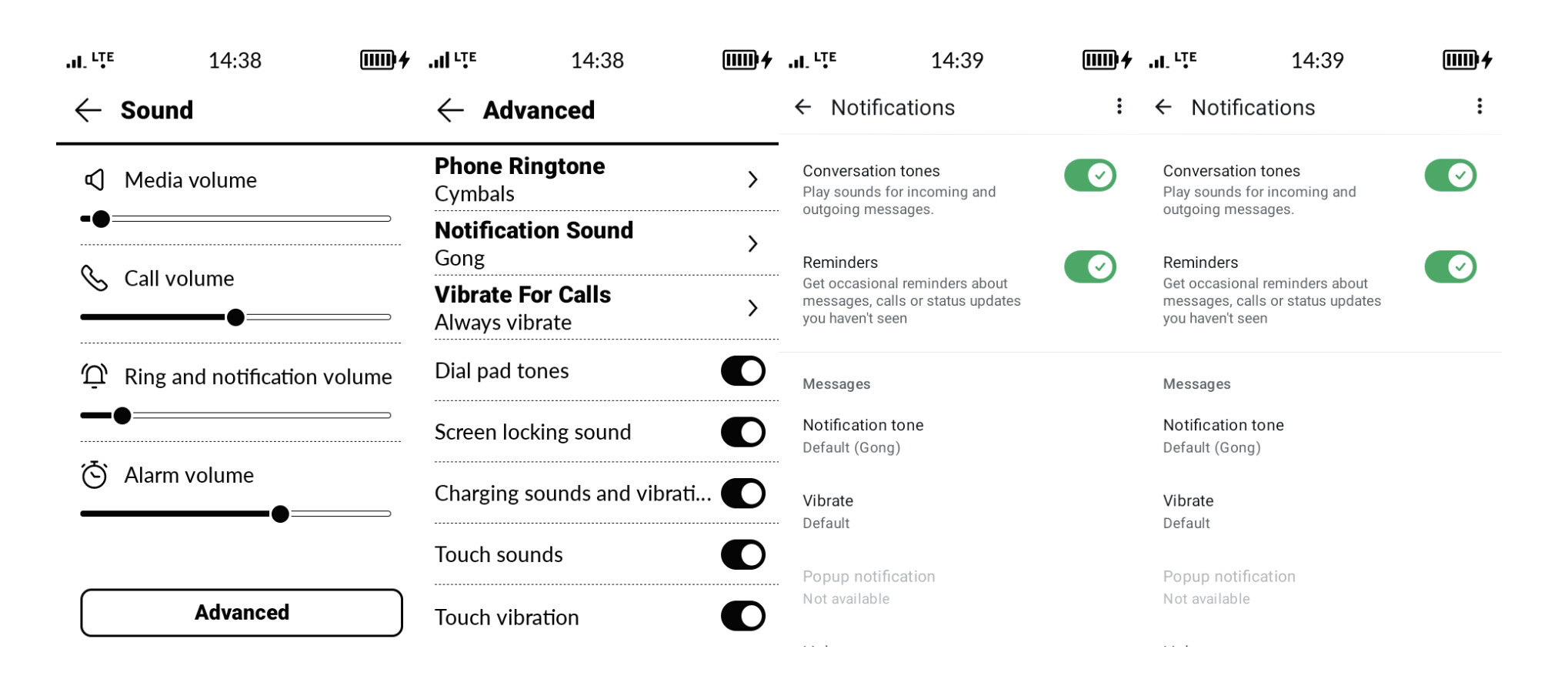
- Here’s my sound settings (pretty much default for both the OS and Whatsapp) see if you have touched anything that is stopping the sounds for you. (i get sounds on whatsapp from both launchers)
- Remember if you touched anything with ADB that would affect sounds.
- If none of those help I would maybe just uninstall whatsapp are reinstall it again before trying a factory reset. (because i don’t think neither launcher is affecting your sound)
1 Like
Thanks! I’ve the same settings, and I also tried too uni-re install WhatsApp, but still nothing..
1 Like
Sorry to hear that, I’m out of ideas 
1 Like
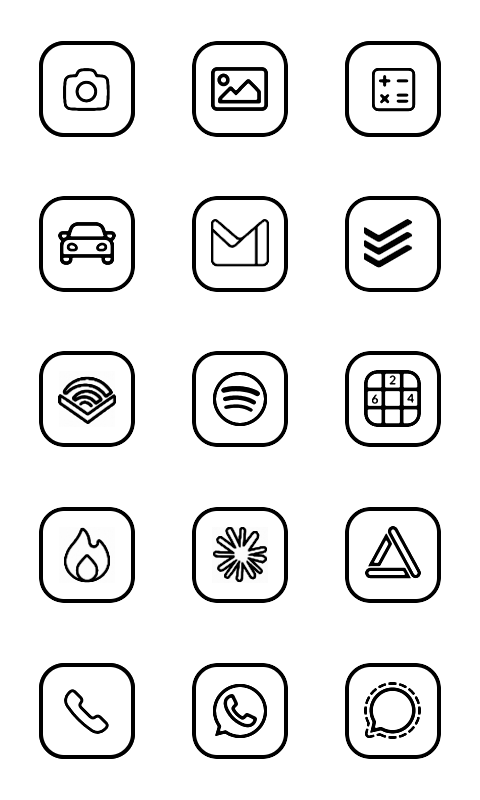
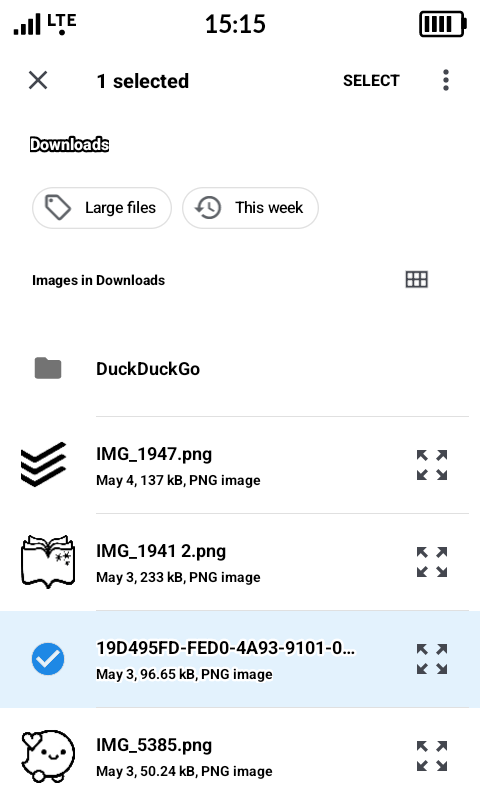
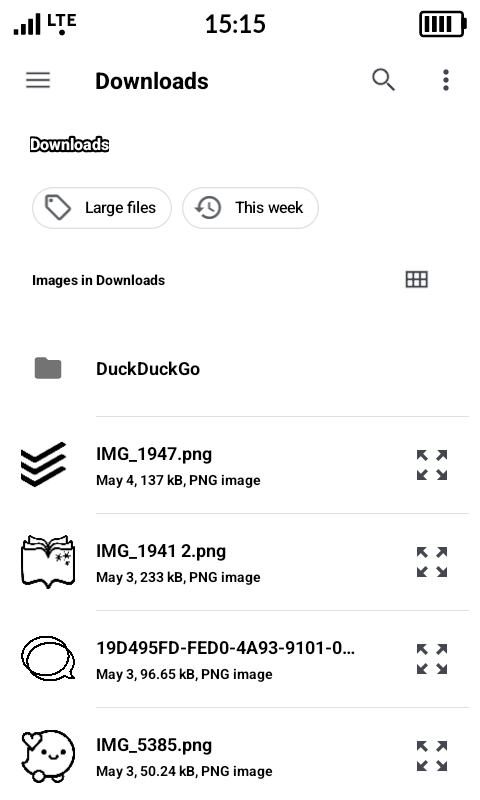
I love the new update!! the screensaver is amazing. I am having a little difficultly with my custom icons. All the ones that were previously set still work, but I tried out one of the stock icons, but when I went to switch it back to my original .png it won’t put it back. Thoughts? I select it but then it leaves it as the stock icon (with the phone/bubble). It’s letting me choose any of the other katapult and material icons, but not any of my custom icons that have worked before.
1 Like
I’m not sure what is happening. If you could record a video and share it with me so i can see the process it could help me debug it.
From your screenshot i also see that you have longpressed on the icon file that you want, try just taping once on it do not longpress (because that requires to press select on top).
2 Likes
Thank you @gezimos for fixing my icon issue and the aurora store insight! I would have never made it this far on the kompakt without you!
2 Likes