This is the biggest update for Katapult yet. Had to create a new topic, the old topics don’t allow me access to edit the original post and users either read only the original outdated 1st post or the last post and nothing in between.
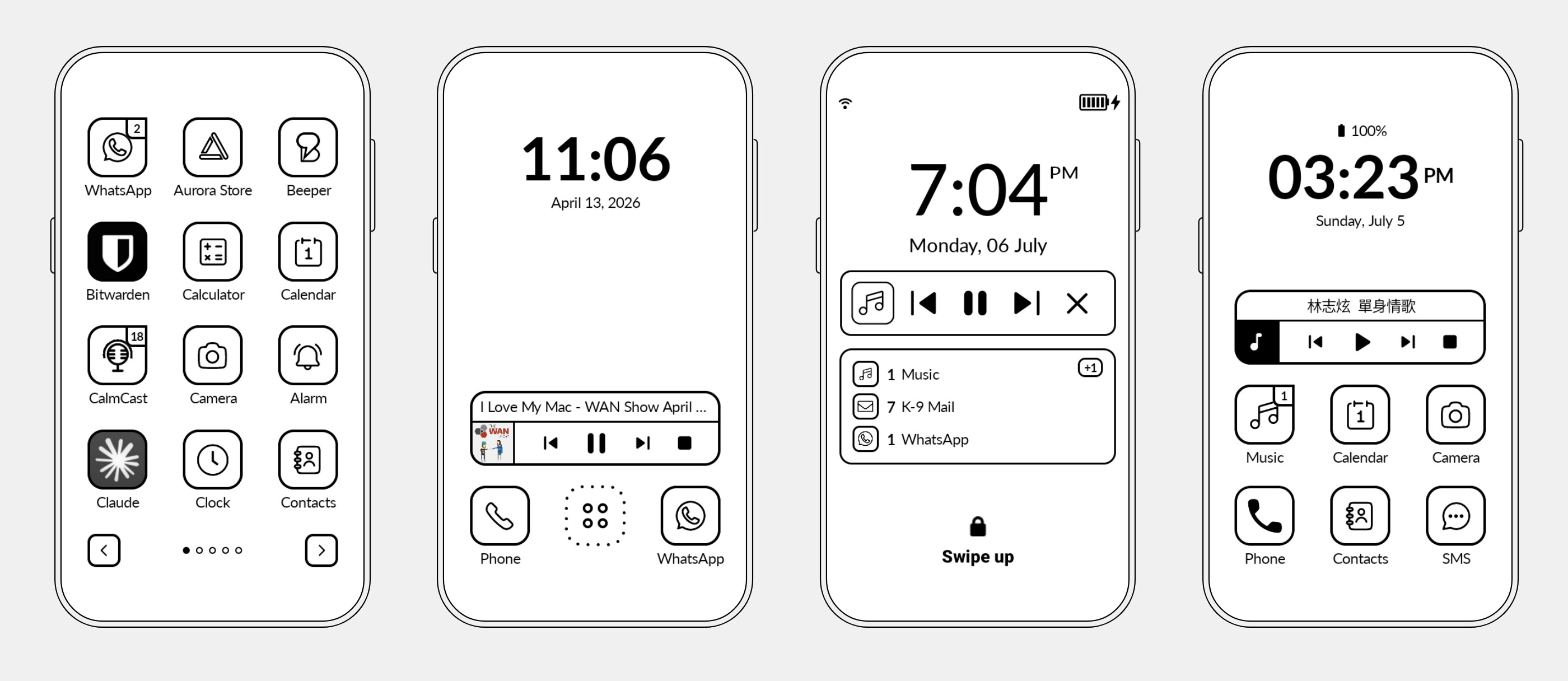
To download and read about the features:
https://katapult.gez.im/ or directly to Releases · gezimos/Katapult · GitHub
I’ve made a setup video that you can watch here, it explains how to setup Katapult and explains most of the features. Including how to set up Lockscreen Notifications and the Screensaver mode.
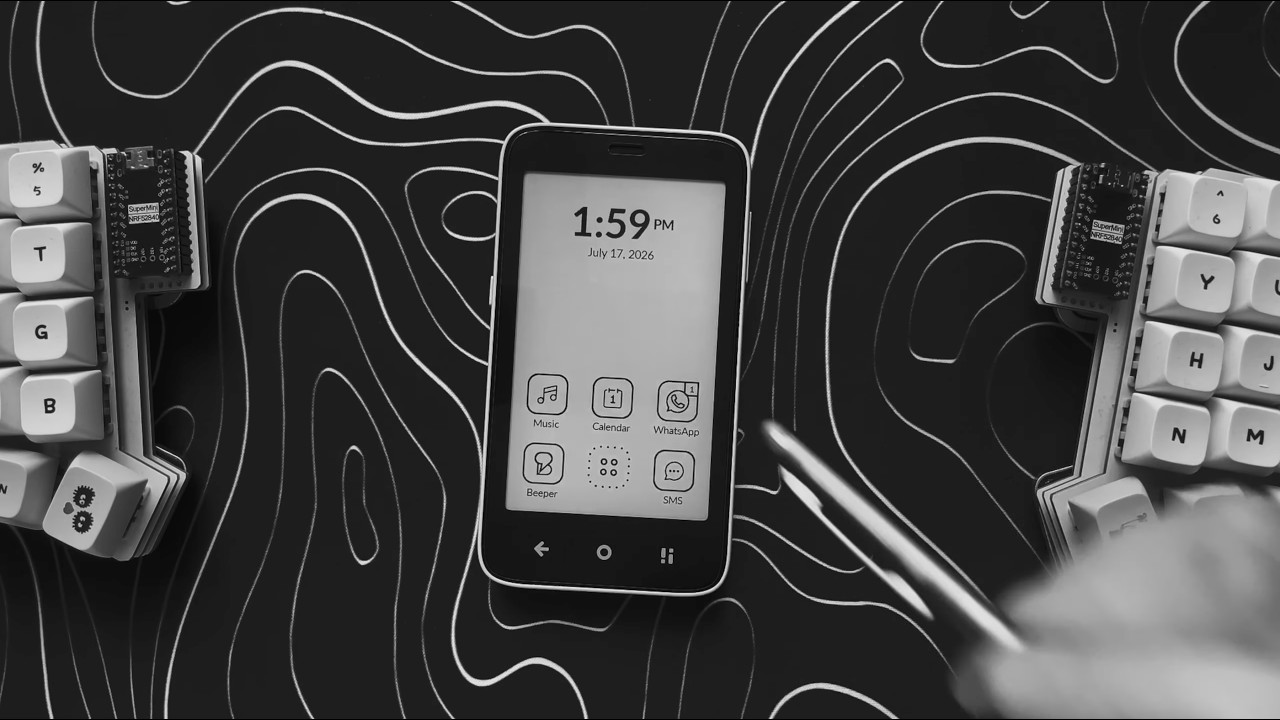
In short points, Katapult:
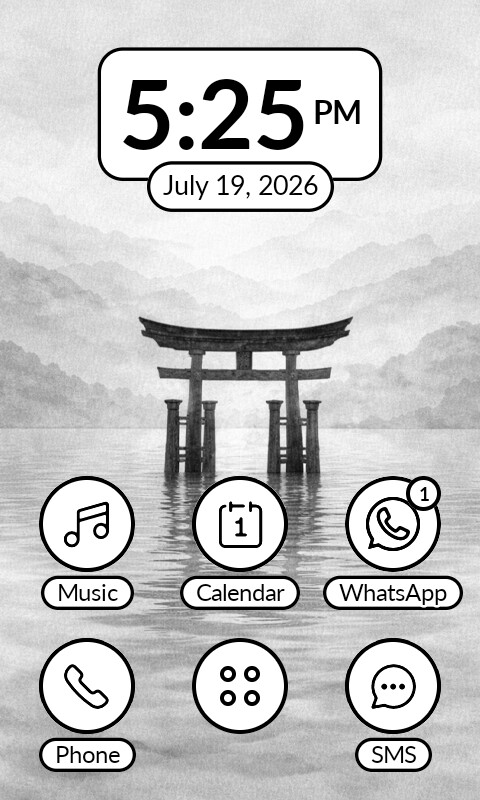
- is an e-ink optimized launcher (no animations, paginated)
- allows you to have 2 to 6 apps in home (plus data and clock can be asigned as well)
- allows you to rename the apps
- allows you to replace icons
- has an internal icon styler to make third-party app icons look uniform with the rest
- has notification indicators for third-party apps
- has notification widget on lockscreen
- has screensaver feature to mimic always on display.
Lockscreen Widget notifications:
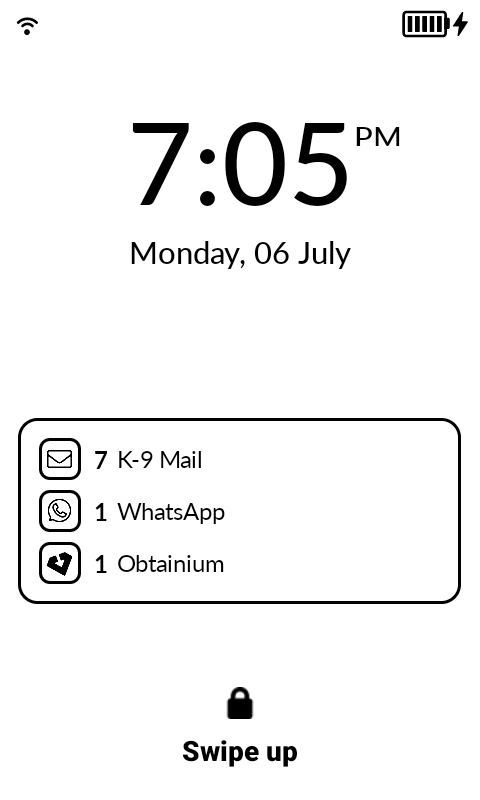
Katapult requires accessibility permission to draw a Widget in your lockscreen. This permission has to be re-enabled anytime you update the app (the app will prompt you for it).
Please watch the video above on how to set it up.
The video above also will show you some new features:
- Swipe in home to open all apps instead of just all apps button.
- Choose swipe direction horizontal by default, vertical is optional (this affect both the swipe in home to open all apps, and the all apps pages themselves).
Screensaver option:
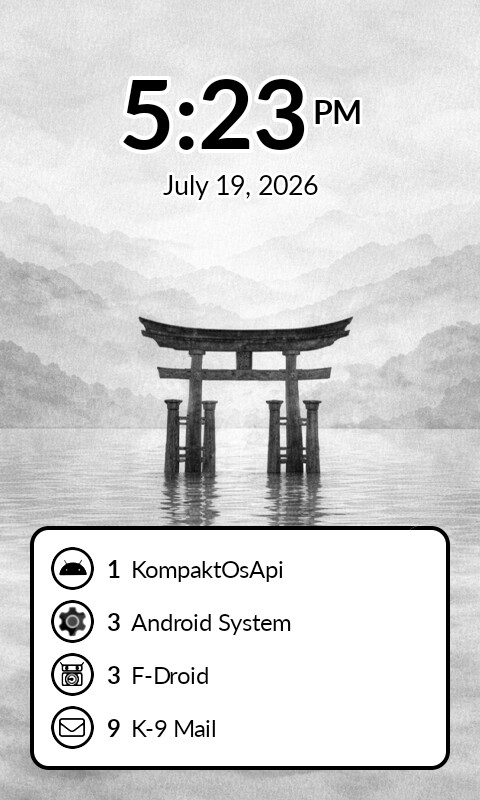
This also requires the accessibility permission to enable the screensaver when pressing the power button (optional), you can enable the screensaver by long pressing for the quick settings menu → Screensaver or by doing the Pinch (zoom out) gesture in home.
Watch the video to see how to set it up.
Another feature that I copied from the community is adding text islands option for when users use wallpapers but want to keep the clock/date/app names legible.
IMPORTANT: as explained on the video, this is not a proper always on display, the device might not idle properly and spend more battery than just locking the phone.
Consider liking the video I linked above, and subscribe for more similar videos.
If you want to support the project:


 Thanks for the idea!