@petemeister
Have you added the Molly in the allowlist in Notification Settings? Or your allow-list is empty to allow all apps?
2 Likes
@gezimos, Oh, what a dolt! No I hadn’t done that. I have now. Thank you so much.
1 Like
No worries! It has happened to me and while testing the app sometimes I wonder by notifications are not appearing and then I remember I didn’t put it in allow list 
Edit: Sent u a message
1 Like
@gezimos any news on the update’s release date? 
1 Like
@astratev Working on it! Ironing out some bugs, and will release tonight.
3 Likes
Do I need to do something with the old version? Or just load apk into Mudita Center and install?
1 Like
@astratev Make a backup in Settings/Advanced/Backup just in case. But you should be able to just install it over the current one, it has same package name.
2 Likes
LOVE THE UPDATE gezimos. Absolutely brilliant. Especially being able to find your bluetooth devices.
3 Likes
@ethkinber Glad you find that useful! And thank you for the donation
.
This feature will be removed in next update if Mudita fixes the BT history 
Thanks again
2 Likes
So it is possible to sideload DAVx and it sync contacts? Calendar too?
1 Like
Just installed inkOs.
In the command you gave to disable Mudita launcher, user is in blue. Mean that that I have something else to write there?
Because the command as it is doesn’t worked for me.
1 Like
@shadock no u don’t have to add anything or change the user.
If you’re using webadb:
pm disable-user --user 0 com.mudita.launcher
if you’re using normal adb (in your desktop terminal)
adb shell pm disable-user --user 0 com.mudita.launcher
you need to have adb shell written in the front
1 Like
Thanks gezimos for your quick reply.
This time it worked. I’m on inkOs.
Now I’m fighting with the settings.
I will do some try and let you know.
Thanks again, you’re very helpful.
1 Like
No problem!
You can check my youtube video or read here about what some of the options do. Because i tried to keep the descriptions short in the app.
And if you have any question post on the v0.2 topic, I’m trying to retire this topic as there have been changes to the app.
1 Like
What size image is ideal for wallpaper?
1 Like
480x800 is the resolution of the Kompakt, so that is good, or 2x that 960x1600
but the app will optimize the image if it’s too big, just keep that aspect ratio 3:5
2 Likes
Is anyone able to help me? When I setup the app as my default launcher, I think the app crashes or something because it resorts me back to the mudita homepage launcher and the launcher doesn’t stay.
1 Like
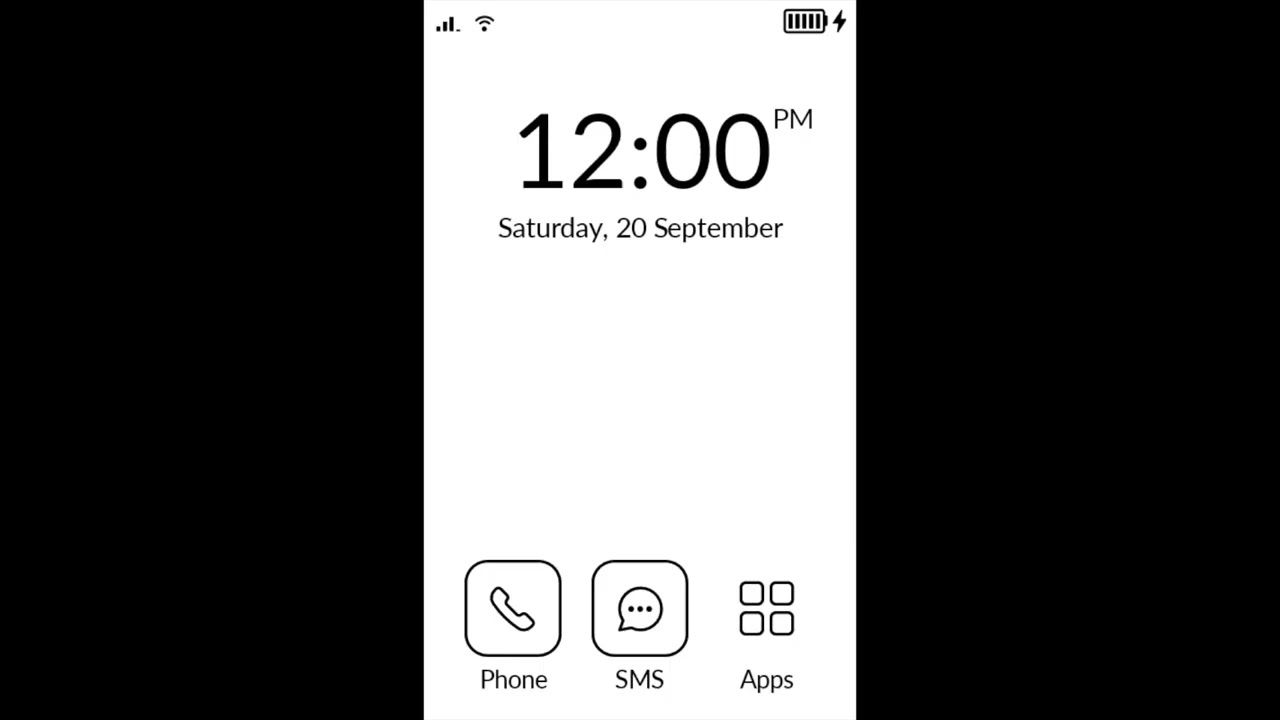
It doesn’t crash, Mudita still keeps their Launcher as default even if you set a different Launcher. So you need to disable it.
Look at the video on the process or read this:
3 Likes
Thank you! Downloaded and the app is awesome! Just wondering if the widget for music is available yet? Thank you!
1 Like
It is.
Enable it in inkOS Settings / Home
It doesn’t work for the Mudita Music app though, but it works with literally any other music, audio,book podcast player out there.
1 Like