*sigh* I see…
Well, thank you for taking time to clarify. And for the amazing job you voluntarily do for this community in general! I really appreciate your patience and help. Looking forward to the next inkOS release 
*sigh* I see…
Well, thank you for taking time to clarify. And for the amazing job you voluntarily do for this community in general! I really appreciate your patience and help. Looking forward to the next inkOS release
You are truly a godsend. Eagerly but somehow patiently awaiting this update since I also have issue with the bluetooth and can’t use my headphones with MK which annoys me to no end  Thank you very much, gezimos, for all your work. Without you the Mudita Kompakt would be much more pain in this software state
@nilstzh Thanks a lot! I did some more testing yesterday and the issue with Mudita SMS app presists the original SMS until it’s opened. However with QUIK sms it does seem to update the notification to the newest one. But again if it’s same contact it will merge 2 messages into one.
I’m trying to filter out “summary” notifications like: x messages from x people, because they do seem to break the pattern of showing the latest notification.
@sannasanna Thank you for your kind words!
Have you tried using an app like Bluetooth Classic: Bluetooth Classic APK for Android Download. You can download it from the Aurora Store. I tried a few different strategies and apps when I had trouble getting my headphones to reconnect, and this app helped perfectly.
Edited 9/11 (I previosuly linked to the app on APKPure’s website and after someone complained about APKPure, I am replacing that with a link to the original app in Google Store).
@gezimos Just curious if there’s something I’m missing? The launcher only appears when I click on the inkos app. Any other interactions with the device bring me back to the default Mudita app screen. This would be perfect if it naturally redirects but it doesn’t seem to be doing that. Is there something I’m doing wrong?
Scroll up in this topic. There is an exact guide on how to disable the default Mudita launcher.
It’s very easy, I have never used the program in my life and managed to get things done in about 2-3 minutes following the instructions.
Like @astratev said you need to follow this guide
The reason you need to do this is because Mudita still keeps Mudita Launcher as default app even when you set a third-party launcher as a default one. So the only way to overcome this currently is to disable the Mudita Launcher.
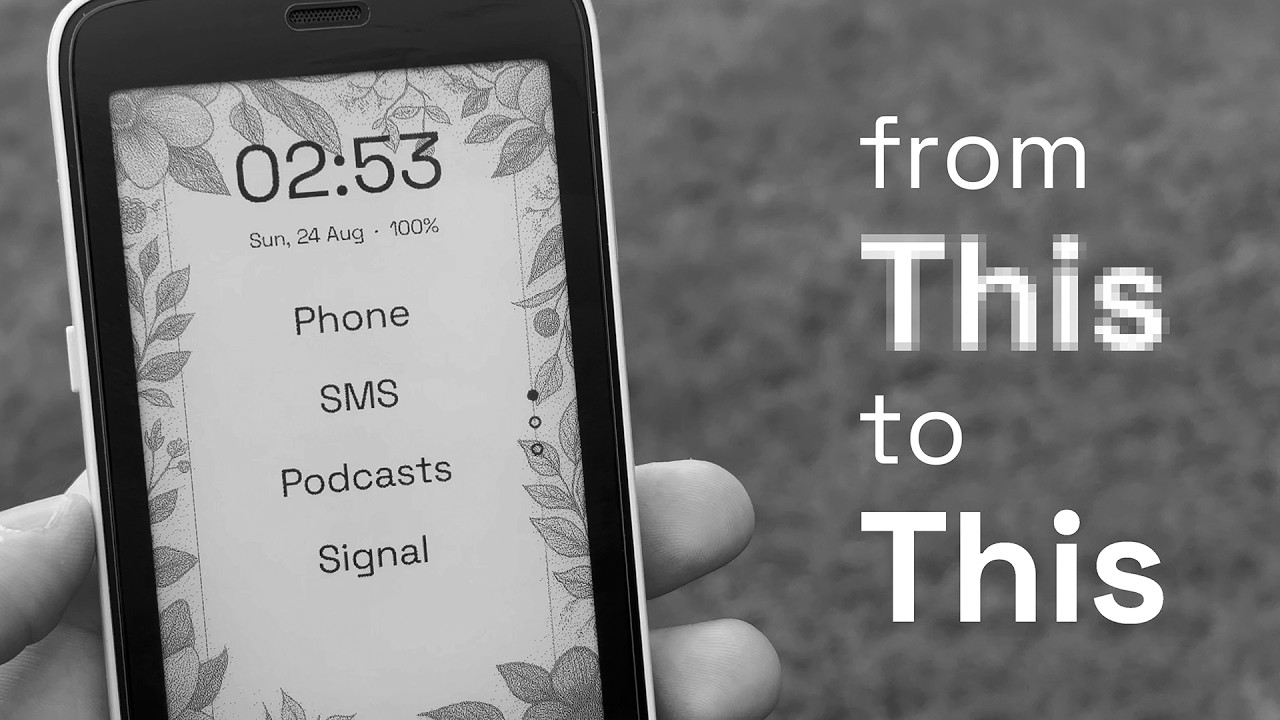
I’ve shared this video at the E-ink modes topic, because it was the main thing I wanted to show. But I’ve included some sneak-peaks of some Kompakt features.
Keep in mind e-ink quality mode if you turn it on will only work within inkOS app, not for other apps. I’m still testing this but it doesn’t seem to have any battery life impact. However this is optional like most of the app features you can turn them off.
Is there a way to rename apps in the launcher?
@rookang777
Settings → App Drawer → longpress in the app name that u want to rename and the context menu will appear.
Checking the forum everyday (just once, and very short I promise :-P) to see if this got released already hahaha. You really are turning this phone into a dreamphone… Thank you!
I second that!
inkOS is the primary reason that I found joy in using the Kompakt.
@gezimos when is the new version coming out? I am looking forward to it very much! 
I third that, it has completely changed my experience with the phone and has every feature I need.
Thank you for the launcher it’s been great!
When I open an app from the launcher and go back it always starts from the first page, is there a way to go back to the last page that I opened the app in? @gezimos
Thank you again!
@purejoy2408 @astratev @meowimacathaha
Thanks people! I appriciate the comments.
It is taking longer than expected because
I think I’ll put a deadline on myself, I’ll share the update on Monday.
@moo Thanks!
Dont you mean the opposite? Because in v0.1 it does remember the page you were in when you exit the app.
In v0.2 I have added an option where it will reset to 1st page for those that want it.
Just take your time and make it perfect. We all want to have it asap but it is more important to have it right
@gezimos
I have the v0.1 version installed. It was remembering the page I was in at the beginning, but now it restarts from the first page. Not sure if I did something wrong.
Also excited for the next version to come, its looking great!!
Can u make a backup if u have custumized the launcher a lot in:
Settings → Backup/restore
And after backing up:
Clear all data (to start from scratch) and see if the issue is still there.
After that import your backup to continue using it like before. And see if it has fixed the issue or it has imported the issue.
This issue hasn’t happened to me but maybe because I reset my launcher very often due to testing.
@gezimos, this thread’s popularity is through the roof, with good reason, too.
Today I noticed something odd. I swapped messenging client app Signal for Molly-FOSS and when messages come in, I no longer receive notifications like I did with Signal i.e. one line showing the sender and a snippet of the message.
Molly-FOSS suppoorts Push notifications. I hear audio, but don’t see any notifications. Do you know what might be going on here?
Many thanks.