We’ve just released Mudita Center 4.0.0, bringing several practical improvements to help you manage your Mudita Kompakt more easily.
What’s new?
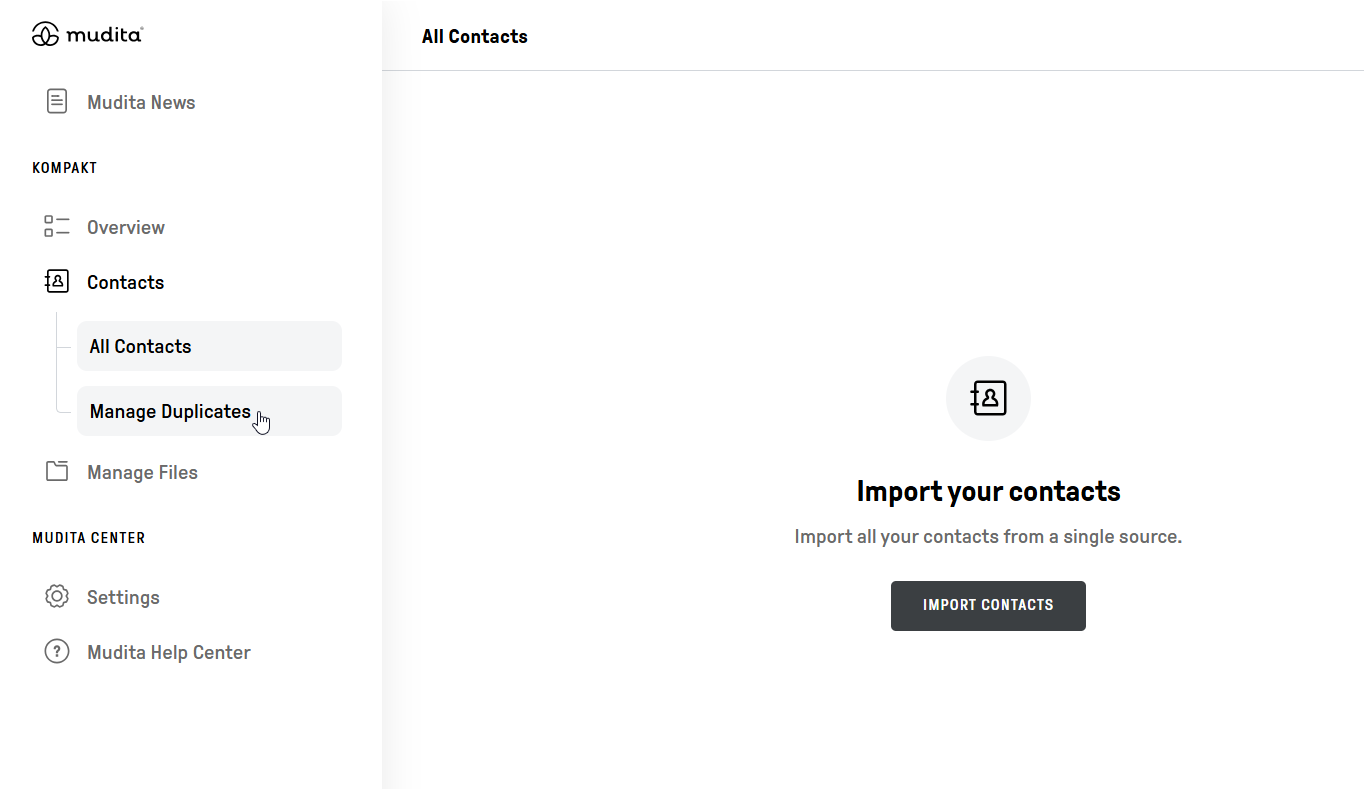
Smarter contact management
You can now identify and merge duplicate contacts in a dedicated section, making it easier to keep your address book organized. This feature will be available with the MuditaOS K 1.5.0 update.
Expanded backup and restore
Calendar events are now included in backups, so your schedule stays intact when restoring or switching devices.
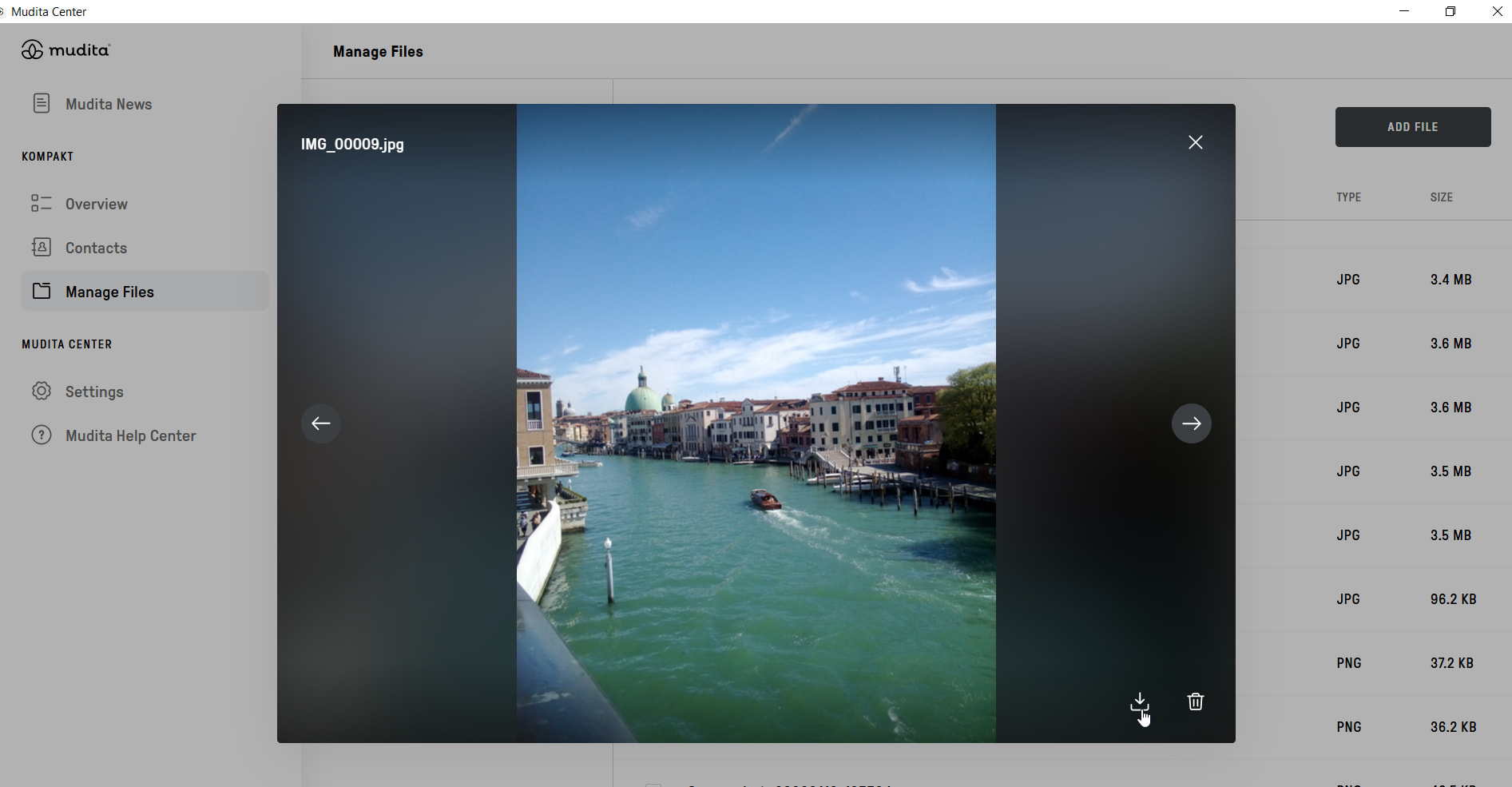
Improved file management
APK files now show their status, so you can quickly see whether an app is already installed or ready to install.
Better support experience
When submitting a support ticket, the log file is automatically attached, and you can also download it yourself if needed.
Mudita Center 4.0.0 is now available for download. As always, we’re continuing to listen to your feedback and refine the experience step by step. If you have any thoughts after trying the update, feel free to share them below.
If you’d like to read the complete changelog- head to our support page:
Then on that page, I have the option of “Rules for the processing and protection of personal data in Mudita sp. z o.o.” and Read More on Privacy Policy
( mudita . com / legal / privacy-policy / webpage/ )
and “Mudita Center - Privacy Policy“ with Read More on Privacy Policy
( mudita . com / legal / privacy-policy / mudita-center/ ), BUT: this redirects to ( mudita . com / legal / privacy-policy / webpage/ ) - is that the intention?
and not on the website, as far as I could see. This document seems to be edited fairly recent, March 14th, 2025, so it seems the most up to date, for now. Could be there’s a new one in the making, as there will be an opt-out for Sentry.io in the MuditaOS K 1.5.0. release which is anticipated. Not sure whether this will impact Mudita Center as well.
But, as said, both links, are pointing to the same page, which shouldn’t be the case.
Another remark, not regarding Mudita Center, the link on the homepage Privacy Cookies appears to be available only in Polish. @urszula , would you be so kind to communicate this internally to the person responsible?
Just wanted to import my holiday pics. Started the MC that tells me that there’s a new version, do I want to update. Said yes. And after that, impossible to start it.
I’m running Elementary/os an Ubuntu distribution. So went into the permissions and allowed all. Nothing to do, doesn’t work.
Just download the second to last version (3.2.0, I think) from the link above (scroll down on Github to see earlier releases, choose the right one for PC/Mac or Linux and activate airplane mode before starting Mudita Center, so it can’t update itself to 4.0.0.
If you’re not familiar with firewalls, you could use Airplane Mode to use your pc offline with a mouse click to prevent auto updating to Mudita Center 4.0.0, as Mudita hasn’t pulled the update. If your running Windows 11 (and maybe 10 as well), or Linux (and I assume Mac) as well, you’ll defintely have airplane mode so you can work offline, thus preventing Mudita Center to update. It just won’t connect to the internet. I don’t have Mudita Center installed currently as I’m installing a new laptop but there might as well be a setting to disable auto-update, I don’t know for sure, never needed it before.
Do you use some kind of internet security ? Then there is probably a firewall included. There you can select for each app whether it can access the internet or not.
If you didn’t install additional internet security, you probably have Windows Defender (if you are on Windows).
If you are not sure, you can download a free firewall and block app access individually there. A good one is Portmaster:
However, it’s only available for Windows and Linux so far, but it works great. You can basically just install it and use it without changing anything.
On the left you see a list of all the apps that try to access the internet. Just block Mudita Center there, and leave everything else unchanged.
If you are on Mac, you can try Little Snitch:
Indeed, it’s a constant hassle. But the fact that you noticed this shows that you are quite mindful
Allthough not the solution you hoped for, I can highly recommend to sideload the free App Manager by Muntashir:
It’s an incredible power full tool but all it’s bells and whistles are hidden, so you won’t get overwhelmed by everything it can do. You’ll just be presented with a list of installed apps, tap the one you want to remove, select deinstall, select (if prompted) if you want to keep or remove the apps data) and you’re ready in seconds.
So, the diagnostic is that the new version of the center use a graphic accelerator that isn’t supported by the more of my os, to old. And I can’t install the newest version of it because my device is to old. I have to try another Linux distribution.
Perhaps Mint.
But difficult to understand the need of a graphic accelerator on such a simple, basic interface.
That could have something to do with the fact that the majority of Linux distribution have let X11 become deprecated and switch to Wayland, if I’m correct. So this might not have to with any graphic acceleration but just the fact that most Linux distributions have changed in the meantime, which Mudita is based on. Linux Mint is a good alternative and I can also recommend Fedora if you want a easy to use distro.
Hi! If you guys are experiencing problems with Mudita Center please note that you can report the bugs directly to our Support Team via Mudita Center. Here are the instructions:
but as the Mudita Center specific privacy policy seems to redirect to a general Mudita privacy policy, I’m wondering
why I can choose the Mudita Center specific one, but then am redirected to the general one, and
if there is just one privacy policy (and in that case: this is my nudge that the people correcting links now has a link to correct).
(It’s an error: either the Mudita Center specific privacy-policy is missing, or there shouldn’t be a “here’s the Mudita Center specific privacy policy”.)

 Despite of the long wait and many user requests.