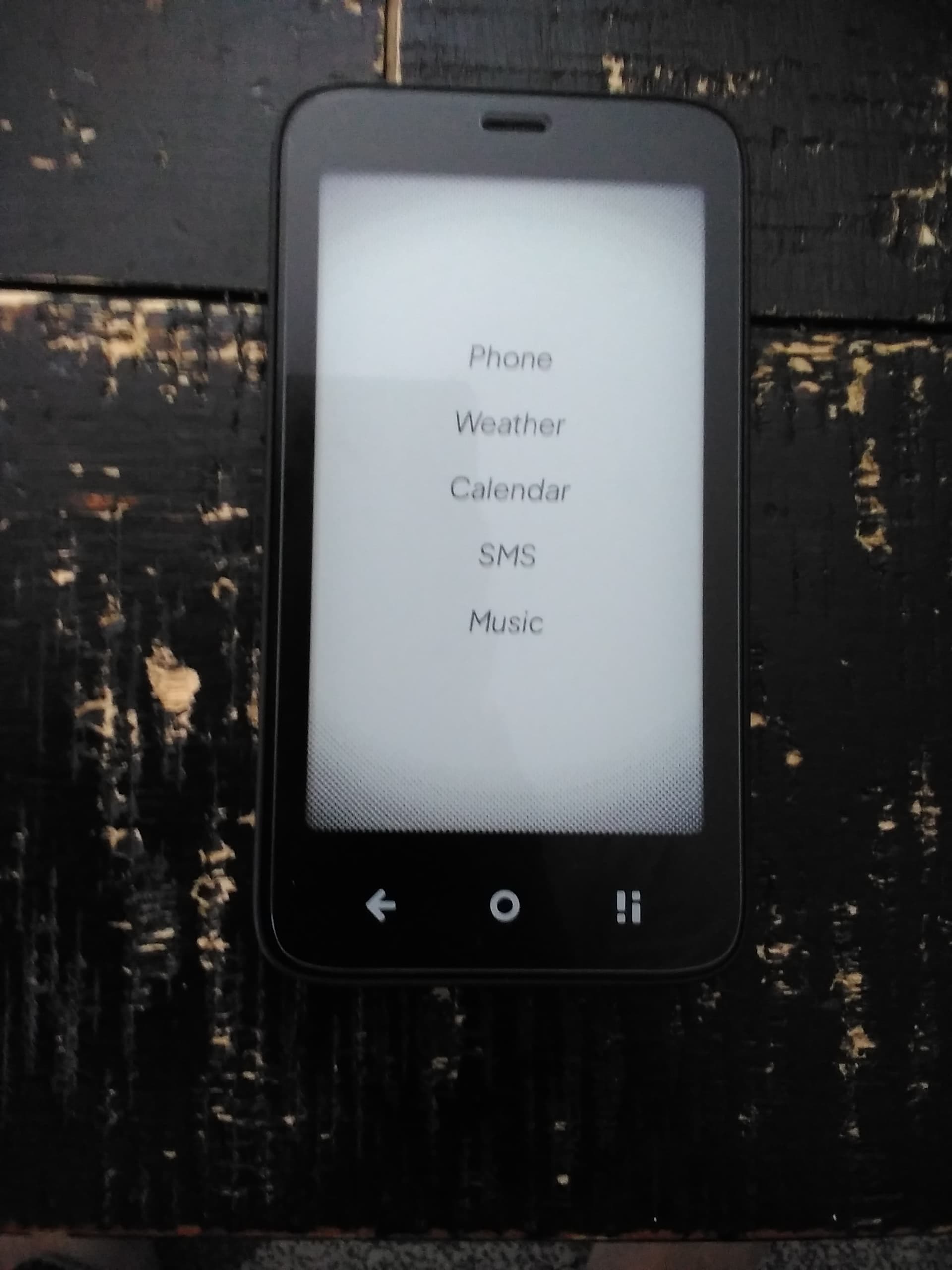
@gezimos , I just installed your launcher and I just have to say i love it. Makes this phone feel like what the light phone 3 should have been. Very well done and thanks for creating a better launcher than Mudita honestly. I love that I can disable notifications with ease, an add basically any customization I want. Just a question about this launcher and battery life does it drain a lot of battery?
If you’re talking about the Label Notifications in home (appearing under the app name). The answer is no for the Mudita phone app. The reason is that Mudita is using proprietary notifications that get removed once the phone stops ringing. (it works with other phone apps and other android devices).
However if u use the Notification Window (Letters window), there the Phone notification will show as “Notification received”. The reason is that in Letters window the notifications are cached until u dismiss them, however I can’t get any data like caller name or phone number because like I said the notification channel they’re using for the Phone app simply shows an empty notification. And the “notification received” is a fallback for when apps (app app) send empty notifications.
Hope I was able to clarify this.
To answer this simply there hasn’t been any impact on the battery that I could notice. The notifications are already there in the system and just hidden, so inkOS is just presenting them to you and It’s not communicating directly with the apps.
Other thing I noticed, not a big deal but I can’t increase or decrease the volume rockers, they are instead toggling between the app pages, is there a way to change this? Again not a big deal
Also I noticed at first I could see a notification under sms app on the homepage and now it has disappeared, not sure what I did, I went and put everything under notifications on, but I am not hearing text notifications now, what I like to do is have the notifications off when I am at the library or with my kids, but like to have the notifications on when I am watching a sporting event on tv and I am texting with friends, any idea why I can’t get this working again
U have activated “Volume Key Navigation” during onboarding. This feature like you said it makes going up and down pages with the volume keys. If you have audio playing it will work as a volume keys normally.
To turn this off you can go to inkOS settings / Extras / and Disable “Volume Key Navigation”.
For this I’m not sure what u’ve done. But here are some tips:
You can reset the app data so u can start it from scratch in Settings / Advanced / Backup-Restore (Clear all data).
There are quirks with some more Mudita apps like the SMS and Music app, they again don’t use standard notifications like normal apps.
In Extras / System shortcuts u can Activate “Notification Log” feature. When u activate this a fake “app” will appear in Appdrawer called “Notification Log{”. This basically shows the notification system tray, so if a notification appears there it should appear in inkOS.
Like I mentioned above, inkOS has no ability for itself to communicate with apps, so it can only show you the notifications the it can read from the system. If the notification is in Notification Log it should be in inkOS. If it’s not then it means the app itself has “removed” the notification.
Another case is the: Audio Widget, it works with pretty much with any music/podcast/audio player out there, it doesn’t work with Mudita Music player because they use proprietary notification channel that is not visible to non Mudita apps.
Also had a question about how would I go about adding back the. mudita launcher if I wanted to? Also I am noticing that when I unlock the phone the Mudita launcher still shows up meaning the stock screen that shows up when you are about to unlock the phone, anyway of getting rid of this?
A lot of the answer there for some of the features, or what works what doesn’t. I’ll be honest I didn’t do a great job describing some of the features because I wanted to keep the setting pages shorter and simpler.
In github however I made some descriptions explaining them in a little more detail:
I ultimately went back to the stock launcher, I think your launcher is great but it just reminds me too much of being on a smartphone, the gesture swipes etc, really amazing though you developed it yourself and great that a lot of people enjoy it, just not for me in the end
That is okay, it’s great to juse be able to try and find the best fit for our use scenario. A lot of other people tried it and went back to Mudita or other launchers
FYI In Settings / Gestures. You can disable all of them so you don’t have swipes at all. And again if you still need the Appdrawer or the Notifications you can:
Add them as menu items in home.
And that way you can just the launcher with tapping.
Which is how am I using them myself because I don’t like swipes. You noticed the volume up and down keys to replace swiping pages, because same as you I really don’t like swiping
Yeah saw all that, I just find for my adhd brain, when I have a launcher with all these options, I have no discipline and I end up just playing around with the phone, I am like a kid in a candy store lol. Even though yes I can disbale swipes etc, I just have a very bad smartphone addiction related to my adhd, I need literally nothing to entice me to use a phone, even a dumb phone. Also after I reset the launcher I still noticed I was not able to get sms alerts or that astericks under the sms