Hi, I have an open tech support e-mail thread, but I thought I’d post here to see if others have an idea. I’ve used the Vol-Up + Power button when the phone is off to enter the reset menu. I choose Reset, and I get the “No command” Android droid. Seeing a previous post, I tried pressing Vol-Up + Power while the droid was on screen, and I never am able to get into the Reset menu. Eventually it times out (after a minute or more), and reboots. Thanks in advance for other ideas.
1 Like
@mezzodiva Do you have a support ticket? I’m going to reach out to our team to see what they have to say, but I just want to make sure we’re not overlapping with support.
Thank you! There is no ticket number, but I’m in an active email thread with your customer support team. I know there is a support delay, which is why I wanted to reach out to the community for other ideas
1 Like
Hi, Urszula, I’ve responded a couple of times to my e-mail thread but haven’t heard back. Any chance you could help me follow up on this issue?
1 Like
@mezzodiva I’ve notified the support dept that you’re still waiting for a reply. Just to make sure- please confirm that you have tried these steps:
Turn off the phone.
For about 15 seconds, press and hold Volume Up + Power button simultaneously.
Then let it enter Recovery Mode.
Next, choose Wipe data/factory reset.
Once that’s done, select Reboot system now.
Just keep in mind, as the name suggests, everything will be erased.
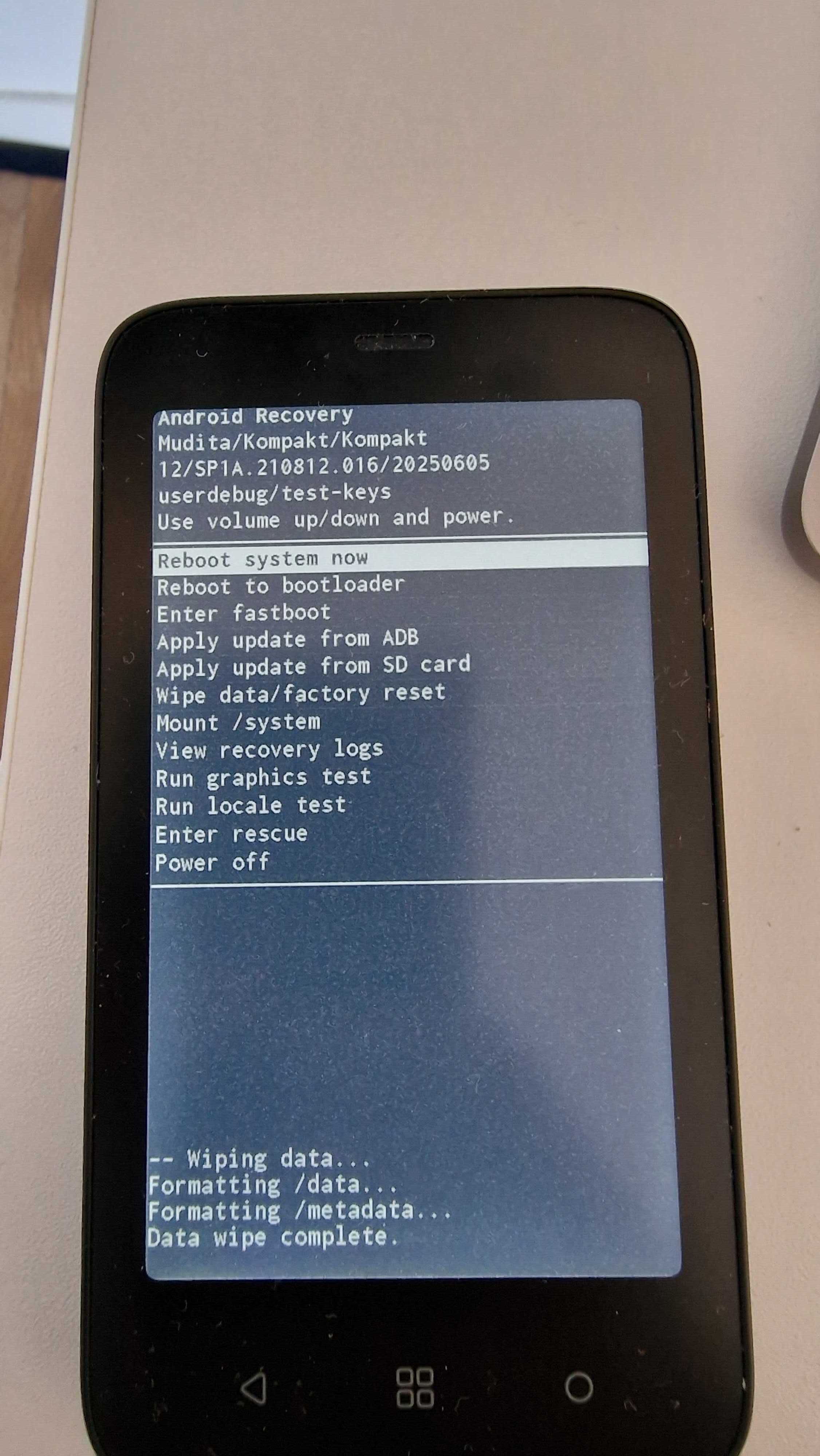
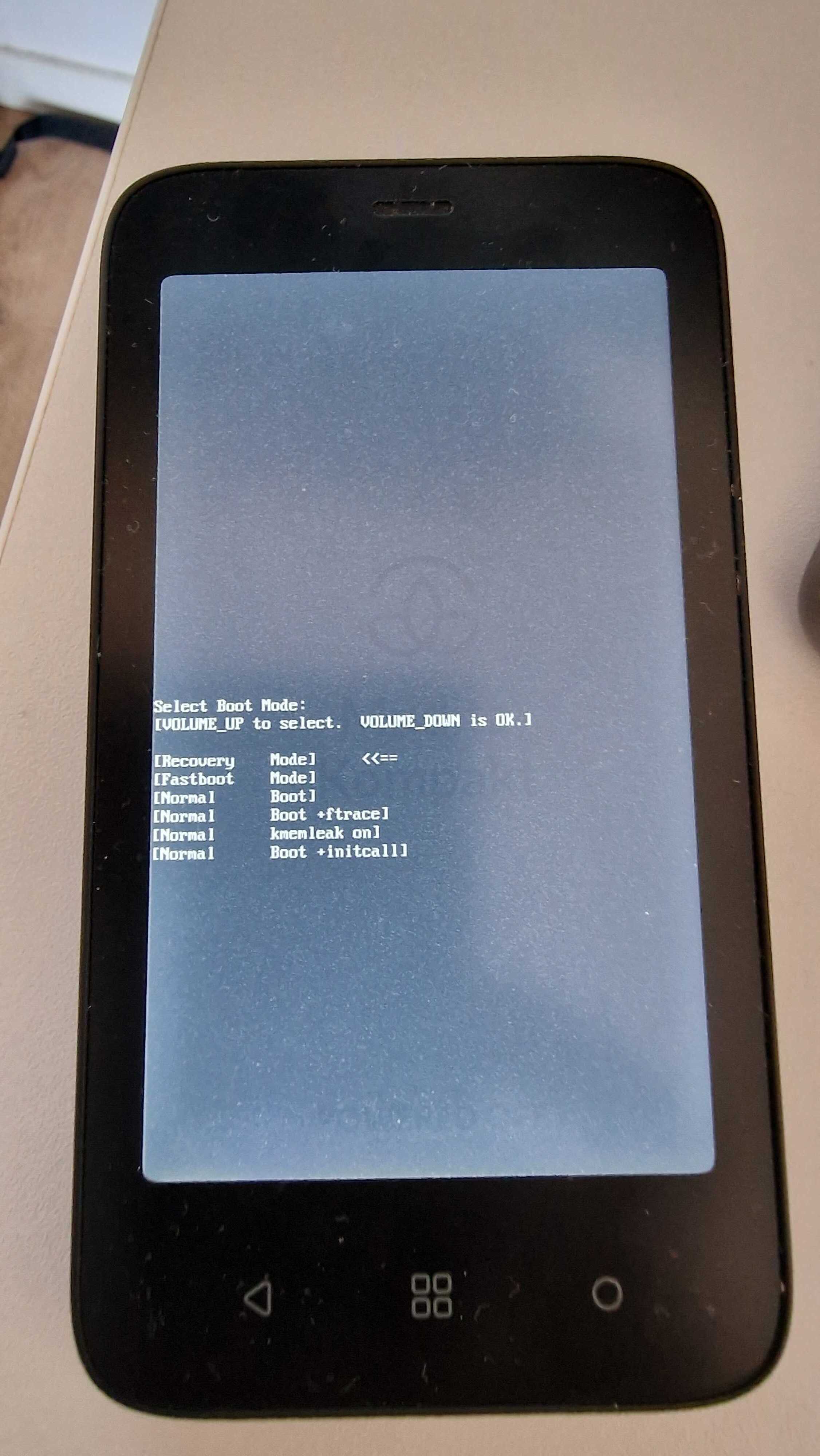
Thanks so much. Correct: when I select Recovery mode, I get a droid image with “No Command”. I’m never given an opportunity to choose Wipe Data. It never goes into the Recovery Mode menu. I appreciate you following up.
1 Like
When you get to the “no command” screen try this. Hold down the power button for 3-5 seconds and then press and release the Volume up button.
2 Likes
@mezzodiva It actually might look like we would need to replace your device. I did check on your case & I saw that our customer support also offered this option to you via support, however, the asked that you respond to the email from 9th of July & provide an alternative shipping address since Mudita Kompakt is not authorized to be shipped to Singapore.
I’m not in Singapore! I looked for the e-mail in my Inbox and in Spam, and I don’t have anything from July 9. I wonder if this is getting confused with a different customer?
1 Like
Hey, gezimos - this extra step helped me get to the Recovery menu; thanks. I’m concerned that my phone needed the extra step. Is there something different in the one I was shipped?
1 Like
No that step was necessary for my device too, I took those pictures that I linked.
1 Like
@mezzodiva Yes, I’m sorry- I totally confused two different tickets. I’m glad that you were able to sort everything out.