-
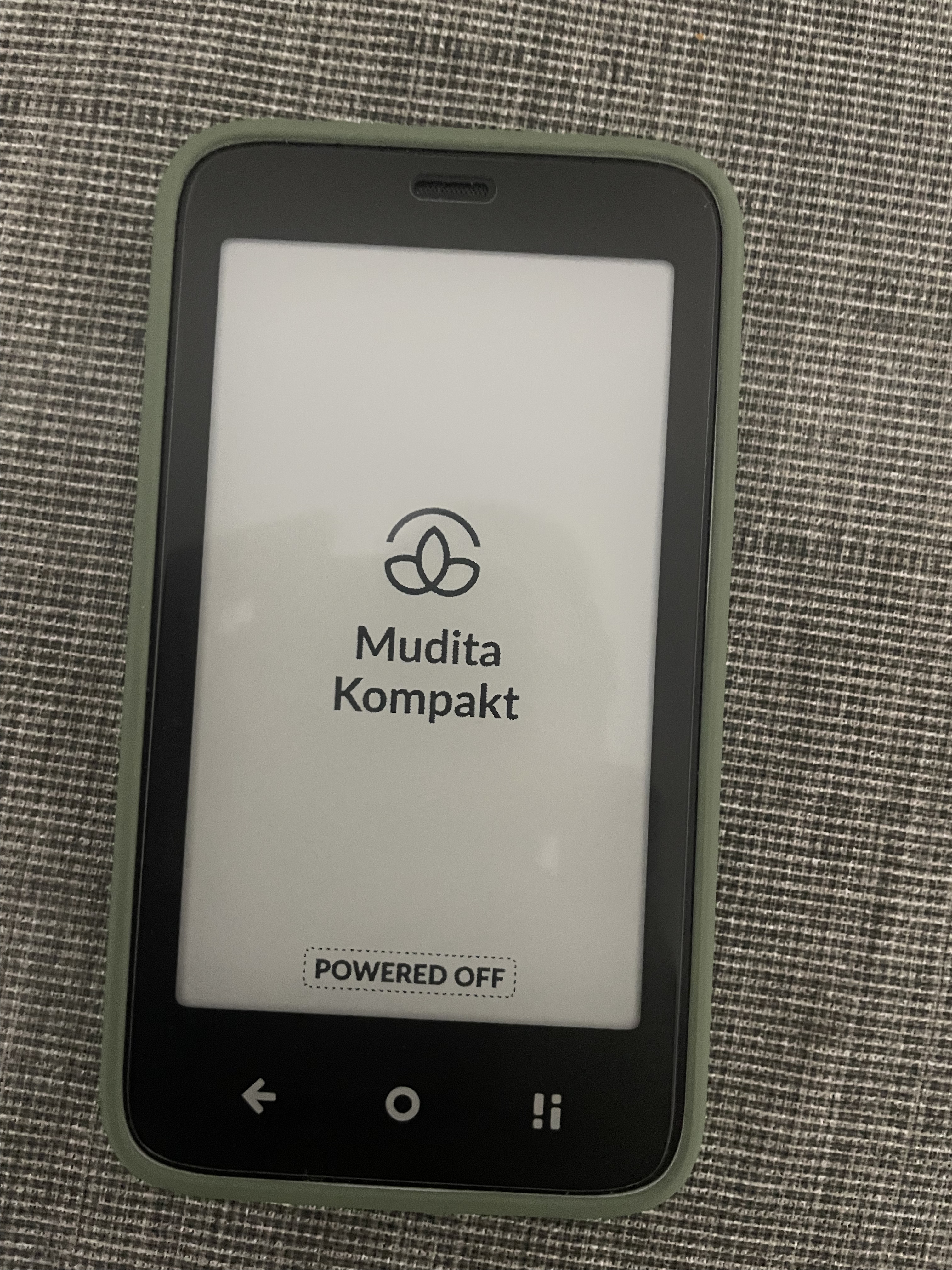
Turn off your phone fully
-
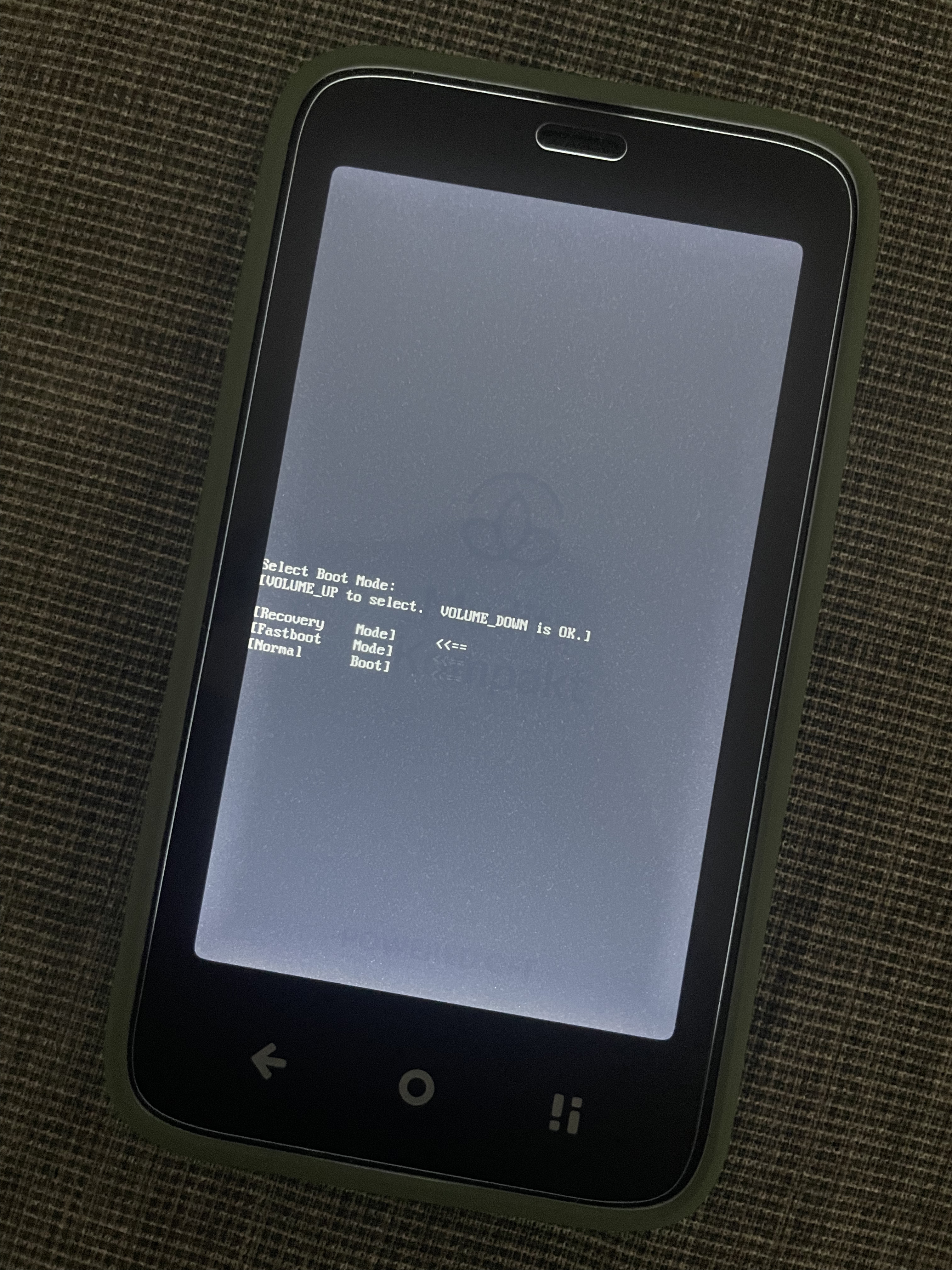
Hold Power Button + Volume up key until the light turns on, then stop holding the power button and only hold the volume up key until this menu appears
-
When this menu appears use the volume up key to scroll to Recovery mode <<==
The screen flashes very slow here so be patient, it might look like it doesn’t work at first.
When <<== is at recovery mode then press the volume down button. -
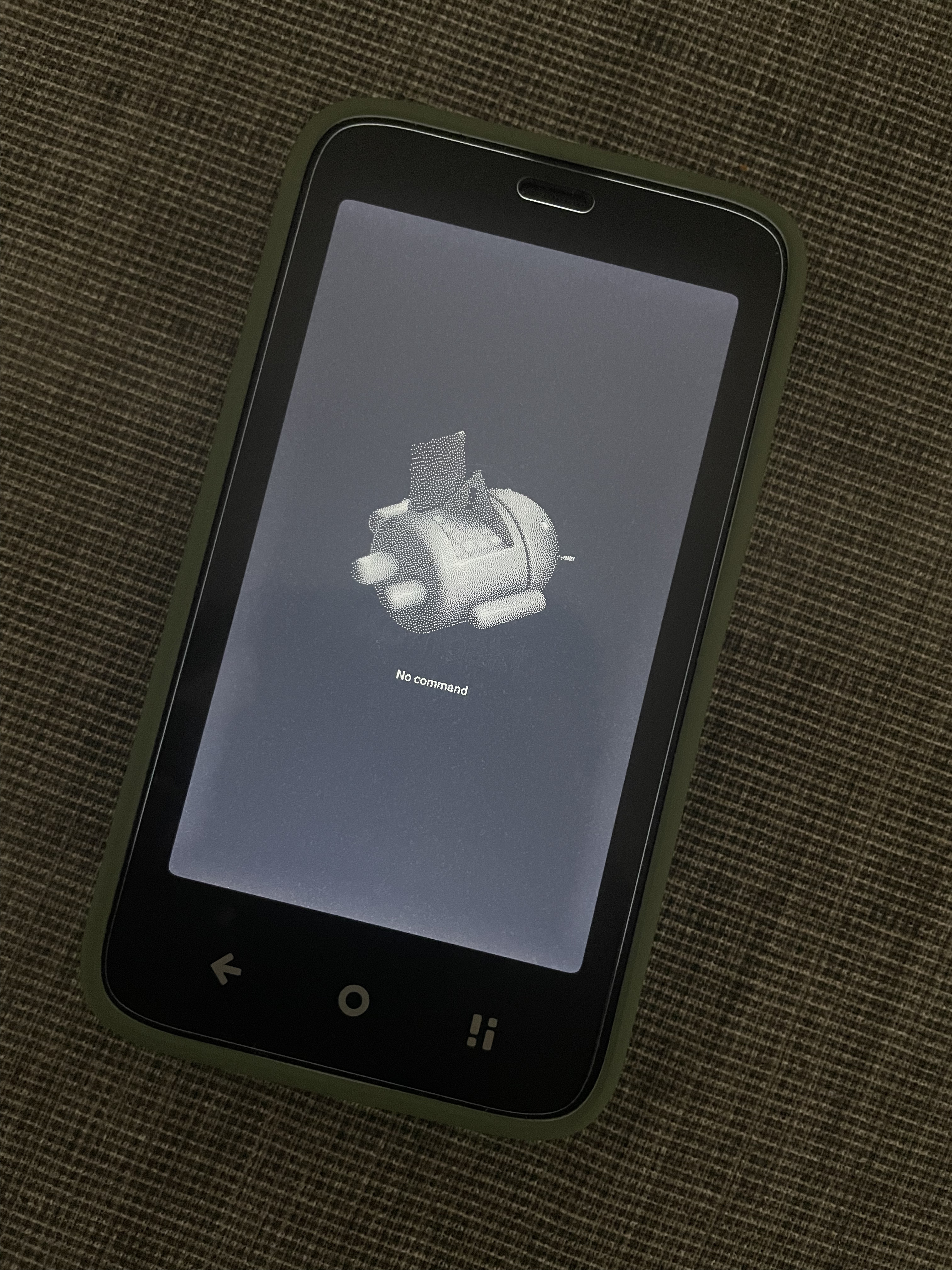
It will take you to this screen
When you get to the “no command” screen try this. Hold down the power button for 3-5 seconds and then press and release the Volume up button. -
This will take you you to this screen
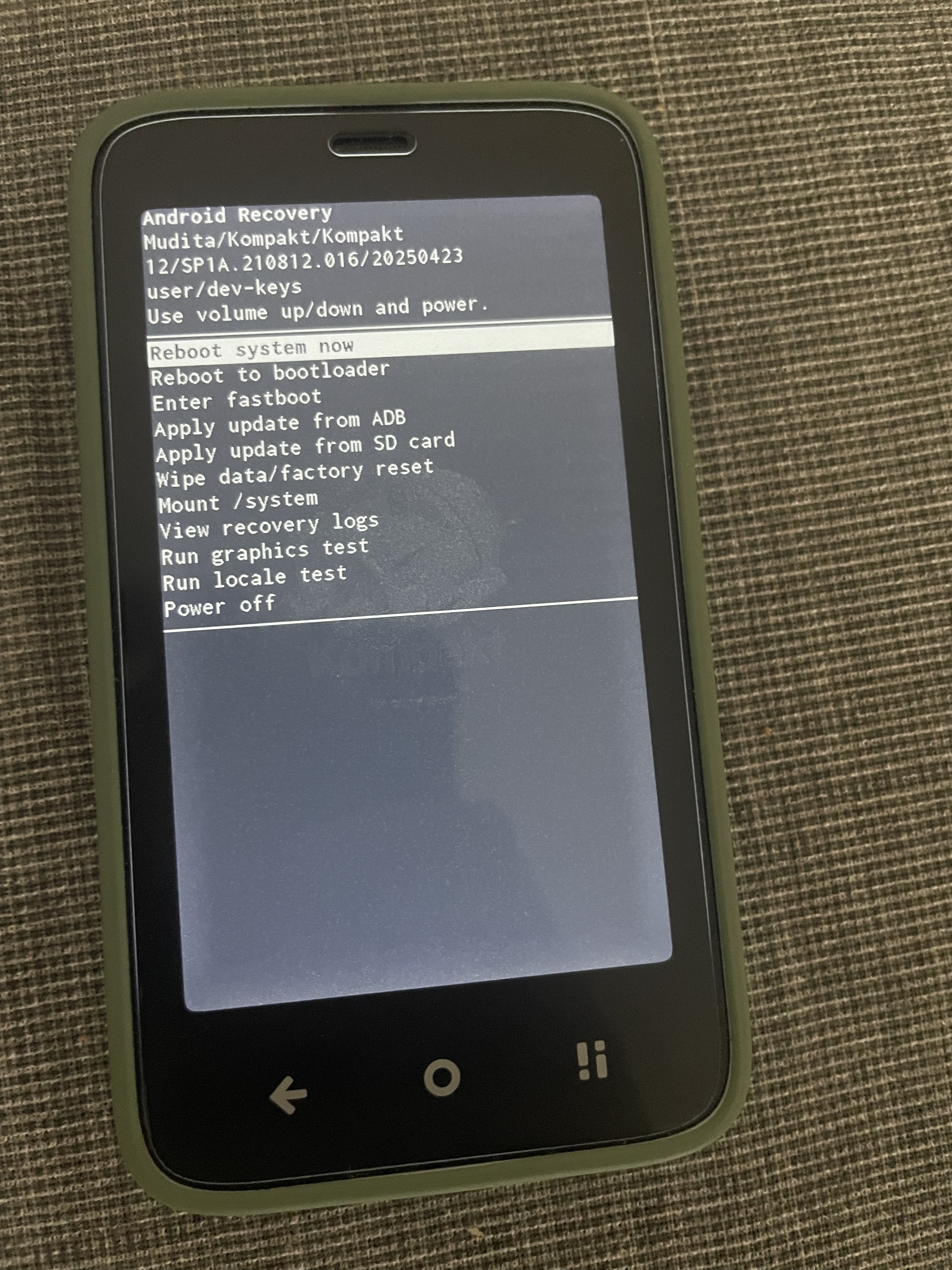
Scroll with volume down key to Wipe data/Factory reset. And press the power button and the factory reset process should start.