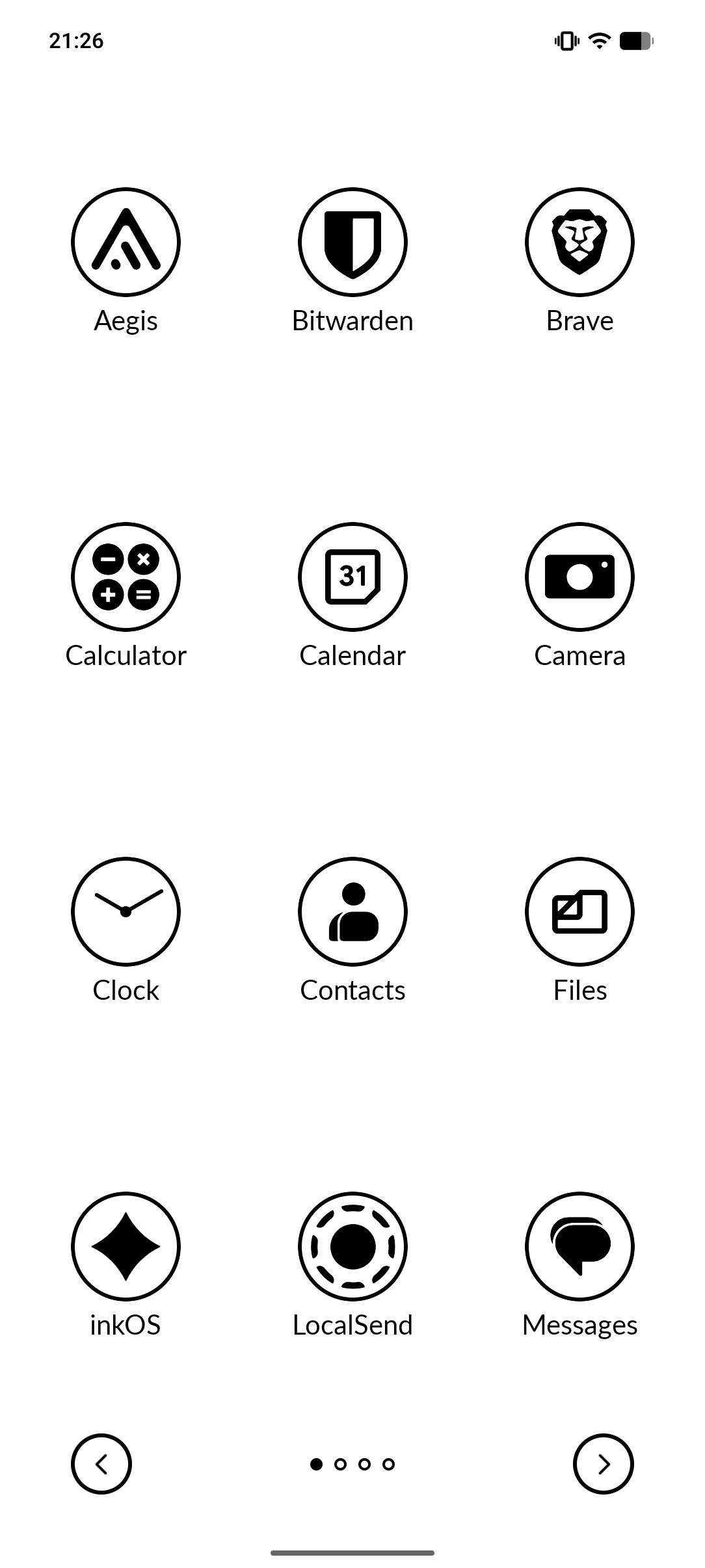
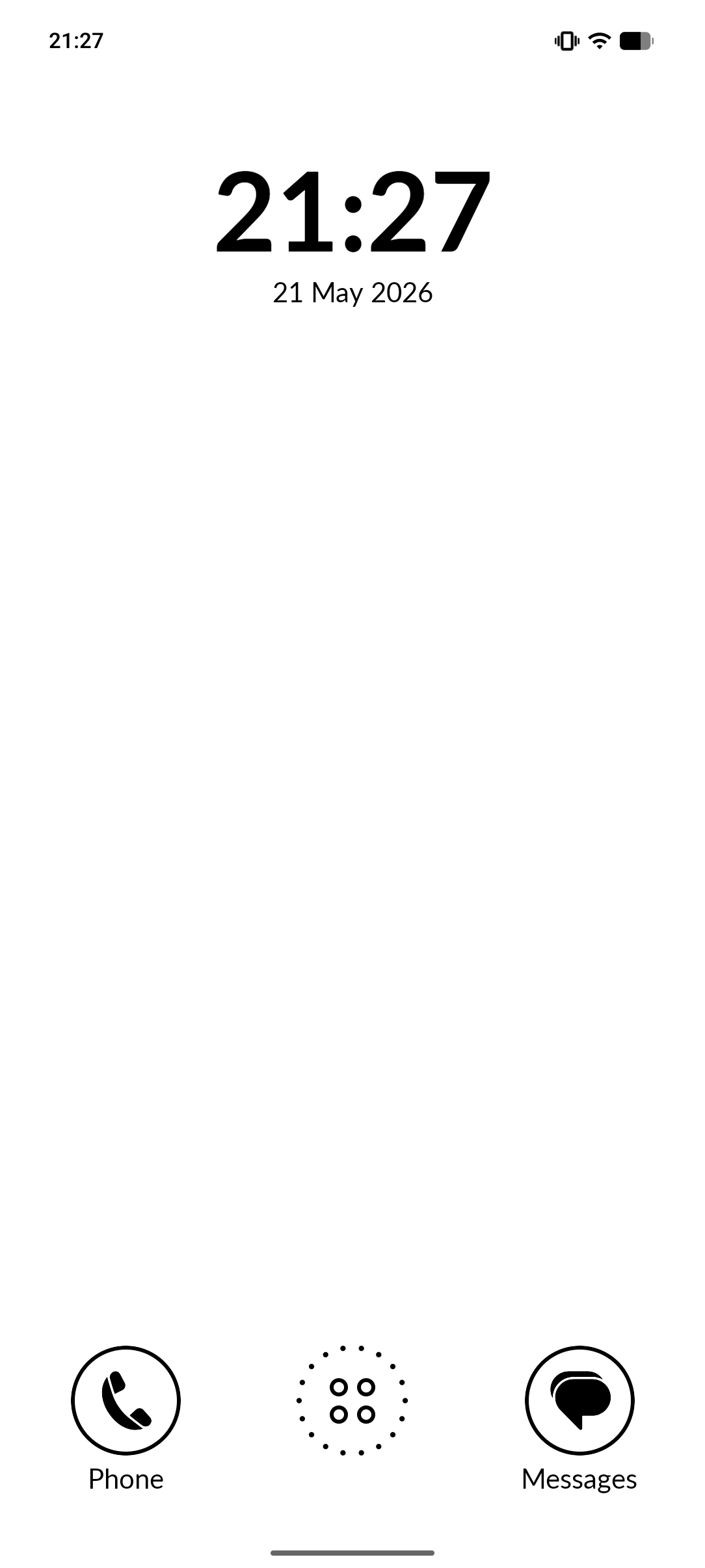
Okay, I guess it’s not the best on a bigger screen 
1 Like
But it does work, and it stretches out across the whole screen. Thanks for testing 
1 Like
Thank you so much for all the cool wallpapers, it’s hard to choose one!
Do you have an updated filebin with the others? The links in your older posts above no longer work. Thanks
1 Like
Is there a way to hide or disable the music widget? Whenever I pause CalmCast, for example, and then press the Home button on the Kompakt, the widget pops up. If I close it using the square button, the playback progress for CalmCast is lost every time, and I have to manually find the podcast again. I tested this with CalmMusic, and you can’t resume playing the current song once you close the widget. You have to skip to the next song, and then it starts playing music again.
Since I never use the widget, it would be great to have a feature that lets you disable it
2 Likes
@marko Currently there’s no option to disable the music widget. It is automatic. But will make a note to urgently add an option to disable it.
To explain the behavior:
The Widget will remain connected to “media playing sessions” in Android. Basically if you haven’t stopped the music properly the widget will appear. Android will still show paused media to other apps, which is why the widget comes back.
Pressing the “square” which is a stop button tell the Media playing app “stop playing”, so this indeed would reset any progress you had it.
Some apps respect it, some apps don’t, and each of them act differently.
Which is why I made it this way, otherwise the widget wasn’t appearing with some certain music apps, including the Mudita one.
2 Likes
@thurakanda Sorry for the late reply, I didn’t even bother optimizing Katapult for other sizes, it was mean for the Kompakt only. In an upcoming update I might add height calculation to allow for more rows of apps.
2 Likes
That would be great .-)
And thanks for the quick reply and the explanation.
One more thing: would it be possible to make the icons the same size as they are in the Mudita Launcher? I find that, especially on the small E-Ink display,
2 Likes
Just to let you know, I implemented that but I haven’t been able to push the update yet. Super busy with life, I’ll try to do it over the weekend.
No sorry to disappoint, but the way I designed the grid and the other UI elements was made on purpose a little smaller 81x81(original) vs 72x72(katapult).
Main reason was to fit one more row of apps and also to distinguish it from the Default launcher.
1 Like
Since Gezimos mentioned on my review that I could request custom icons here I figured I’d go right ahead and do that!
- Discord. Right now it’s showing as black with a white icon, I think it would look much better with the colors reversed.
- Libro.fm. Just looks grey and breaks up the cohesion. But this one’s easy to replace with the custom book icon
- Inkmessage. I’m just seeing a black speech bubble, and it looks too big for the icon. Again, pretty easily replaced with the custom “SMS” icon
2 Likes
I replaced some icons for less common apps with icons I found here: https://www.svgrepo.com/
Some of them don’t work, but I found an icon for every app I have on my MK, e.g. I didn’t like the icon for a bible app I use, so I just looked for https://www.svgrepo.com/vectors/bible/monocolor/ and used one of them.
3 Likes
@gezimos still loving this launcher.
Incredibly minor thing I’ve noticed that feels like a bug, but might not be, is that whenever you have one of the Katapult windows pop up, e.g. by long pressing a home screen icon, or the empty space on the home screen - pressing the home circle button on the kompakt doesn’t get rid of that window, only the back button does.
Whereas if you go into the full app list and long press an icon, pressing the home button does remove that pop up window.
2 Likes
Thanks, i’m glad you’re liking it
Not a bug, just a UI choice I made. But another user reported the same, so I’ve changed it so it can be closed by home button as well.
1 Like
@gezimos I don’t know if this has already been asked, is there a way to use the system music widget? I really like it. Besides that, the user experience is really great.
1 Like
@Gorgonauta No it’s not possible. That is tied to Mudita launcher, I don’t have access to it. Which is why Katapult has its own widget. (in the upcoming version you’ll be able to disable it)
Thanks glad you think so
2 Likes
thanks for the quick reply! So if I disable it will it use the system one?
1 Like
No, it will simply hide it. Like I said you can’t show the system one, it’s tied to the system.
2 Likes
@gezimos Fantastic work as always! Downloaded the new inkOS on a pixel I’ve been experimenting with and it looks and feels great (especially love the woods theme!)
2 Likes
You might have posted this on the wrong topic but i’ll reply anyway 
Thank you dude! I made sure to optimize inkOS for as many devices, including the Pixels
2 Likes
Hey Everyone,
v1.2 Has been released. Go to https://katapult.gez.im/ for direct link to the apk (it just links to the github apk), or click on releases and navigate to it yourself.
Katapult v1.2 changelog
Added
• Clock Format setting — cycle the home clock between System, 20:24 (24-hour), 08:24 PM, 8:24 PM, and 8:24. Replaces the old Show AM/PM toggle; the AM/PM suffix now appears automatically for the 12-hour formats that include it.
• Date Format setting — cycle the home date between System (locale long date), Mon, Jun 8 / Monday, June 8 / June 8, 2026 / 6/8/2026 / 2026-06-08.
• Disable Music Widget setting — hides the home-screen music widget.
• Bundled icons for Discord and Libro.fm.
Fixed
• The Home button now dismisses any open bottom sheet window - previously only Back closed them.
For people that can and want to support the project:
4 Likes