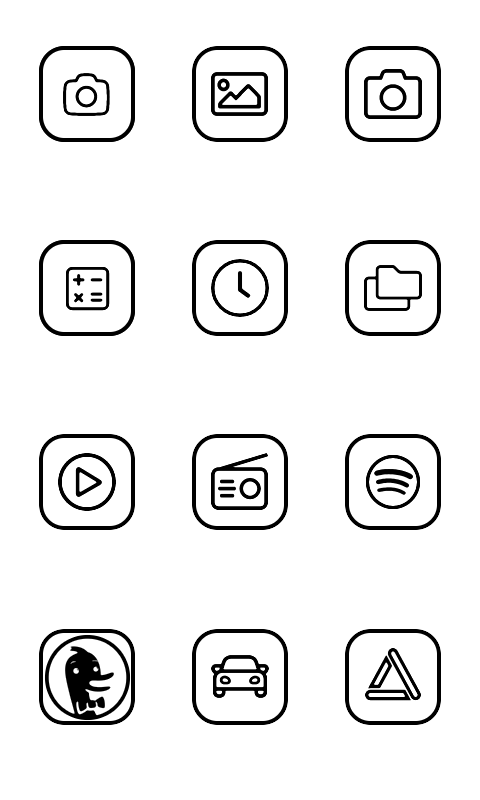
Custom icon import — long-press an app → Change Icon to pick a bundled Katapult icon or import your own PNG/SVG.
Clear Notifications option in the app context menu — dismisses tray entries for that package so the badge resets.
Hide Arrow Buttons setting — hides the page arrows and dots in All Apps so the grid fills the full height; swipe to change pages.
Disable Home Editing setting — locks home shortcuts so long-press no longer opens the app picker. Instead it opens Android’s App Info screen for the assigned app.
Hide All Apps Button setting — replaces the dashed-dot All Apps tile in the dock with a regular shortcut (defaults to the system contacts app).
Tap the battery percentage on the home screen to open Android’s battery settings.
Changed
Re-importing an icon for the same package now correctly invalidates the cache.
Monochrome app icons are now always used when the app provides one
Notification counting rewritten from a counter to a set of active notification keys — fixes apps that update one notification N times being counted as N separate notifications (e.g. podcast apps, multi-message conversations).
Just released an update for a fix on that. During my testing it happened in Viber so I added a “clear notifications” option when you longpress the app in all apps. But it should count the notifications properly now, so it shouldn’t be needed that much, but it’s there for apps that are not clearing.
Very happy with this launcher. Think I prefer this above the inkOS.
I will buy you a coffee now
Just one small remark.
When I rearrange the Icons, I can’t move them, only replace them with another app. Would be nice if you could really give them another place without getting another app on the previous place.
Why I’m asking, because I arranged all icons, but when I install a new app it puts itself on the first place, I can’t move it to where I want it to fit…
Maybe in the next update, or is there already a way?
The reason I went with this instead of dragging apps to move is to make up for the slow refresh rate of the screen.
I have fixed this issue, did you try installing a new app after the update and see if it goes to correct letter instead of appearing in front?
It seems I forgot to add an auto-migration that fixes the stale logic, sorry for that if you reset the ordering with the reset icon it should be fixed afterwards.
Let me know if you want to test that or you will wait for the next update.
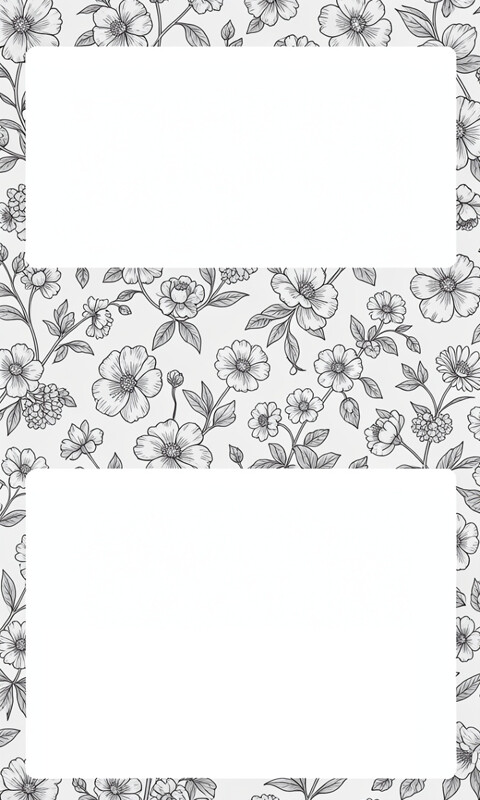
Added some additional wallpapers, including some that @gezimos made, some that I made, some that I edited, and some that AI created. For the ones in the “Frames and Backgrounds” folder the high contrast mode might be required, so I also included the instructions that @gezimos provided as a README text file.
Love the new update!! Added the floral wallpaper and it’s everything I could’ve wanted from a Kompakt launcher - InkOS and Katapult are a real game changer
Thank you very much ! Glad you’re enjoying the launchers. An inkOS update will come soon, but it’s still under review in Google and want to release them at the same time with Github.
@gezimos humble request for a new duck duck go icon. This duck looks terrifying. I use a fire emoji on my iPhone for duck duck go since they have that “fire button” function. Maybe a lines only flame emoji is something other people would find useful. Would settle for some instructions on how to make one properly.
Only other suggestion would be to have a lock editing function for the app display similar to the home page, for quick force closing once everything is customized.
Love love love the update. Thanks again. Totally changed my Mudita experience. I hated the redundancy of the Mudita launcher and hated having to open the side loaded apps every time I wanted to see if I had a message. Finally feel like I’ve achieved my minimalist dreams.
You are right it looks bad like that, they didn’t bother removing the circle for the monochrome icon. I’m attaching this one I found, add it to your phone and then in Change icon tap “import” and locate it. I just tested it on my device and it looks much better. But I’d recommend the “globe” icon that is in the presets. (it’s the last icon in 2nd page), I added that for Einkbro, but It’s added as a generic icon because it can be used for a lot of apps like maps and browsers. There’s a few more generic icons there and I’ll try to add a few more in the future.
That is dooable, I’ll put a note on this. Just to keep in mind is that the longpress menu also holds the Clear notifications. So you’ll be losing that.
I’ve been on the stock OS for 6 months which I’ve been overall very satisfied with, and decided I’d give this a try. Installed it today, and love it! Pressing the home button to refresh the e-ink and double tapping to turn on and off brightness are two really excellent functions. Thanks!!
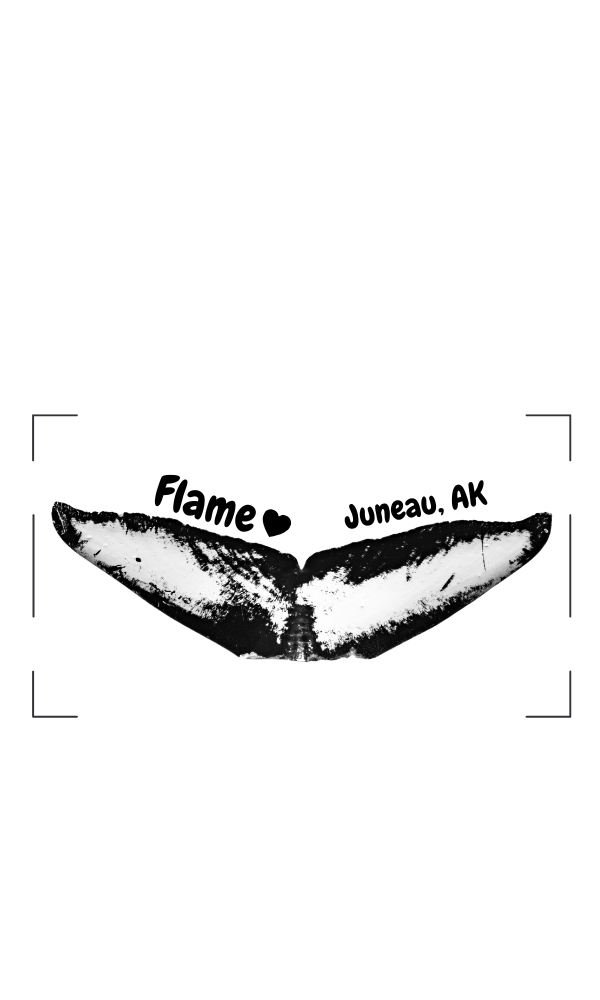
The attached image is a wallpaper I made using a photo I took of one of my favorite humpback whales named Flame. If anyone is struggling with making a wallpaper or wants help adjusting a photo to display well on e-ink, send me a message!
I have tested it on even smaller LCD screen, it works well there too. Then the other day I saw someone using InkOS on an eink tablet, that looked also pretty clean. I imagine Katapult Launcher works just as well. I can test it later.


 if you reset the ordering with the reset icon it should be fixed afterwards.