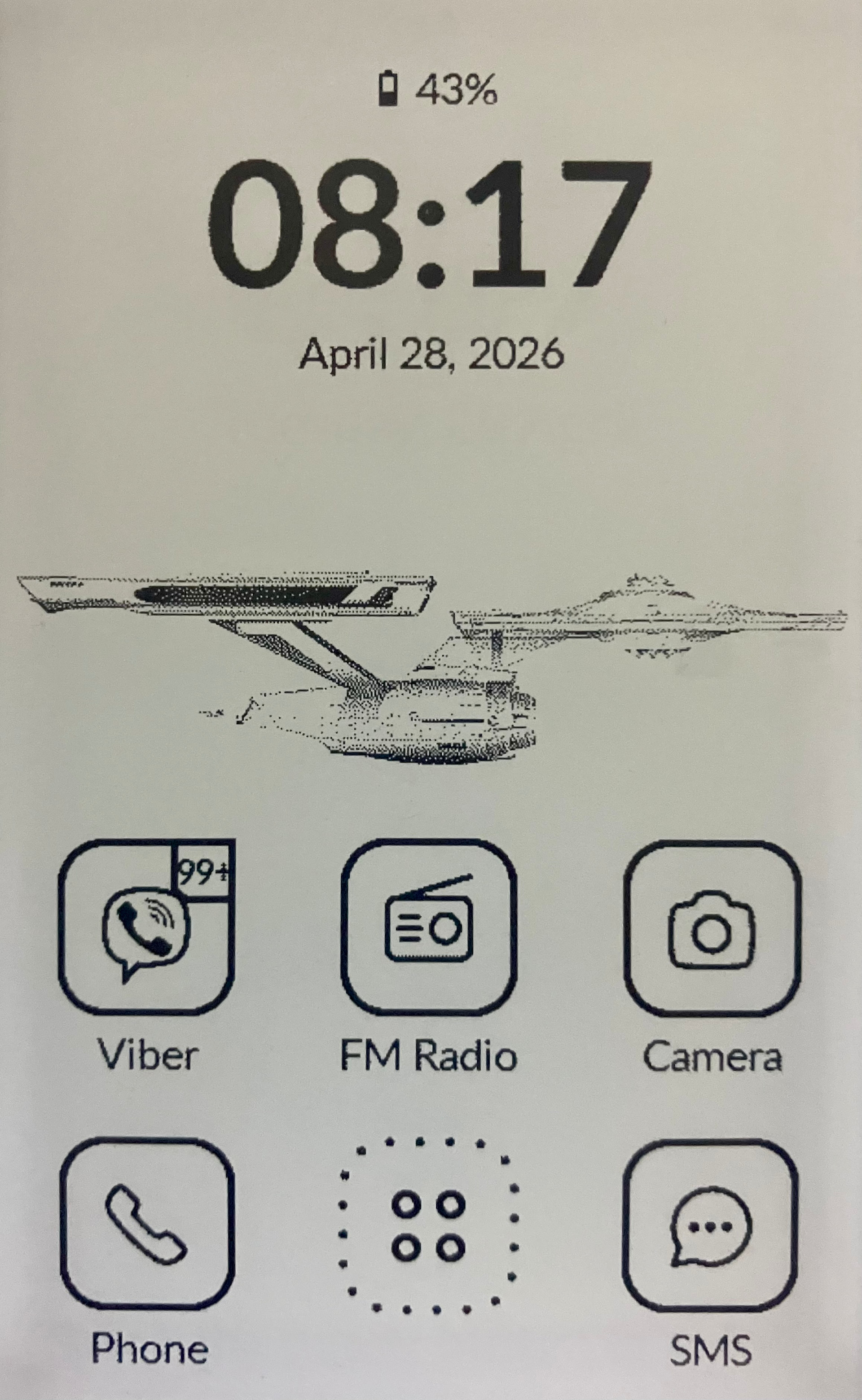
No i’ll have to do it anyway because your question made me realize I need to hide the arrows and the dots when there’s only one page of apps  so thank you for that.
3 Likes
@gezimos What does the widget with weather, connections, brightness, audio, flashlight, and settings look like? Is it the same as the one in the Mudita Launcher, or has it been modified? I can’t find any images about it. thanks
1 Like
Those are part of the SystemUI settings not of the launcher. So you’ll continue to use the Mudita ones when you press the right button.
In my other launcher inkOS I made a screen that has those features (minus the weather), but here that will not be the case.
2 Likes
Thanks for the clarification! I’ll try to install it this week.
2 Likes
I have one tiny issue with how the wallpaper selection works. When I click on “Set wallpaper”, I get several options to select an image, for example File Manager, Gallery, and Interceptor (whatever that is, it doesn’t look like a file selection app). When I use File Manager, it always starts at the default (root ?) folder, and I have to click my way to the proper wallpaper folder everytime I want to select a new image. In inkOS it remembers the previous location, but in Katapult it doesn’t. And when I use Gallery, I can’t select any folder at all anymore, it still shows me the inkOS wallpaper folder. Is this a bug, or do I need to change some settings somewhere ?
1 Like
It’s not a bug. Whatever you see after you click “set a wallpaper” depends on your device not in the app. The choices that you see there depend on your device (and other apps that u might have installed), basically it gives you options to choose based on which apps qualify (that is handled by android not the app).
I can’t control where the file manager takes you or if it remembers where your last location was. If you choose file manager you can choose Gallery on the file manager’s menu.
2 Likes
Thank you. Yes, I just solved the problem. Obviously there were too many options, so I didn’t see the one I needed  So all is good.
2 Likes
Hi @Alfred, so sorry for the late reply, I completely lost track of your message and due to this odd forum platform I couldn’t find it anymore. Then I remembered you asked about Utrecht and I found your post again using the search.
Dav5x works fine for both CardDav (with the stock address book as well as Fossiify Contacts for example)
CalDav works fine too, but the stock calender doesn’t use the stock Android Calendar so you have to use a different calendar app. I’m using to Fossify Calendar which suits me fine. Both are available, with other useful Fossify apps (I really like their concept) in the F-Droid.
DavX5 works fine but it hasn’t to be configured exactly right, or it will do nothing. Can you share some more info on what’s ot working, you can also - if you want - share your configuration (no usernames or passwords please) via DM.
I’ve worked in and Utrecht all my life, until I got sick 15 years ago. I live in the province Utrecht but not in the city Utrecht, I live close to former Royal Palace and also close to our former Queen. Those are al the hints I’m willing to share 
2 Likes
@gezimos Where did you get that lovely floral/leaves wallpaper 
1 Like
There are some here:
Floral.png is the one you’re looking
3 Likes
@gezimos is there a way to lock the home screen apps like on inkos so when you long press on them you could quickly access the app info to close the app? I’ve been digging this launcher otherwise.
3 Likes
@ehaines99 Not yet but in the next update that will be there. It’s gonna be called “Disable home editing”, so longpress in apps will open the app info dialog. I hope to send the update soon tomorrow or Monday
3 Likes
Would it be possible for an update to hide the launcher icon on the home screen in favor of a 6th app? Maybe I’m the only one with 90% of my apps hidden, but the two rows on the home screen are enough for me.
1 Like
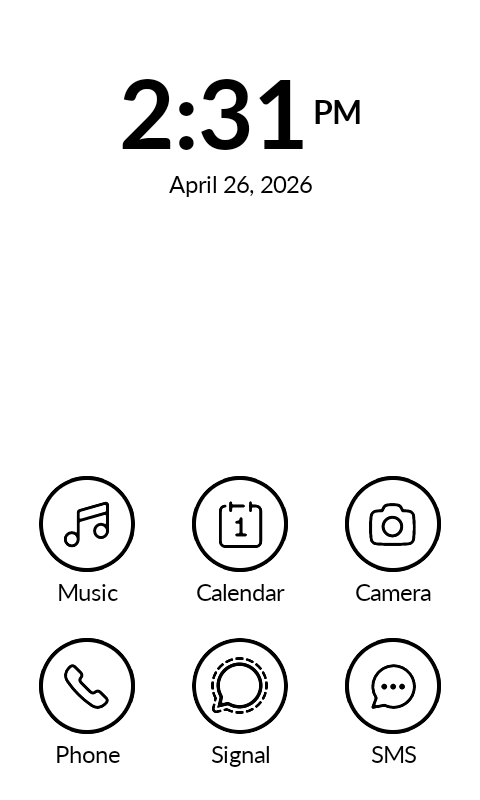
This looks fantastic! I can’t wait to use it. Thank you so much for sharing this. This is exactly what I wanted!
4 Likes
3 Likes
Amazing! Love the launcher.
2 Likes
Thought I already responded, but can’'t seem to find my own answer:
If you’re using App Manager by Muntashir like me, that’s where the Interceptor page comes from if one Android app owns another using INTENT, Interceptor gives you the ability to alter the intention before it’s executed. As I don’t use it and find it a nuisance, I disable it. See this post on Reddit on how to and there’s link in the same post to the very extensive user guide of App Manager: https://www.reddit.com/r/fossdroid/comments/1g0lsit/comment/lrgt9qa/?utm_source=share&utm_medium=mweb3x&utm_name=mweb3xcss&utm_term=1&utm_content=share_button
For those who don’t ave a clue what app I’m talking about, take a look here: GitHub - MuntashirAkon/AppManager: A full-featured package manager and viewer for Android · GitHub
It’s available from F-Droid and is so much more than just an App Manager.
1 Like
Any chance you could use system fonts or have an option to use system font?
1 Like
I’ve used Lato, which is used from all Mudita’s apps. Any reason you want to use System?
1 Like