Review for version 1.2
Author’s rating: ★★★★★ · Author of this review
Not offended, just this is “Community apps” area is meant to leave reviews after you’ve tried an app.
You can use the forum topic to ask questions.
Review for version 1.2
Author’s rating: ★★★★★ · Author of this review
Not offended, just this is “Community apps” area is meant to leave reviews after you’ve tried an app.
You can use the forum topic to ask questions.
Review for version 1.2
User rating: ★★★★★
Ah, I see, my mistake.
Thanks for letting me know!
Review for version 1.2
User rating: ★★★★★
This is brilliant. Thanks @gezimos
Review for version 1.2
Author’s rating: ★★★★★ · Author of this review
Thank you @ryran I’m glad you’re liking it!
Review for version 1.2
User rating: ★★★★★
Thank you @gezimos - this app is great and with it Mudita is nearly perfect!
Review for version 1.2
User rating: ★★★★★
Big fan! Makes it a whole new experience and the most essential app for me on my Kompakt.
Review updated by @gezimos
- Version:
1.2→1.3
Review for version 1.3
Author’s rating: ★★★★★ · Author of this review
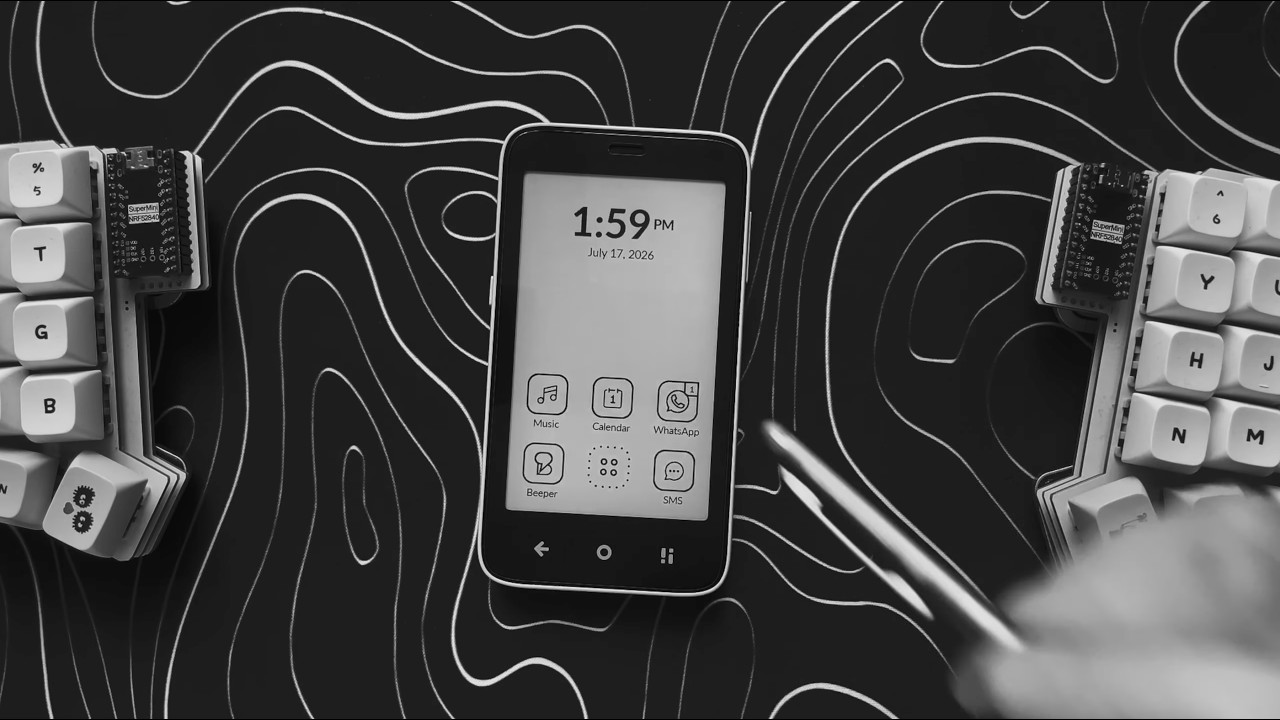
V1.3 Released:
Read more in the forum topic:
Or watch the video:
Review for version 1.3
User rating: ★★★★★
With the Kompakt, Katapult is superior to InkOS in my opinion. Just the right amount on configuration to work for me, but not so much that I’m perpetually tweaking things. Very thoughtful design.
Review updated by @gezimos
- Version:
1.3→1.4
v1.4 released:
Check the new changes and fixes in the thread:
Bonus point is the option to clear phone app logs (the stale rejected call notifications).
Review updated by @gezimos
- Version:
1.4→1.5
Review updated by @gezimos
- Known Issues updated
Review for version 1.5
User rating: ★★★★★
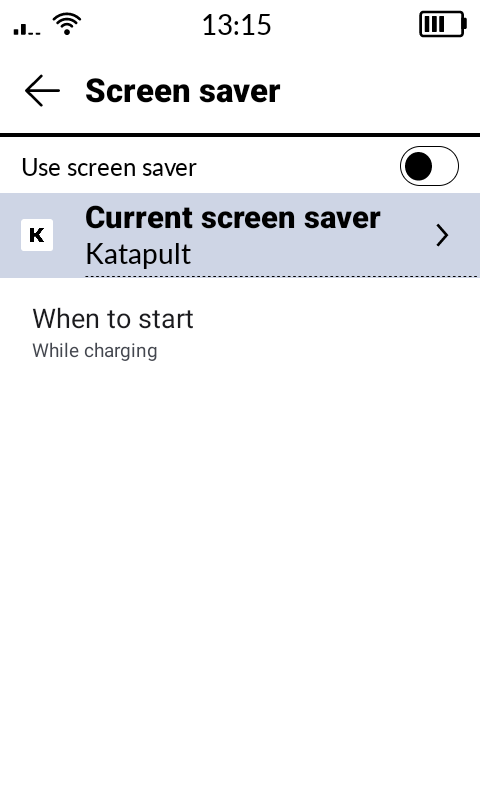
great work on this launcher. Can not thank you enough. I use both inkOS and KatapultOS. I basically use InkOS for my main launcher and KatapultOS for the screensaver. I added a shortcut to “enable screensaver" so I swipe right on InkOS and enable the Katapult screensaver. I would like it to be not on a shortcut and I can just leave the enable whenever you lock option on the KatapultOS on.
I read the changelogs hoping that you have found a workaround for the screensaver not putting the phone in deep sleep. How impossible is this? as I find myself turning screensaver on multiple times especially during work.
Review for version 1.5
Author’s rating: ★★★★★ · Author of this review
Thank you!
If you turn on the option in Screensaver settings (Open on Power button). It should enable the screensaver after you lock the screen. Even if you have inkOS as the default launcher.
I am not sure if u meant to “not put on deep sleep” or to put it on deep sleep. Either way without ROOT we have zero control of how screensavers work. In lineageOS i managed to make an experimental patch:
Which updates the “sleep screen” (the one with the lock icon. Without waking the device, and uses negligible power compared to the Screensaver workaround.
This is impossible in the MuditaOS-K.
Review for version 1.5
User rating: ★★★★★
Just added this now, looks great, and I love being able to get to the FM radio easily. Thank you.
Review for version 1.5
Author’s rating: ★★★★★ · Author of this review
Thank you my friend, I hope they update the FM app skin to black and white. It’s very quick fix for them, IDK why they’ve been ignoring the FM radio for so long.
Review for version 1.5
User rating: ★★★★★
yes you got it right. Enable on power button means whenever I lock the phone it will turn on the screensaver, which as you describe drains the battery quite fast if it is on all the time. So I have to toggle the screensaver whenever I need it, which is quite often lately, so it gets in the way. But if there is no other way in MuditaOS this is how it is.
Review for version 1.5
Author’s rating: ★★★★★ · Author of this review
I tried something recently to add a shortcut on Katapult app, that can be then added as shortcut in inkOS (proper app shortcut). To just activate the screensaver. But it has an issue that I wasn’t able to resolve yet. I’ll let you know if I can fix it and add it to the next update.
Review for version 1.5
User rating: ★★★★★
that would be exactly what I need, thank you so much, I made a standalone app to simulate something like this and attached it to the gesture controls in InkOS.
It takes me to the settings page of the screenshot, and I toggle it everytime. But if it can be a “Katapult shortcut" that the user can put on the home screen, or attain it to one of the gesture controls, it would be simply amazing. Can’t thank enough for your hardwork!
Review for version 1.5
Author’s rating: ★★★★★ · Author of this review
I might DM u to send u a debug build to test that feature