Katapult 1.4 Update with a few improvements:
[1.4 release]
Added
-
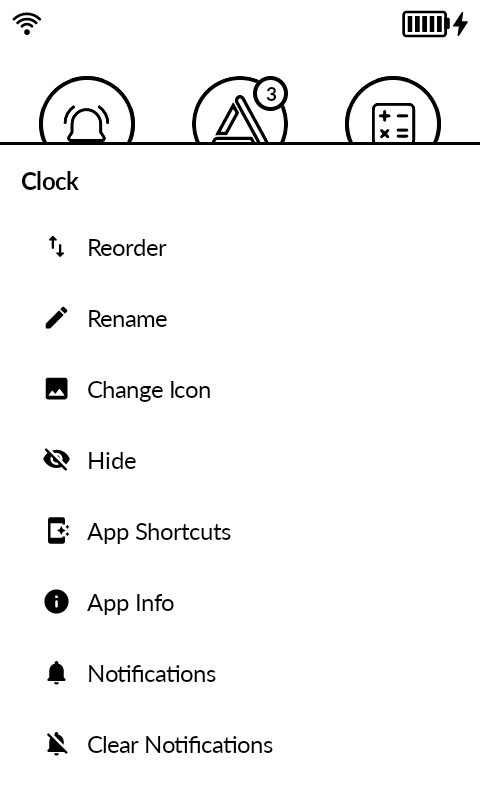
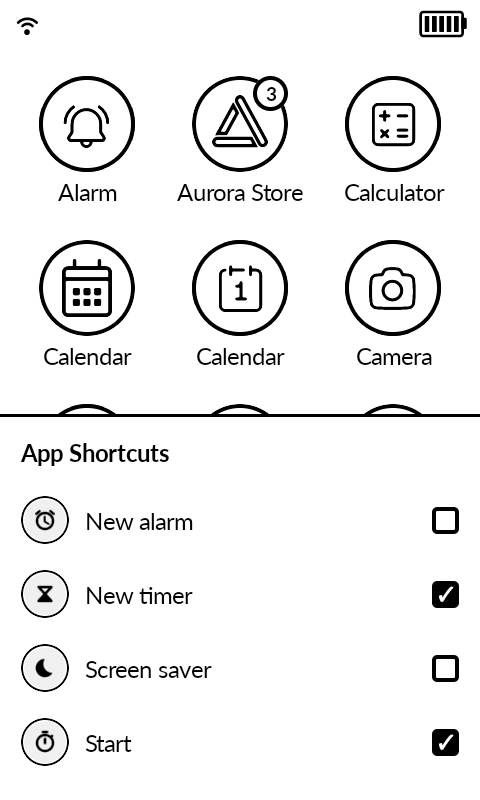
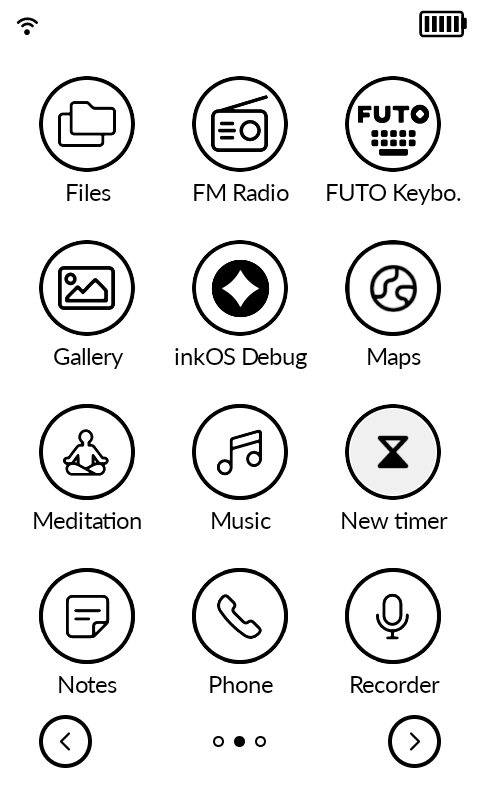
App Shortcuts: long-press an app in All Apps and pick App Shortcuts to enable the shortcuts it publishes (For example New timer, a specific conversation, and so on). Enabled shortcuts appear in All Apps as their own tiles with reorder, rename, and remove.
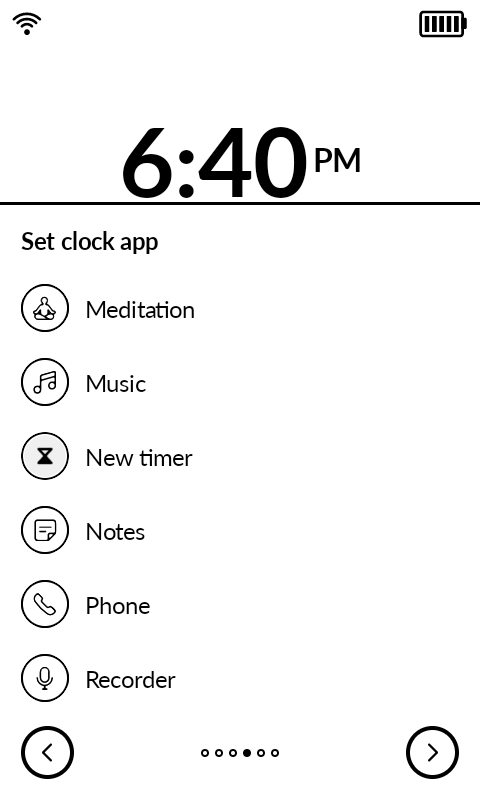
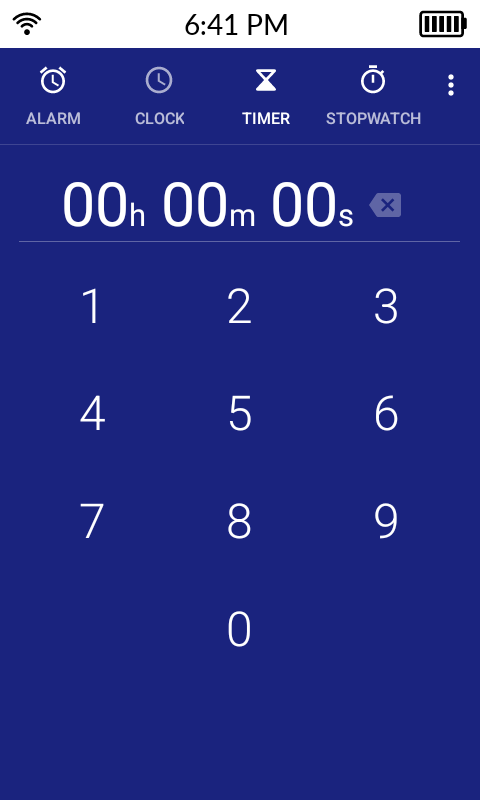
So basically using app shortcuts you can set timer/stopwatch shortcut when tapping on the AOSP clock app (I know a lot of users requested timers).
-
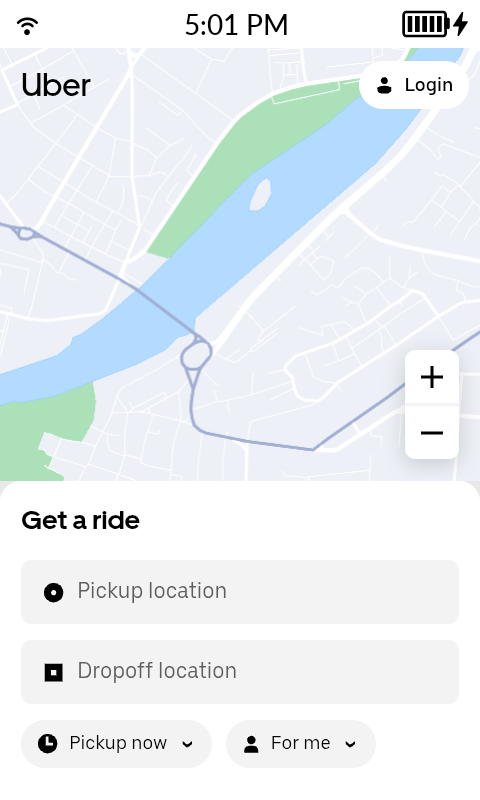
Pinned shortcut support: “Add to Home screen” from the browser (websites and PWAs) and pin requests from other apps now land in All Apps. (for PWAs it requires a chromium based browser like Chrome, for just website shortcuts Firefox works as well). Below you can see the example of installing a progressive m.uber.com as a PWA or as a browser shortcut.
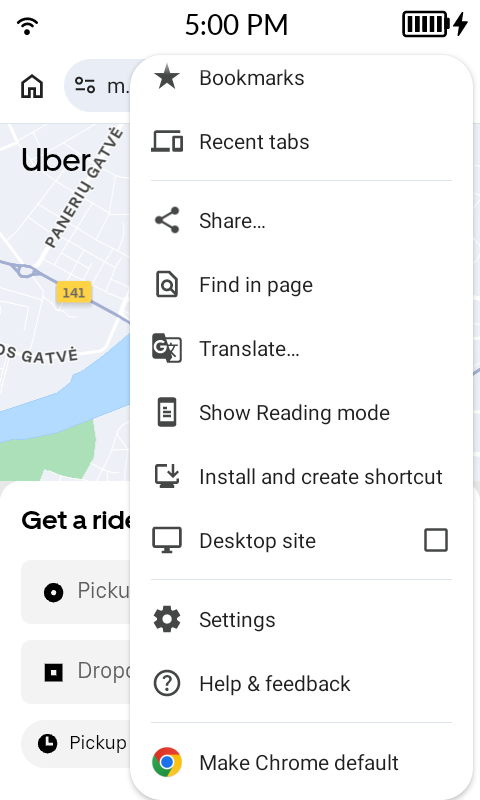
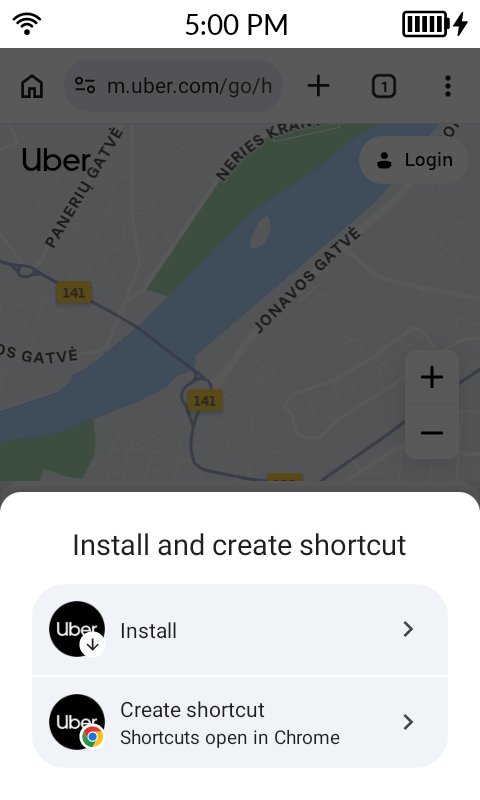
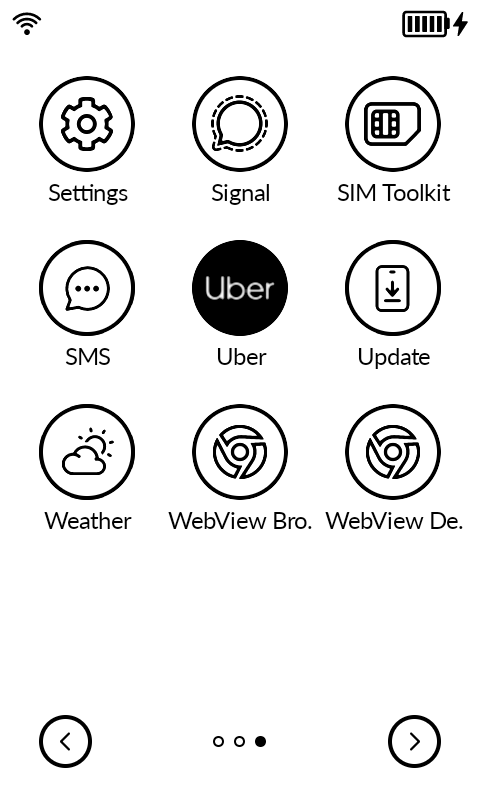
PWA = Progressive Web App, a lot of websites use this feature and you can “install” these websites that become a simple app in a wrapper. They use the browser, but no URL bar will show which can be benifitial for some sites like m.uber.com
-
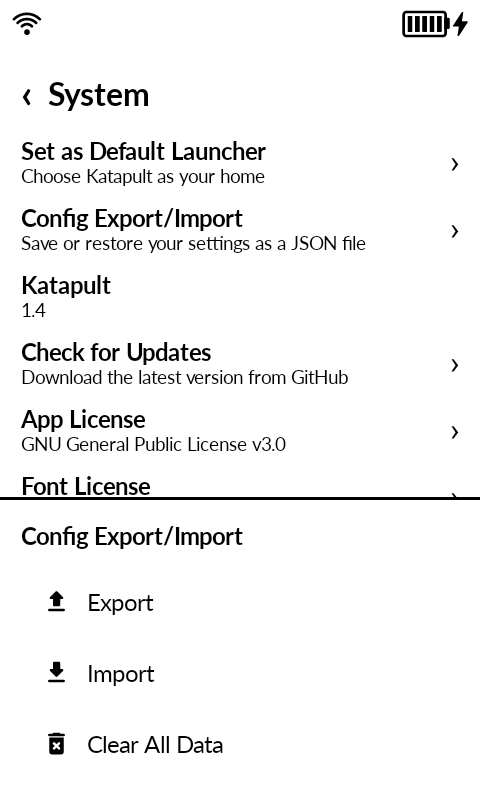
Config Export/Import: save all settings to a JSON file and restore them later, plus a Clear All Data option. This will help out in case you need to backup before factory resetting your device, or sending it for service.
-
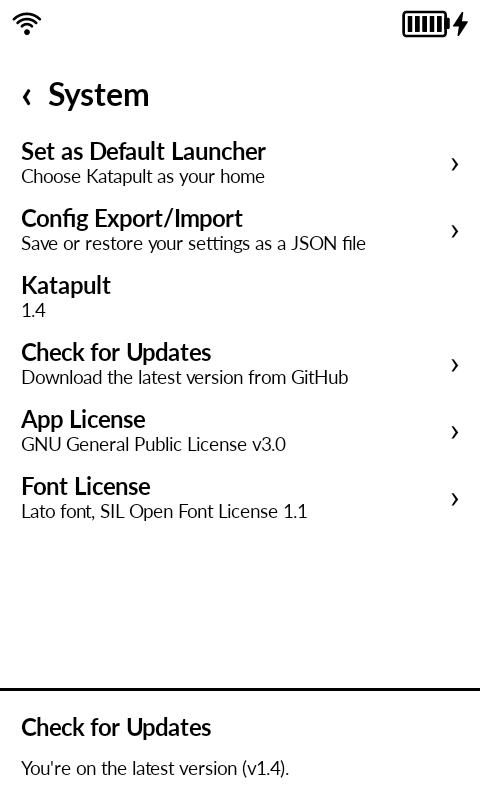
Check for Updates: Now Katapult support an in-app updater that checks GitHub releases, shows the release notes, and downloads and installs the new APK. So you won’t need to use MuditaCenter, Obtanium or adb to install the updates. So from next version you will be able to update Katapult from within Katapult.
-
Double Tap in home now cycles between Disabled, Brightness, and Lock Phone (locking uses the accessibility service). Replaces the Double-Tap Brightness toggle; an enabled toggle carries over as Brightness.
-
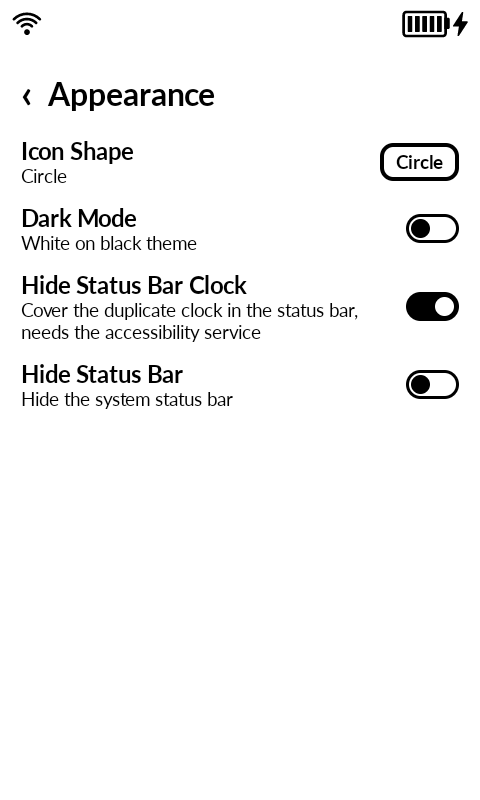
Hide Status Bar Clock setting: covers the duplicate status bar clock while the launcher is in the foreground, since the home screen shows its own clock. Needs the accessibility service; off by default. You can turn it on on Settings / Appearance
-
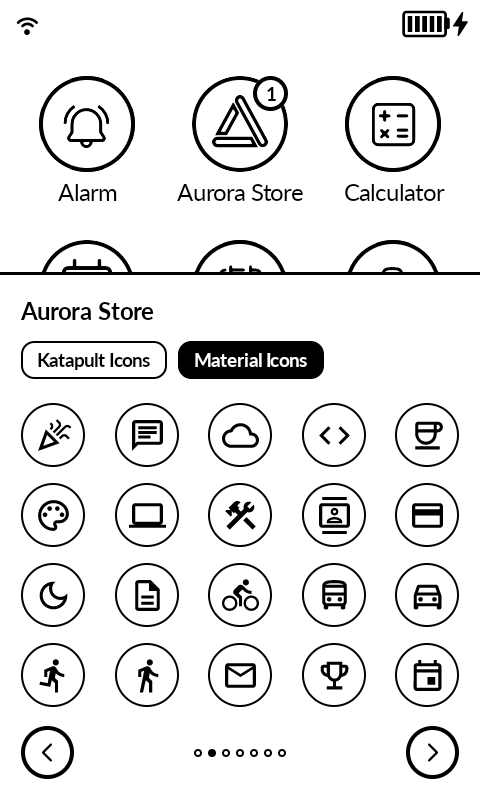
Material Icons in Change Icon: the dialog now has two tabs, Katapult Icons (bundled set plus PNG/SVG import, as before) and Material Icons with 133 outlined Material icons to assign to any app.
Changed
- The accessibility service is now listed as Katapult Action Service in system accessibility settings, since it powers the lockscreen widget, the status bar clock cover, phone locking, and the screensaver. Only the label changed; an already enabled service stays enabled after updating.
Fixed
- AOSP Calendar, WebView DevTools, and AOSP Search (Quick Search Box) now get bundled default icons (calendar, chromium, and the new Search icon) instead of their stock ones.
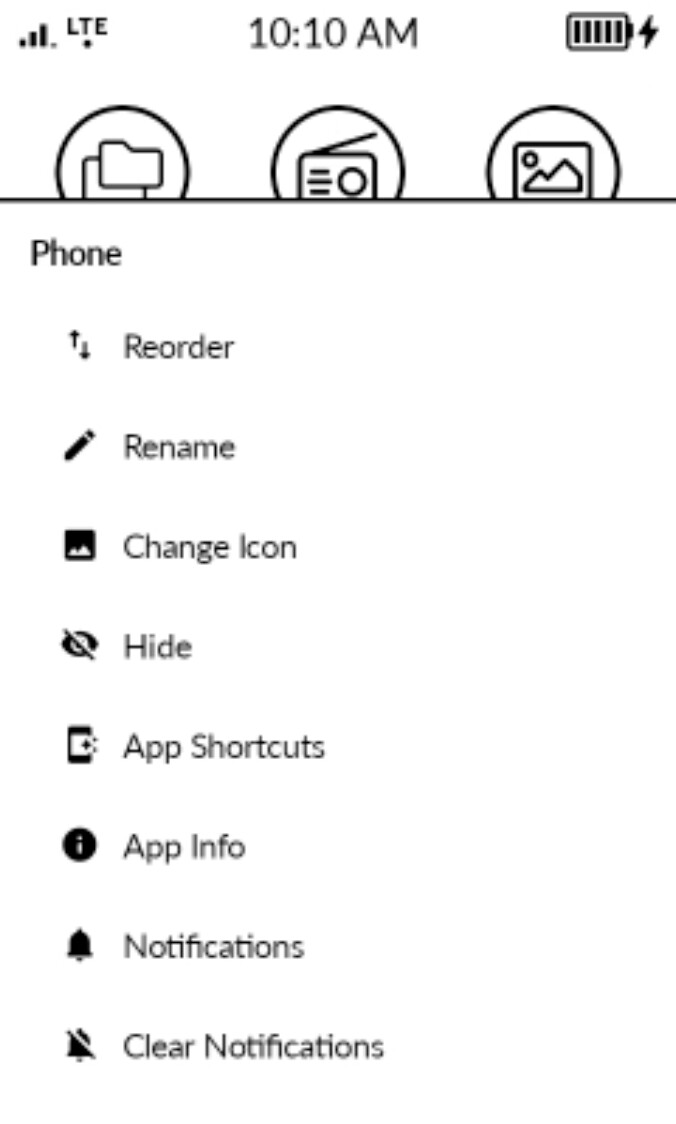
Lastly I’ve added support for voicemail and rejected calls, and for those of you who had rejected call notifications stuck from the stale import during the upgrade to 1.6.0 Mudita OS K I added an option to the phone app to clear those notifications.
Simply longpress in the phone icon (in all apps page) and you’ll have a clear notifications button that will clear any stale notifications.
I’ve made a short video about this:
