The clock doesn’t affect the battery, it uses the system clock so it doesn’t have to calculate anything extra.
In the 2nd post on this thread you have the guide on how to disable the Mudita Launcher after installing inkOS and making it a default launcher. In the same guide there’s a link on how to use webadb.
Installing is easy now using Mudita Center, you can just download the apk from github and install it using Mudita center. But adb is necessary to disable the default launcher otherwise it will still show whenever you press home button.
It might sound intimidating if you haven’t done it before, but there’s tons of videos on youtube on how to use adb/web adb. Once you use it, you’ll think is a piece of cake
I have done several things by the past like jaibreaking an iPhone, flashing an Samsung note to use e/os and so on with success. But I. Know it’s risky and you have to be well prepared if you want things to go right. So need a bit time.
But I will do.
@csllr I’ve used both of these apps in the past: Button Mapper: Remap your keys by flar2 and Key Mapper & Floating Buttons by sds100.
Just be careful; if you remap your home button, for example, you lose it’s original function which means you may not have a way to get back to the launcher. Ideas for usage: map double press or long press of a button to screenshot, launch the flashlight, or turn on the backlight, etc.
Also just to clarify for some users. Button Mapping apps won’t work in Mudita OS K 1.2.0 if you haven’t set them up during 1.1.1. The accessibility permission that is required for these won’t work in 1.2.0. It is said to be fixed in a next update, hopefully this month.
Don‘t know what GUI is.
I sometimes use the Terminal on my Linux distribution on my computer but know nothing about the language. It’s just copy/past of command I found.
I love this launcher so much, especially that I no longer have to go to the signal app to see if new messages have come in, If I haven’t heard them, just great! Thank you very much
@gezimos I’ve finally got time to upgrade and play around with the new version – and I have to say you’ve done a phenomenal job!
Things I love:
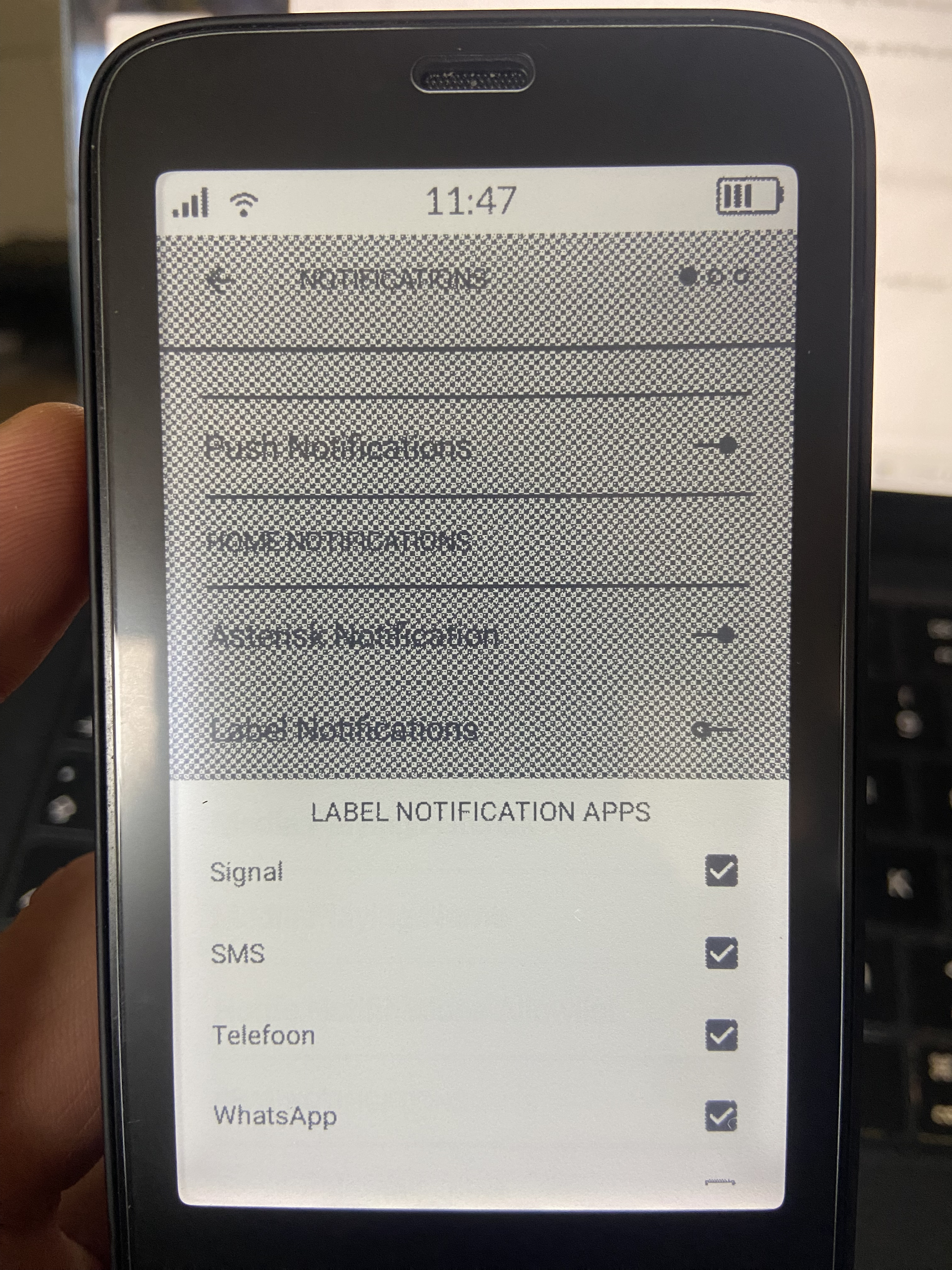
Notifications screen access without swipe gestures. I wasn’t using notifications screen before because I am just allergic to swiping on Kompakt. Now I’ve set “quote” widget action to “Notifications” and called it a day (I have also decided to disable label notifications as I don’t think I need both).
Date + battery. I think they take just the right amount of space now while providing just the right amount of info.
Brightness on/off action. This is just great. I’ve used to use a brightness button above the slider in the native quick settings for this, but double tap is just so much more friendly way to do it in the darkness!
System shortcuts. Considering my current usage flows the only one I enabled for now is Developer Options (I use it frequently to enable/disable NFC, still need to search for it, but it is already much better then before when I had to go to settings and find Developer Options first).
App Drawer shortcut. I just put it as the last entry in my home apps list. Much more accessible then before.
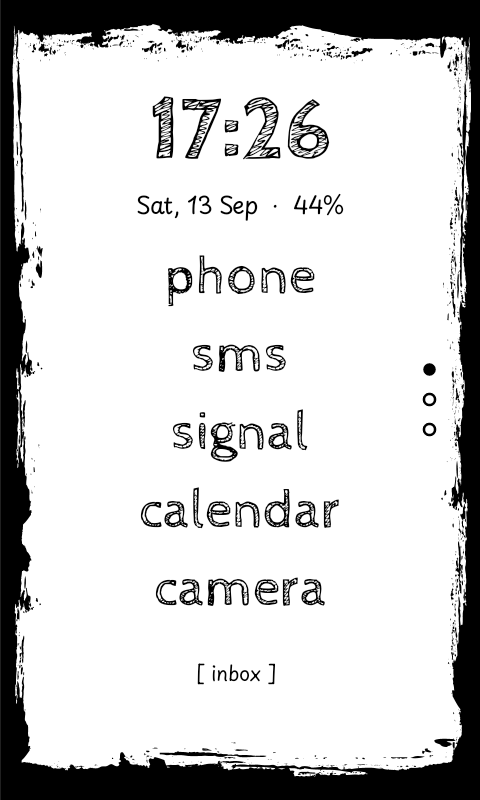
Wallpapers (and fonts). I know custom fonts were supported since the version 0.1, I just never bothered to tinker with them. But wallpapers feature looked too cool not to try it out, and then I of course had to play with fonts too (admittedly spent a little too much time today setting things up but I really enjoy the result).
Navigation with volume buttons in app drawer. As I said I hate swiping. So small thing but I love it.
–––
Couple little bugs I found:
Date tap doesn’t work for some reason no matter what action I assign in settings.
Navigation with volume buttons doesn’t work in certain cases (one that I can reproduce is when new app was just assigned to a slot, then volume buttons change the volume instead of switching pages, after taping “home” button it works as expected again).
Notification asterisk doesn’t disappear after opening the app from Notifications screen (it probably was this way already but I haven’t used Notifications screen before so can’t tell… also probably some limitation from OS I guess?.. nevertheless reporting just in case)
––––
So I can only join other voices in this thread: this already amazing app just got even better! I’m really grateful for your work, it makes using Kompakt a much more pleasant experience.
Can you try to set it as disabled, exit and then try set it up again. What I imagine could be happening there were “preferences” cached from v0.1 that had the Date removed by me but it was in the original app that I forked. I’ve added other preferences to it, so it might be conflicting with the old data during migration.
To confirm this make a backup and “clear all data” and it should allow to set the tap to date in gestures.
Thanks for noticing this, I was able to reproduce it just like you said. I can’t think what the issue is on this but I’ll try to fix it on the next update.
Correct, the Notifications screen/Letter notifications was thought to be like a “notification history” so unrelated to the Home screen notifications, but since I’ve added a toggle option that would dismiss the Letter notifications if the app is opened, it’s a good idea to allow the vice-versa as well. I’m gonna see if this is do-able since home notifications are not cached but these are.
Thanks for the kind words, it makes me very happy that people are finding it useful!
Great choice of fonts, i dig the grunge look in E-ink
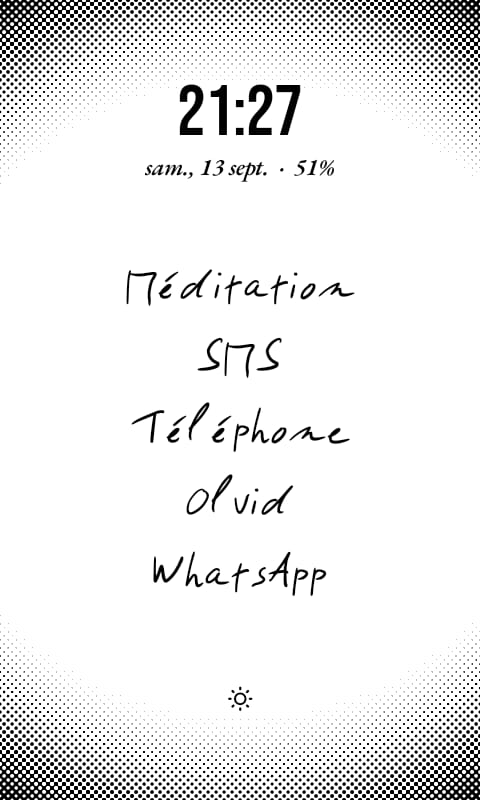
Here’s my setup ! The written font is my own handwriting, and I downloaded a wallpaper from @gezimos’s repository ! It kind of reminds me of newspaper in a way, and I love it !
I set left swipe to music, right to podcast, and double tap to open app drawer, and it works flawlessly !!
@gezimos what a great launcher. Thank you!
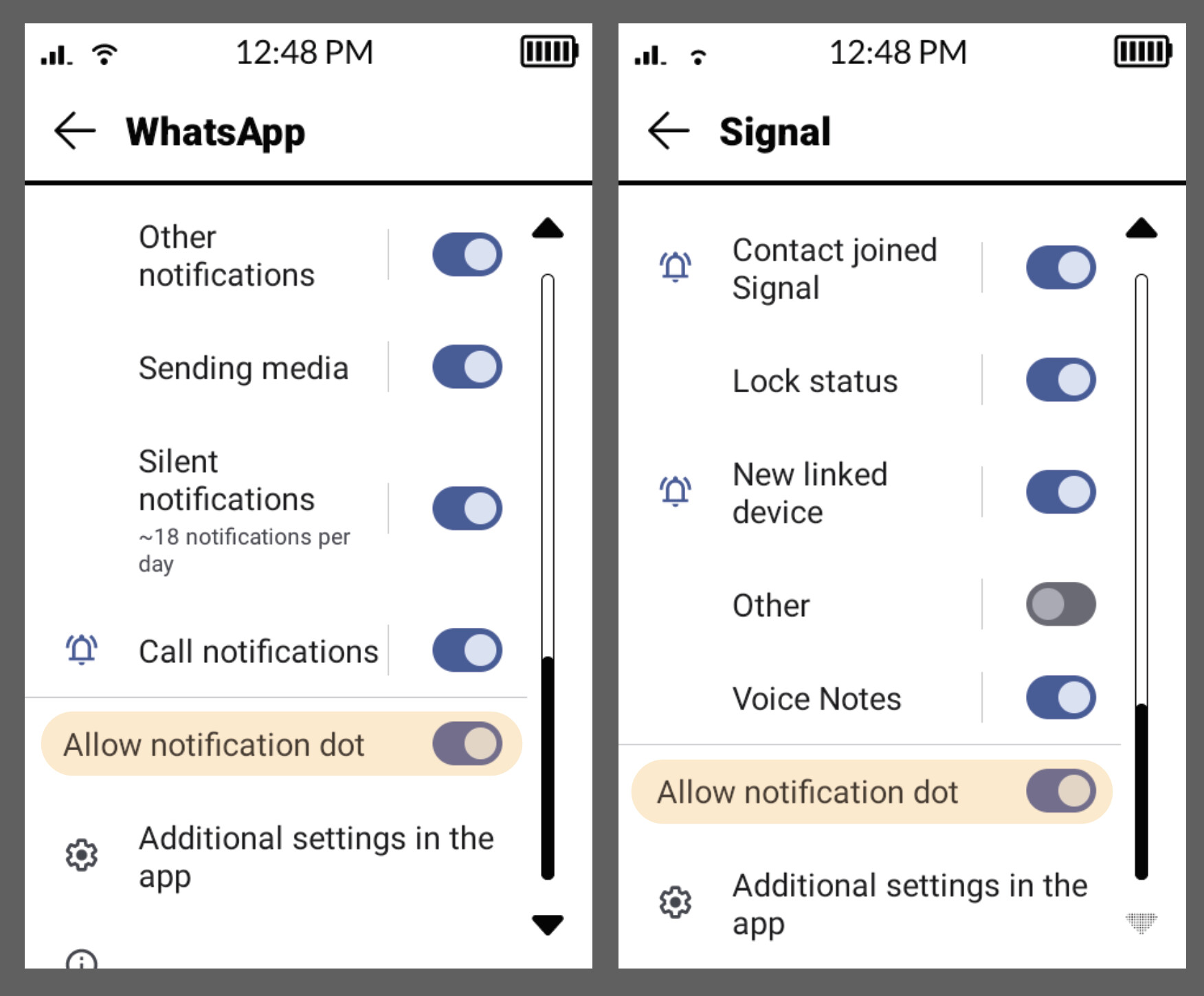
I also have a question. I don’t get the asterisk when a message is sent to me. In Activity manager I set the settings right, in inkOS i did the same. But no luck. Any thoughts on how to fix that?
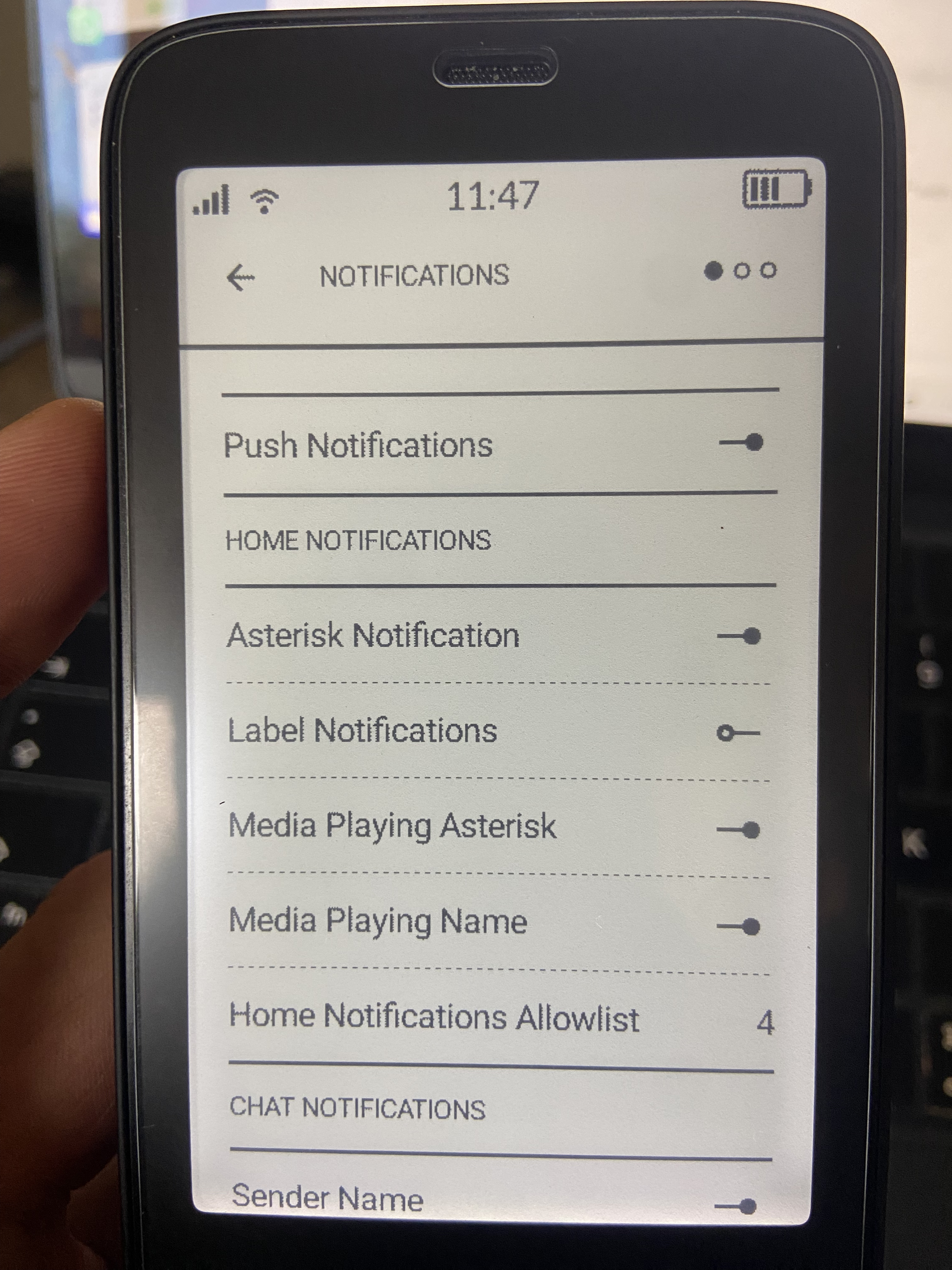
@gulickx Have you added SMS app in the Settings/Notifications/Home Notification Allowlist ? By default if it’s empty it allows all apps, but once you add an app it turns into a filtered list.
SMS notification works fine on the Kompakt by default, I’m not sure if you have made any changes in the hidden notification settings through activity manager that might have stopped yours from working.
If you can chare a screenshot of inkOS notification settings, and the sms notification, I’ll try to see what the issue is.
thanks @gezimos . sorry I was not clear. sms works fine. I get the * with that. It’s whatsapp and signal where there is no *. I’ve allowd both apps in the home notification list
Those options are correct and they should work by default, but since you mentioned Activity manager you might have turned off notification dot for Signal and Whatsapp. And notification dot is what in essence is the asterisk


 but I really enjoy the result).