I will try it tomorrow morning. I am on kids duty tonight 
Thanks for the fast response! Mudita should hire you…
2 Likes
I gotta say this is the absolute best launcher for the kompakt as there are things that this fixes such as lack of eink manual refresh and notifications. I even use it on my other devices too! The media control buttons also are super convenient.
3 Likes
The app drawer alignment doesn’t seem to want to move left or right. It stays center no matter which you choose.
1 Like
@The Did you upgrade from 0.1 or your first install was on 0.2?
It changes fine on mine. Just in case you upgraded, try to clear the data (advanced ->backup-restore) and start it from scratch. And see if that works.
There could be some preferences stored in storage that are not allowing some new features work properly.
@jordan Thanks for the kind words!
2 Likes
Weird. My first install was 0.2 a couple hours ago
1 Like
When exactly? Can u try reinstalling the same release, I just did it on my device and the alingment is working fine
1 Like
12:34PM Eastern Time (just about three hours ago). I will try again
1 Like
Ok wait wait. The alignment is only for the app drawer, not for home shortcuts.
Home apps will always remain in center.
Just in case I misunderstood you.
1 Like
Ohh okay, my mistake. For some reason I thought app drawer alignment would align the home shortcuts as well. Yes, the app drawer alignment works. Would be cool to implement home shortcut alignment some day! Thanks again for your help
2 Likes
@the No problem! I hesitated to even add it for the Appdrawer, but since now both are paged I thought some people need help for a quick differentiation. For home Screen that might not come because it has more elements that can cause issues.
A few wallpapers here
4 Likes
Thaaaaaank you! 
2 Likes
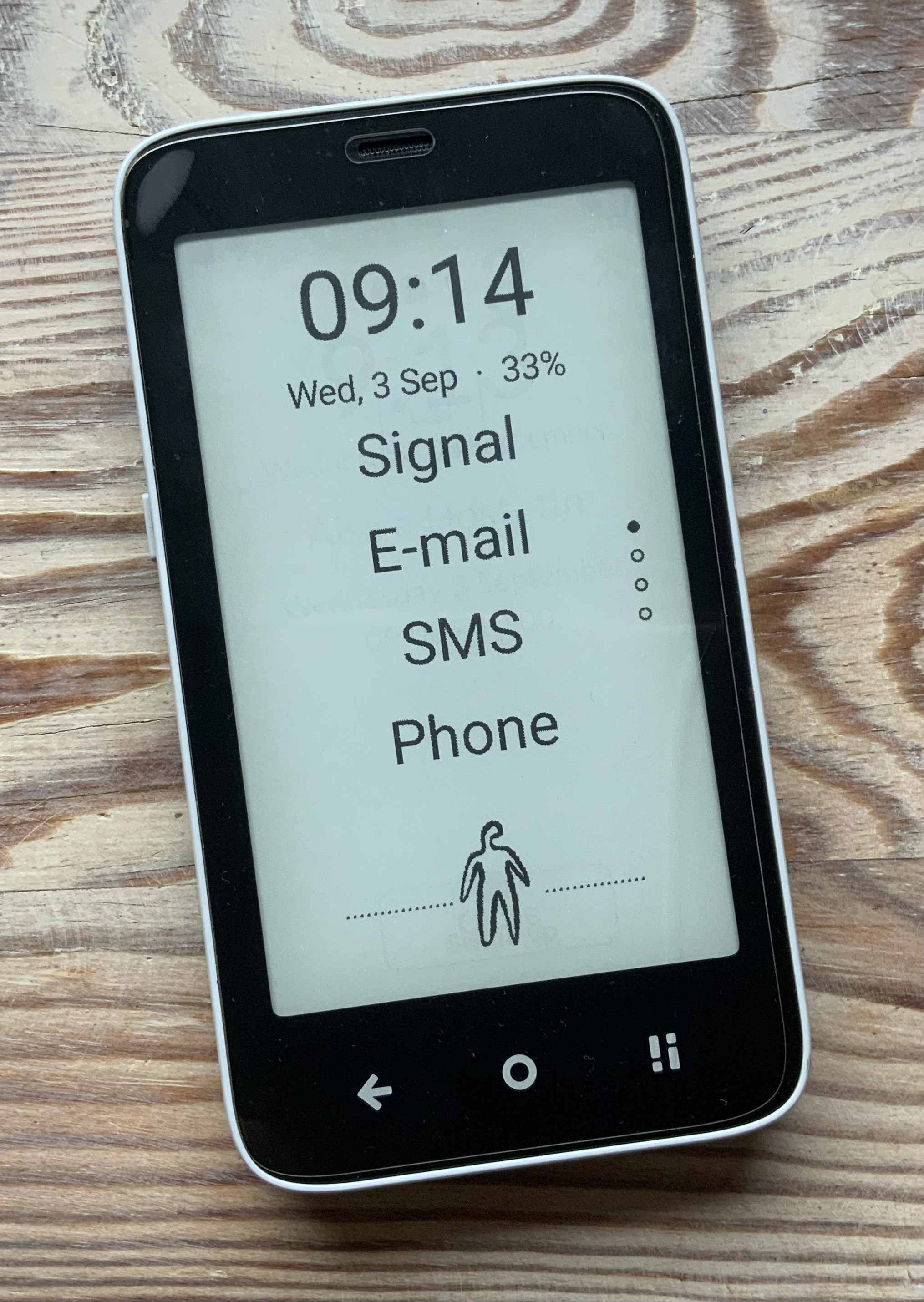
This is my setup of the InkOS.
The figure at the bottom of the screen is set to activate the display backlight.
Great job @gezimos !
4 Likes
@janlo That’s a big Emoji that u can’t miss the backlight switch. I had a panda there
Thanks!
@purejoy2408 Thanks!
1 Like
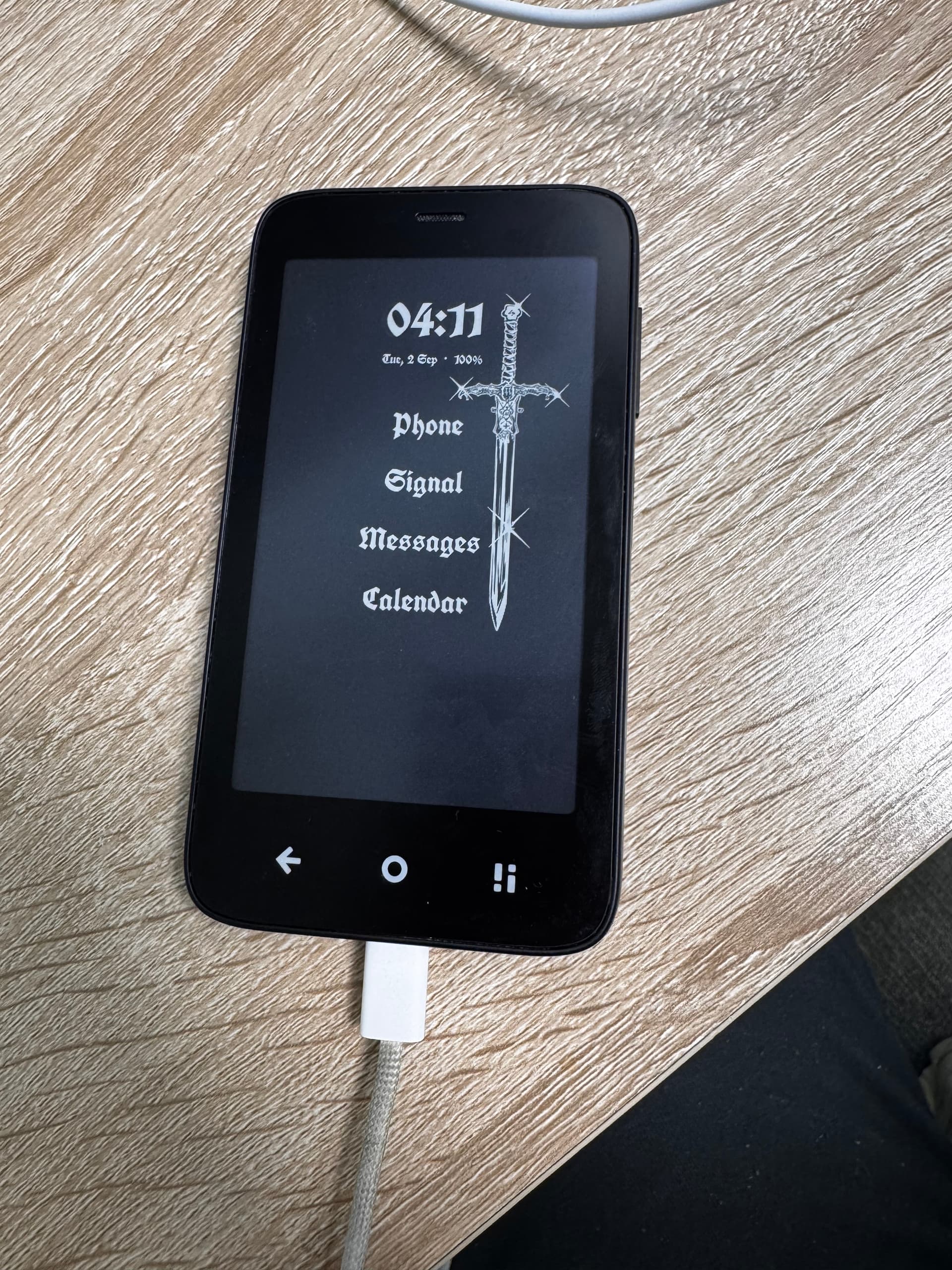
Hi @gezimos I see in an earlier comment you mentioned the brightness double-tap remembering the last saved brightness? I can’t seem to replicate my last saved brightness, the very minimum, it always defaults to ~25% am I missing something?
1 Like
@anon86727033 I just checked what I did wrong. I found out that I had left a minimum treshhold during testing at 20 out of 225. So if you set it under 20 it will turn on over 20.
I have removed this and it will be fixed in the next release. If you need it urgently, I can message you the apk with the fix
2 Likes
@gezimos Oh it would be great if you could send me the apk, if it’s no trouble?
2 Likes
1 Like
If it’s not too much trouble, I would appreciate that apk – the double tap brightness is an excellent idea, and even at 20 it can be blinding; a nice 5-8 would be perfect to double tap on.
thank you so much – this launcher makes the Kompakt amazing. a LP2+, which is what I hoped for personally.
2 Likes
For those who want to reserve the double-tap feature for something else: I’ve installed Keymapper and when I long press the cicle ‘button’ it turns on the backlight. (with the back-arrow ‘button’ it turns on the flash). This way I’ve saved the doubletap for a different function in this AWESOME launcher (thanks again!).
3 Likes