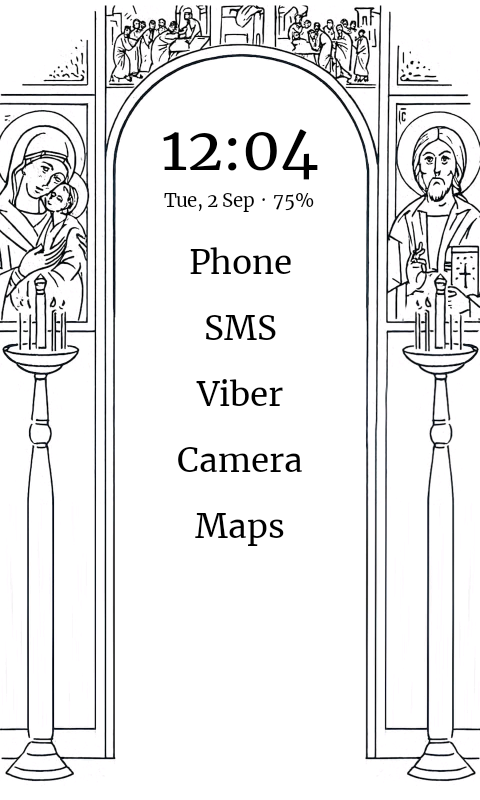
Ever since I saw your flower frame, I was fascinated with the idea of customization! Very simple, yet very elegant. This, plus the battery percentage actually made the phone more than perfect for my need (plus sideloaded cyrillic aplhabet).
P.S. I saw a similar image in a book that I was reading the other day and played around with AI to clear the center of the image, so it fits like a frame
Thanks for the awsome work!
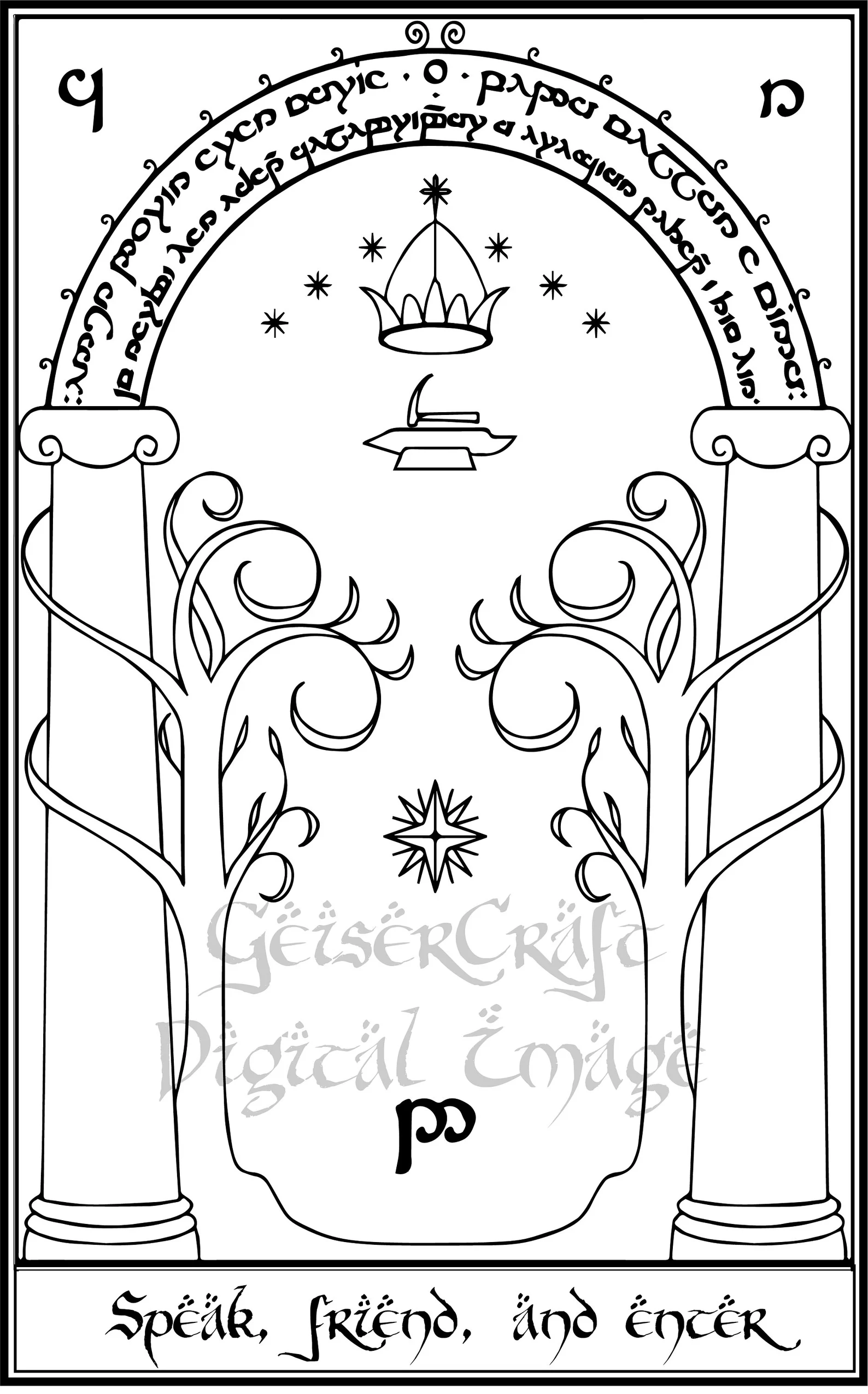
P.P.S I thought of another cool idea for the more fantasy orientated people out there - the gates to Moria are a perfect match for a frame wallpaper… I am a bit busy (and it takes me several hours of back and forth with the AI to make the required picture), but if someone wants to take a crack at it I will upload a random image for illustration
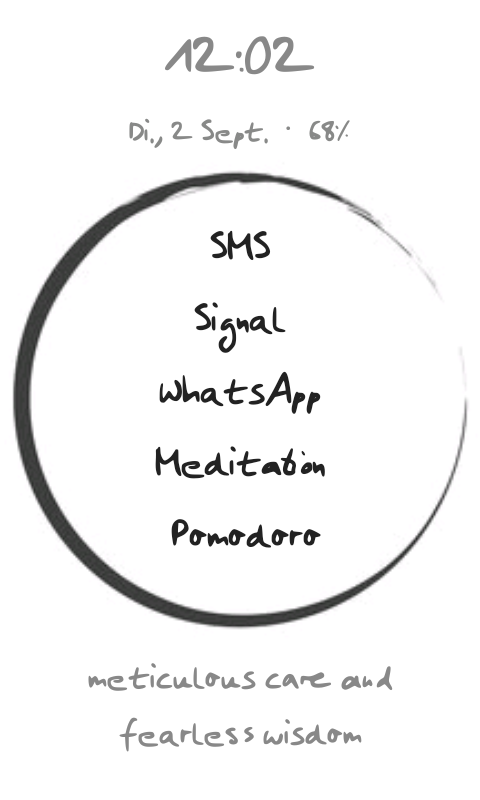
Great update, thank you so much for adding this. Really like the added flexibility. Now I have a nice Zen-inspired Launcher with my own handwriting! I also like being able to turn on backlight in the dark with one tap. Don’t need it often, but good to have it accessible.
Thank you for the update, it’s my first time trying out InkOS unfortunately I can’t seem to get push notifications working for Proton Mail. I’ve enabled push notifications and added the app to both home and notification window allowlists. I receive push emails when the app is open and I am viewing the inbox, but i don’t get anything when viewing the InkOS home page. Any ideas welcome. Thanks again
@GilbertPaterson That’s a ProtonMail issue, its push notifications don’t work without GooglePlayServices. It would only show notifications/new emails when app is opened.
inkOS only shows you notifications it can see (that are in the system, but hidden by Mudita) it can’t interact with the apps themselves so there is nothing I can help with that.
I’ve had better luck with k9mail (thunderbird) & gmail. I didn’t test k9mail with ProtonMail though so I’m not sure it will show notifications.
Excelent !
installed and working perfectly in my Kompakt.
Is it possible to put the time and battery widget bigger ?
I wish I can put the time widget bigger. Is that possible?
I just want to report that my frame just disappeared. I put my phone in my pocket, went out to do some work and an hour later when I unlocked the phone the framed picture was gone.
I did try to restart inkOS, but nothing happened and when I went into the options I saw that Home frame was cleared and I had to set it up again.
Probably not a “bug” per se, but still maybe important to report.
I know I just dont know how to get a font file onto my phone. I don’t have a browser on my phone so i was trying to do it through adb but adb wont let me upload files and mudita center only lets me upload photos or music
@astratev Found the wallpaper issue. There’s a Mudita OS system utility (intent verification) crashing on the background which was removing the wallpaper permission during the crash which was invisible unless you caught at the time, or during restart.
There was no correct pattern because I have restarted my device many time to try it. And the issue doesn’t happen in any other devices older and newer than the Kompakt.
So now I have added some additional validation which should keep the wallpaper, even though I’ll continue testing over night.
You can re-download the app again same release as before and install it to fix the issue hopefully.
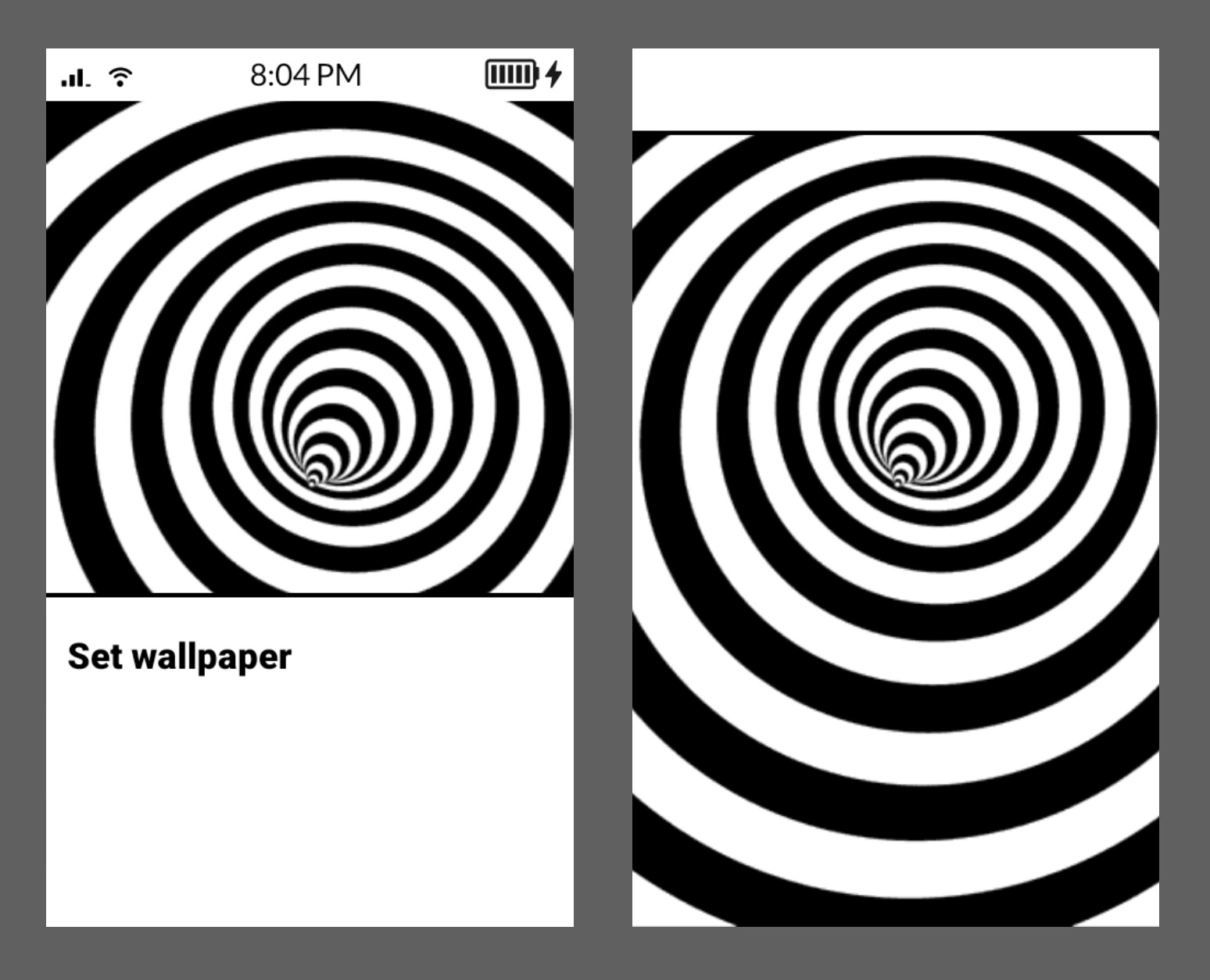
@urszula I’ll use the chance to report something. The default wallpaper dialog buttons are hidden, so it makes it difficult for users to know where to click even though the dialog exists and it’s possible to use it for third-party launchers. Example image:
Button is somewhere under the set wallpaper title in left image, for the right image it’s at the top but that’s easier to target.
It would be nice for this to be fixed in the next update, because I had to do a different wallpaper system just so it works for Kompakt users, but that failed due to other issues.
So best would be to just change the color of those 2 buttons to black so they can be visible. I hope I’m not asking a lot.
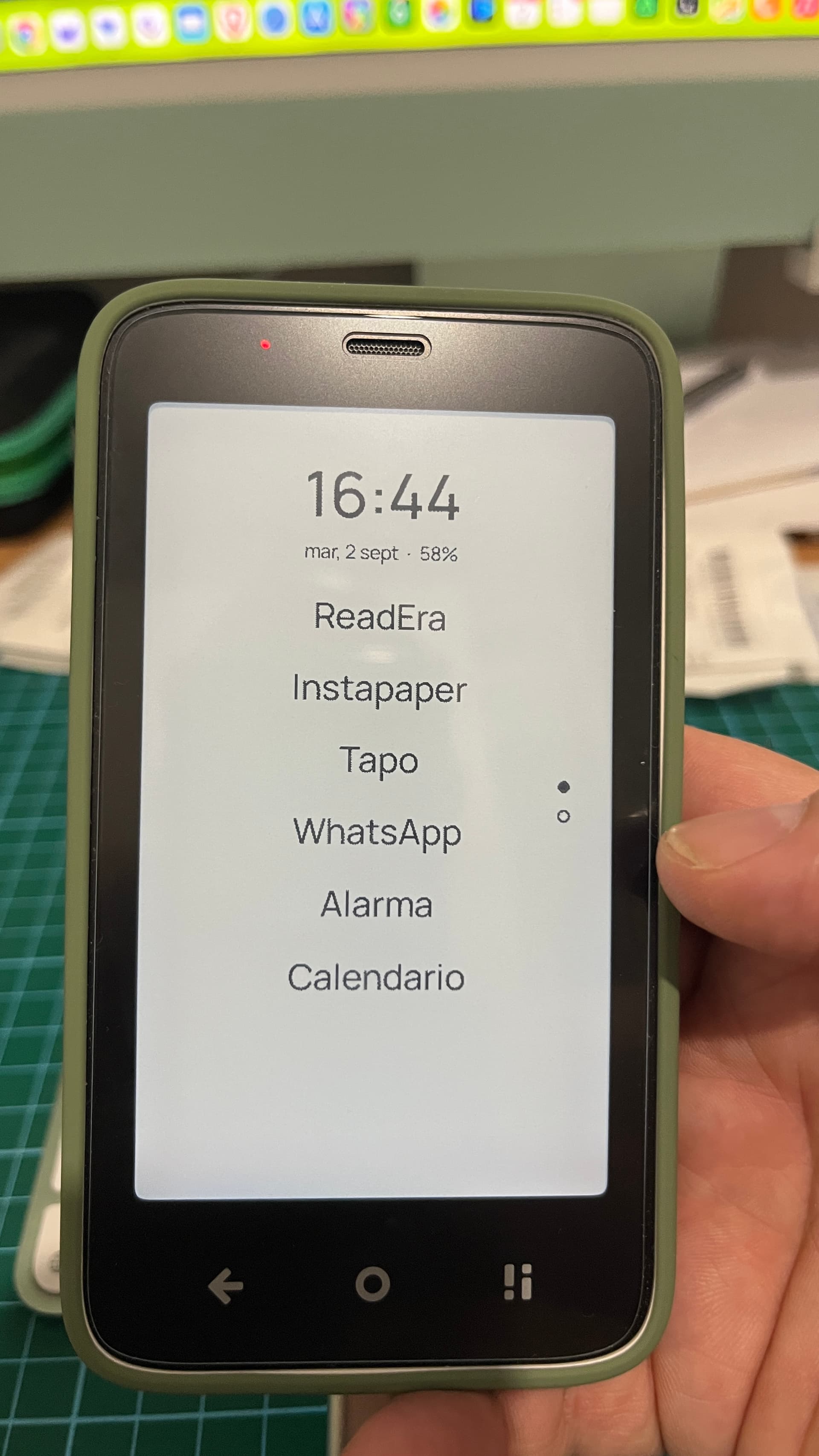
 *Updated version, thanks to @gezimos