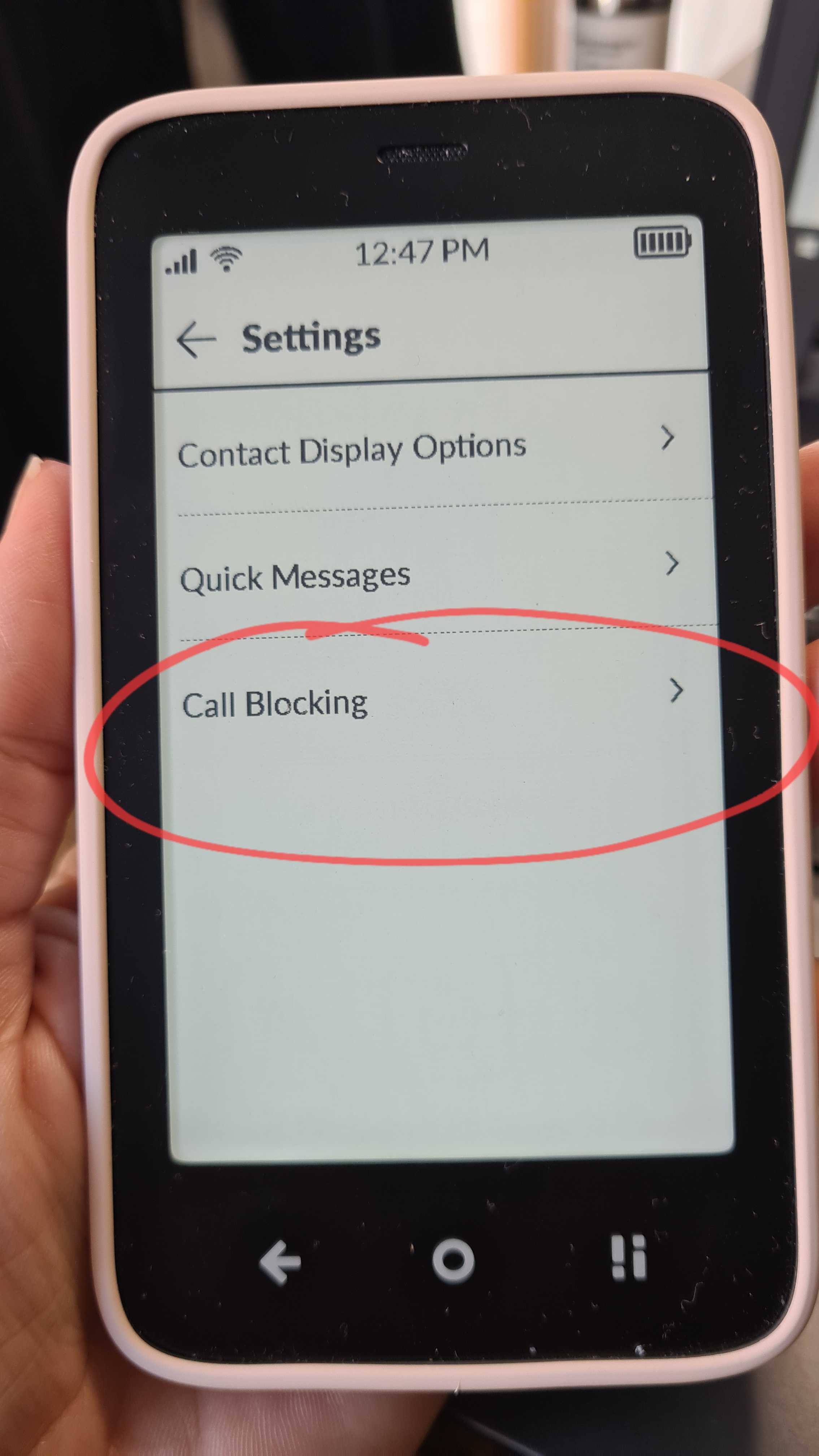
I believe that @jmash meant to BLOCK a number FIRST & then UNBLOCK it
Here’s a more straightforward workaround
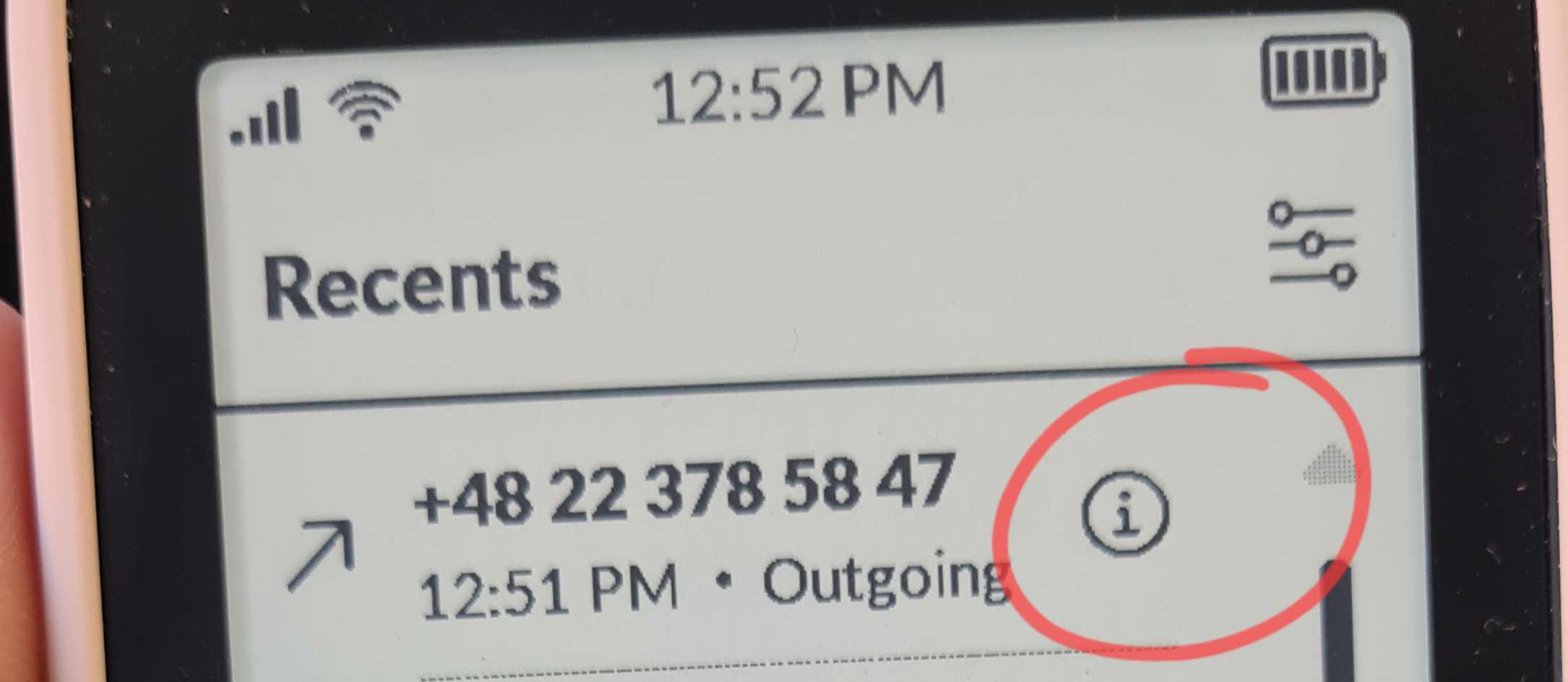
- Open your Phone or Messages app.
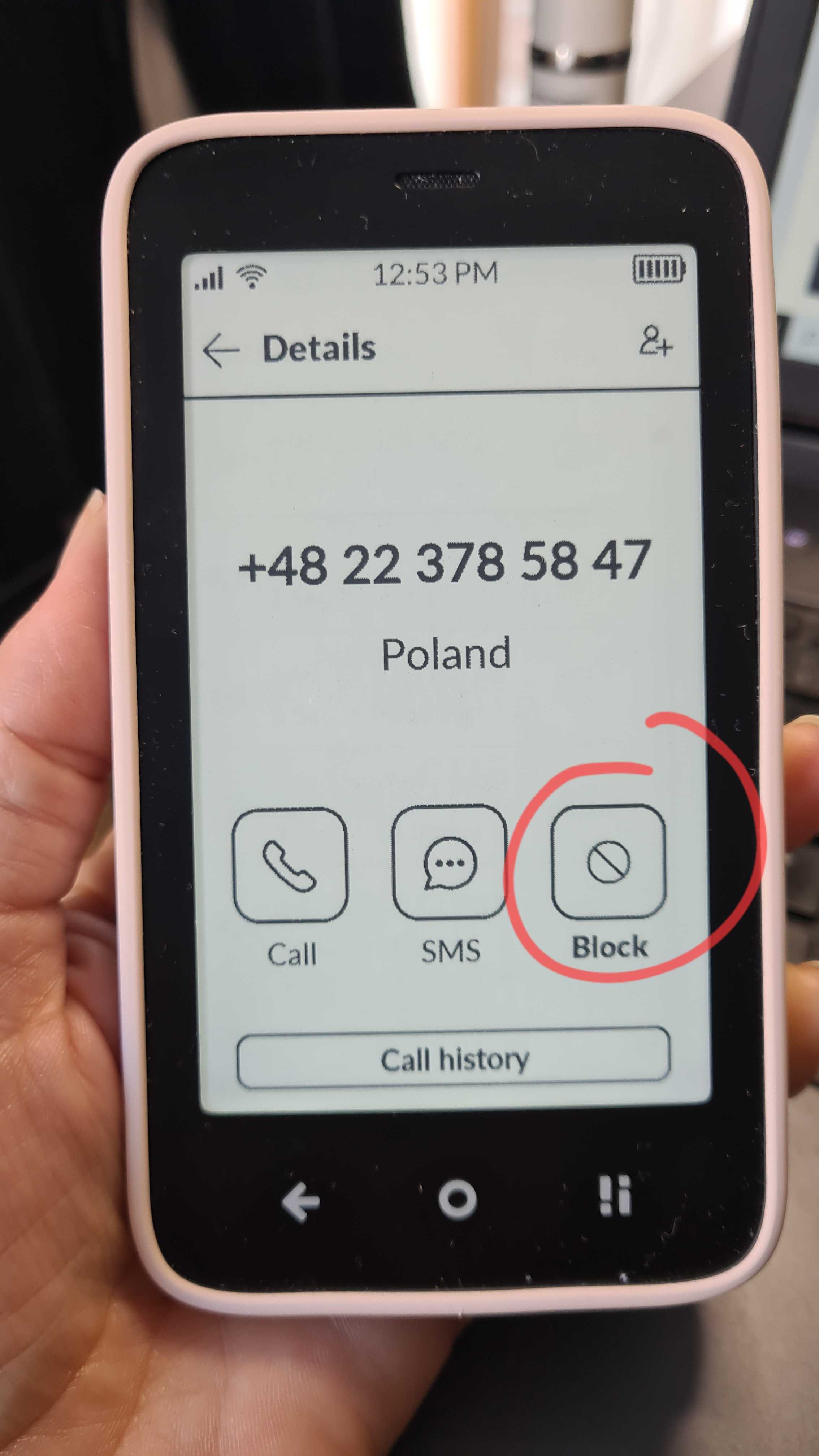
- Block any number (a throwaway like “9999” is fine).
- Open Settings on your phone app.
- Go to Blocked numbers
- Find the number you just blocked and Unblock it.
- Reopen your SMS app. Your group messages should reappear, and the stuck notification badge should clear.
Notes & tips
- If you already use blocking, don’t unblock any numbers you truly want blocked—only remove the test number you just added.
- If the badge persists, try: force-closing the SMS app, then reopening; or restart your phone.
- This is a harmless “refresh” trick—no messages are deleted.