In my friend group, three of us use Kompakts, and one uses a Light Phone II. We’ve tried creating group chats, and they’ll work fine for one day but then there is ALWAYS an issue
For one Mudita friend, messages in the group chat always appeared as “loading” boxes (like the placeholders for images on the Kompakt) and never loaded, so we had to stop using that group.
I (a Kompakt user) stopped receiving any group chat messages altogether in a chat with an iPhone and a Light Phone II after just one day.
Yesterday, I set up a new group chat with myself, two Mudita-using friends, and our Light Phone friend, and it seemed to work fine. But this morning, one Mudita friend reported that when she sends a message in the group chat, it ends up being sent to each of us individually rather than the group.
Has anyone else experienced this? Were you able to fix it?
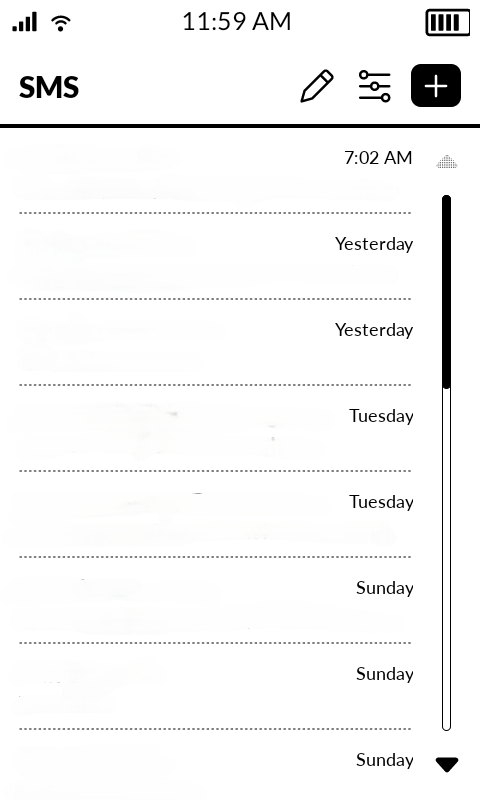
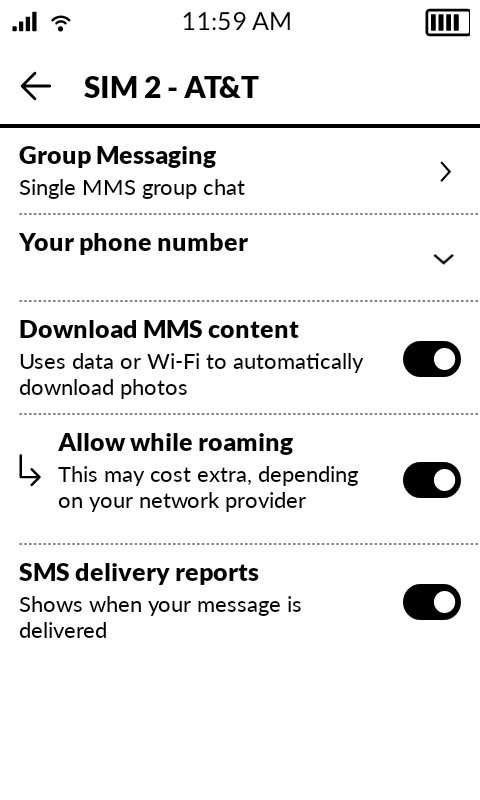
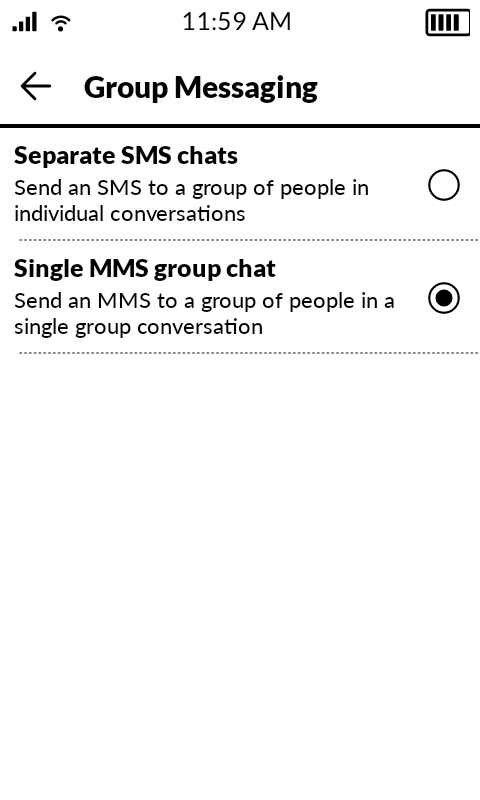
This is the default setting for group messaging on the Kompakt (which is pretty silly if you ask me). It can be changed by opening the Mudita SMS app, opening the settings within that app, selecting your active SIM, tapping on Group Messaging, then selecting Single MMS group chat.
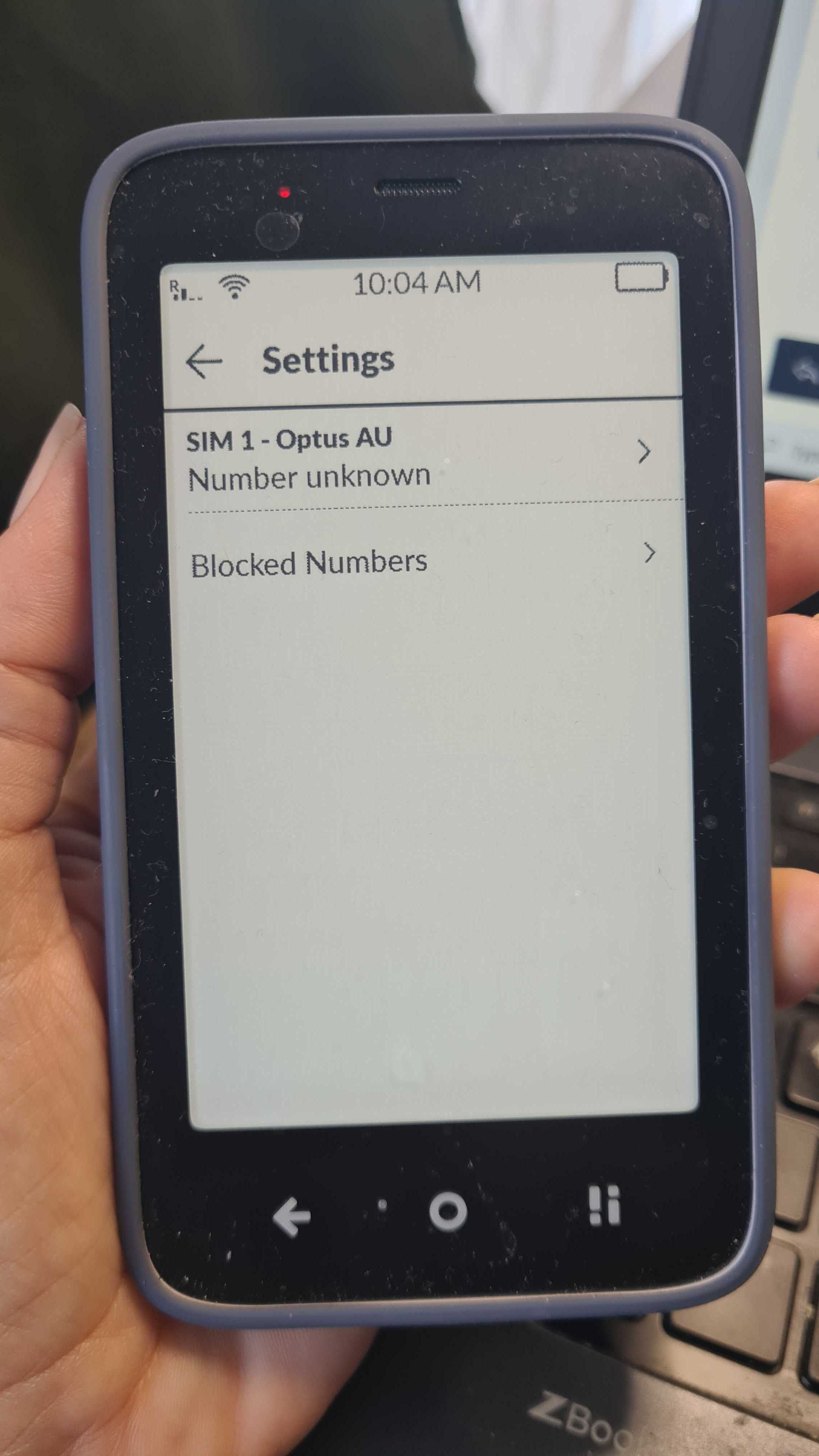
Yes, I have seen you respond to people with the same helpful tips, thank you! Unfortunately though, when I go to the SIM settings I do not see at all what you are seeing…there is no SIM 1 Play for me or any of my friend’s phones?
If I am correct, “Play” simply refers to the name of @urszula’s cellular carrier, and “SIM 1” refers to the SIM card she is using. For instance, on my Kompakt, it reads “SIM 2 - AT&T.”
Additionally, I believe @urszula’s first image is of the SIM settings found within the Mudita SMS application, while her second image is of the mobile network settings found within the Mudita Settings application (Settings > Network and Internet > Mobile Network). But the options available in these two locations do seem to vary depending on one’s cellular carrier—and it is a bit confusing that these related settings are located in separate applications rather than being found together.
She said she couldn’t see the same settings as you (neither can I, neither can anyone) AND your response is to show ANOTHER unhelpful screenshot where it is impossible to discern HOW you got to the page you are looking at…?
THE ONLY TWO features that I expect to work without issues is calling and texting. This truly is the worst phone ever made by the most unhelpful company Ive ever dealt with
@Kompact_is_AWFUL I need to step in here. This kind of tone is neither helpful nor constructive.
Please note that troubleshooting can take time, particularly when Mudita Kompakt users may see different screens or settings depending on their carrier, network, or configuration. That is precisely why we ask questions, share screenshots, and make sure we’re on the same page while working toward a solution.
If you are experiencing a problem with your own Mudita Kompakt, you are welcome to describe it clearly, so we can try to help as best as we can.
Criticism is, of course, welcome, but personal attacks and combative remarks are not. Please allow those involved to continue troubleshooting patiently and respectfully.
Thank you for summarising all that info and those steps! Just got my Kompakt yesterday and couldn’t receive texts from my wife (who has an iphone). Is there a post that has all the steps needed to transition to the Kompakt well? For instance: “Step 1: get deregistered from RCS and Imessage, Step 2: get a different messenger app than the default one, Step 3….“
There is no specific instructions because each use-case & user experience is different based on network provider, SIM type (physical SIM or eSIM), user location (what country or state), Kompakt model (Global or NAM), as well as what previous phone a user is switching from- whether it’s Android based or an iPhone (or something completely different). There’s just too many variables.
Additionally, sometimes, there’s something that’s happening ‘under the hood’ and our team needs to look at the phone logs.
That said, we are working on a separate page with the most common cases, to make this process smoother.
In the meantime, you can check out this post that another user posted about the steps they took:


 . Hopefully the update will bring improved group messaging