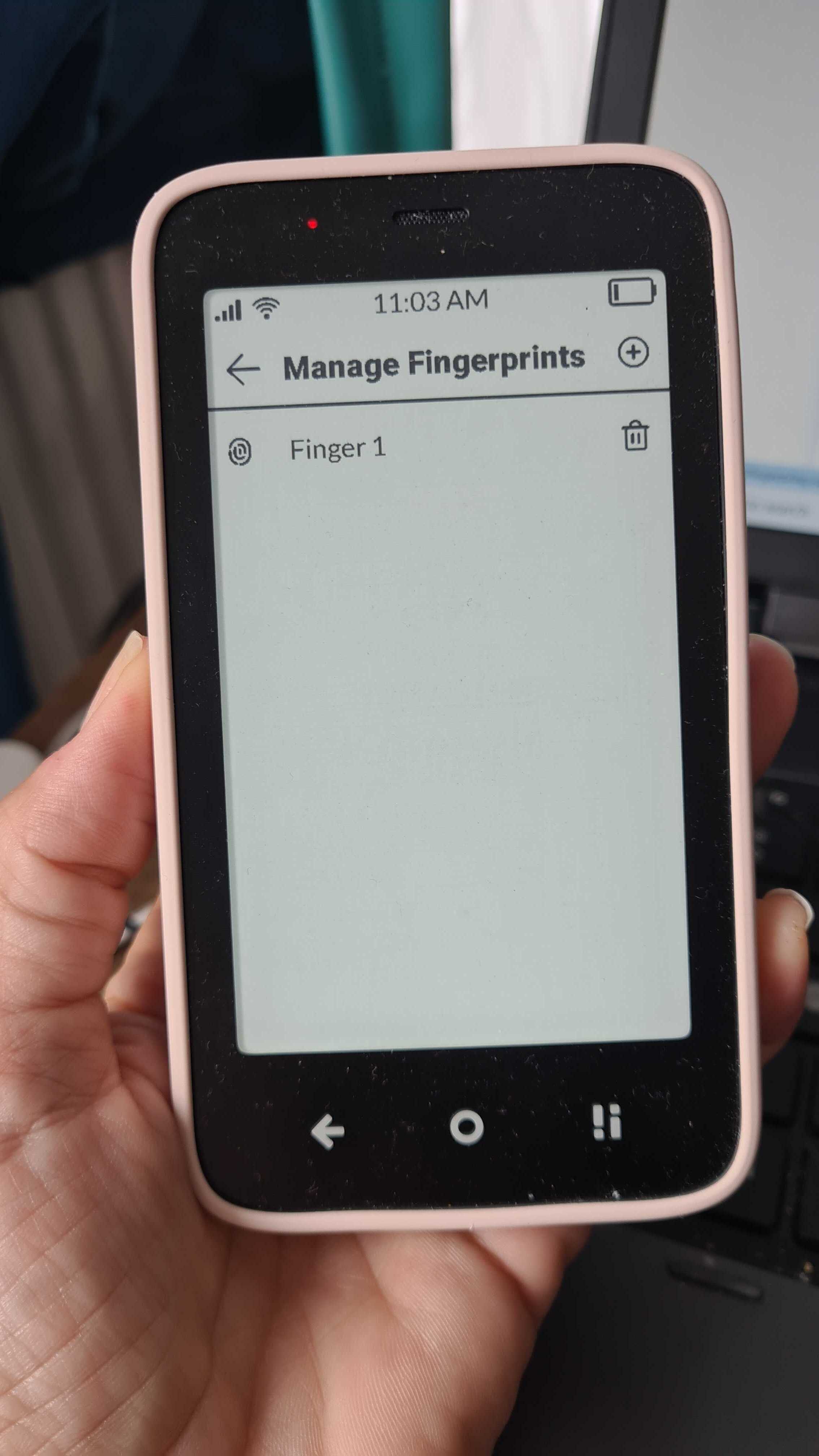
My fingerpring sensor on Mudita Kompakt stopped working. So I deleted my only fingerprint and wanted to retry the process of setting it up from scratch. But I have no option to add a fingerprint anymore. When i go to my security settings, there is no “Manage Fingerprints” avaliable anymore.
Is this a glitch or somehow my mistake? Any idea how to enable back fingerprint unlock?
After I updated I didn’t get the new feature to choose the Unlock mode didn’t appear until I restarted one more time after the update. So in case you haven’t tried a restart give it a go
Still nothing sadly. Also, maybe I phrased my last post badly. I’m not talking about the new unlock modes - touch vs press - I am talking about setting up fingerpring unlock fundamentally. The option just isn’t there. Wierd.
Any updates? Tried all kinds of resets and solutions found on the forum, but nothing works so far. My problem is similar to this guy’s, so no manage fingeprints menu shows up
: "Manage Fingerprints" Bug - Freezes Phone
@maxjancar Thanks for reaching out. Our team is looking into this. Just to make sure, I give the all the correct info- Are you able to see this screen or not?
Also, after tinkering a bit with AIDA 64, I also don’t see the fingerprint scanner listed, which might indicate a hardware issue. Not a dev here, so just guessing what could be the problem based on what I read on the webz.