Hey everyone! I think I have CalmCast to a point where I’m willing to share it and hear what all bugs you can find…
I have recently converted the backend to use iTunes Search API for podcast search and it seems to be working okay but this will be the biggest question, I think. The catalogue appears to be better than Taddy but slightly unmanaged meaning you might find more dead podcasts than other apps. I will work on handling this on my end.
Current notable features:
Search for podcast
Follow podcast
View podcast details including episodes list
Download episodes
Now playing screen
This includes the ability to keep the screen active (toggle at the bottom of the screen)
E-ink should inherently be good on battery as long as elements aren’t changing so I hide the progress bar in that mode but keep everything else active
When active and on the now playing screen, the screen will stay on until you manually lock it. (this is only on the now playing screen)
Picture-in-picture (optional in settings but defaulted True)
When listening to media, minimizing the app will enter it into pip mode allowing you to easily control the media from anywhere (except lockscreen of course)
You can swipe it (albeit hard on this E-ink screen) to the edge and it will go slightly off screen to save space.
Auto-downloads
When active, it will try to download the latest episode of every podcast you follow when it becomes available in the app.
Roadmap -- Let the user choose wifi only downloads
Listening position
The app will (locally) store your listening position for any episode you listen to.
This is displayed as a progress bar on the episode
This currently is very similar to the downloading progress bar so I’m looking into making this distinctive
Skip seconds
You can choose between 5, 10, 15, 30 seconds for your skip seconds
The ui is dynamic so you will see the amount of seconds to skip on the now playing screen
Near Future Roadmap:
Queue
Sleep timer
I hope you all enjoy the app and please reach out with any issues you have. Thanks!
@davidray Just gave it a try, and great work! It is simple enough but super functional.
The only suggestion I have is to move the search inside the “following”.
Unless you have plans to make it search episode titles, as it is right now it just takes space because once I set up my podcasts I rarely search/add other podcasts. I would rather have the full player icon/shortcut there as it’s easier to reach than top right. (this is my use case, doesn’t mean other people don’t do it )
And when I press play from the Podcast page, I would prefer it to go straight to the full player, as in some podcasts i like to skip the long ads quickly.
I fought with this from a ux standpoint for a while. I do plan on adding episode search but from within the podcast detail page for better context. So I do think moving search into the “following” screen probably makes sense ultimately.
I’ve learned a lot about podcast listening behaviors in the past few weeks
When you start playing a podcast, then go back to the home screen and later return to the app, you can’t bring back the player controls. The audio is still playing in the background, but there are no playback controls visible, so you can’t pause or seek.
The player doesn’t remember the playback position. Every time you come back to an episode, it starts again from the beginning instead of resuming from where you left off.
I’ve just checked and installed the previous version. These issues are also present there, but this menu (shown in the screenshot) appears from time to time, while in the latest version it doesn’t show up at all.
@davidray, first crack out of the gate, this is excellent stuff. A triumph. The Mudita crowd are lucky to have extraordinarily capable (and kind) people.
What I enjoyed:
Simplicity of UI. (Text and icon based.)
It’s responsive.
Intuitive
Observations/Issues encountered:
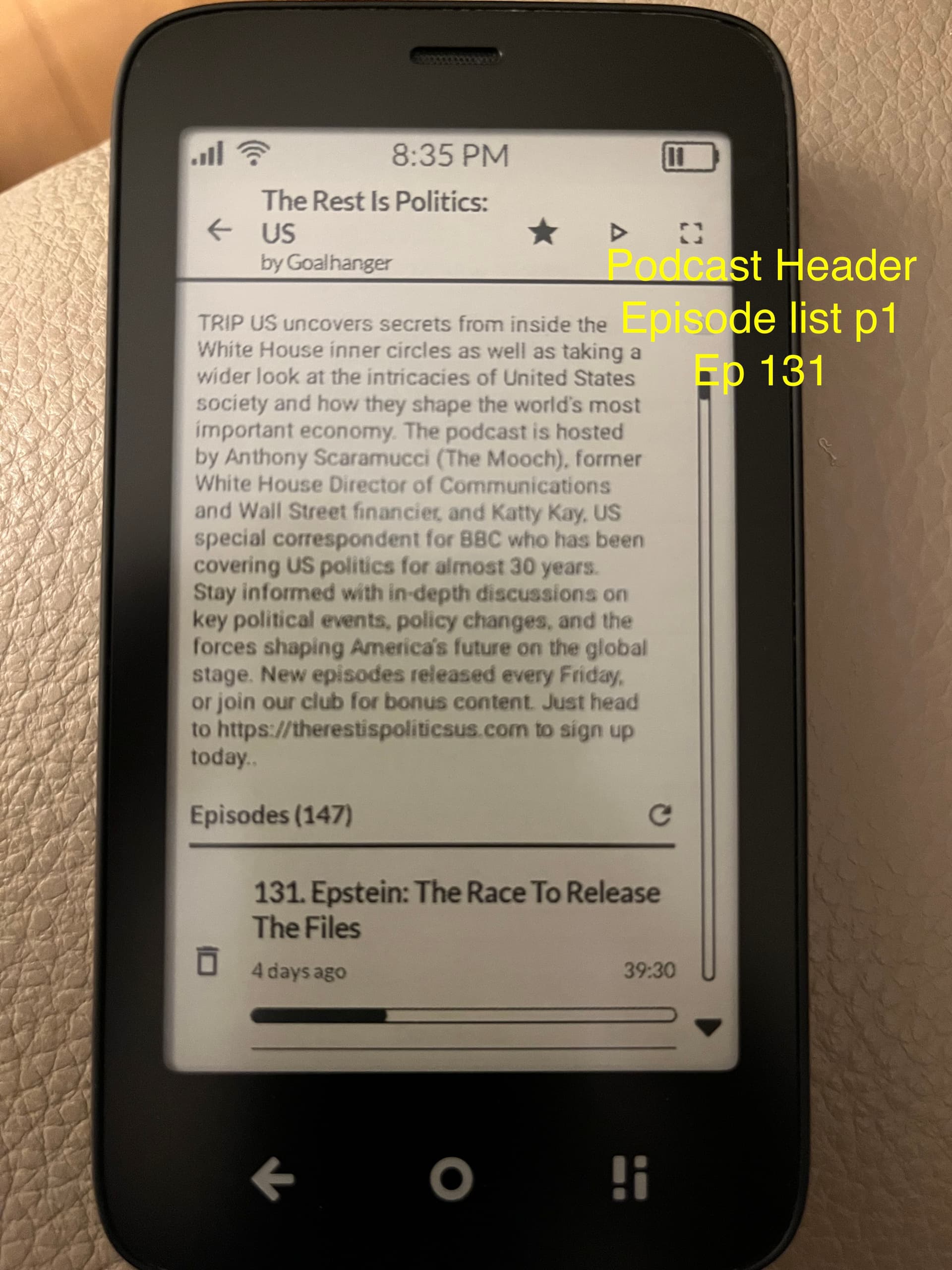
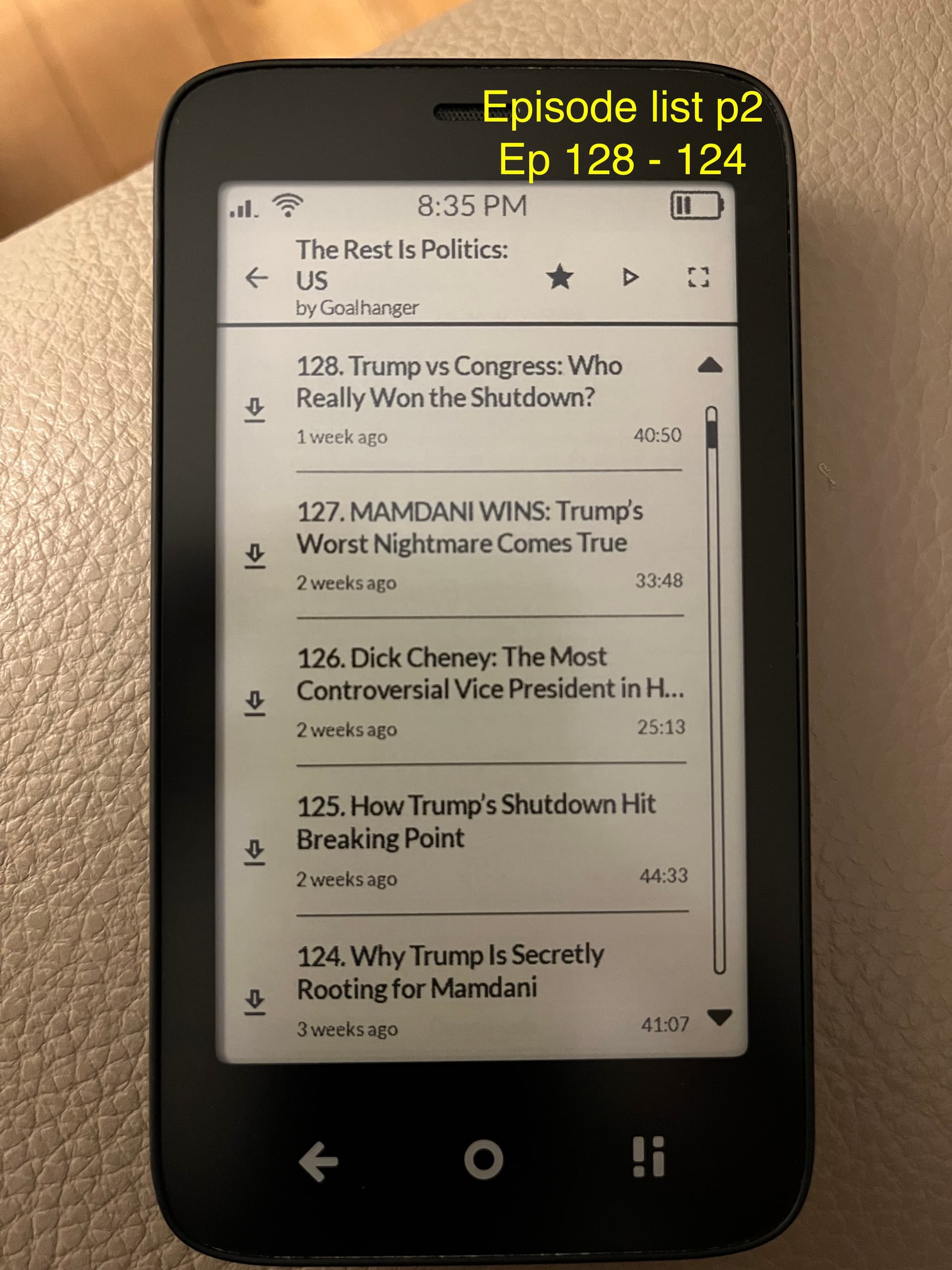
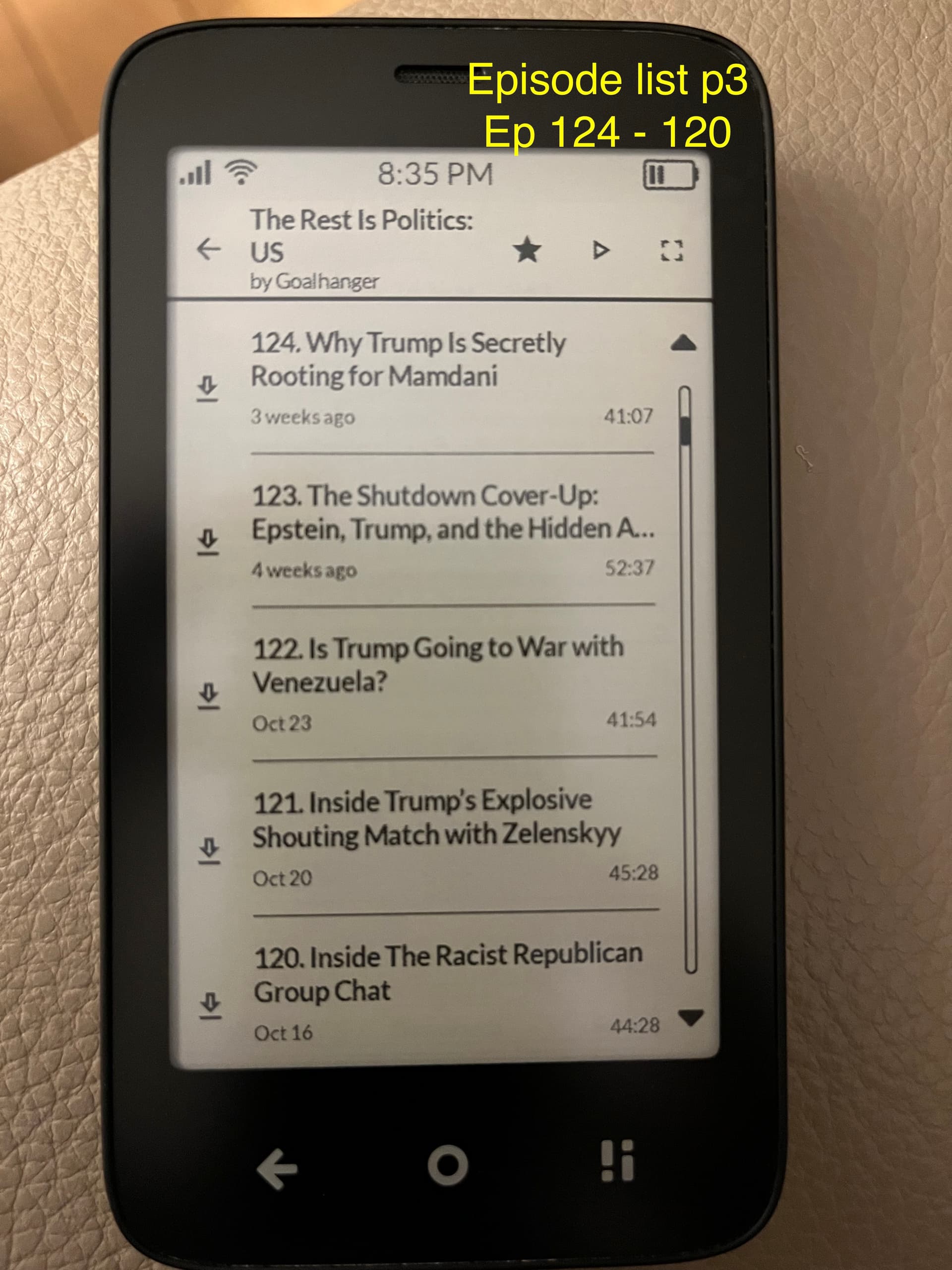
4. Paging through episodes is generally good. 5 episodes are listed, with four new ones with each page. But the very first swipe on the episode listing is problematic. Depending on the length of the podcast description, only one or two episodes might be displayed. Paging to the next page of episodes jumps several episodes. Paging back up only shows those initial few, so there are usually a few episodes from the first page that are never accessible. (See attached pics.)
Possible suggestions: (A) It’s probably simplest to use a scroll element rather than page up/page down.
Downloads are slow. Is it possible to use alternative download servers?
I would like to see episode descriptions. Sometimes they include valuable info.
Ability to add custom RSS feed is important (as another user mentioned above)
Doesn’t autoplay to next episode in episode list
I’d like to be able to re-order the episode list
Ability to skip intros/outros (by adjustable durations) would be brilliant.
I’ll continue to use it and post more feedback here as I find it.
Hmm… I’ve used the latest version a few times now and can’t seem to replicate this issue. The “mini player” as I’m calling it appears for me without fail. Are you always playing downloaded episodes or always streaming? Or does it appear to matter?
The paging vs scrolling is done in respect for E-ink and the way it redraws elements. If the icons and such can remain in the same position on “scroll” than the e-ink refreshes less and is easier on your battery and has less ghosting. This particular paging is done by the MMD framework. The problem might be something rendering after lazy column is drawn. I’ll play with it some and see what I can do.
How long typically are the episodes you’re downloading? And are you typically on wifi or cell? My experience is generally pretty fast but I do use wifi exclusively.
This is on my shortlist
Also on my shortlist
I’ve been trying to research expected behavior here as I’m not exactly a podcast guy myself. I think introducing a queue is the correct thing. As well as allowing users to add to the queue.
Are you really wanting playlist or do you mean directly on the podcast detail screen?
Version 0.3.0 is out now.
THIS IS A BREAKING CHANGE AND WILL REQUIRE FRESH INSTALL.
Updates:
Moved to a single database
This is a breaking non-backwards compatible change
Added episode description
Truncated podcast description
Fixes episode scroll issue
Updated to use correct MediaPlayer for audio
This should fix the audio disconnect when the app has been backgrounded for a period of time and reopened
Player should also remember and pick back up where you left an episode
This will hopefully be the only required fresh install (I’m using the excuse of beta…). Sorry for the inconvenience.
On another note, I’m noticing a slightly slower experience when going into a podcasts details. I think this is related to loading the description for all of the episodes. I’ll be looking into this.
The main issue is that for some reason the playback position isn’t being remembered, and the podcast almost always plays from the beginning. About 9 out of 10 times. Strangely, sometimes it does actually start from the correct position.
@victorpure thanks for grabbing the video! Very helpful. I’m actively trying to reproduce the issue.
For my reference, did you do a fresh install on this version? Meaning, using an uninstaller app from one of the stores and manually deleting CalmCast, before installing v3.
Thanks for this great work! The player is really great for this early beta version. It would be great if you could choose where the podcast episodes are stored: on an SD card or on the internal memory. I assume it stores them on the internal memory, right?
The only problem I’ve noticed is that a played episode often starts over from the beginning when you want to continue listening to it after some time.
What I particularly like is that the bright logo and overall design make it look as if it belongs among the preinstalled apps on the Kompakt.
Oops… no, I installed it over the previous version, even though you said it was a completely new one. My bad, then I’ll probably try uninstalling it first, clearing the cache, and reinstalling.
CalmCast should stop other media on play start and stop when other apps start playing media
Playback position is now handled better
The ui is now more consistent when showing the position
Saving position is now done on seek/play/pause/episode close when a new source is played
Note: I incremented the database on this iteration so all playback positions will be reset. This was in order to remove all stale playback positions from the different versions. We should not have to do this again.
 )
)