Join the conversation & let us know your thoughts.
16 Likes
It’s here! The day that we all have been waiting for is finally here. We just released the much-awaited for Mudita Kompakt update 1.2.0
Check out the changelog on our dedicated Mudita Kompakt Roadmap page:
Our team has made the decision that the the MuditaOS K 1.2.0 update will be released in two phases
- July 22: Update is available for the North American Version of Mudita Kompakt
- July 23: Update available for the Global Version of Mudita Kompakt
Why are we releasing the update in phases?
- To ensure the highest quality: This phased rollout allows us to carefully monitor how the update performs in real-world conditions. It helps us make sure everything runs smoothly before making it available to all users.
- To minimize risk: This is a standard industry practice. It enables us to quickly detect and resolve any unexpected issues, ensuring a stable and seamless experience for as many users as possible.
- To guarantee optimal performance: A gradual rollout helps us manage server load efficiently, making sure that everyone can update their system without any difficulties.
21 Likes
Great news! Amazing job from all of you at Mudita!
I might have been sloppy in reading through the post but is the Nordic Keyboard included in this update? 
1 Like

Me, looking at my phone opened on the system update page, trying not to spam the refresh button.
8 Likes

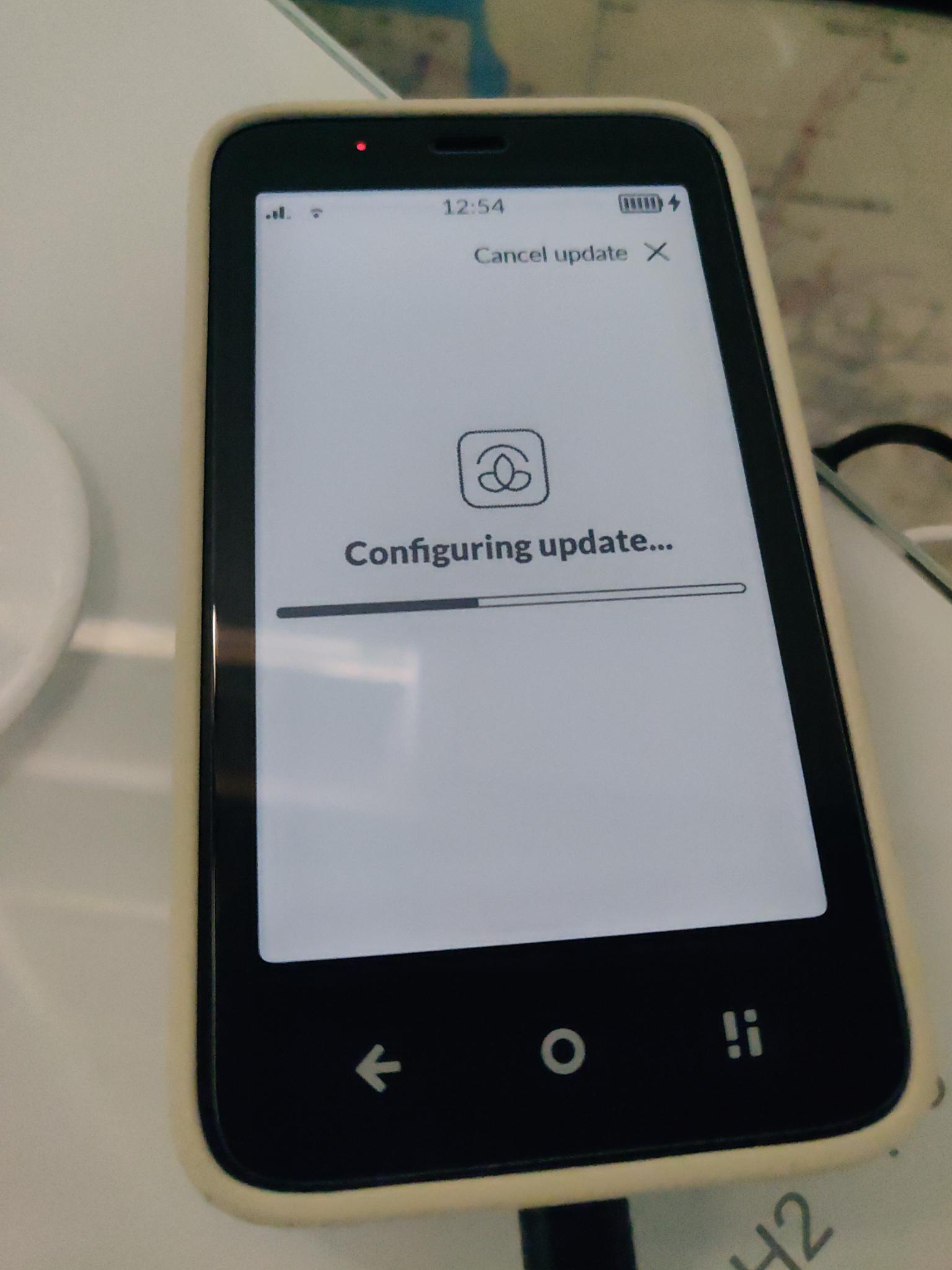
Will some of the NA people share their initial thoughts? I am very excited and very Global version  So I will have to wait for the goodies…
2 Likes
i dont see mention nothing about adding new carriers to the OS , talking about having VoLTE with my carrier DIGI PT, i hope they have added
waiting for tomorrow update to check,
btw mudita center 3.1.0 contacts continuous on loop and no showing contacts loading please wait show 6% 12% 17% 23 etc go to 90% and start again from 6%
after a reboot show full list off contacts
1 Like
Can’t install it yet but these look like great updates!
2 Likes
There is a music widget that only works with the integrated music player. Doesn’t show up for other media players. The battery charge limiting is cool. The lockscreen is cleaner. Gallery looks a little different. The battery charge limiting is nice.
Not much else is changed. Good update, but not much in it consequential for me. Still holding out for a) being able to manage previously connected bluetooth devices, and b) being able to rearrange the stock launcher apps and show badges on thirdparty apps.
The maps app is great now though.
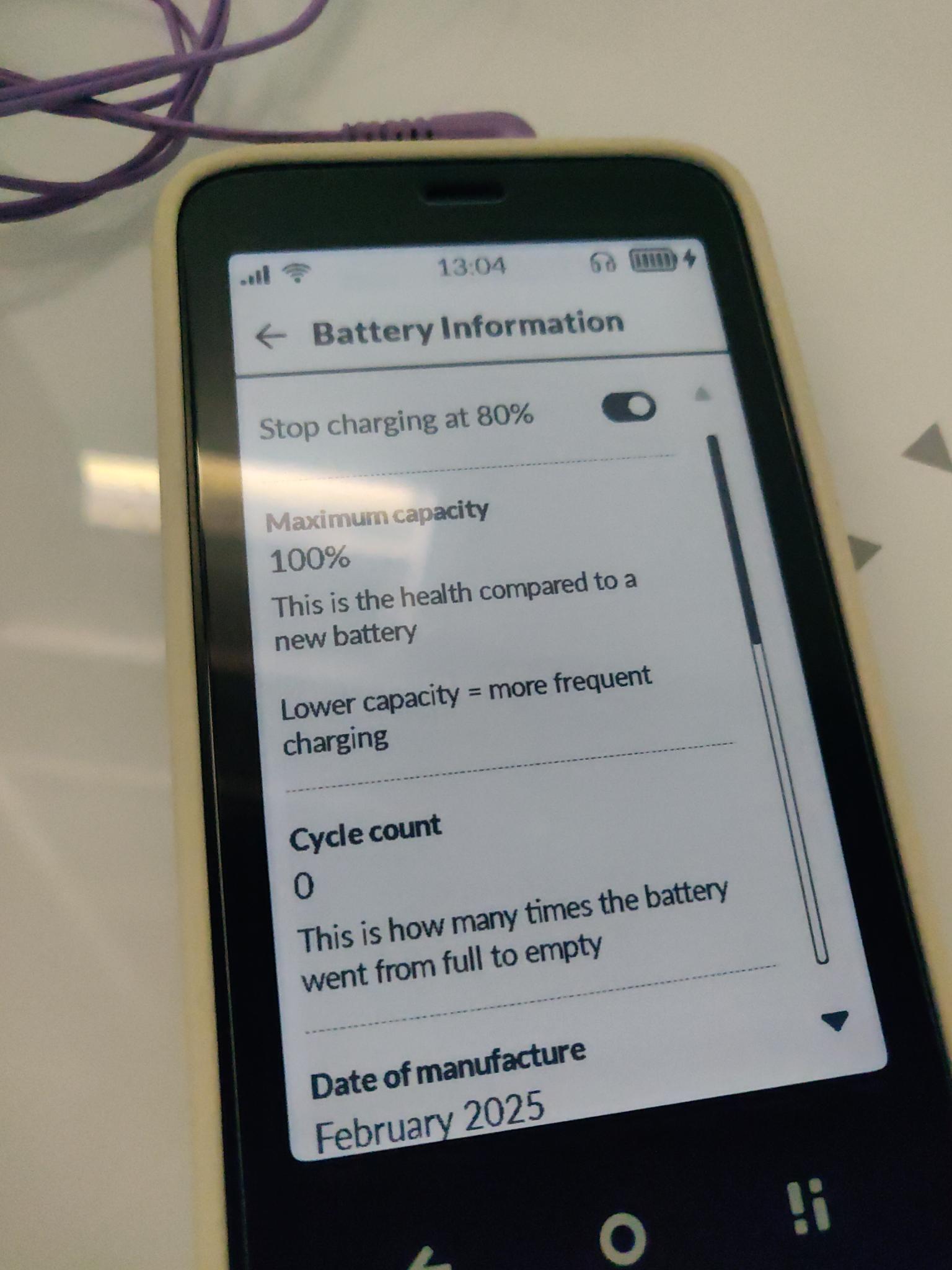
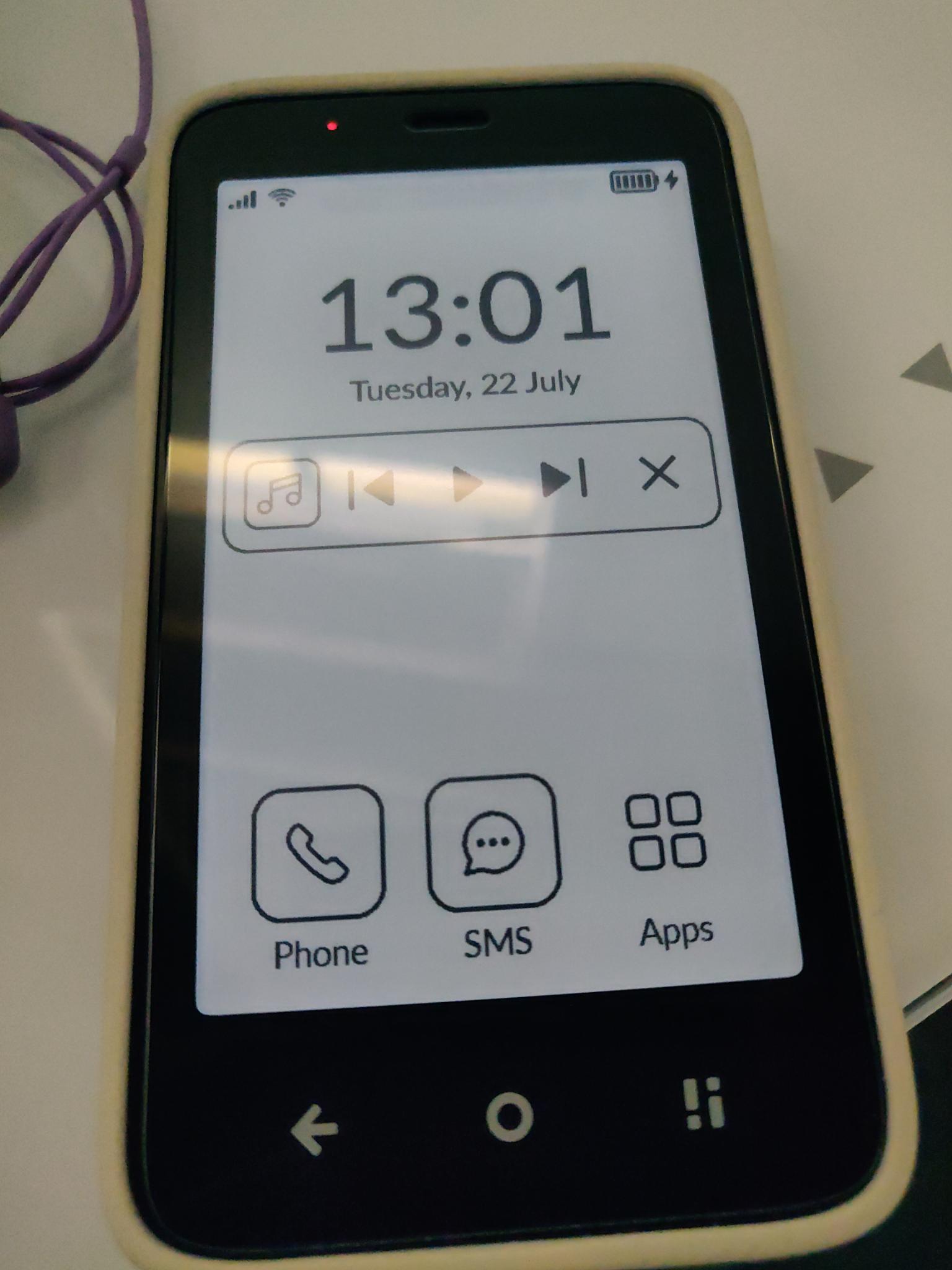
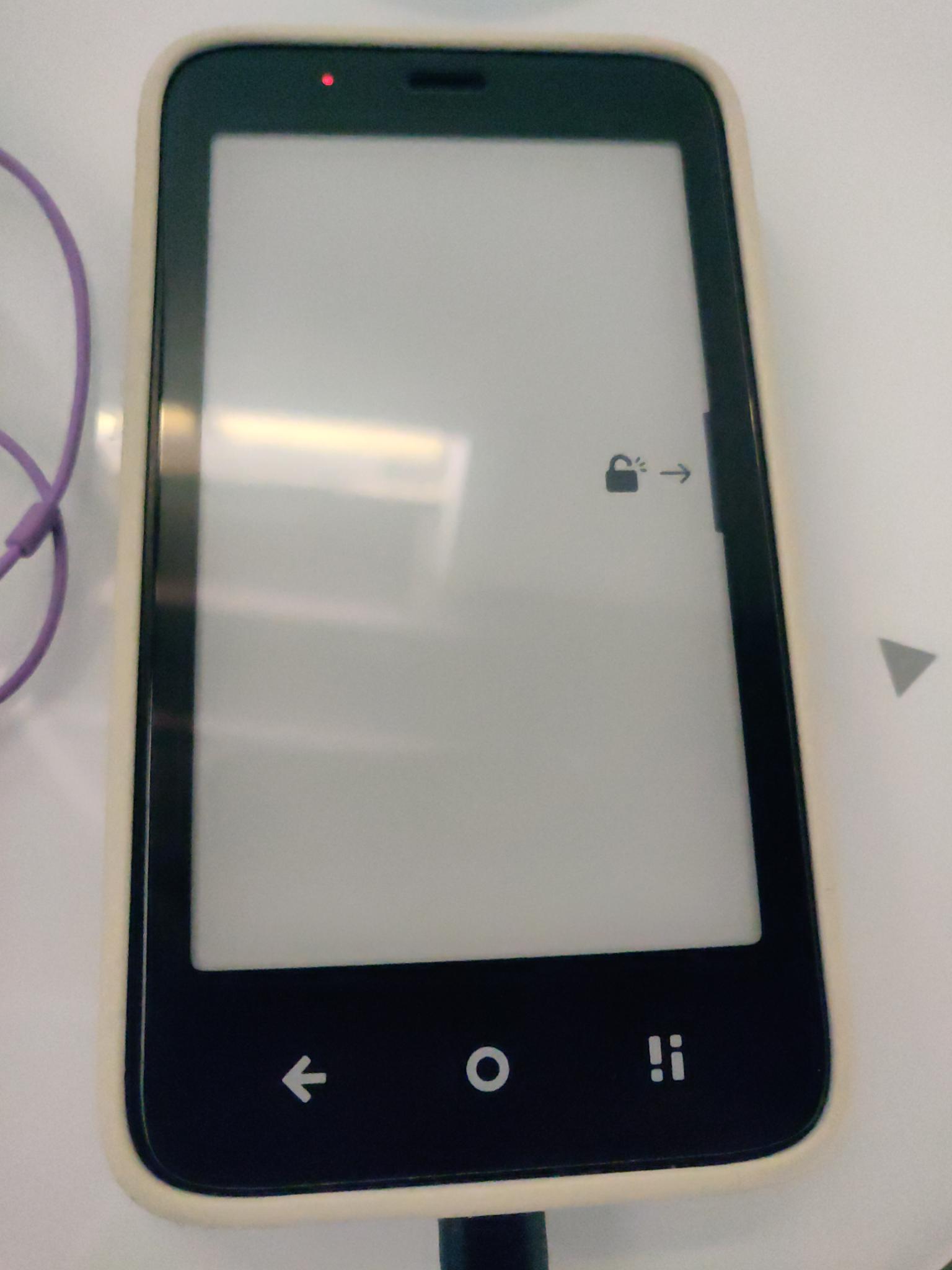
Thanks team! Solid improvements in a timely manner. I really appreciate this improvement, especially the battery limiting part.
Oh, and I should note - the builtin keyboard is much more responsive now. It does not do autocorrect so I will stick with HeliBoard for now, which has a very eink-friendly all-white theme, and can be made a little smaller.
8 Likes
Wait, is the bluetooth bug that you can’t reconnect to devices you disconnected not fixed?
4 Likes
I’ve been able to reconnect to devices the whole time using this phone. I have a pair of headphones I use most days only with this phone and when I turn them on they pair to the phone.
The only problem is I cannot see a list of previously paired devices. For example if I pair a set of headphones with the phone, and then with a computer, and I want to connect to them again from the phone, I have to turn them into pairing mode and re-pair, instead of just being able to tap on the device and tap “reconnect”.
4 Likes
Has a function been added that allows you to install any application in a simple way and not as complicated as other users have presented?
1 Like
I once disconnected my Nothing earphones and I wasn’t able to reconnect them again even when putting them on pairing mode. That was the bug for me and for a lot of other people here.
I had to download Nothing App and reconnect them through that. So I was wondering if you disconnect them, can u reconnect again.
2 Likes
I believe that change would be in Mudita Center, but I don’t know since I can’t use it on my computer. Plus, ADB is not that complicated of a process, and the phone was sold with the expectation that the way to install third-party apps was to use ADB. something like this is a very easy thing to do.
1 Like
Cool update but wow, I got THREE copies of that announcement email so far 
1 Like
Ah, it seems like I have that problem too. I connected my pixel buds, re-connected them to my laptop, and then tried to put them in pairing mode to re-pair them with the kompakt and they don’t show up in the menu. Yes, a list of bluetooth paired devices would be nice. Or some way to use adb to remove them.
This app does allow you to reconnect to bluetooth devices.
3 Likes
Just updated and am encountering some issues.
After updating, the Alarm and Calendar apps have completely disappeared from the launcher. I can access them by going to settings → manage apps, but that’s annoying. Also, I thought sync with Google calendar was going to be included in the update?
Secondly, I guess it could be my imagination but the e-ink ghosting on the screen seems worse and more aggressive than it was before you update. Anyone else experience that?
1 Like
Update notes: " Alarm and Calendar apps are now hidden by default in the launcher, as the access to them is quicker through taping on the time or date on the main screen"
3 Likes
it’s not clear to me whether or not messaging bugs have been addressed?
2 Likes