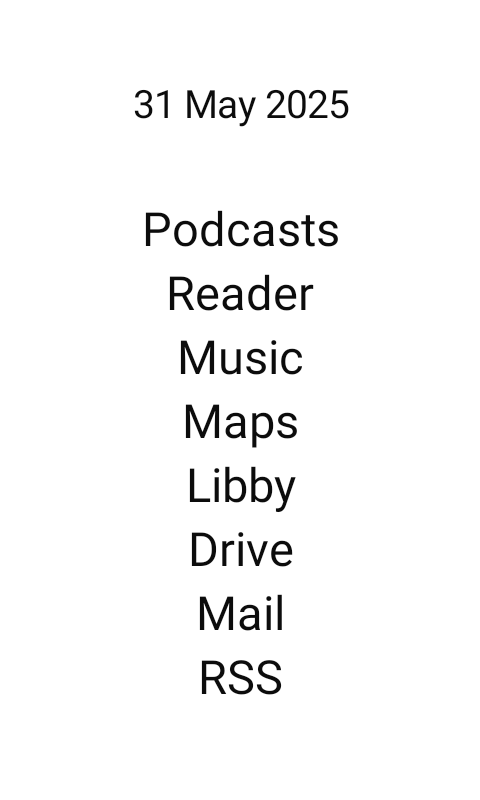
I use µLauncher. I love that I can open all my apps with gestures. And that it works on MK without issues. It is also available on Accrescent and on F-Droid.
I’m using Niagara. It’s not perfect, and it requires a bluetooth keyboard or mouse to properly set up, but it gets the job done and shows notifications on the home screen.
Thanks for the suggestions everyone. I ended up choosing YAM Launcher. The project is actively maintained and has most of the features I’m looking for.
I can access the Phone app by tapping the date. Signal by swiping left, SMS by swiping right.
First day setting up my Kompakt, I tried several. Niagara I didn’t care for but as far as I know it’s the only one with notifications. I don’t have a sim yet so I am not sure if notifications work with Nova, it can be text based it’s just tedious, you can set all the icons to a solid white image. The launcher I liked the most was Olauncher Clutter Free, but without notifications I decided to just go back to the default for now. Looking forward to gezimos’s fork.
Likewise with Niagra Pro. The ability to hide the status bar and have the outline icons turned it into a really nice experience. Not perfect as too much animation but still works really well and the notification handling is a godsend
I have not tested this app, but I don’t see why it wouldn’t. It should work with any sideloaded app. You would just want to make Signal one of your favorites so it always shows on the Niagara home screen.
I extracted the minimal launcher from the minimal phone. It has side swipe gestures you can set to open apps so I have it set to swipe left opens a notification manager app.
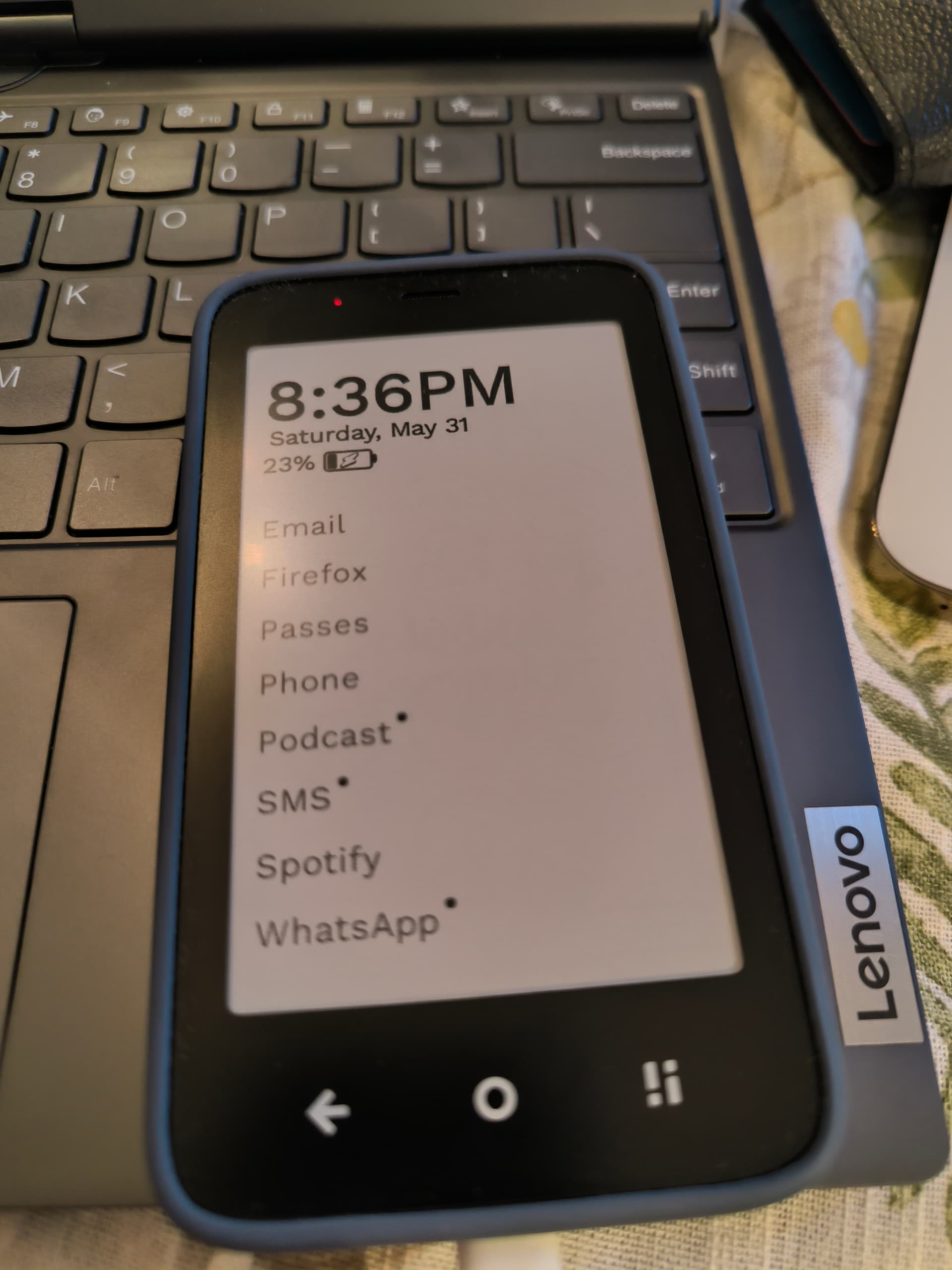
@jordan, that looks impressive. I take it those dots beside ‘Podcast’, ‘SMS’ and ‘WhatsApp’ mean that there are notifications.
There’s talk of Nirvana launcher in this thread, but from what I gather, it involves a tacky, curvy scroll animation effect. Scrolling on the MK is laggy, so I’m not keen on that, but I’d like a minimal text-based launcher which supports notifications.
Could you provide a short how-to on how you achieved this, please?
Yep but I just noticed the dots dont go away when entering the app. Its as if the notification is still present in the system with no way to clear it without an additional app. I like the niagara launcher too but for the same reason you mentioned is why I havent used it on the kompakt. The app scrolling on the launcher I mentioned is more of a page flip without animation so its very eink friendly. Do you know how to install apks and set a launcher?
No. I haven’t the foggiest. I’ve tried installing one or two launchers, just to test, but the default launcher always seems to come surging back. I don’t mind the default launcher, the visual notifications in your screenshot caught my eye. But this raises a question, if those notifications are permanent, they might as well not exist because you can’t distinguish between the different states: notifications waiting / no notifications. Maybe this requires some more thought on my part …