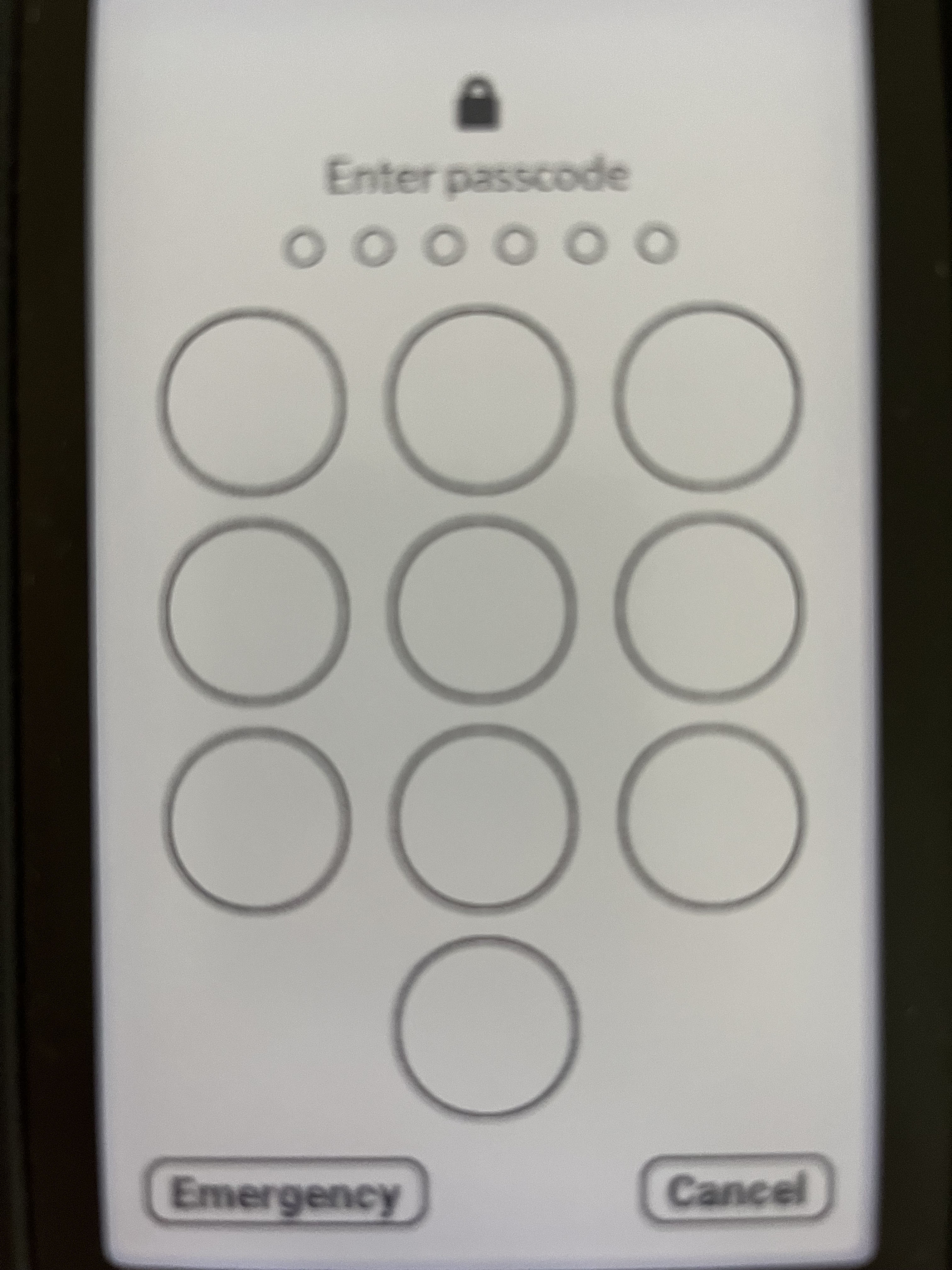
When I try to enter the passcode on my Mudita Kompakt, the circles for the digits appear, but the actual numbers are not showing up at all. The keypad is just blank even though I can still tap where the numbers should be. I’ve attached a photo to illustrate what I’m seeing. Has anyone else run into this issue or know how to solve it?
1 Like
@stevenjc123 Did this just happen? Like out of the blue?
Have you tried restarting your phone?
Yes, just happened and out of the blue. I tried both restarting the phone and performing a full power off / power on. Emailed Mudita Support.
1 Like
@stevenjc123 I am wondering if this could have anything to do with InkOS?
Maybe it has something to do with the launcher? I’m just thinking out loud here, while I wait for the team to look into this.
No it doesn’t have to do anything with inkOS. I’ll repeat the same comment from previously.
inkOS doesn’t have “system privileges” to cause such things.
4 Likes
Whoa. That’s funky.
1 Like
It happened to me some time ago, and as I remember it was related to the Offline+ slider switch on the left side of the phone. I had to switch on and off and then it came back.
2 Likes
Mine does this when i put battery saver on. Its supposed to put the OS in dark mode to save battery, but just turns some text white on the kompakt.
2 Likes
Oh, this makes sense now bc the Phone app (Google) and Calendar (ETAR) were stuck in Dark Mode despite the system theme being Light. Thanks for sharing this!
1 Like