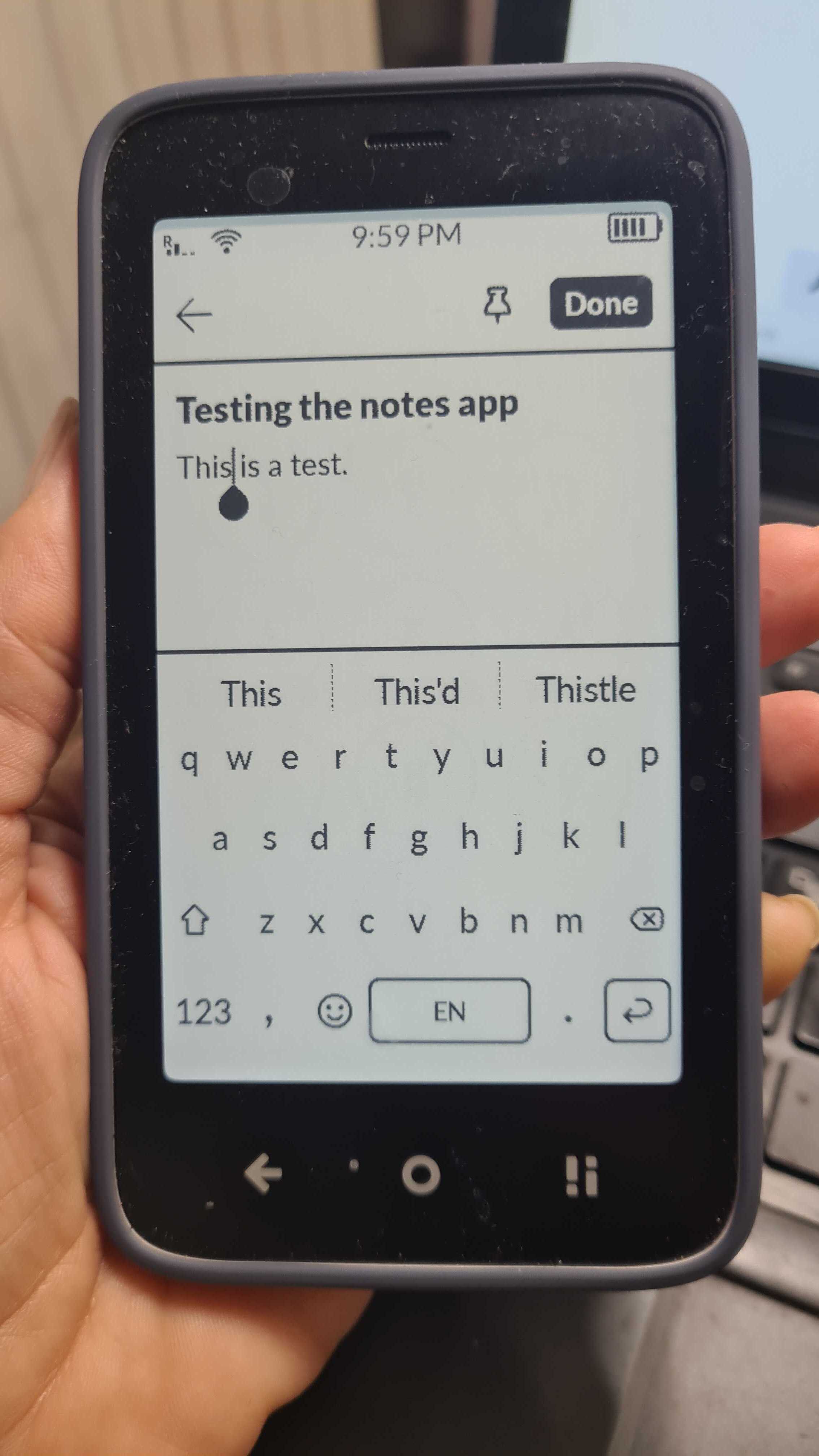
When tapping on an item of text, the cursor will move to the end of the text rather than appearing in the place that was tapped. This can be inconvenient if the item is very long, such as in the Notes app.
To demonstrate this:
- Open the Notes app and select an existing Notes item.
- Tap somewhere on the note where you would like to insert text.
- The onscreen keyboard appears, and the cursor is positioned at the end of the note instead of where tapped.
2 Likes
@mbrailer Hmmmm
I tried to recreate what you’re describing, but I couldn’t.
What OS version are you running? Do you have any sideloaded apps?
Thank you for your response. I am running OS K 1.4.0. When I first reported this, I had sideloaded apps, so I used the factory reset function to start with a clean install. After this, the behavior persisted.
Here are the steps I took with photos of the screen at each step.
-
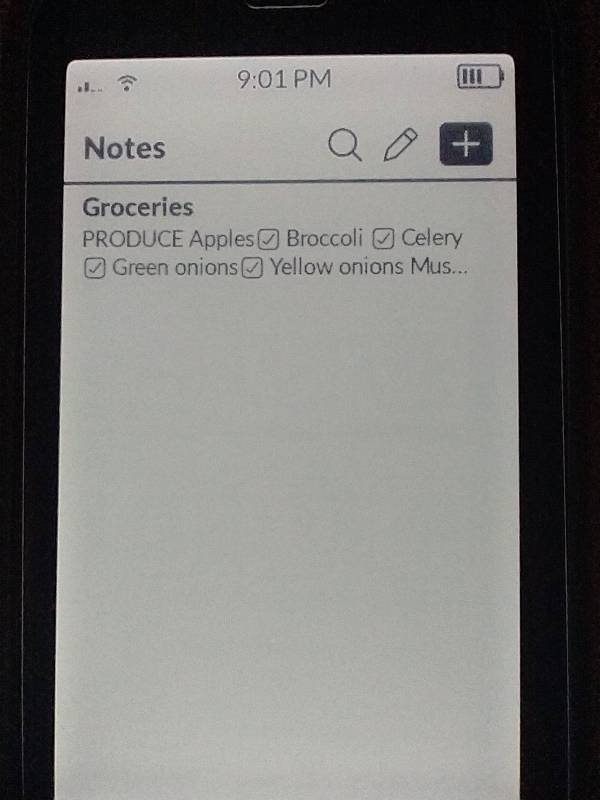
Open Notes and select a note for editing.
-
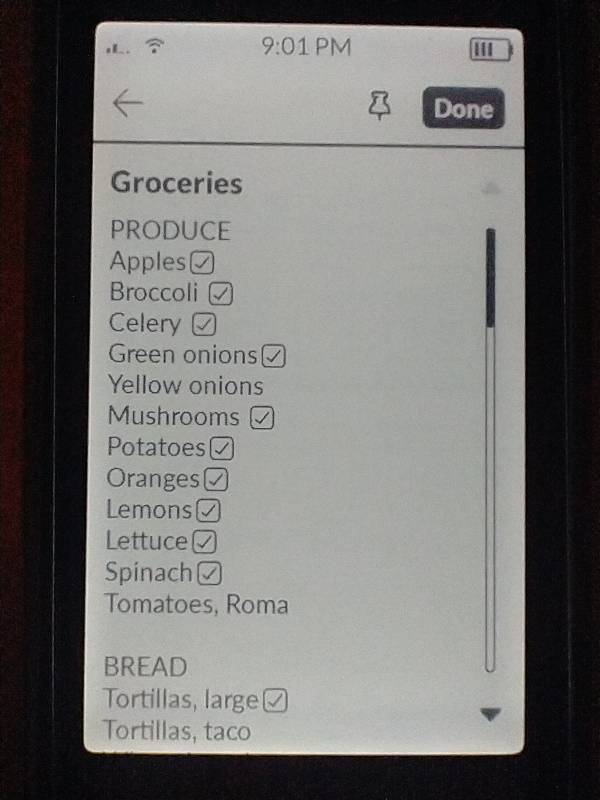
The note appears. I want to make changes to an item under “Produce” so I tap on the item I want to edit.
-
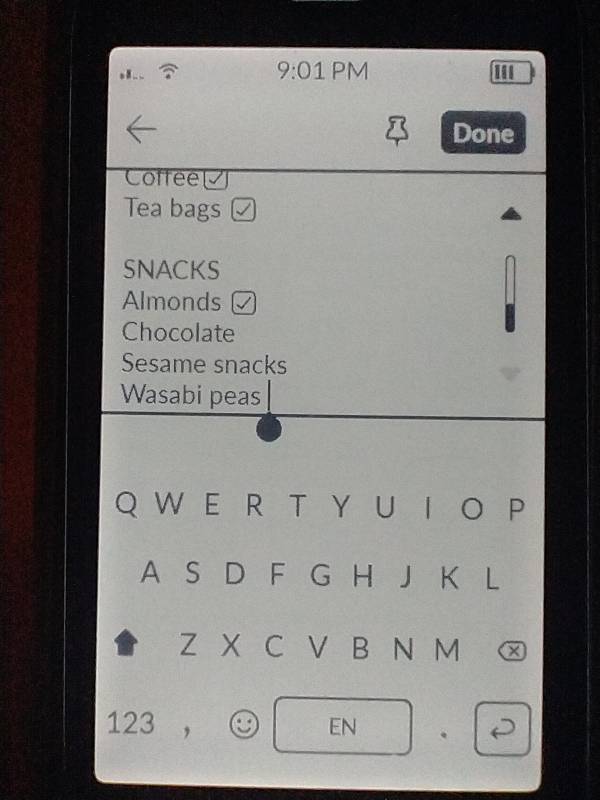
The keyboard appears, and the text cursor appears at the end of the text, not in the place I tapped. To edit the text I intended, I have to scroll back to the top.
1 Like
This problem also occurs when the screen locks. Here are the steps to demonstrate this:
- Position the text cursor somewhere within the body of a note. The keyboard should be visible.
- Lock the phone, or allow it to lock on its own.
- Unlock the phone. The text cursor will be positioned at the end of the text, and not the place where it was before locking.
I was able to replicate this. The cursor resets anytime the keyboard is opened.
- open a note
- select a part of the text you want to edit
- the keyboard opens and it jumps to the bottom of the note
- tap where you want the cursor again and it will go there
- hit the back button once to close the keyboard
- the cursor will remain where it was
- tap the same place you want to edit
- the keyboard opens
- the cursor jumps to the bottom again
1 Like