Hello, what bothers me about Mudita Compact is that when I download third-party apps, the icons don’t match Mudita’s own. It would be great if the icons could be customized, or if Mudita provided specially designed ones, for example, for WhatsApp. Or at least icons that could be assigned to the apps. It’s purely a visual issue, but it bothers me so much that I want to hide all the apps. I like Mudita’s icons and I don’t want to use InkOS. Perhaps you have an idea or suggestion for the future?
2 Likes
I believe that I read that inkOS v0.5 will have icons, but @gezimos can confirm or deny this.
Yes, it will have in InkOS 1.0.5, but OP clearly states he wants to use the default Mudita Launcher. It would be nice if we had a template of the current frame but empty to design our own icons and be able to change them in the Mudita Launcher, so they don’t look out of place, comprising Mudita’s Design principles. It would be nice to have the ability to reduce them to black and white as well (the original ones) to preven display issues. A forum thread to ask and exchange icons would be perfect. Maybe something for the roadmap?
4 Likes
This would be great. I’m sure it wouldn’t be difficult for Mudita to at least provide icons for popular apps, such as WhatsApp, KOReader, and etc. Otherwise, it really ruins the UI and the calmness of the phone. Please, Mudita.
3 Likes
That’s exactly why we made the Mudita Mindful design framework available for users to create their own designs.
This allows users to give apps the look & feel that they want.
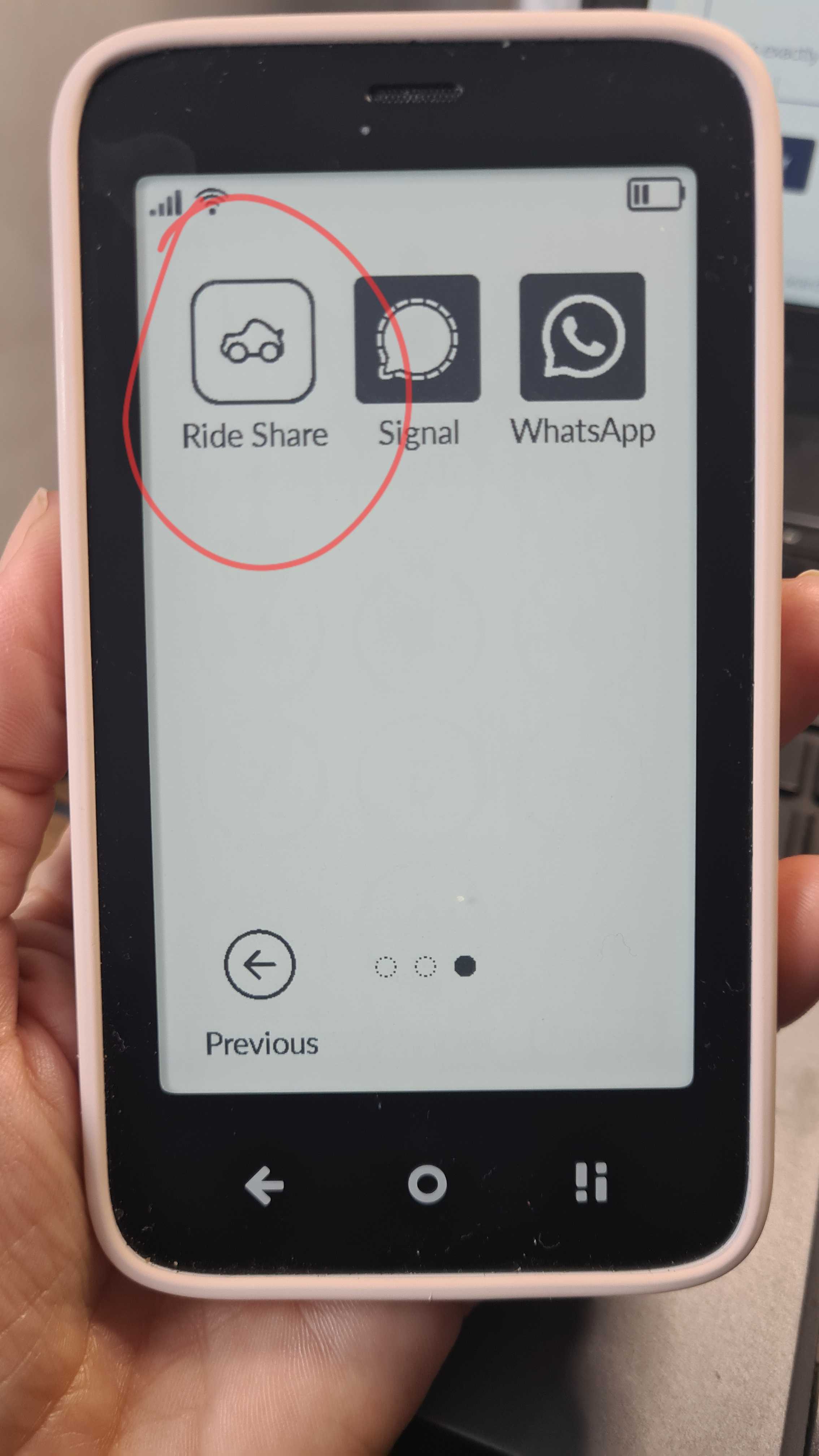
This is my icon for the user-created Uber app.
2 Likes
Yes, but doesn’t this require having coding knowledge? Can you create a video as to how to do this?
Also, which Uber app are you referring to?
1 Like
@lightsaber I don’t think you need coding knowledge. One of our users created a timer app with AI- so it can be done.
I use this app for Uber: GitHub - blib85/rideshare: A simple Android WebView app to load ride share services, optimised for the Mudita Kompakt · GitHub
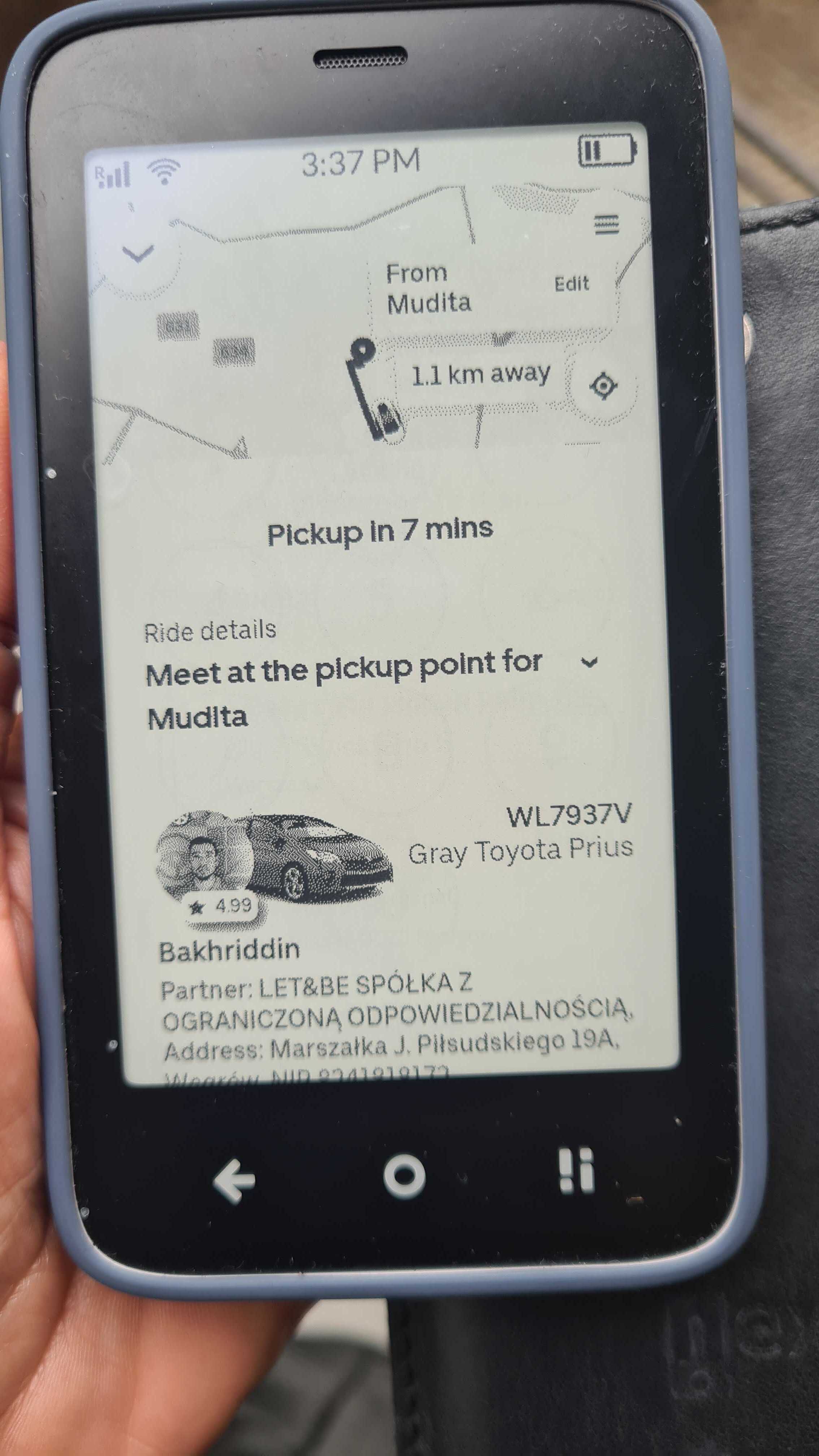
It basically uses your existing Uber account to hail rides. It works like a charm.
1 Like
Will check out that app. Thank you.
Oh, I meant needing coding knowledge to create the app icon. I don’t know how to do that, and I was wondering if the team could make it easier by implementing a simple icon creator in the Mudita Center? Or Mudita can provide a video as to how to create the icons?
2 Likes
I will pass this on to the team.
2 Likes
An icon is just a small image. You need an image editor to create one. Not sure about the size, @gezimos might know the exact size of the Mudita icons.
There are several free image editors, no need to buy Photoshop. Try these:
1 Like
Thank you! Otherwise, I don’t know where to begin because I don’t know how to code, and I’m sure many other Kompakt users don’t either.
2 Likes
@lightsaber I don’t know how to code either  so don’t feel bad
Icons are 81x81 with 2.5 border. But I’m confused how the topic shifted from the original post.
Original post was a request for Mudita to replace icons for some of the popular apps so they can match the others. Then the thread shifted to on how to design icons.
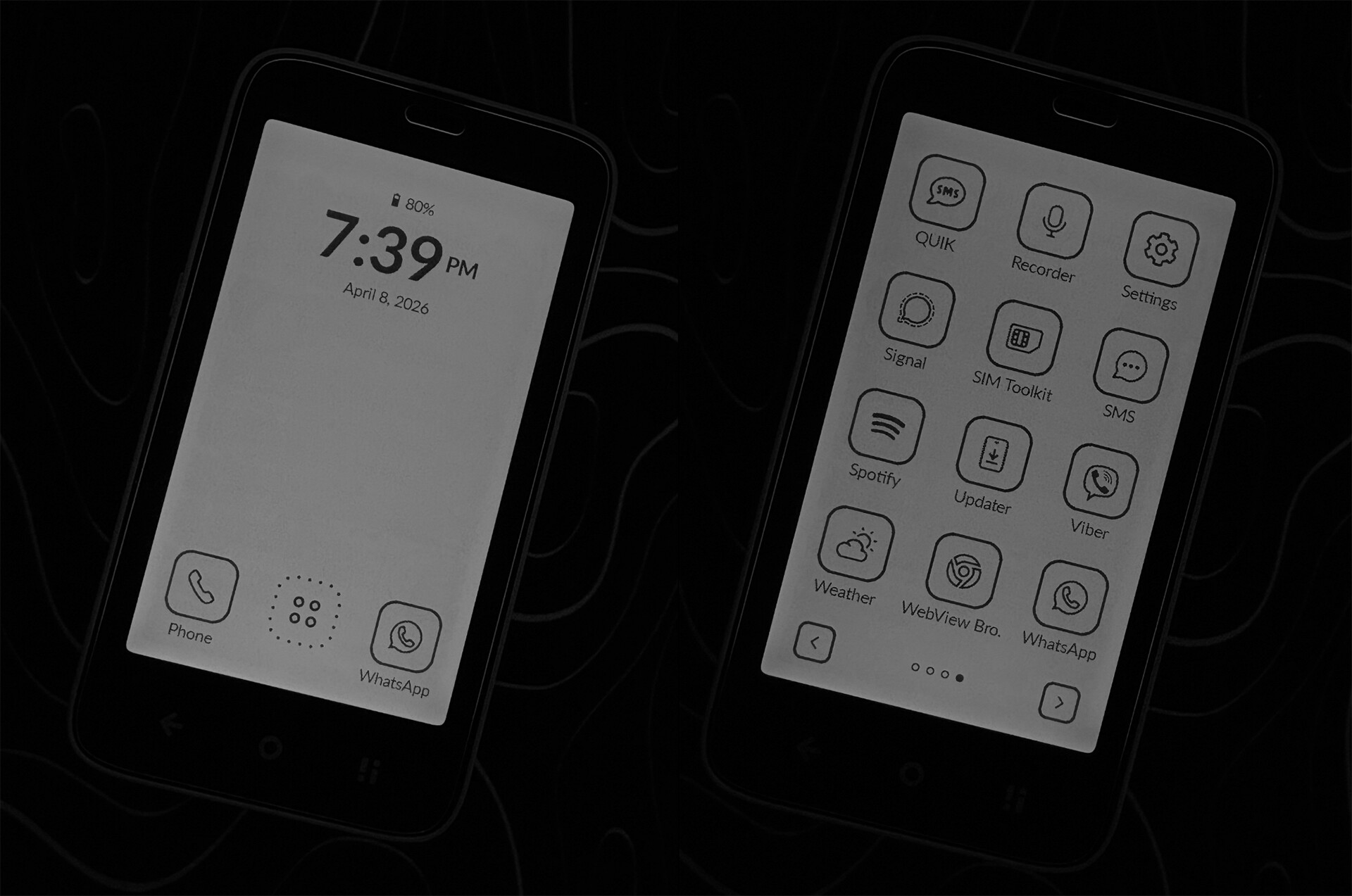
That is unrelated, since it doesn’t matter if you know how to design icons, Mudita Launcher doesn’t support replacing icons.
4 Likes
But obviously inkOS does! Those icons looks awesome! Did you create them yourself, or were they converted from the original 3rd party icons somehow ?
1 Like
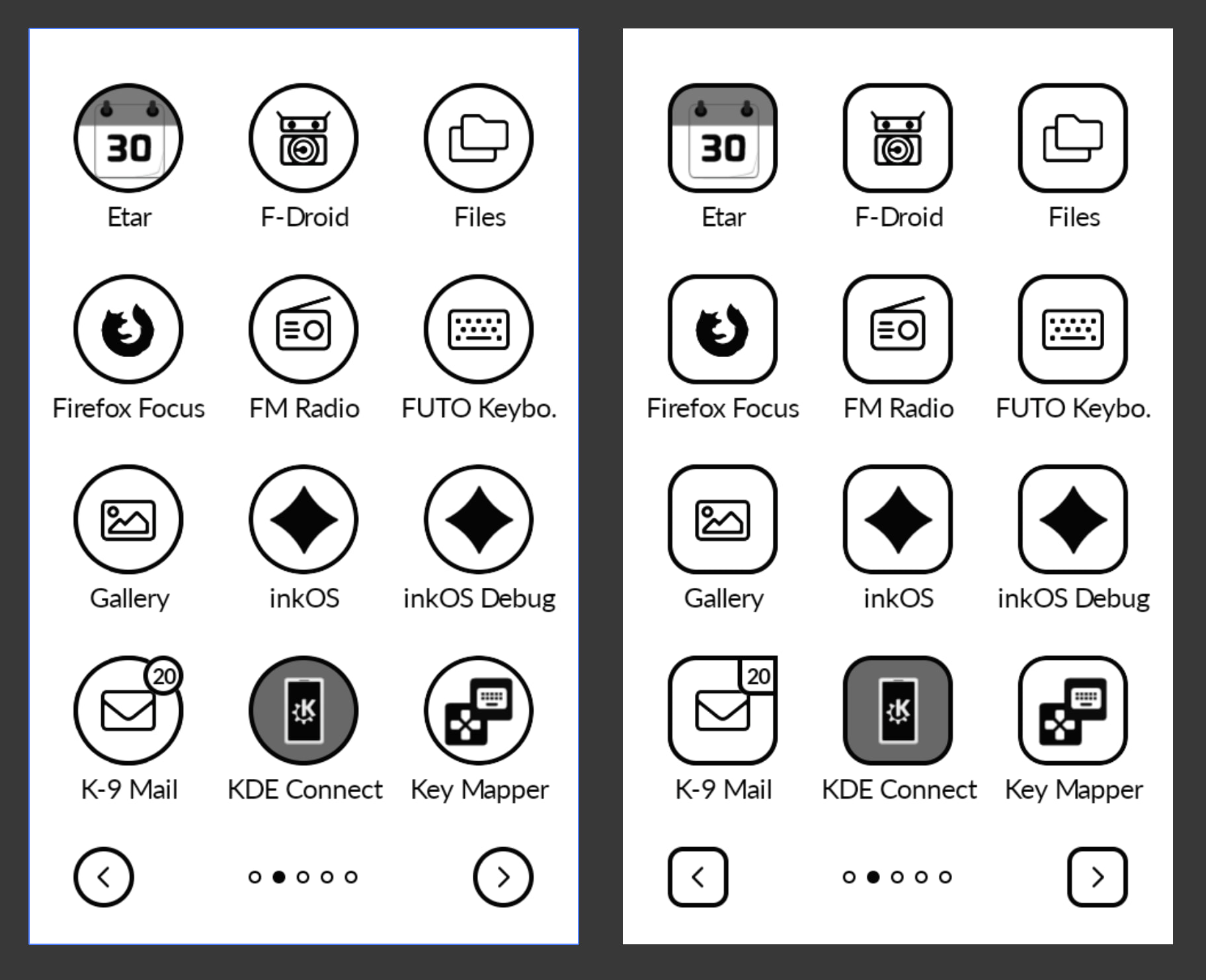
inkOS v0.5 will support icons, but only packs or a styilized/reshaped version of system icons. No individual icon replacement. Also OP specifically mentioned they don’t want to use inkOS.
They’re created by me. This is another Launcher that I made. It’s a combination of the Launcher itself changing the shape/look of the icons, and some icons that I made from scratch.
5 Likes
Awesome work as usual. So TWO new launchers will be coming soon ?
2 Likes
That launcher and those icons look great! Will you be releasing the launcher at all?
2 Likes
@lightsaber Yes I will share it soon
@YYZ 1 new launcher and an update for the old launcher.
5 Likes