One thing that is a little buggy now and then is when I take pics with my phone turned sideways (landscape mode), on occassion, when it the image gets captured, it flips the image to portrait mode. So when I go and view that photo later on the phone or download it on the computer, I have to re-rotate it to landscape mode. Something to work on and hopefully improve upon. Thx.
3 Likes
@stupified That’s an interesting observation. Thank you for this feedback. I will definitely pass this on to the team. I actually just tried this & it’s not happening with my Kompakt.
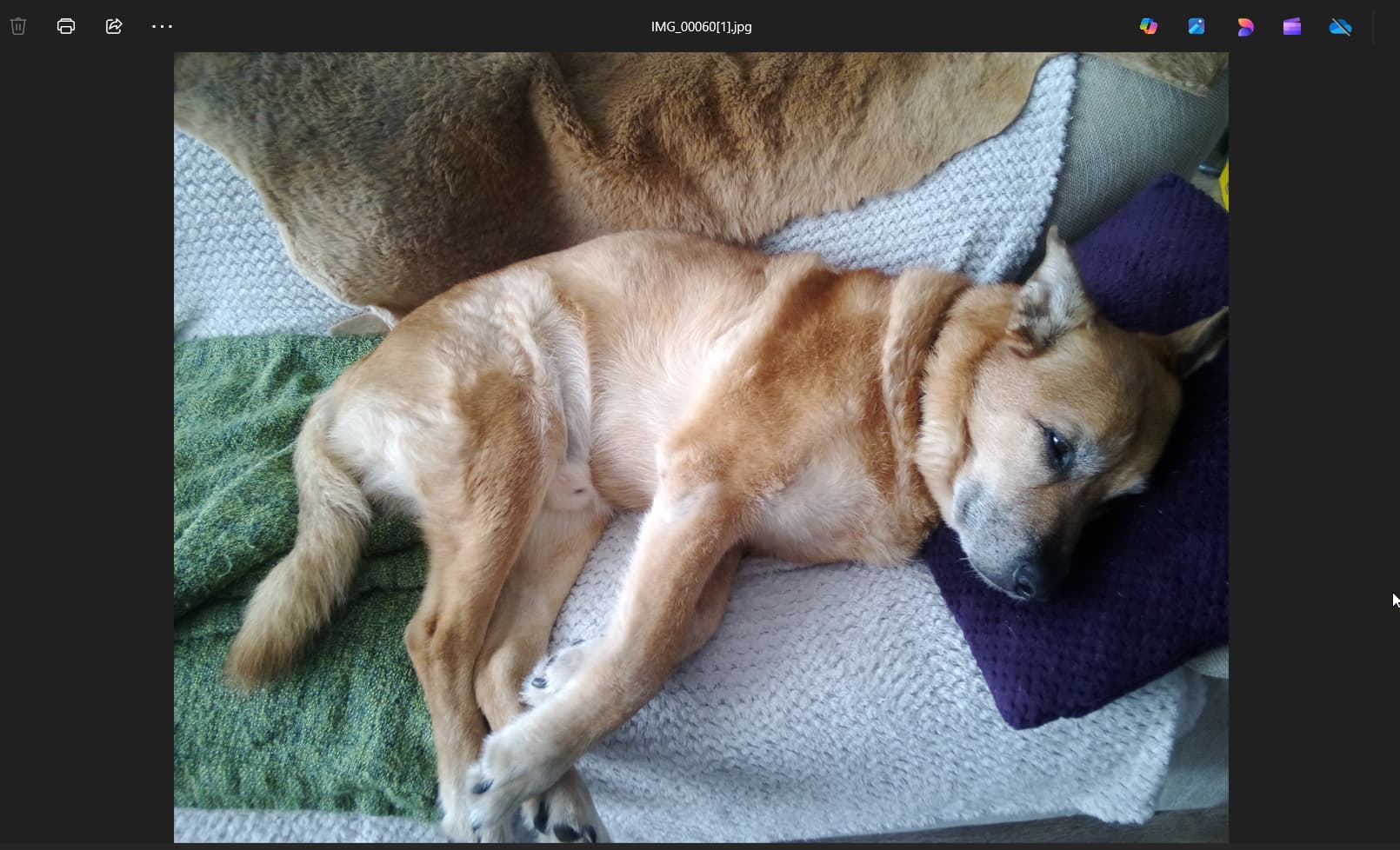
I took a picture of my dog on the couch (in both landscape & portrait mode) and it comes out as it should- no rotating required.

3 Likes
My phone has the same issue.
2 Likes
Mine is also usually working but about a third of the time there is the rotation issue.
1 Like
+1 here, I’ve been experiencing the same.
One issue that is kind of related is the way that the camera handles picture EXIF data. ‘Date/time created’ (the time the picture is taken) seems to only be recorded as ‘date/time modified’. So when I transfer the photos on my computer and rotate them to correct orientation, the ‘time modified’ changes to that time, and the info about when the picture was originally taken is lost. I hope that this also gets fixed soon 
2 Likes
UPDATE- I’m not sure if this is what might be happening here:
It takes a bit of time to actually capture an image in Mudita Kompakt - from clicking shutter button to actually taking a picture - you can flip the phone horizontal → vertical and vertical to horizontal with no problem and have wrong orientation picture.
Could this be happening?
1 Like
At least for me it happens when taking multiple shots in a row, without changing phone orientation. The first shot is fine, and then the second one gets rotated randomly. I’ll see if I can replicate and document the issue.
1 Like
Got it, here you go! Proton Drive (couldn’t upload vids directly)
Could this also be an EXIF issue, ref. my earlier message?
1 Like
@anoniononioning I will have our team look at this & let’s see what they have to say.
1 Like
Good find. This is exactly what’s happening for me. First shot is correct, next shot is rotated incorrectly.
1 Like
@urszula
The issue I’ve noticed that if you open the camera while the phone is flat on the hand, and then you try to rotate the phone to take landscape pictures the gyroscope doesn’t always react it still stays as portrait.
And another one is that if you used it landscape and closed the camera app, next time you open it will stay landscape even in portrait mode. (not always but it does happen).
To have more success I have been swinging the phone fast to force the orientation change. So maybe just the sensitivity to the gyroscope needs to be adjusted a little.
1 Like