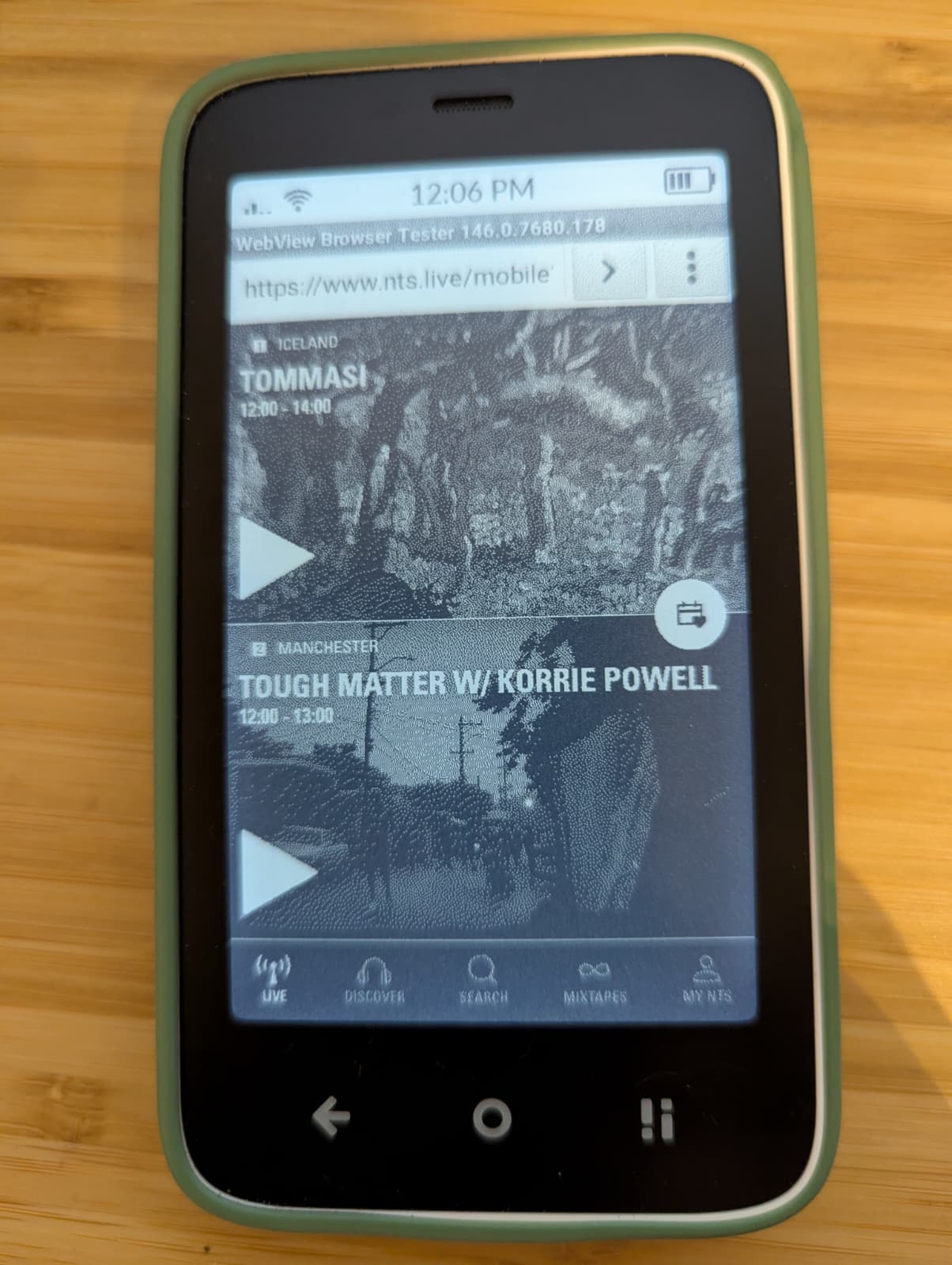
As a huge fan of NTS Radio, I’ve been missing listening to it on my Mudita Kompakt. While the official app can be installed, it doesn’t work well - the live shows work, but none of the Infinite Mixtapes stream. It also is a very dark app and doesn’t display well on e-ink screens.
That’s why I’ve worked on NTS MK - an NTS Radio app designed for the Mudita Kompakt.
For those who aren’t familiar, NTS Radio is an ad-free online radio station with a genuinely eclectic mix of shows encompassing every country and genre imaginable. The figure that gets banded about a lot is that 40% of the music they play isn’t on Spotify (though that’s partly due to rare recordings/releases. There’s also minimal chat from the hosts (and often none at all).
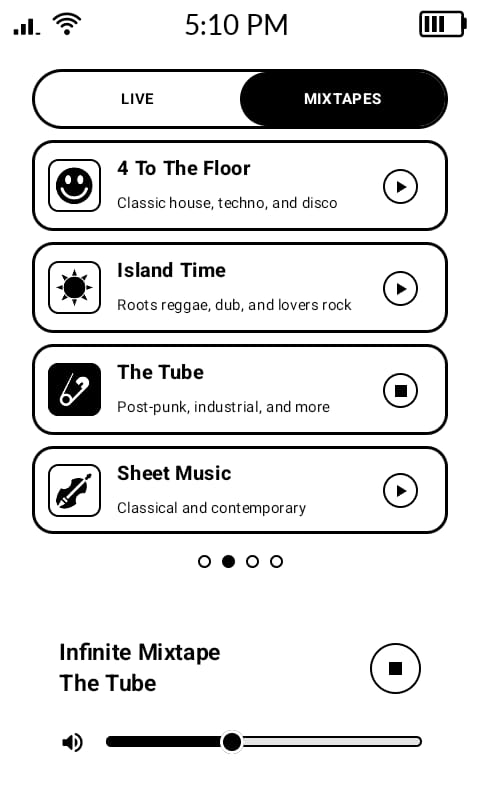
There are two live channels and 16 ‘infinite mix tapes’ - live streams each with a different theme/genre e.g. Otaku (anime & game soundtracks), Sheet Music (classical), Memory Lane (psychedelia/garage rock) etc etc.
I don’t want to say I made the app as it was vibe-coded using Google AI Studio (although it was still a lot of work!). Generally not a fan of AI but this is a very niche use, and obviously I’m not making money from it.
In line with the mimimalist ethos, the focus is on streaming the live channels and mixtapes and it doesn’t have the functionality to search and browse the archive of shows - largely because that’d be a lot more complicated!
Navigation
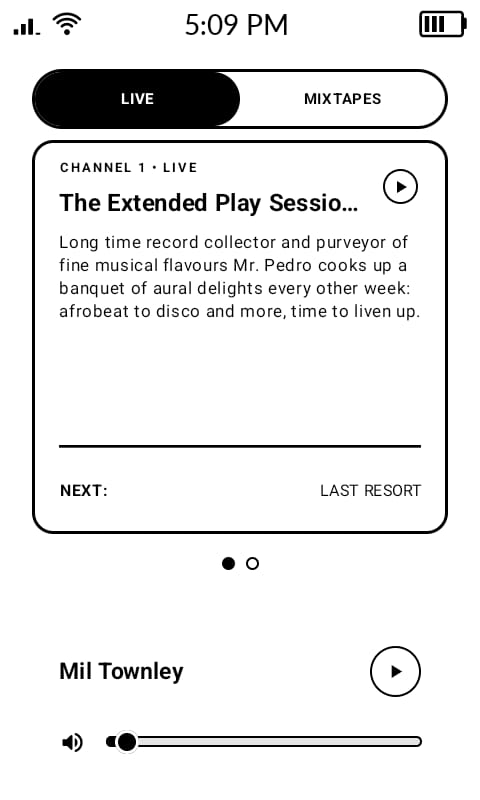
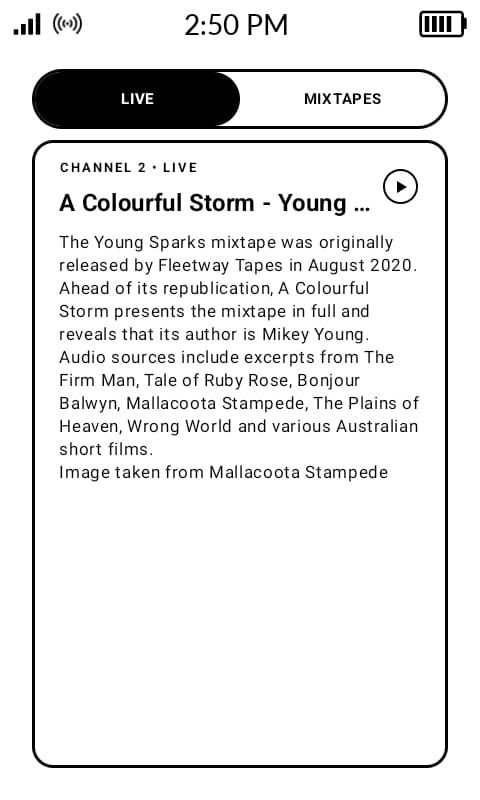
The live show cards will display the current show’s title and the show description. If the show’s description is too long to fit in and is cut off, pressing down on the box will expand it to take up the whole screen and hopefully display all the text.
To switch between live channels or infinite mixtapes, you can either press one of the two buttons at the top of the screen, or swipe to the side in the area between the pagination dots and the player control area at the bottom of the app.
Swiping left or right on the live show cards will switch between these cards (but not change the channel playing), and swiping on the infinite mixtape cards will scroll through the available infinite mixtapes.
To start playing one of the live shows or mixtapes, either tap the play icon on its card, or double tap the card itself. Doing so on the show that is playing will pause the show. As seen in the screenshots, you can also use the home screen player controls. If playing a live show, the next/previous track buttons will switch between the two live channels, and if playing one of the infinite mixtapes it’ll switch between each of the mixtapes. Please note that this app has been tested using the third party Katapult launcher so it’s possible there are issues with other launchers.
At the bottom of the screen, the volume slider will adjust the phone’s media volume, and the play button will start and pause a stream.
The pause button on the home screen controls will pause the stream, and the stop button will hard close the app.
Known limitations
NTS Radio’s streams are all 256kbps MP3. There is no variable bitrate, so if your connection can’t keep up it’ll buffer instead of adjusting the bitrate.
Each live show starts on the hour every hour, but the API used to access the show information only seems to make an updated version available at around 12/13 mninutes past each hour. I’ve set the app to fetch new information around then, as well as whenever you start playing a show. You can also drag down on one of the live show card boxes to manually refresh.
You also can’t browse the archive of NTS shows and listen to them.
The Phone has an aggressive background task killer that could affect this app. I strongly reccomend going to settings → Developer Options, and searching for “Duraspeed”. Then you can change the settings to keep this app running in the background.
You can download the app from GitHub here.
Please do let me know if you have any suggestions, comments, or queries!