Hello,
I was hoping to see if anybody else in the US has had issues with the maps app. I have been unable to successfully search for an address. The search feature works okay if you are looking for a business that has a name, but typing in an address never once has worked. Anyone else? Is this a known issue?
2 Likes
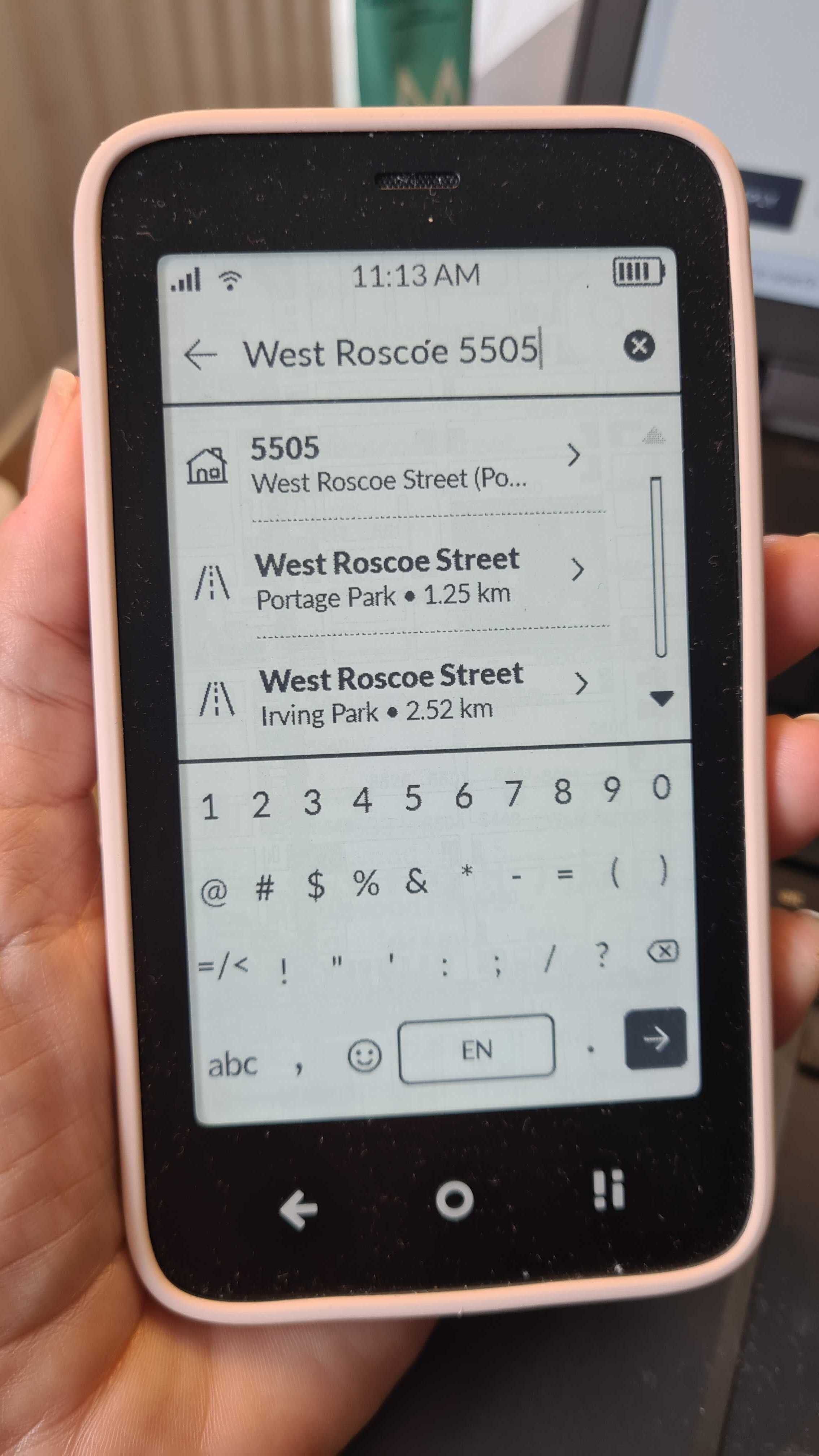
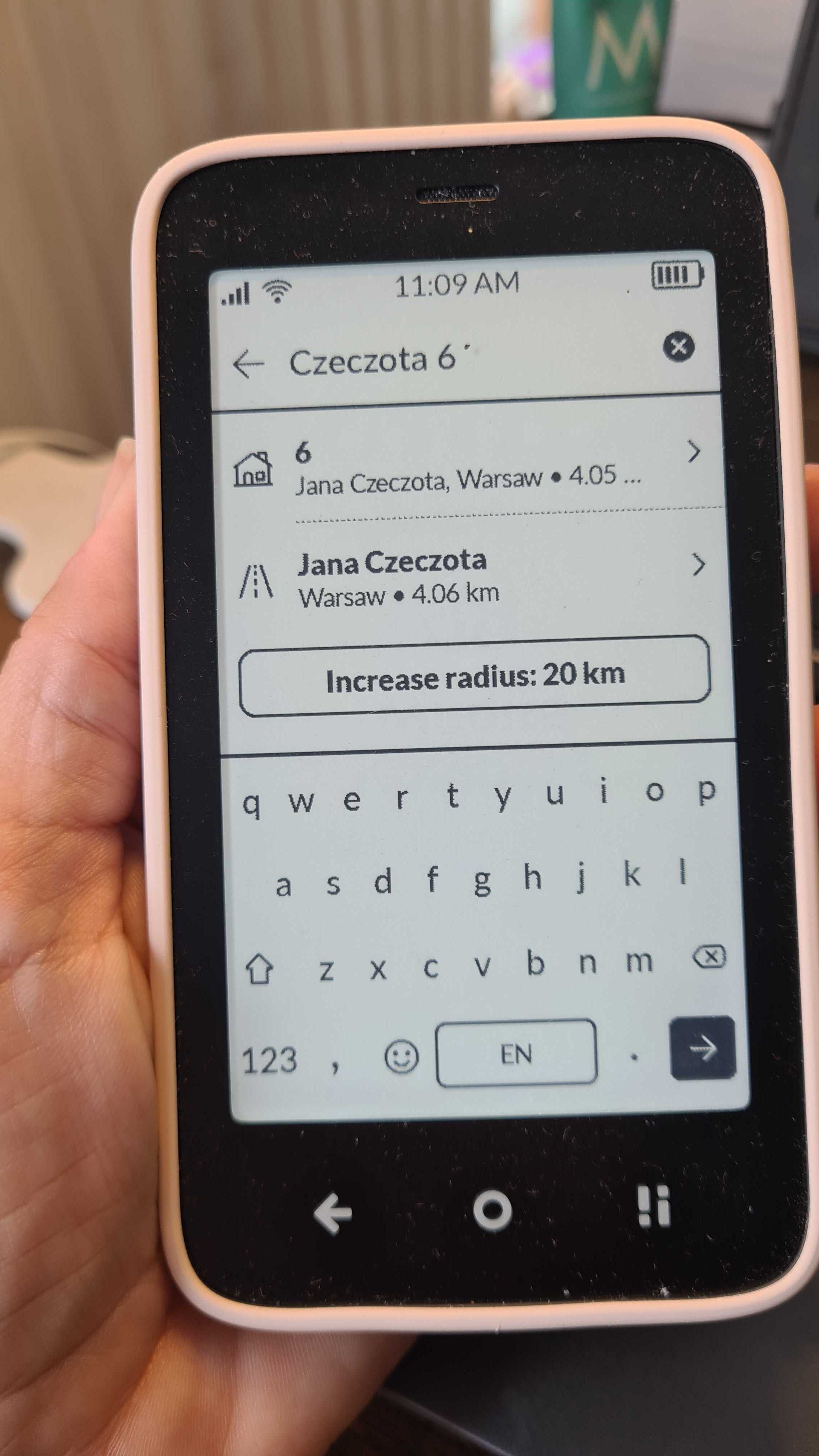
That has not worked for me. If I put the number after the road it just takes me to a random place on that road not to the address.
2 Likes
Funny, I used the maps overseas with no issue but never really used locally as I know my way around. Tried the same thing - number before and after street but just puts the marker on a random street address. If the business is listed, it will find it. Odd. Something about the US maps?
1 Like
Yes its the same experience for me. I haven’t been able to use the maps for any addresses in my town. It seems like it can find streets but not actual addresses. I’ve tried number before and after a street name but it doesn’t change anything
2 Likes
I am having the same issue. The only way I can navigate to an address that is not a business is to literally find the location on the map, zoom up to it, and long tap it. Then I can hit “plan route” from there. It’s a hassle.
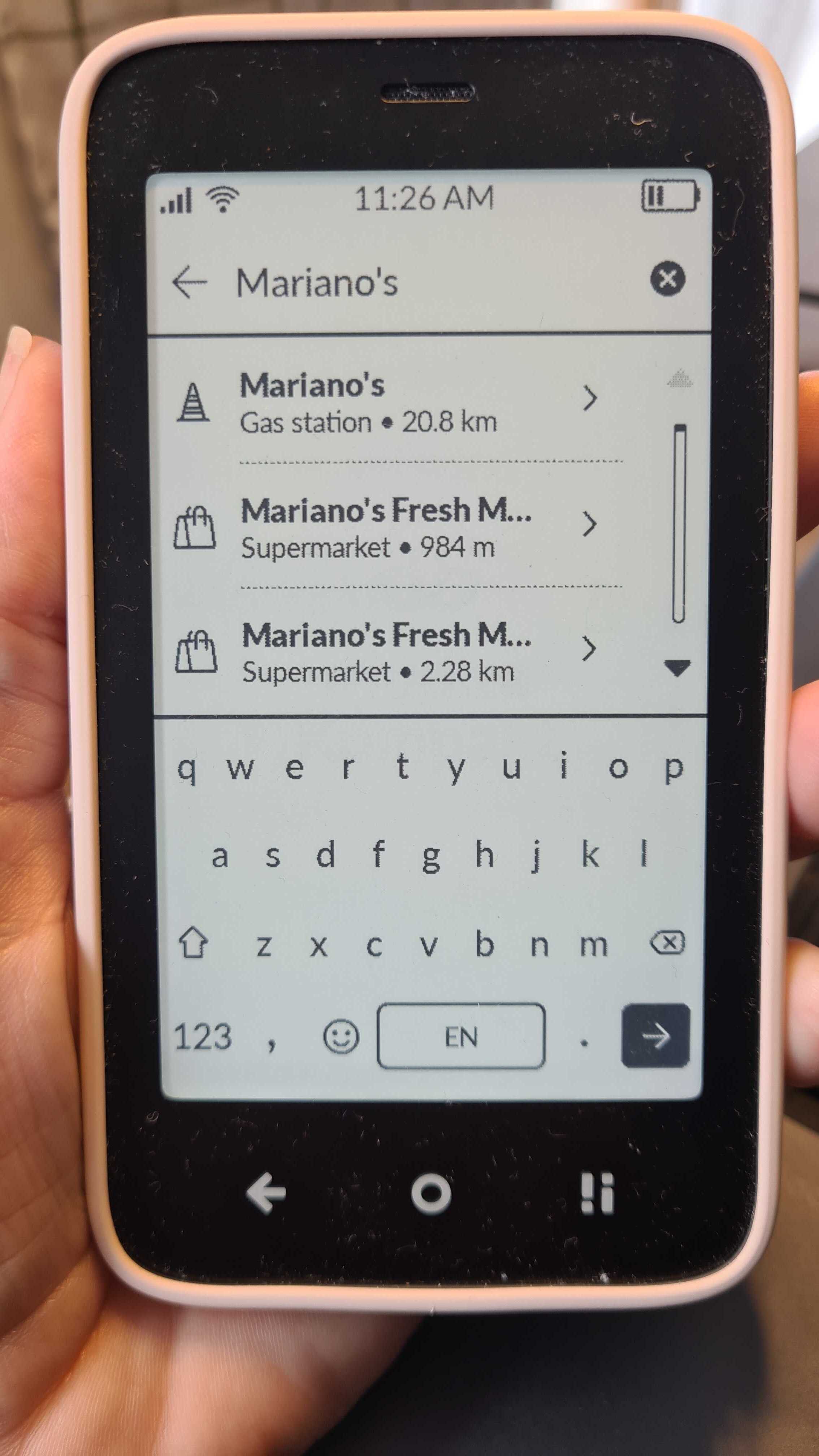
I also searched for a common grocery store in my area (Harmon’s), and… it wouldn’t pull it up. After enough tries, I eventually resorted to just finding it on the map and tapping the store and planning route from there. I found out that I was searching “harmons” and it’s spelled “Harmon’s” so I’d have to search “Harmon’s” with the apostrophe for it to work. That’s… not a great search feature.
2 Likes
I’ve been playing with the maps this week in Canada and ran into a few issues. I CAN type in an address with the street number first and then street name, and got good directions that way. But there was one business that’s been around for years that I couldn’t search by name. I had to call a friend to tell me the address, lol. And I tried to get directions to a regional park and it did not direct me to the parking lot of the park, instead to somewhere random. Friend had google maps, so we found it in the end… So, the maps have not been very reliable for me. Also the voice directions say “14 exit” for a highway exit, instead of “exit 14”. It was a little jarring, but I got what it meant.
3 Likes
DO we have to be outside for maps to work? Not a big deal but when I am indoors it cannot find any locations
2 Likes
Plain GPS works best outdoors. Sometimes it finds itself while indoors but that’s a bonus. If I remember properly, original GPS extracts data from a signal that’s 1000x (30 dB) weaker than the EMF noise floor, roughly. An exterior wall makes it weaker by another 10-30 dB which can be a no-go for the GPS module.
1 Like
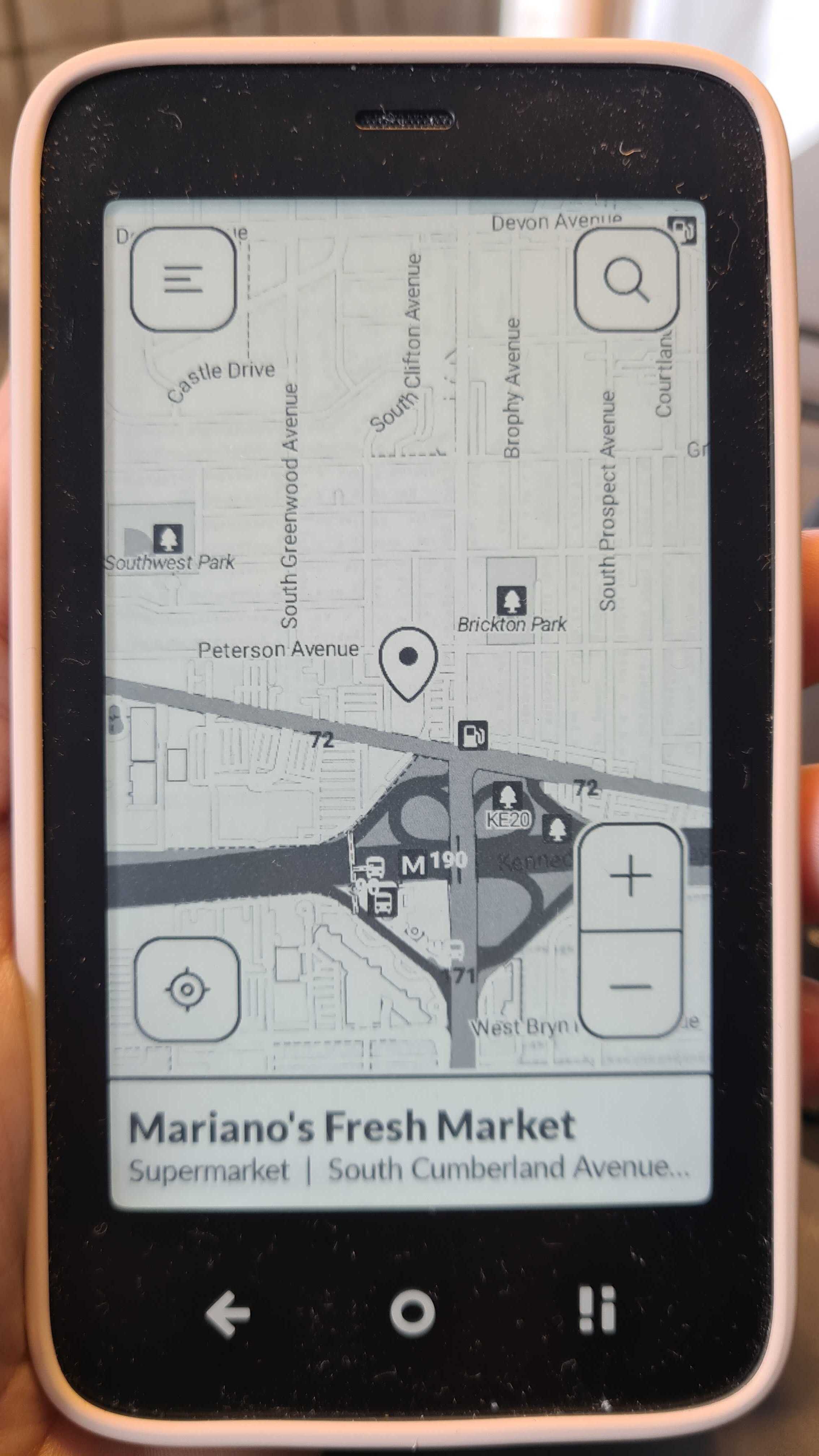
@anon7028788 GPS has to be OUTSIDE…so navigation works (turn-by-turn was added in July).
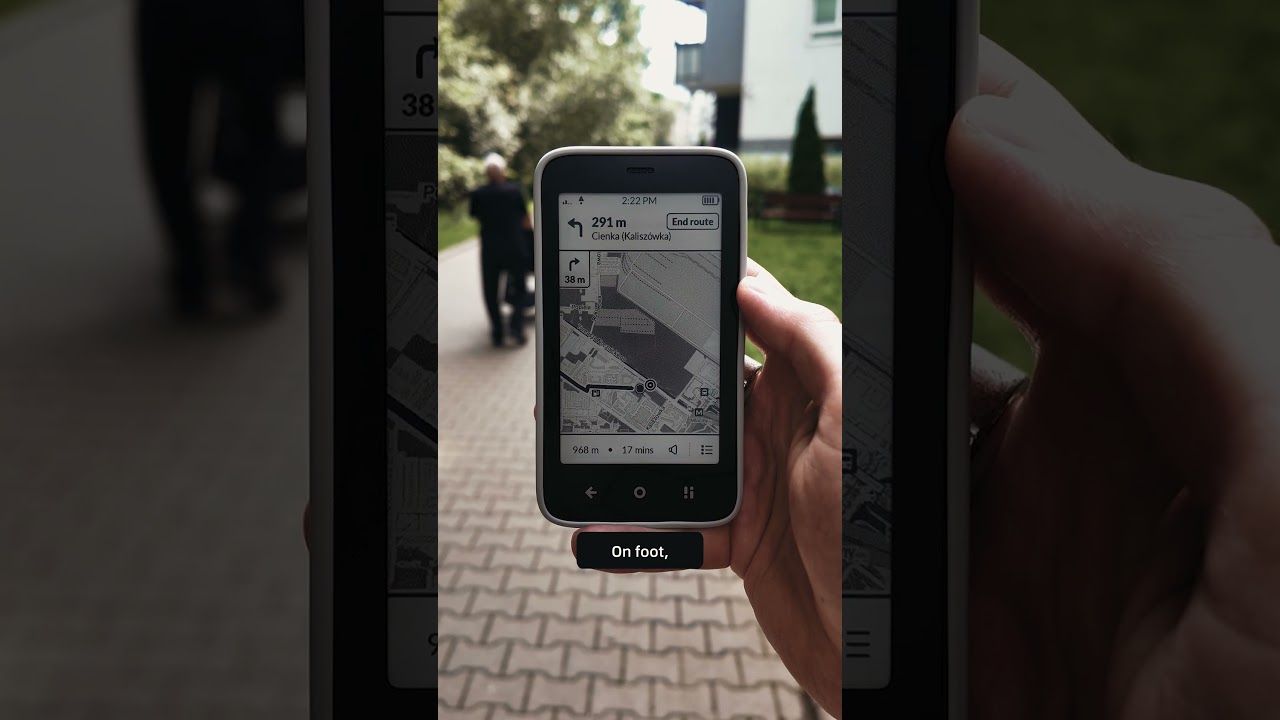
But just to find the address, you can be inside.
1 Like
Perhaps you could add a simple feature to specify your own current location / address without GPS? That way it should be able to generate directions then once outside it can follow them… Most map apps have the ability to manually input the starting point.
6 Likes
@andrewh Thanks for the feedback. I will pass this on to the team
2 Likes
After traveling I asked for the same. Urban canyon prevented me from getting a good lock but I was unable to enter my current location - rendered entire map useless. It would be great to enter your own FROM as well as the TO.
1 Like
This doesn’t work for me either. Maybe it is an America thing
2 Likes
yes please implement entering a manual starting adress, GPS is not very reliable particluarly indoors and sometimes I just want to check out while in a train or waiting somewhere, what is the best way to go later that day, so I not necessarily want to see the route from my current starting point. I also feel it would be in line with the basic philosophy of the phone: not to make users depend on technology being available, but help them when it is most useful for them.
4 Likes
+1 on that, being able to check the shortest path (or just look it up to note down directions, like you would do preparing your trip with a paper map) between any two points would be great.
3 Likes
I’ve passed this feedback on to the team. Thanks for the great suggestion.
2 Likes
I am experiencing the same issue–Maps will not find any address using the number and street name, even when putting the street name first. This makes the map function virtually useless, since I cannot simply zoom to the desired destination if I don’t even know where it is. This problem is baffling–if the app uses Open Street Map, which is perfectly capable of finding addresses in every other application in which I have used it, what is happening in the Mudita Maps app? I have no interest in sideloading Waze or another mapping app–I just want to be able to search by address for things that are not businesses or other named buildings. Am I doing something wrong, or is the Mudita map app actually incapable of locating a residential address in North America?
5 Likes
I’m having the same issue as well in North America. Love the phone, but would like to see a few enhancements here and there.
1 Like
@jrbalzer Good news is that improvements in GPS are coming in a future update.
We just updated the Roadmap:
2 Likes