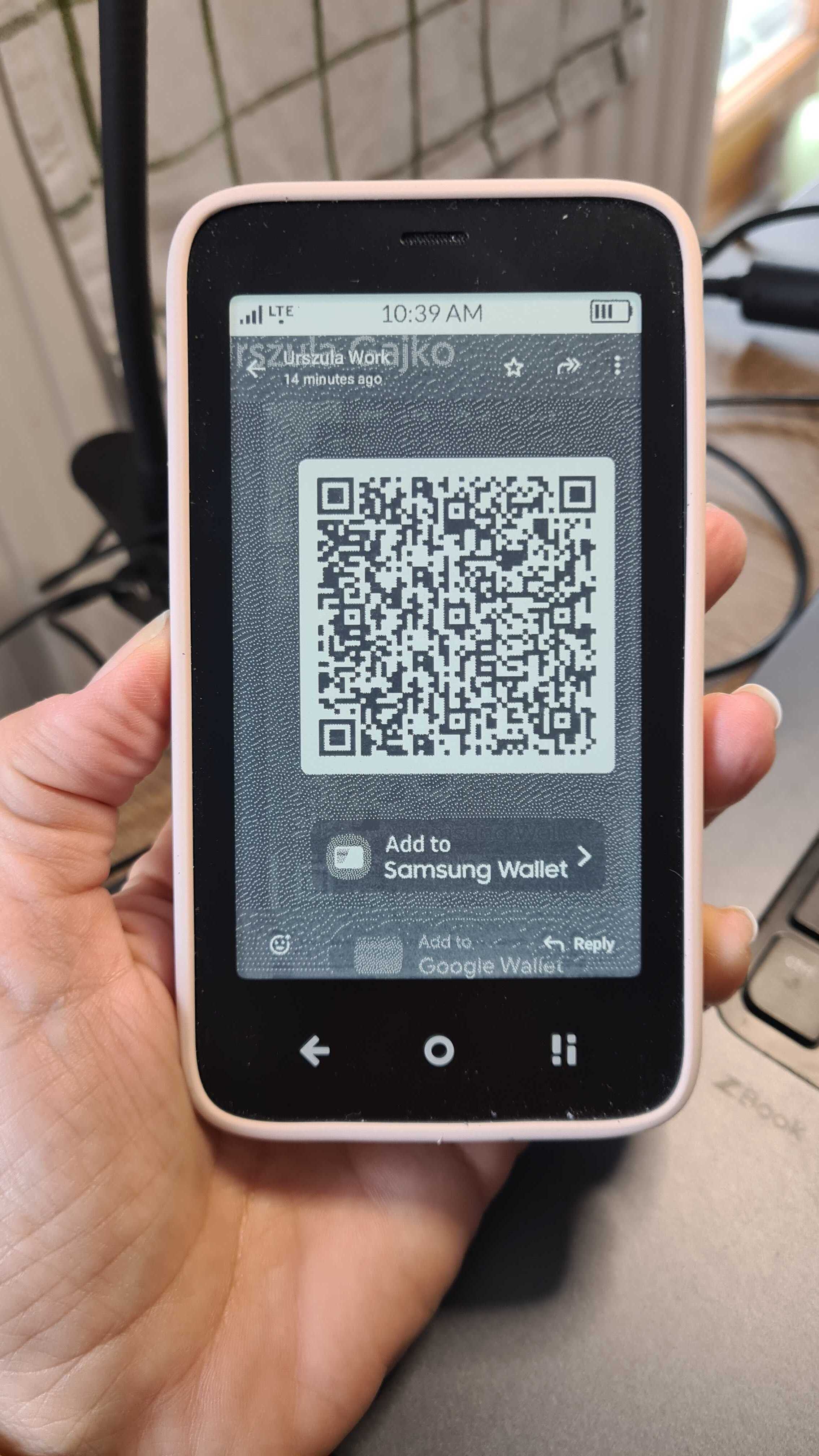
I’m just checking in online on my laptop.
Have an e-mail with the PDF but could also get an SMS.
I took that route. Received a link.
SMS doesn’t allow using links so copy-paste to WhatsApp note-to-self.
Click in WhatsApp - works fine.
We’ll see at the gates tomorrow!
My approach turned out to work but yeah, the links I’ve been using for my flight operator were timing out so each time I wanted to look my seat or time or whatever I had to log in again. PDFs are better in such case.
@howardbannister I would be careful with this. Boarding pass on my Kompakt screen got me through security, but Allegiant’s boarding pass readers at the gate couldn’t scan it (I tried as a PDF and in the app itself).
However, I have used passes on the screen at restaurants and stadiums and have not had any other issues.
Had the issue at an initial entry at LHR T2 (the first one, even before security scan). But when I went to a personnel with their own scanners, it worked fine.
No issue with any of the final (gate) scanners so far.
@paxristi Interesting.
I’ve been at these airports (this year alone) with my Kompakt-saved PDF boarding passes & had no issues:
ATH
FCO 2x
LHR
MUC
IST
VCE 2x
VIE 2x
And just got back from Praha (PRG) last night- without issues.
One thing I always do is send the picture (screenshot) of the QR code for the Boarding Pass to my Whatsapp or Signal.
I saw that a QR code is better than what you get say from LOT Airlines in a PDF, they have a wide barcode/QR code in the top right corner and sometimes it would be great to be able to rotate 90 deg to make it bigger - but the issue I had in LHR T2 was an odd one.
This is great to hear (I am preparing for upcoming travel from MIA to EWR and will share my experience post). Is the summarized recommendation to either email a pdf attachment of one’s boarding pass and/or send a screenshot of the QR code to one’s Whatsapp or Signal?
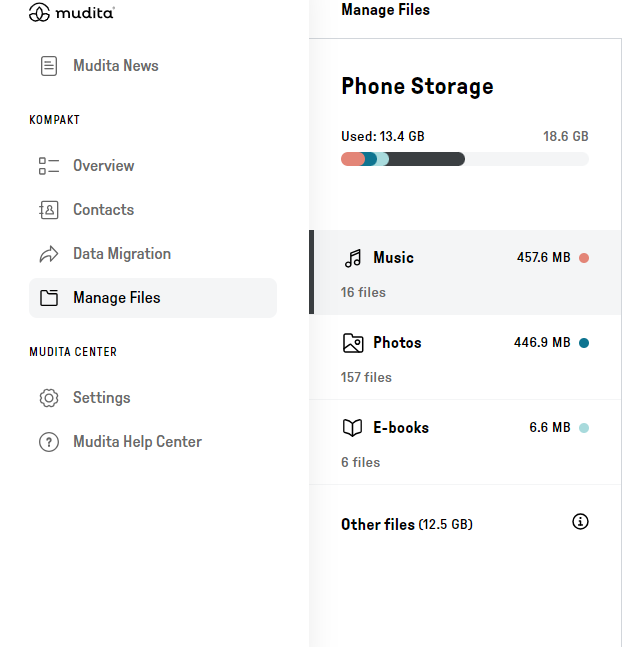
@stevenjc123 I upload PDFs to Mudita Kompakt via Mudita Center- That works the best for me. BUT, I’ve also sent myself screenshots to WhatsApp (and yes, you can use signal) BOTH of those options worked for me, but I prefer to have a PDF- however, that’s just me.
I upload PDFs to Mudita Kompakt via Mudita Center- That works the best for me: Can you kindly share the workflow? I have a sample boarding pass on my computer and the Mudita Center open but only see the options to add Music, Photos, E-Books, and App Installers. Apologies if I’m missing something (new user here!).
Sure.
So all you have to do is, when you check in & you have the option to PRINT your boarding pass, then just choose that option, but print it as a PDF. My computer has that option. Or you can just download it. Sometimes that works as well.
Then just open Mudita Center, go to Manage Files & just drop the PDF into the ebooks section. And you’re all set.