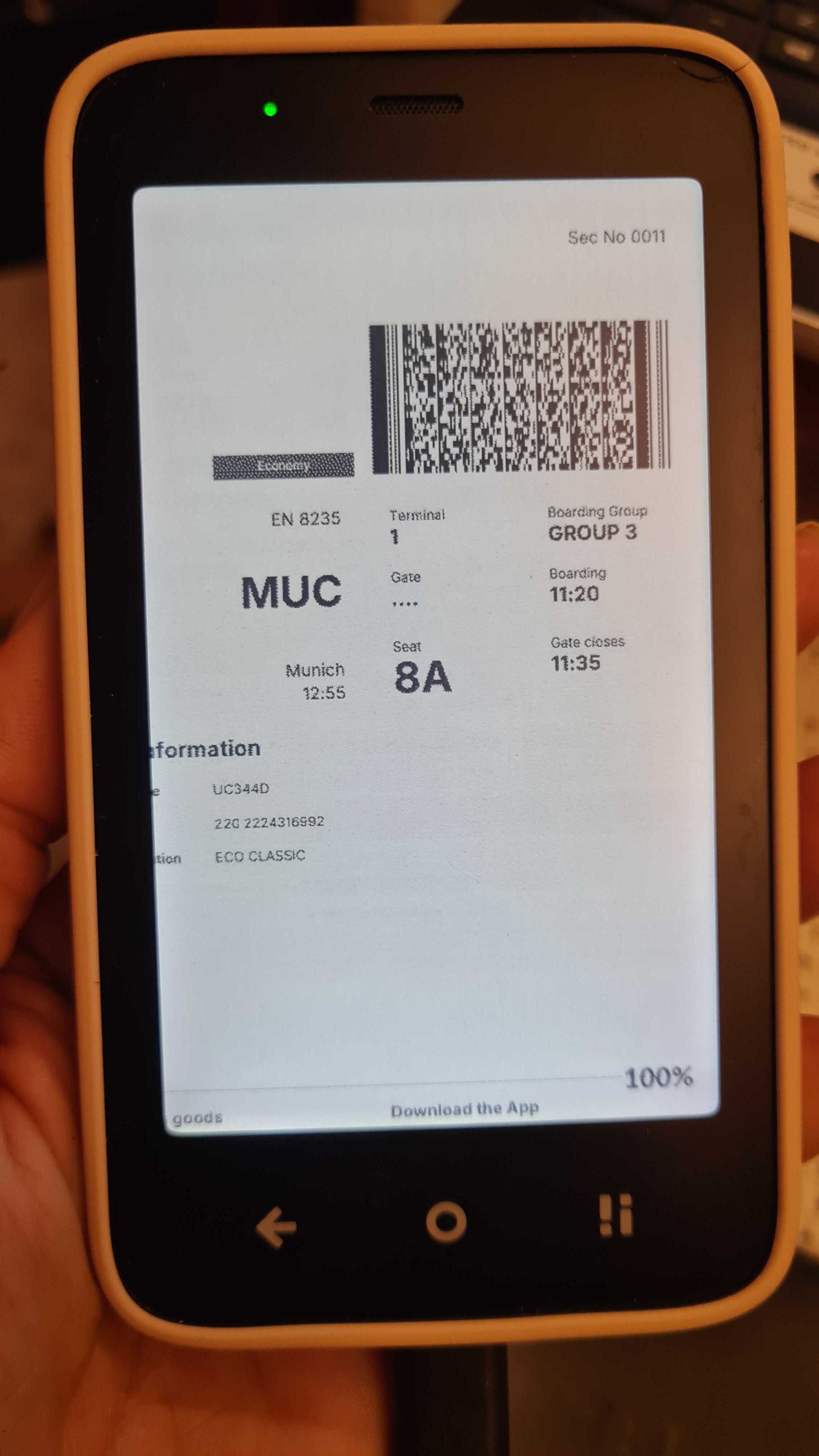
Thanks for the instructions - worked perfectly! I’m learning that both the Mudita Kompakt and digital extraction (of the self) are processes not products! The irony is that I’ve been more digital in the last week trying to set things up than I’ve been in the last month lol but hopefully this is just a short term thing!
Did anyone try FossWallet for (boarding) passes? Looks promising…
It is short term unless you’re trying to tinker out a perfect setup for some sophisticated use case.  With some things, it might be tought a first but rewarding to take a step back with some everyday processes being away from the phone as it used to be.
My wife gave me her MK and after factory reset, it took me an hour to review settings and side load whatever I needed. Done. The testing phase for different apps might be the biggest pain point in all this.
Looks very good but it only supports .pkpass no images or pdfs.
This is good if you want to store them in the phone by scanning them with the camera:
It’s a simple open source app made for Lightphone 3 but if you turn on light mode it looks pretty good in the Kompakt.
I just want to let everyone know doesn’t matter how you store your tickets, with an app like Passes with a pdf or a photo. There will be times that your Ticket will be invalidated because the Airline will change the aircraft and with that the seating order so your barcode will be NULL.
It happened to me twice in October and November. So I had to turn on my backup smartphone to get the new ticket while waiting for boarding.
Completely agreed which is why it’s so wonderful there’s an official forum to share learning (and hopefully save others from experiencing the same pain points or helping them overcome if/when they do).
I’ve personally found, now that my setup is nearly set up, that I don’t actually use my MK while at home except as an actual phone, to set alarms/timers, and as a camera when needed. I now save / do everything at my work desk. I installed a few more just-in-case tools for times when I’m on the go. Now I tinker with my bike instead lol (but at least I get to go outside and ride it)!
As a long-time flip-phone user and without a Kompakt for now, I still print QR codes for presentation to those requesting them.
Thank you, @urszula, for confirming that the Kompakt works well for presenting a QR code.
I thought of your post today because of an emailed reminder to take my “You are registered!” QR code for presentation to race organizers at packet pickup for a half-marathon this weekend.
Outdoor packet pickups often occur in bright sunlight.
- I know that my QR-code printout will be easily readable.
- I know that a Kompakt-presented QR code would be easily readable.
- What fascinates me is how race organizers are willing to struggle to read the QR codes presented on non-E Ink cellphones IN BRIGHT SUNGLIGHT!
While the sunlight-free environment of an airport or cinema makes QR codes easily readable on a non-E Ink cellphone, I have seen people waste a lot of time – even when a cellphone’s brightness is at 100% – to read in bright sunlight the QR codes presented on those same cellphones.
They shade the cellphone screen with their hands. They move to the shady side of a building. They stand under a tree. Many seconds later their QR-code reader accurately sees the QR code that is on the non-E Ink cellphone, and you will hear, “Got it!” – followed by laughter.
The funny thing to me is that nearly everybody puts up with this self-imposed inefficiency.