No at the moment the app list is centered vertically and can’t change the positioning. What you can do is:
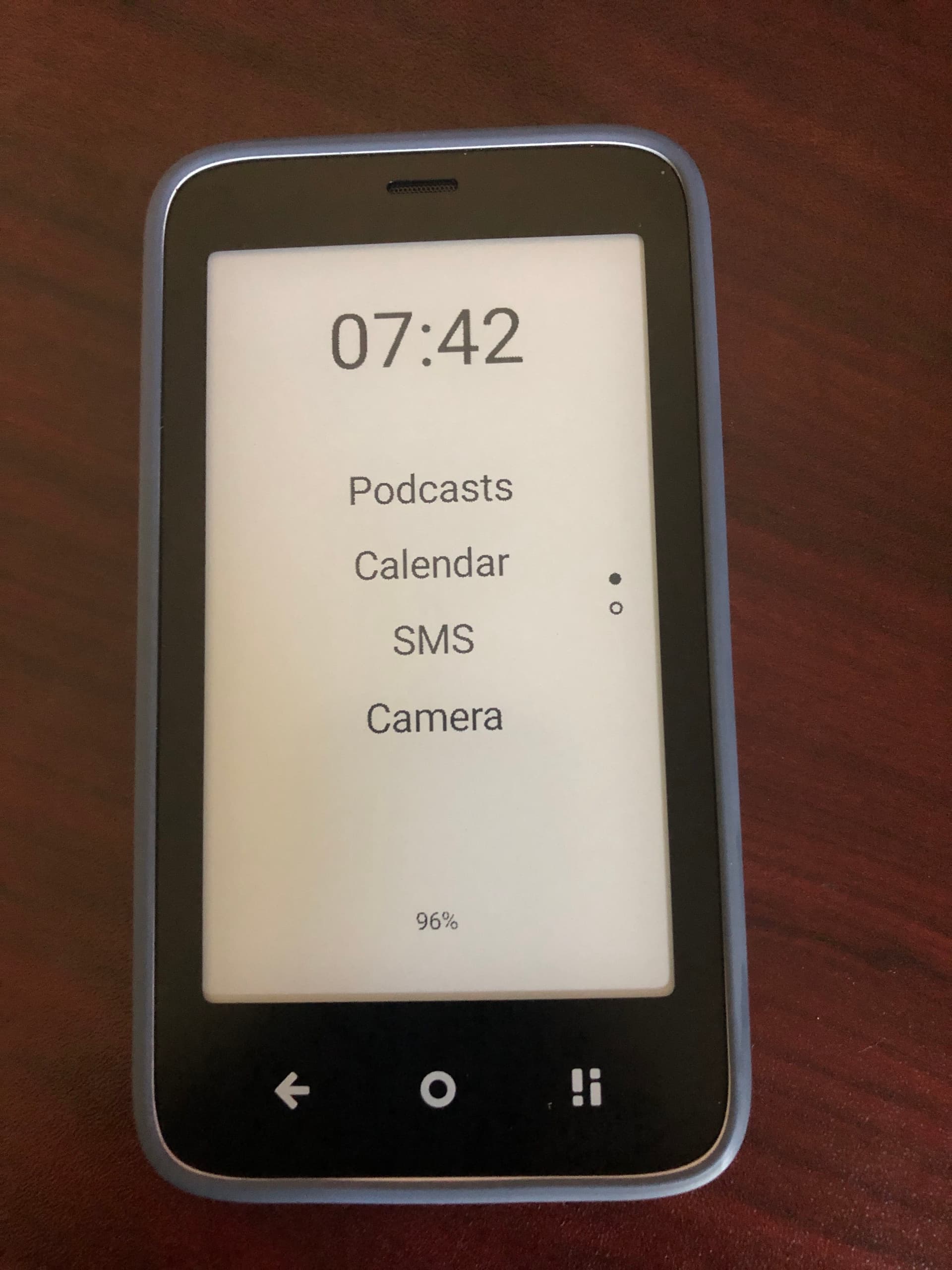
Change the number of apps from 5 to 4 per page in Settings / Features
Change the padding (space between apps) in Settings / Features
Change the App font/font size in Settings/Fonts.
Or a combination of these.
In future updates when I’ll create better widget system I’ll have some adjustments for top and bottom padding for the widgets but the apps will always remain in center.
The only request that I can actually think of at this point:
In the future, would there be a method to enable/disable the backlight by double-tap on the home screen? Currently we can restart the Launcher or Notifications, just wondering if other options can be added there at some point?
If not, that’s cool. You’ve done a heck of a job here already. The MK was already pretty cool, now it is better.
Thanks for sharing!
I feel the same, that’s why I love android because it allows us to quickly adapt for our own use cases.
That is a great idea. In my mind I’d like to create another fragment like the Notification window that will host the Quick Settings: Network, Wifi, Bluetooth, Brightness, Flashlight. I don’t think I’ll be able to disable the backlight since that would require root access, but maybe a slider to control the brightness can be done. Plust the slider to be controllable by volume keys because it’s very hard to be precise using touch on Eink displays.
Probably “dating” myself here, but I was a big fan of PalmOS. I am sure that I was the last person on earth with a PalmOS device and was disheartened to lose the simplicity of that OS and would eventually succumb to the “smartphone”. My first “smart” devices were actually Android, but then I got caught up in the Apple hype and have been stuck there ever since. The MK brought me back to Android and honestly pondering why anyone would ever want a device that doesn’t allow for the possibility of customizing it to fit their use-case. Further, the fact that you’ve managed to pare inkOS to 3.5 MB?!.. I haven’t seen an app footprint this small since maybe Palm OS
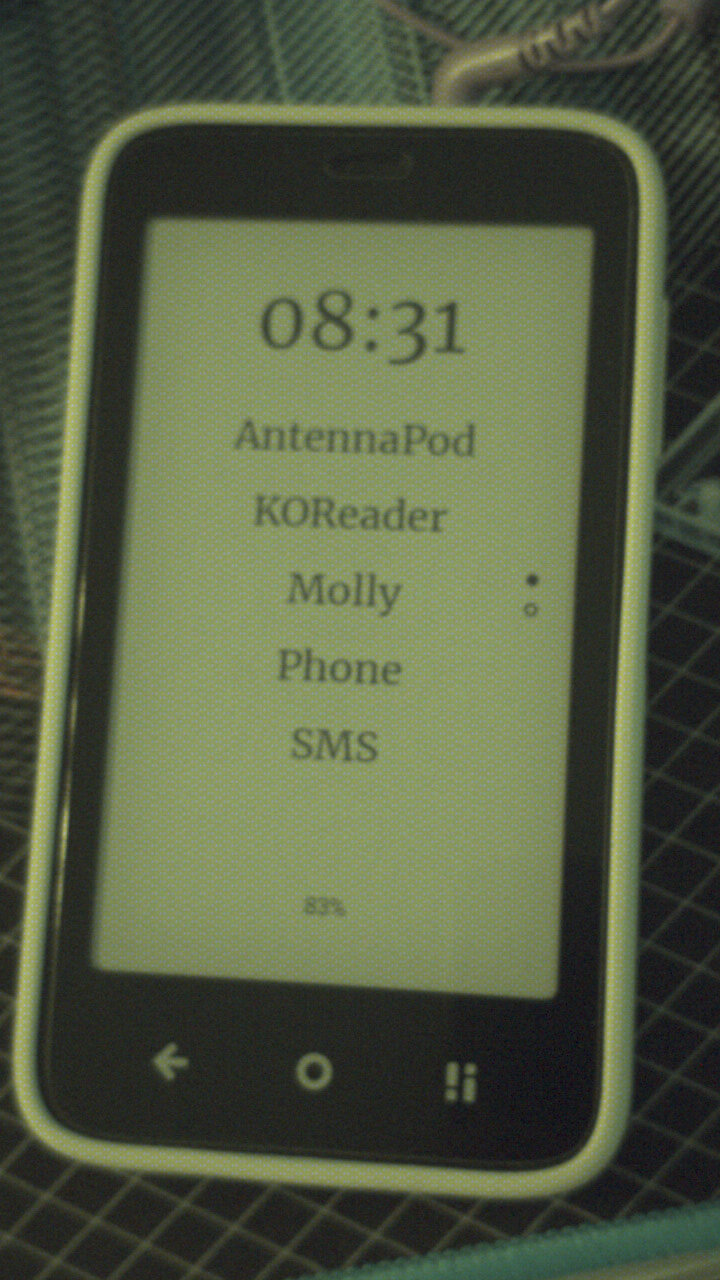
Here’s a photo of how I’m using it. I really like the serif font you included. The second page just has the camera, notes, and davx5 to sync my contacts. (I use koreader primarily for the wallabag integration.)
@es1996 PalmOS is one of the few OSes that i’ve never had the chance to use as they were not popular at all where I’m from, but I know it was ahead of its time.
Refactoring and refactoring to remove unused code, and the magic of Github Copilot to help me understand what am I even doing, and I was surprised myself when app ended up under 4mb.
@solv Very clean setup!
I hope in the future I can support Multi-weight fonts so we can have same font family but bold for clock and regular for apps.
Currently you have to upload separate font files to use different weights for different items.
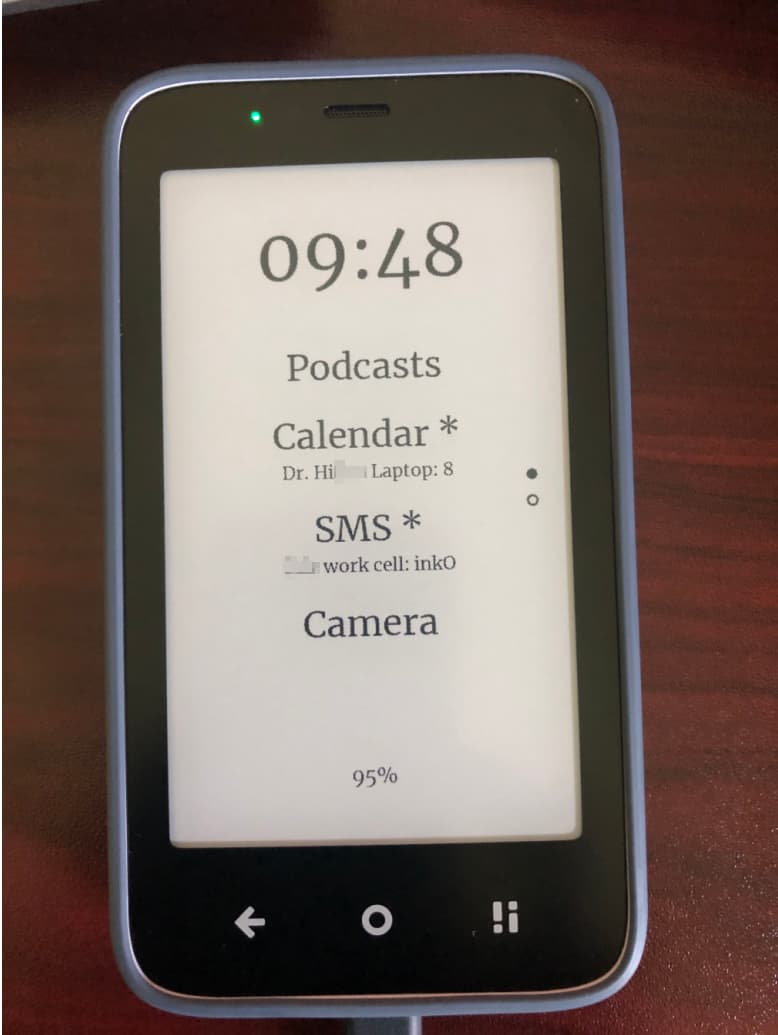
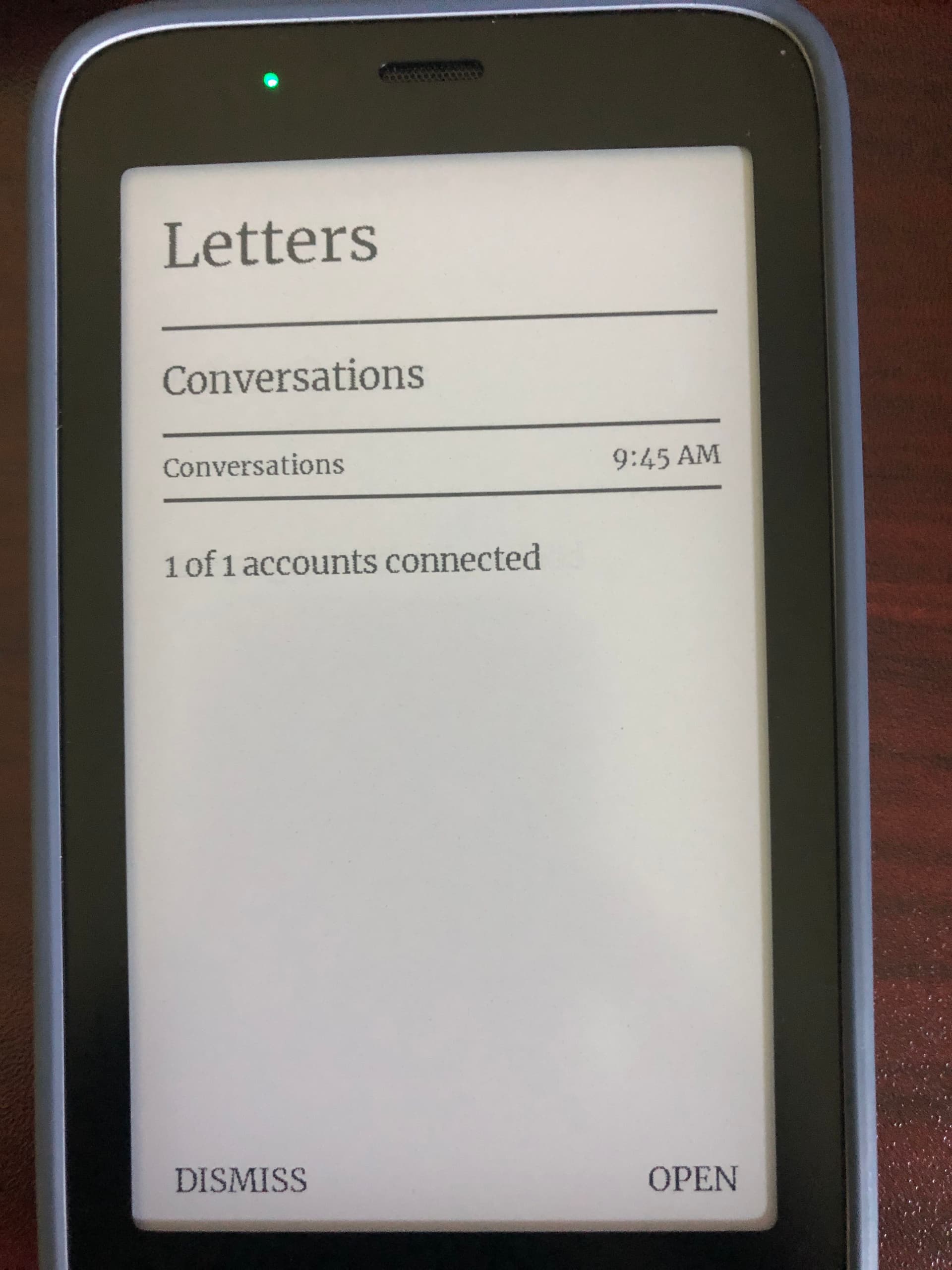
And just curious if people are using the notifications at all? Only the home app ones under the labels or the notification (letters) window as well?
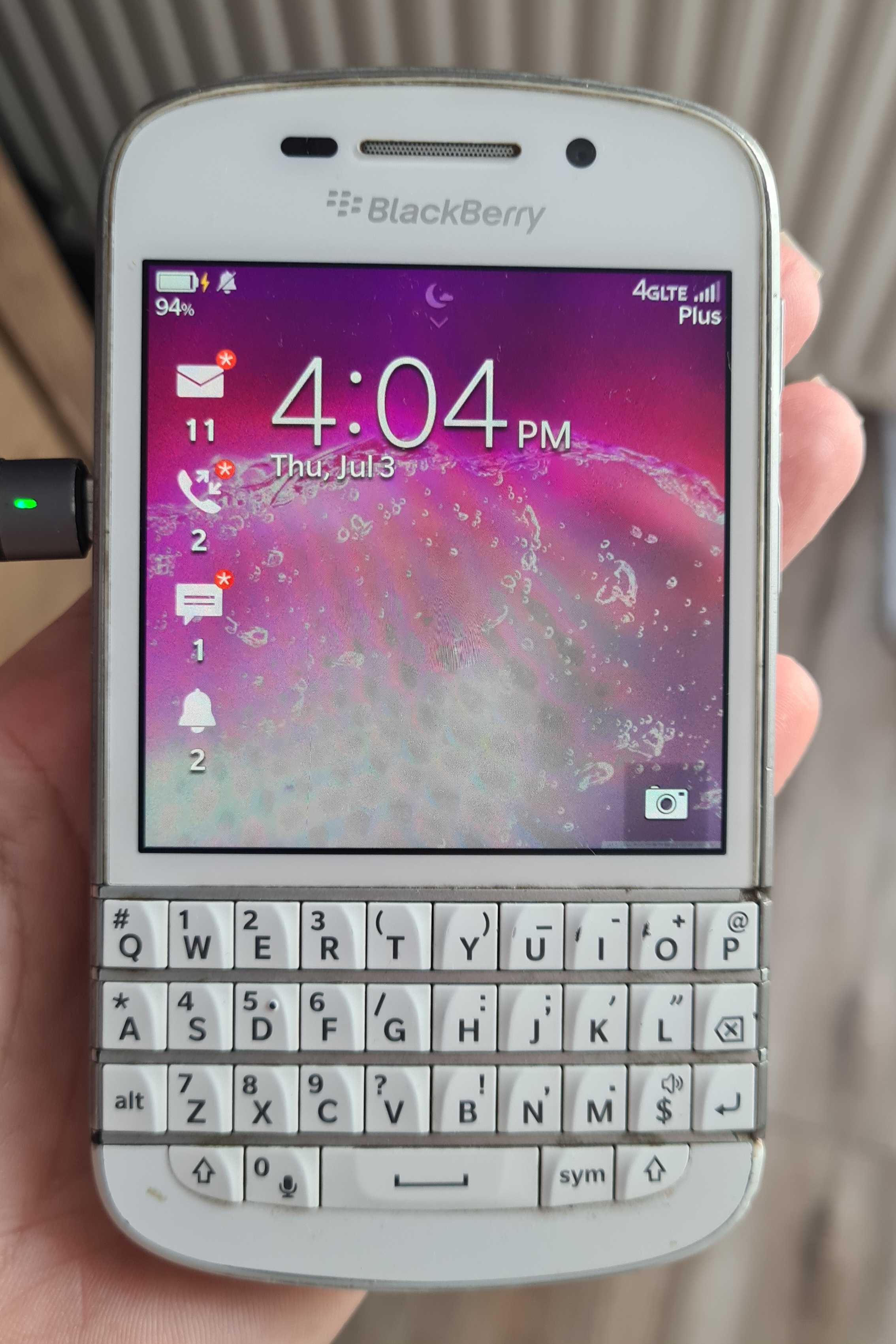
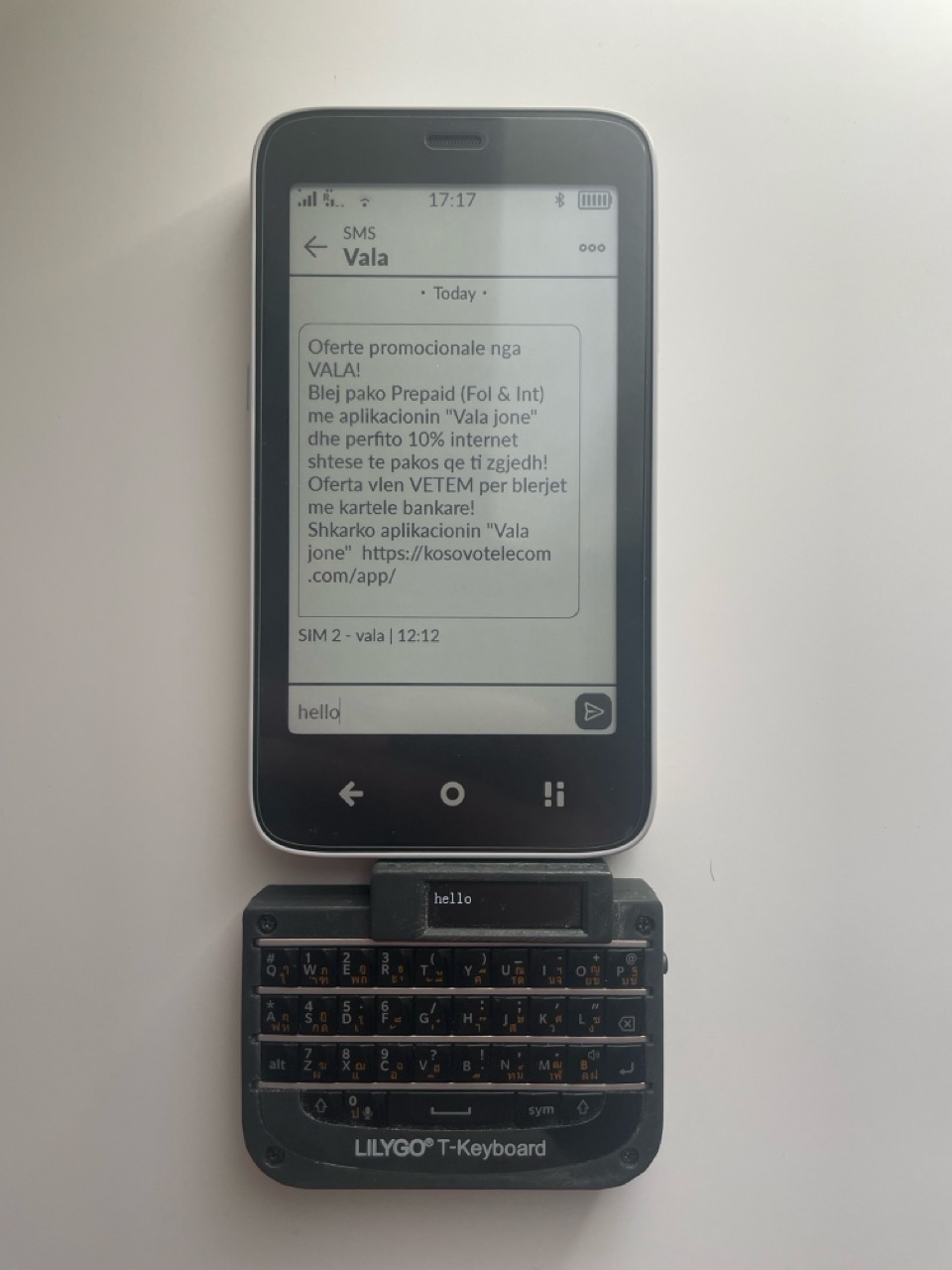
I bought this accessory which uses an original blackberry keyboard to try and design a keyboard case for my Kompakt. But I don’t have the space or time to get into 3d printing at the moment
thanks for this! i’ll link this comment to the original post.
I have added an IF for Signal not to show the background connection, but these keep appearing for different apps when the phone doesn’t have play services. It’s impossible to add one for everything. So this seems like a good solution.
 and was disheartened to lose the simplicity of that OS and would eventually succumb to the “smartphone”. My first “smart” devices were actually Android, but then I got caught up in the Apple hype and have been stuck there ever since. The MK brought me back to Android and honestly pondering why anyone would ever want a device that doesn’t allow for the possibility of customizing it to fit their use-case. Further, the fact that you’ve managed to pare inkOS to 3.5 MB?!.. I haven’t seen an app footprint this small since maybe Palm OS