I was able to sideload OpenBubbles via Aurora Store and it works perfectly.
Full iMessage on my Mudita Kompakt which was my dream. I am a heavy Mac user and have an iPhone as my “work phone” so I have an iPhone number and iMessage account that is well used and my primary way of communicating (in the USA iMessage is the main messaging service!)
OpenBubbles is super easy to setup on your mac. They even have a waitlist for people who don’t own an iPhone and want to convert their Android number to iMessage. It’s $9 a month.
I made a YouTube short on my channel if you want to see it @ultramaze is my handle on YouTube. The title of the short is: " iMessage on Android Dumbphone!"
I also installed KeyMapper so all I have to do is long press on the volume down button and it triggers OpenBubbles.
I’ve only installed Waze, Audible, YouVersion Bible (had to get an older copy that didn’t require Google Play), and a chatGPT app called gptAssist via F-Droid.
It gives me everything I need to get around in life and nothing more. really a fun weekend and after work tool.
the only thing I hate is the camera. as a father of three young children i didn’t realize how amazing it was to have the iPhone 15 Pro camera on me 24/7. i picked up a little camera called the DXO One that sits in my other pocket and it’s been a fun EDC camera to tote along with the Kompakt
Correct! I have a number with AT&T that is for the Mudita, only friends and family have that number… but OpenBubbles is synced with my iPhone number which is mostly used for work
Could you please let me know which version of the YouVersion Bible you downloaded? Currently I’m using the Orthodox Bible app but it’s not the most optimal for the device.
I am coming from a decade of using an iPhone. So iMessage is attached to my phone number from my iPhone.
I switched my main number to the Kompakt, and iMessage still works perfectly going to the phone number on my mac and iPad… and now OpenBubbles on the Mudita.
Only thing is, any “green bubble” person is going to go to SMS app on Kompakt, but that was to be expected!
Not sure why more people aren’t talking about this workflow. I’m full Mudita now with no compromise on the ONE THING I value which was iMessage since I use a mac for work, and 90% of my friends and family talk to me on iMessage. (I know Europeans think this is crazy but iMessage is American’s WhatsApp)
@ultramaze This is great news! We’re in the same boat… 3 young kids and strong want for iMessage capabilities. I will be keeping just 1 number. Did you ever make that video or could you at least provide the steps that you took to set that up?
can you give any hints as to how you got AT&T on your kompakt? I’ve been trying for 6 months without any luck at all - physical sim or eSim. AT&T says the IMEI is not compatible with their system and that is that.
What we suggest is that you activate the sim card in a compatible device & then switch it back to the KOMPAT. That usually seems to do the trick. It’s weird with AT&T- sometime their rep will be helpful & get things working- like they did for this Mudita Kompakt User on REDDIT, but we’ve also had reports that they refuse to help.
Sorry Urszula one more question - AT&T wants to know whether the new sim card is for an iPhone or an Android. I am transferring from an iPhone but of course the MK runs Mudita OS - which card type should I choose for this?
@robertbwright I would say that get it for an Android- HOWEVER- you will need to activate it on an AT&T approved ANDROID, so do you have another android that could be used to activate the sim card.
I am not familiar with iPhone at all- but I suspect there are some features, like iMessage, that maybe function with that sim card (but I could be wrong).
I would have to buy an Android phone for this, I don’t know anyone who has an AT&T approved Android. But it may be worth my while to pick one up, which probably wouldn’t be too expensive. Thanks again!
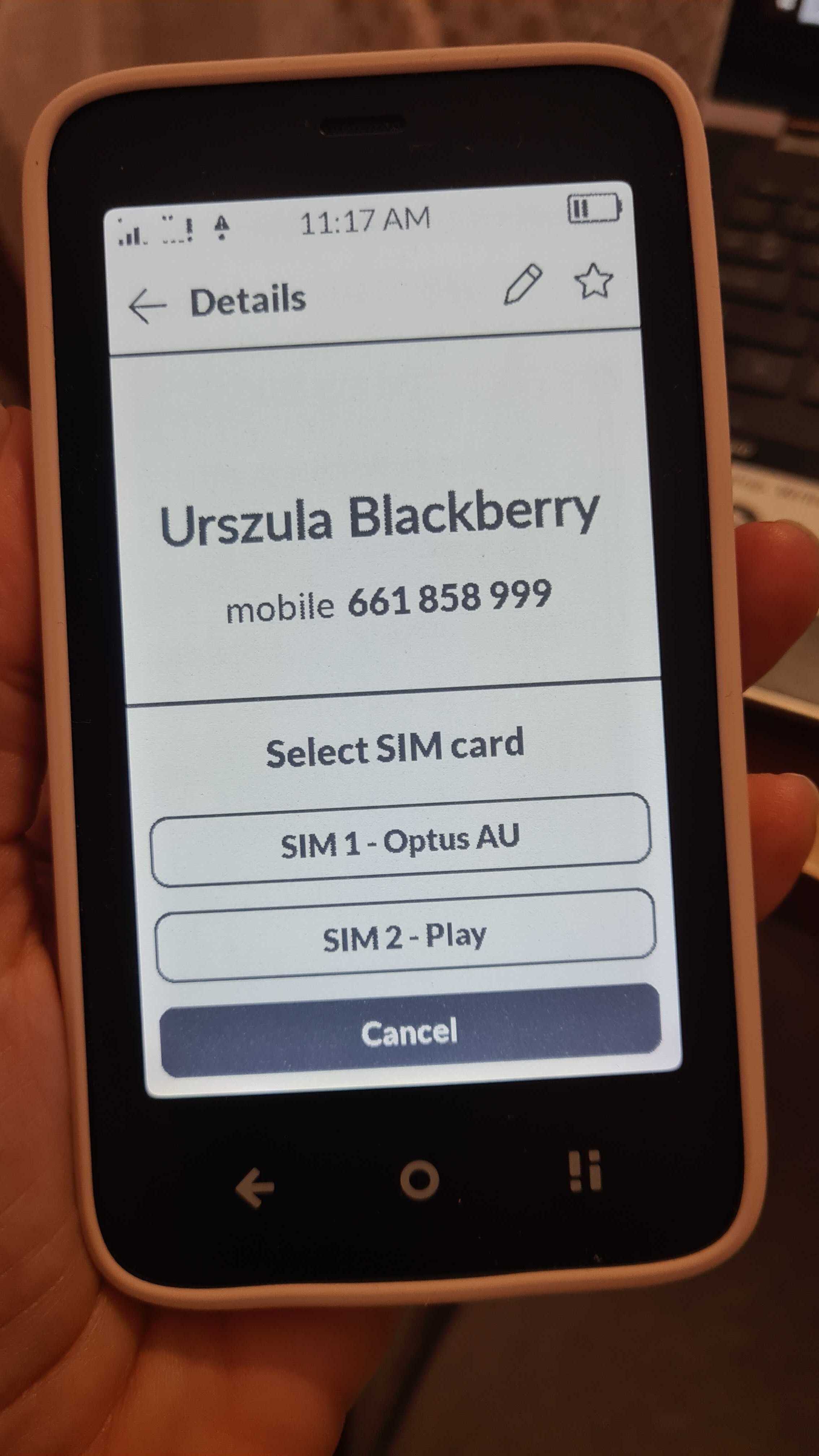
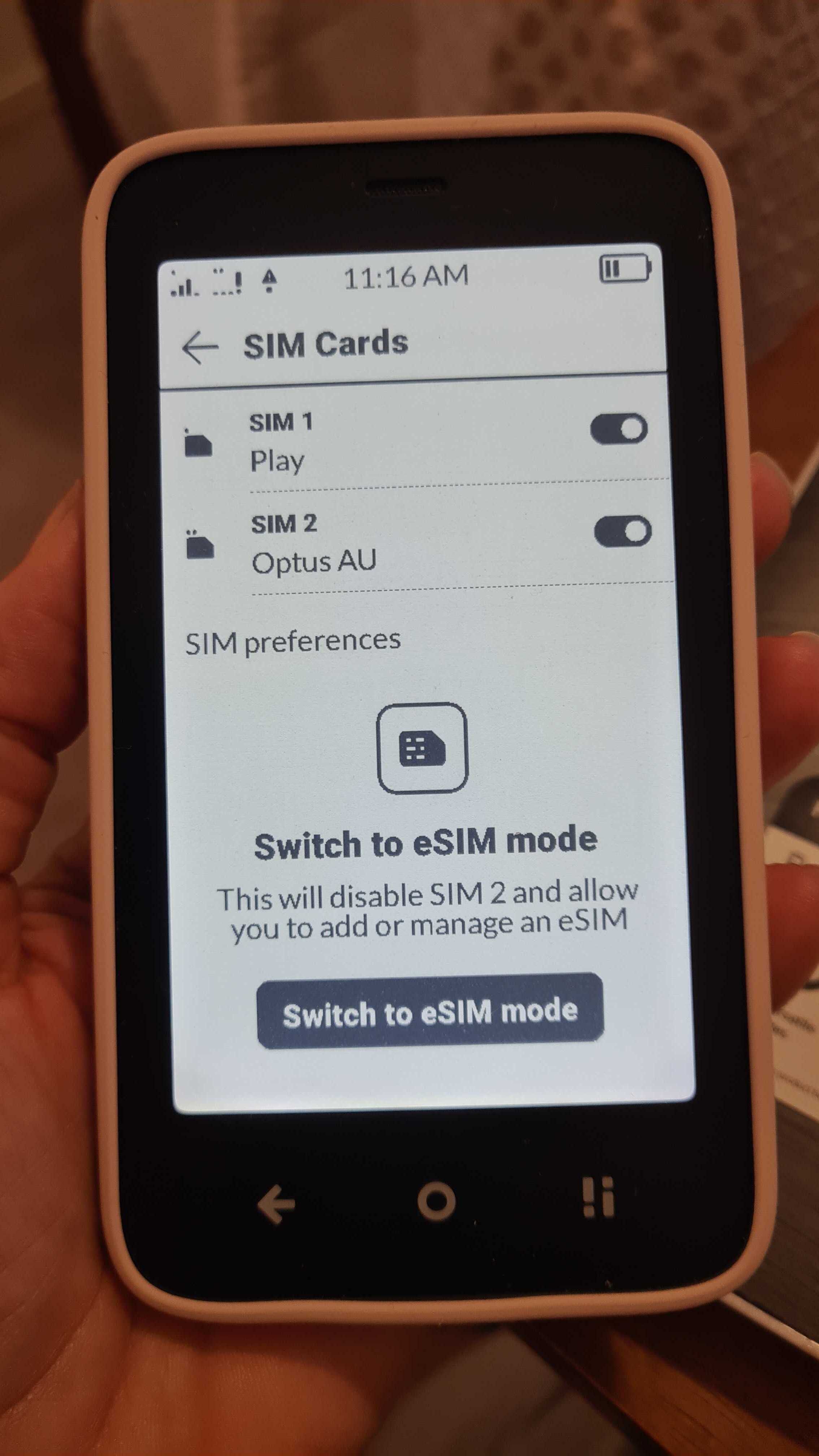
Happy to report that after 2 weeks of bad customer service from AT&T I was able to activate a $20 android phone and the sim card, after receiving a text from AT&T saying the phone was not compatible, works fine. What I need to know now, is how to switch between lines for calls. I understand that incoming calls ring the proper number through the SIM, but how do I direct an outbound call via one sim or the other. Thanks for all the advice
Thanks I did notice that inserting the second sim opens up more options in that section! I have another question but think it might need its own thread now lol.
@ultramaze when I remove my SIM card from my iPhone and put in my MK, it removes my number from iMessage automatically. I’ve tried turning the iphone off, turning off cellular, using airplane mode, and all combinations of that. How do I get around this? It usually works for an hour or two and then suddenly iMessage will ditch my number and start using my email or work number. It’s making setting up my MK very cumbersome. Wondering what iOS you are using on your iPhone in case it’s a new update issue? I used my MacBook for the Openbubbles account .