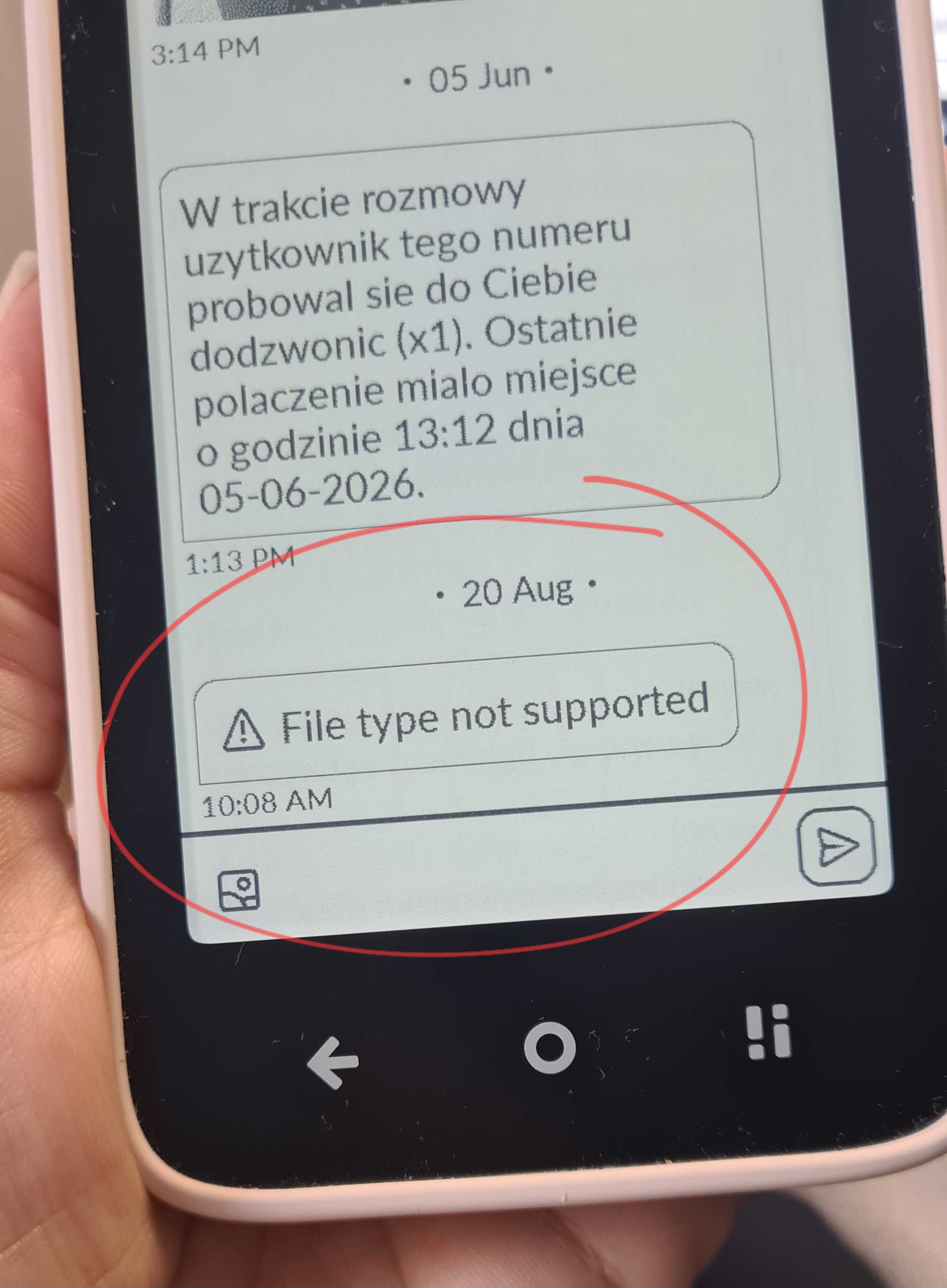
Whenever people try and send me media through text this is what I get. I need this fixed or some sort of workaround where I could at least get the media on my computer to see. If not, im sending this thing back. I’m on mint mobile, it has a physical sim that was never in an iphone. I already went through the whole deal of disabling stuff on the iphone so I could even receive texts at all on this phone, and now theres this issue.
1 Like
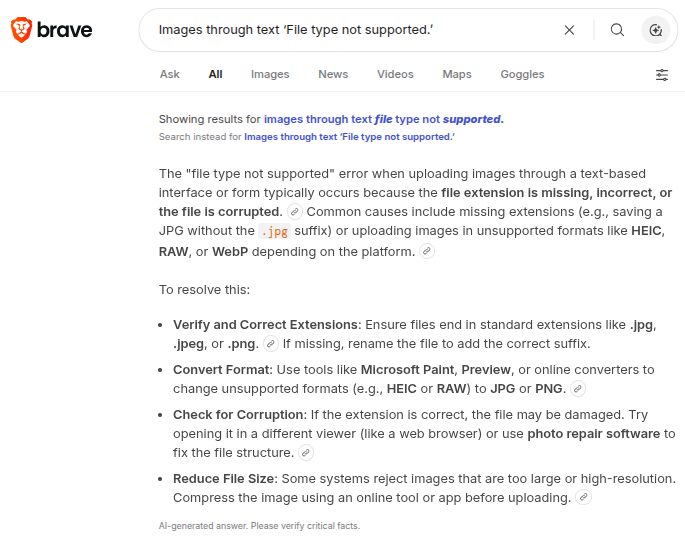
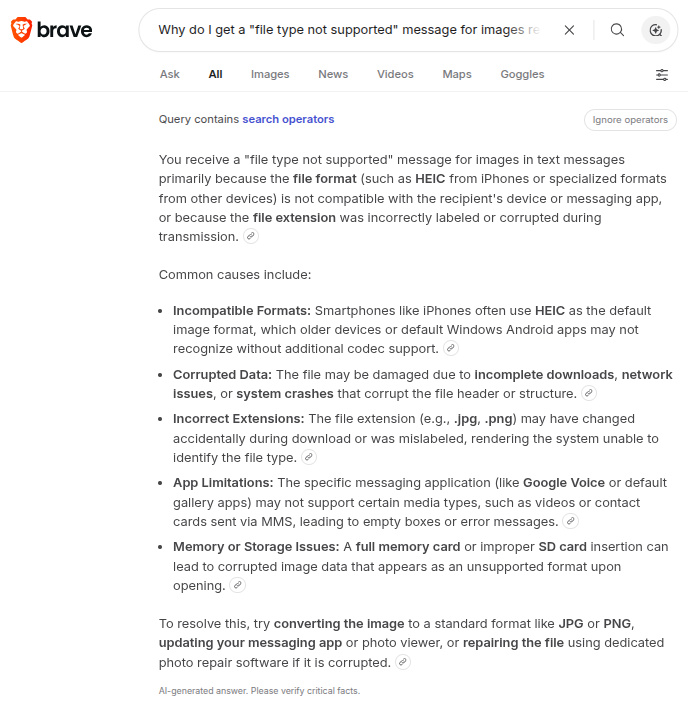
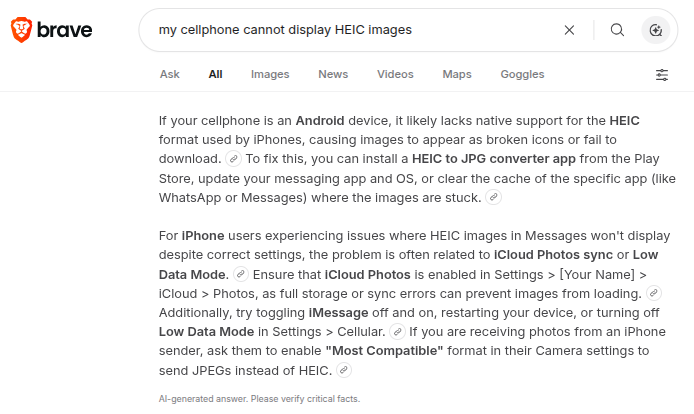
Downloading a converter doesnt help if I can’t receive it at all. All i get is ‘file type not supported’. The latest file type in question was a .mov from an iphone. I need some way to atleast be able to receive them and download them so I can move them to my computer to see them, but its not receiving them at all. This also happened with an image or video that came from an android user.
Like i get that its a file type issue, but if i cant receive it at all, whether i can view it on the phone or not, is a huge issue.
2 Likes
@victor.waters1: I believe that @urszula would recommend that you contact [email protected] and that the folks in Mudita Support may ask you for some sort of log file so that they can diagnose the cause of your problem.
1 Like
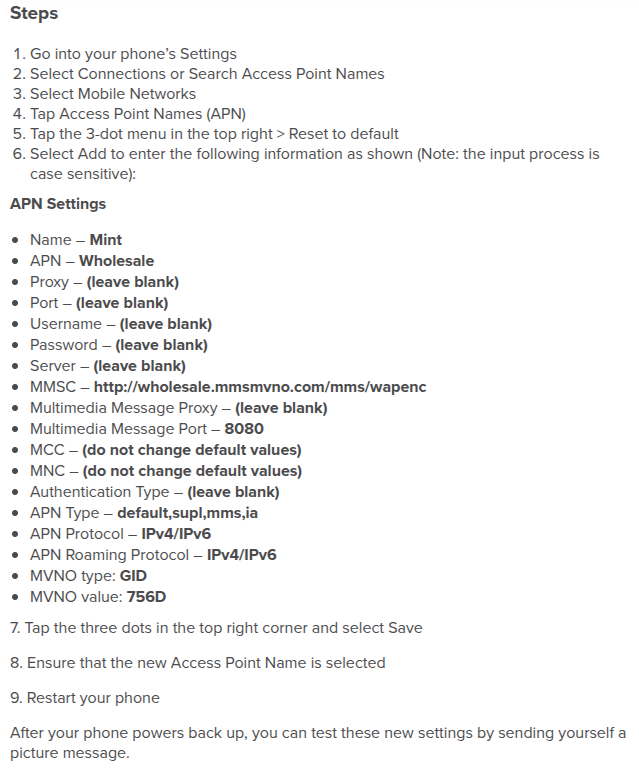
@victor.waters1: Have you compared the APN settings in your Kompakt to the APN settings recommended by Mint Mobile?
How do I configure my Android phone settings?
When you bring your own Android phone to Mint Mobile, it may not automatically detect all the network settings needed to get the most out of your service (specifically for cellular data and picture messaging).
Luckily, manually updating these settings is very easy to do and just takes a few minutes, so you don’t have any issues when using data or receiving group or picture messages.
Once you’ve activated your plan and inserted your SIM card or installed your eSIM, text SETUP to 6700 to have the correct settings sent to your phone (or just keep reading because we provide them below)
1 Like
sorry you’re not able to see the “Live” picture format - i have that problem. Those people should change their camera settings to “most compatible” good luck
2 Likes
I believe .mov format is apple specific, so not compatible with android devices.
My suggestion would be
A) to sideload signal on the Kompakt, and install it on your computer as a shared device, then ask your friends to use it instead of sms. that way you can view pictures and video in colour on the pc.
B) sideload an app called send anywhere available in Aurora store to easily transfer pictures from the Kompakt to a computer where they can be viewed , You could of course also use Mudita center and a cable to connect download and view your pictures and videos.
I often get pictures in messages and they look pretty dreadful on an eink screen if I’m honest so I use signal on the pc to view and often respond it’s completely seamless
I’m not going to be asking everyone else in my life to change their messaging app and their entire setup for me.
1 Like
I agree, I don’t expect anyone to change how they use their phone.
I use the Kompakt as a second phone and still message with an iphone with some contacts.
One other thing to try is rename the extension to .mp4, if you rename the .mov to .mp4 the images may open but it’s a hassle.
Fair enough ….. But sms is patently flawed, often charged extra for in the case of picture messages and not secure. Pretty sure most of your contacts will be using an alternative messaging app also probably WhatsApp though, so not really a big ask for most.
You have purchased a device with a small eink screen though so far from ideal for viewing pictures.
1 Like
I think you will find that is asking people to change the way they use their phone 
1 Like