So I recently got my Mudita Kompakt, and I want to try sideload an App Store. I have been watching some Youtube guides to learn how to do. But I use Linux Fedora, and here my Mudita Kompakt does not seem to connect. Can anyone please help me?
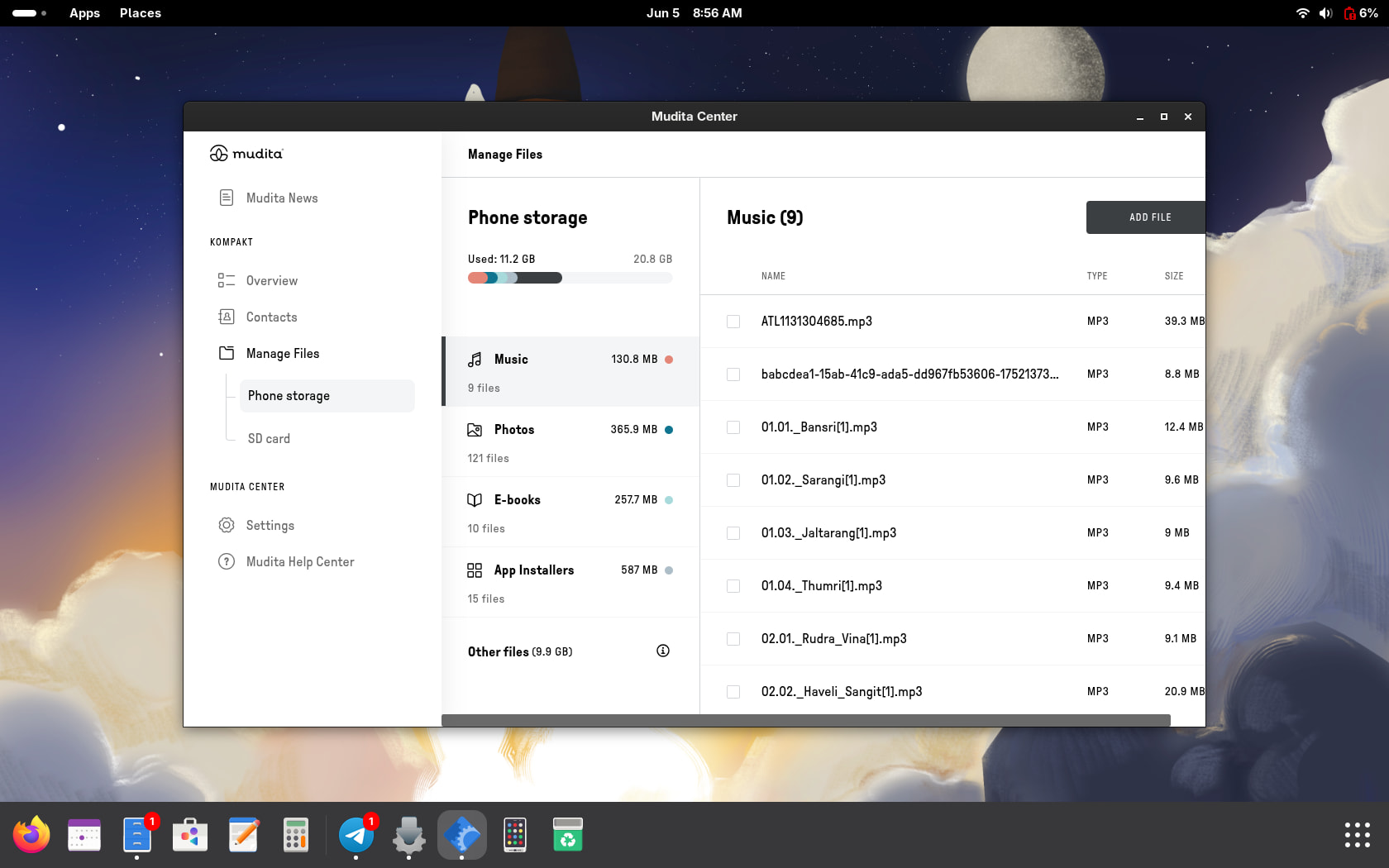
Now download from web the .apk files for APKpure/F-droid/ appstores. Copy them to MK device through Mudita Center (into “App Installers”).
After copying the .apk file into MK, double click on the .apk file in Mudita Center. It will show you the installation procedure.
Now you can use the appstore you installed on MK (even without Mudita Center) to install any available app in the store. Apps that use Google play services won’t work on MK.
In the past, I had to do the following to get my Kompakt to be detected :
“I have to connect the Kompakt, open it in my filemanager, then start the Mudita Center then “retry” and it eventually works. I had to try numerous times to find the right order. I guess this is not normal.”
However, I do not have the problem anymore in Mudita Center 1.5.
Transfer rates are abnormally slow, though. I recommend to use the OS filemanager for files transfers. If you want to install an .apk for instance, I recommend to copy it manually before, and then install if from the Mudita Center. But hey, first things first, let us know if you manage to get your device recognized You might want to have a look at this thread too : Mudita center Linux - #20 by bidinou
I have a similar problem on Ubuntu (I got sick of windows, so installed Ubuntu on my Surface - proud face!), still finding my way around it, but i’ve got the .AppImage file downloaded, and have to run a cmd line prompt to get it to load. Will see if some of the tips on here will help.
Hey Fancy, have you gone through any debugging re. mounting the drive? I tried to sideload apps off my laptop running Mint and that was where I got stuck. Eventually I just moved over to my windows machine. But mounting drives has given me issues in many other similar situations as well.
Well, after using the command:
sudo dnf update
sudo dnf upgrade
The Mudita Kompakt do now show up. And I can go in and see the files. But I still have trouble with connecting it to a Sideload program. I tried to download the Mudita Center, but have difficulties installing it…
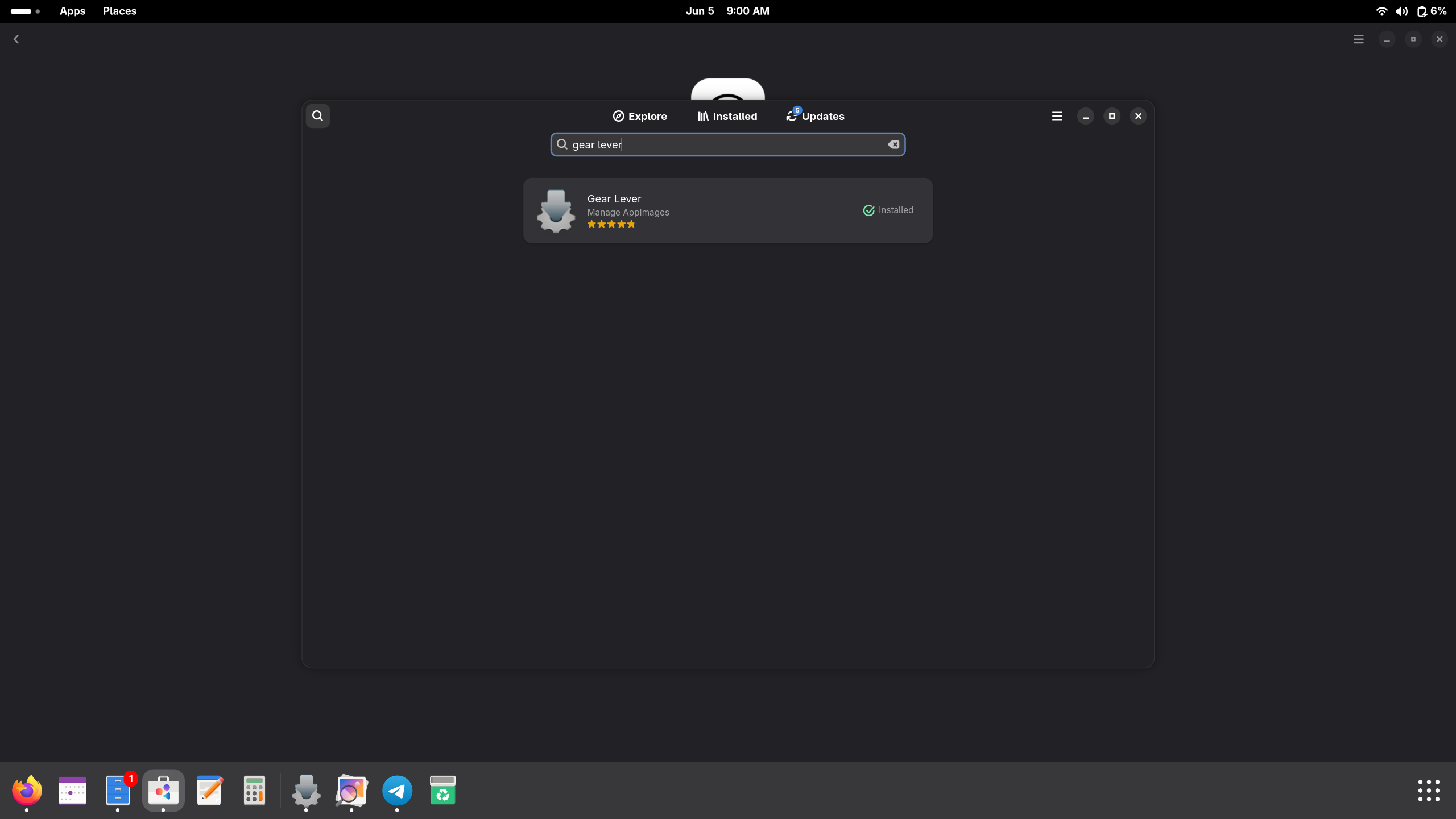
Dude - had no idea about Gear Lever to manage AppImages and I’ve been on linux for long time. Just got it on my Fedora laptop….desktop next. Thank you!
I am using Linux also for a long time, first Ubuntu and the last years i am using Mint.
I had eOS before and my laptop had also installed ADB tools.
Set my phone to developer mode, USB Debugging Mode ON and i was able to send packages to my phone.
After installing Mudita Center it is really easy to sideloading apps to de MK.
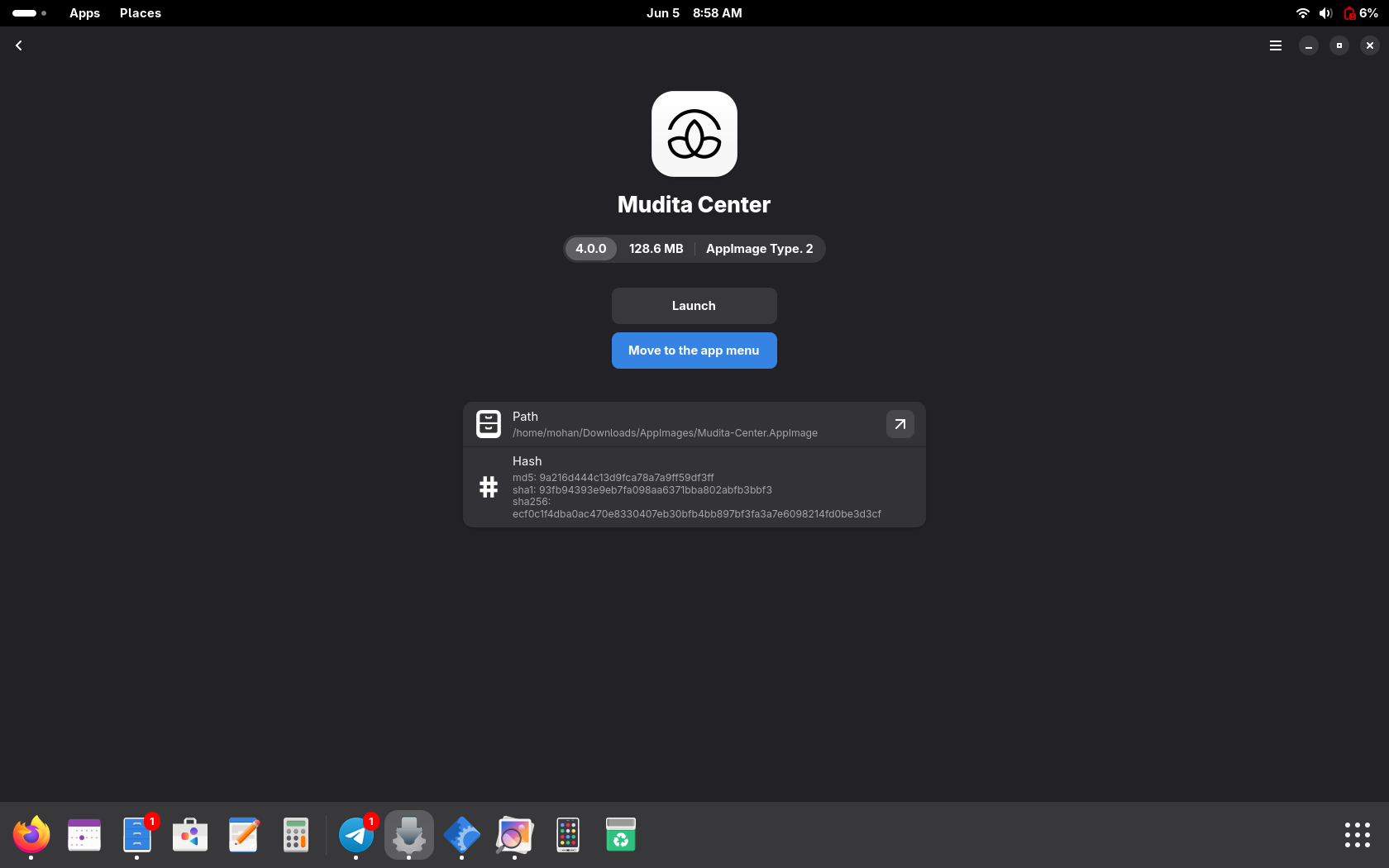
So my AppImages are in a folder and I would have to open files, make my way to the proper file and double click the AppImage. Gear Lever manages all and puts the AppImage in the main menu - I can super key, type Mu, app with logo shows up and it runs. Just much more efficient workflow.
I have Fedora 44 w/ vanilla GNOME on all my systems.
Yes, i see.
But i do not understand the added value of Gear Level.
If it works for you, fine.
I Just dowloaded the Aurora Store APK to my pc and installed with Mudita Center.
With Aurora store i can download the Apps i want on the MK.

 You might want to have a look at this thread too :