The Weather app/widget shows Warsaw, Poland. I added my local town, but Warsaw still shows up in the Widget and is listed a “default” in the app. Is there a way to change the default to my part of the world? It’s pretty useless for me to know the weather on the other side of the planet.
2 Likes
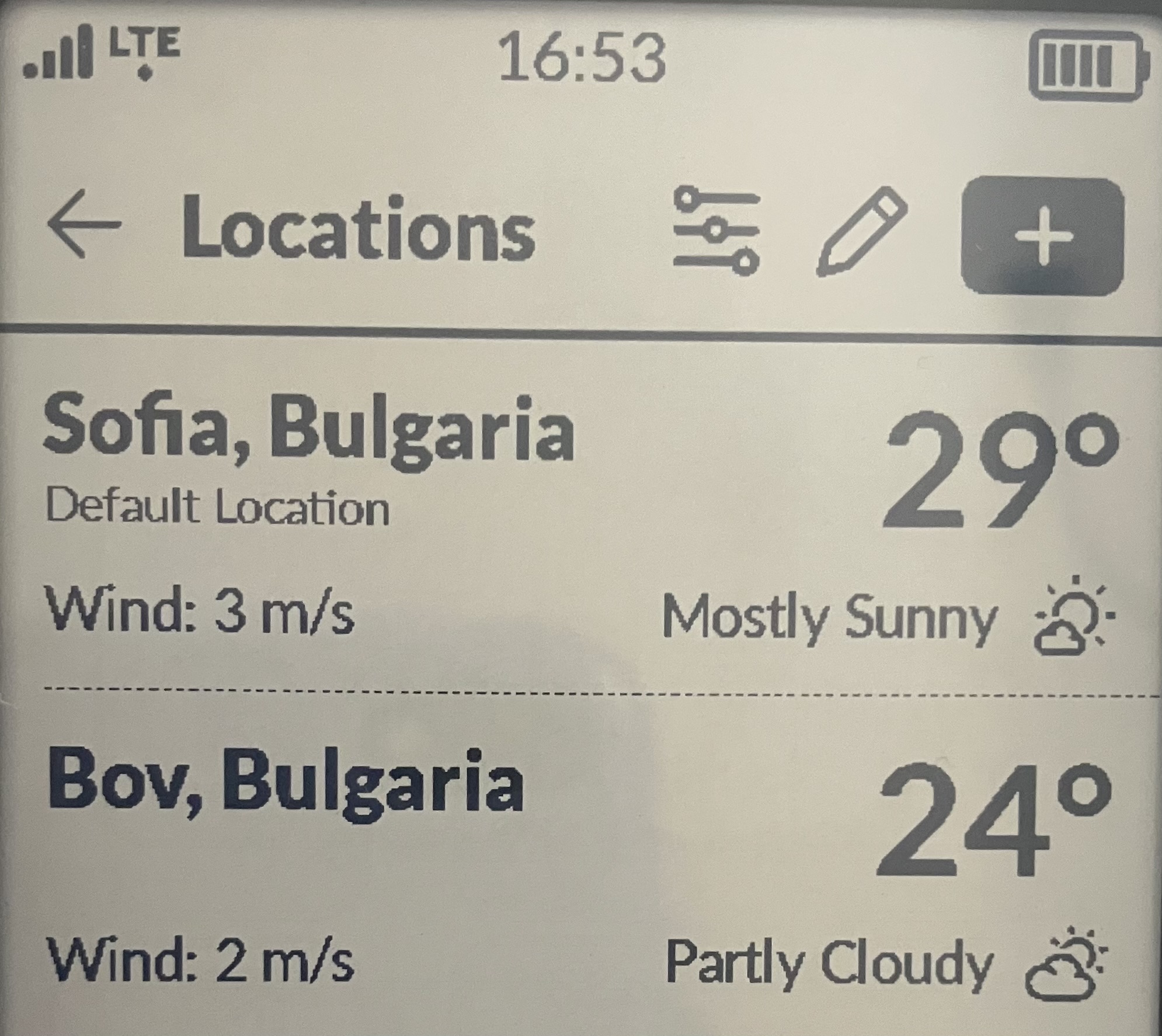
Just delete Warsaw from the list of locations you want the device to show. It’s easy.
This is how mine looks:
3 Likes
Thanks. I figured it out.
1 Like
i’m having the same issue with muditaOS 1.3.0
I can’t delete Warsow and it’s the default location
Found it:
the default location can’t be deleted
need to allow location sharing for the app
then You have to go EDIT warsow and click “use current location”
that replaces it
2 Likes
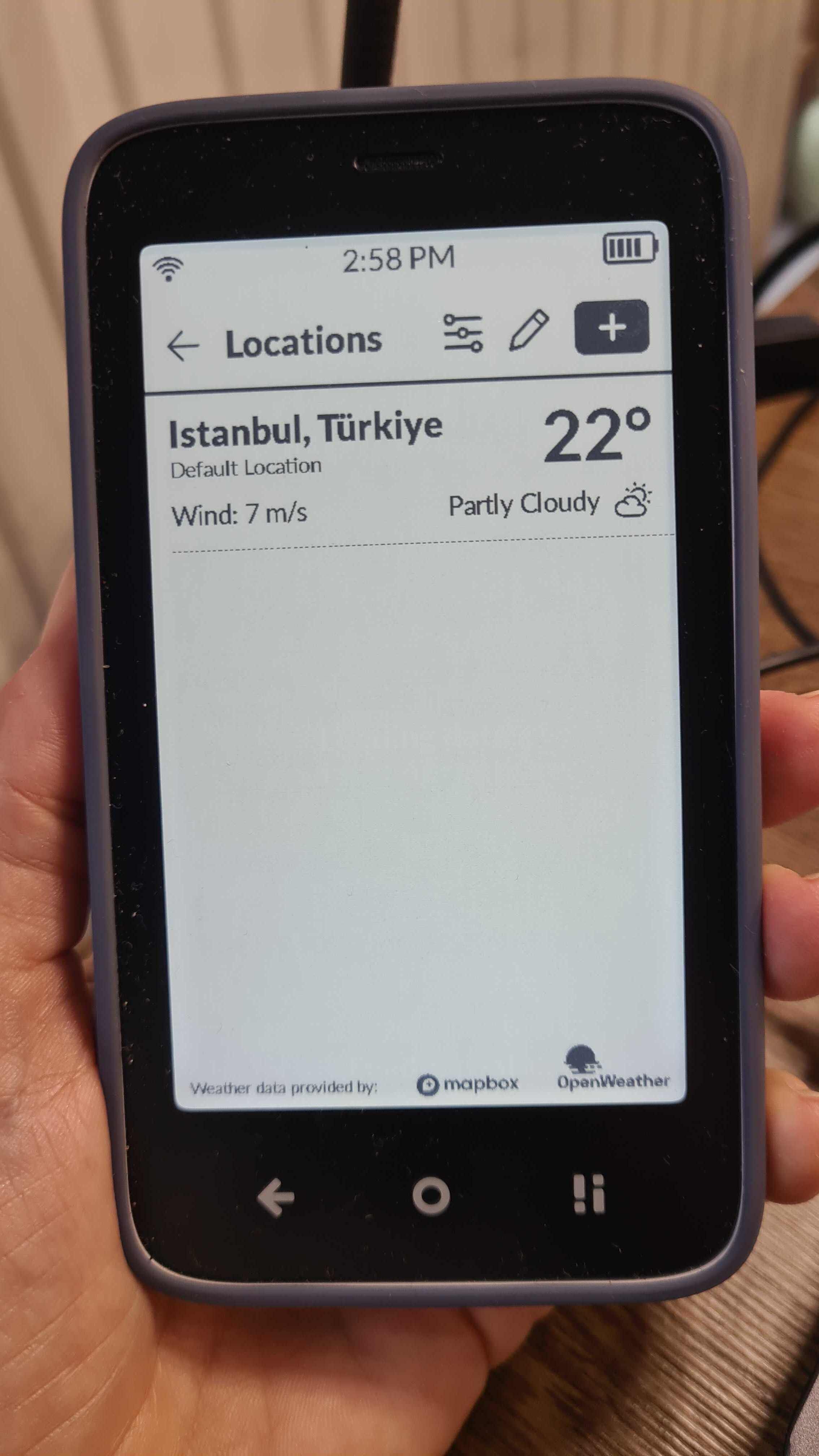
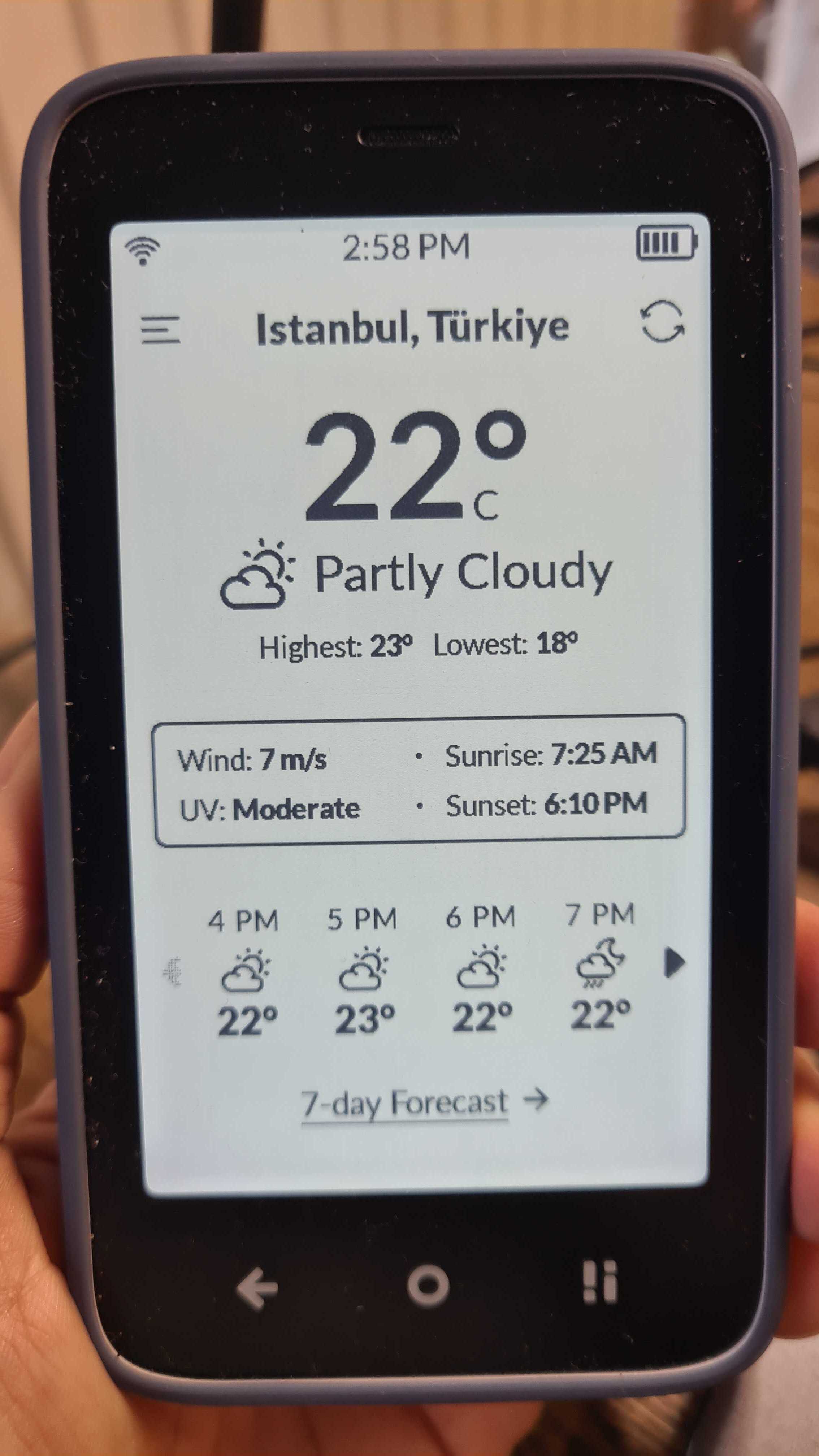
Somewhat off-topic but it fits 

1 Like
I cannot see a way to delete what is pre-set as the default. there is no delete button next to it.
2 Likes
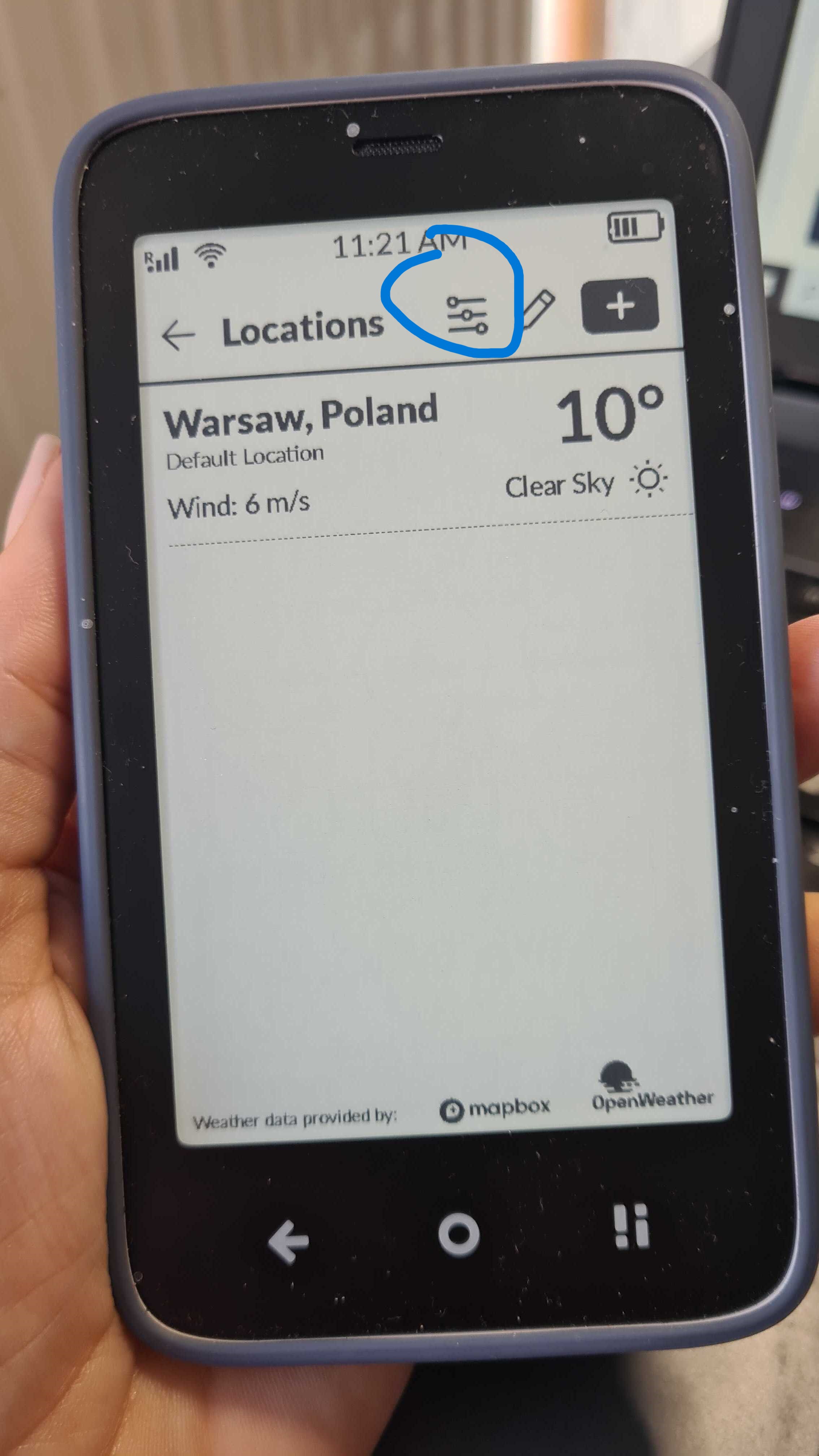
@nikkirodney Just tap the 3 lines & then tap the default city to change it.
1 Like
This is exactly the right way to do it: just tap three times. Thank you very much!
1 Like