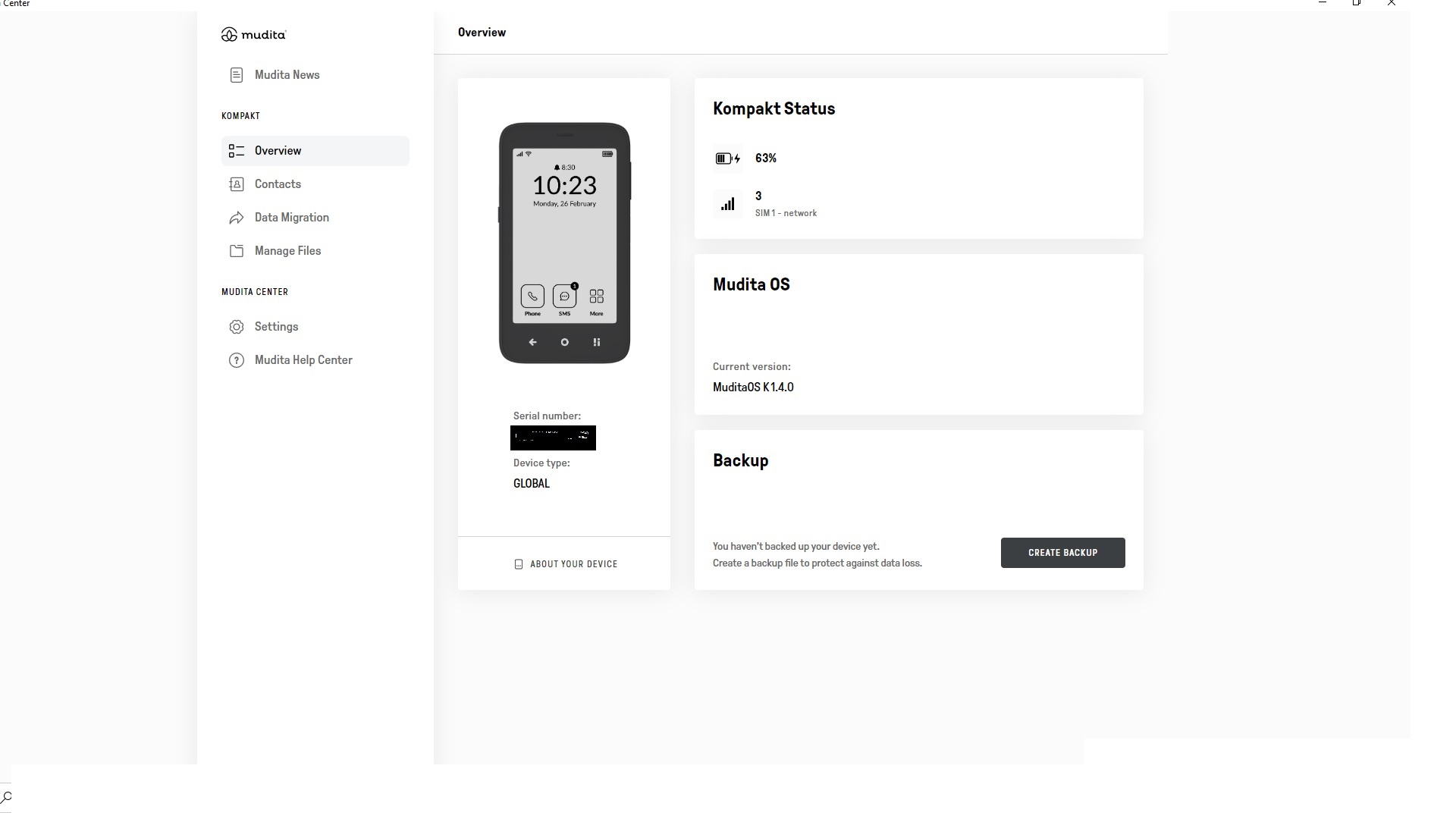
My Kompakt spontaneously factory reset. Which is very worrying and a separate issue that I flagged here.
I had it backed up. But I cant see how I would restore it using the Mudita centre desktop app. I don’t see a button for restore anywhere. The path for the back up file is correct and the file is in that specified folder.
@jambon After a factory reset, your device’s Product ID may have changed, which can cause backup files to appear missing. However, your backup is most likely still present under the old folder structure.
Please follow the steps below to recover it:
Navigate to the following path on your device (backup folder):
Windows - C:\Users{YourUserName}\AppData\Roaming@mudita\mudita-center-app\pure\phone\backups
Inside this directory, you will see multiple subfolders, for example: 1234-5678
Open each of these subfolders and look for a backup file that matches the date and time when you originally created the backup.
Once you have located the correct backup file:
Copy it to a safe location outside of this directory (e.g., your desktop or an external drive).
Then, copy the same backup file into all subfolders inside the backup directory.
This will ensure that your backup is available regardless of the current Product ID.
If you need help identifying the correct file, feel free to send us a screenshot of the folders or filenames.