I downloaded spotify APK and I don’t really like having it on the phone with the layout. I deleted it on the mudita hub, but it’s still showing up on my phone.
1 Like
I don’t think it’s possible to uninstall it via the Mudita Center yet. You can only do this directly via ADB command:
adb uninstall package name.
You can find the exact package name by listing all apps via ADB:
adb shell pm list packages
2 Likes
What is ABD command? I have a MacBook
1 Like
Please search for “ADB” in the forum. Someone here wrote a great guide on how to do it 
Here is a video on this topic:
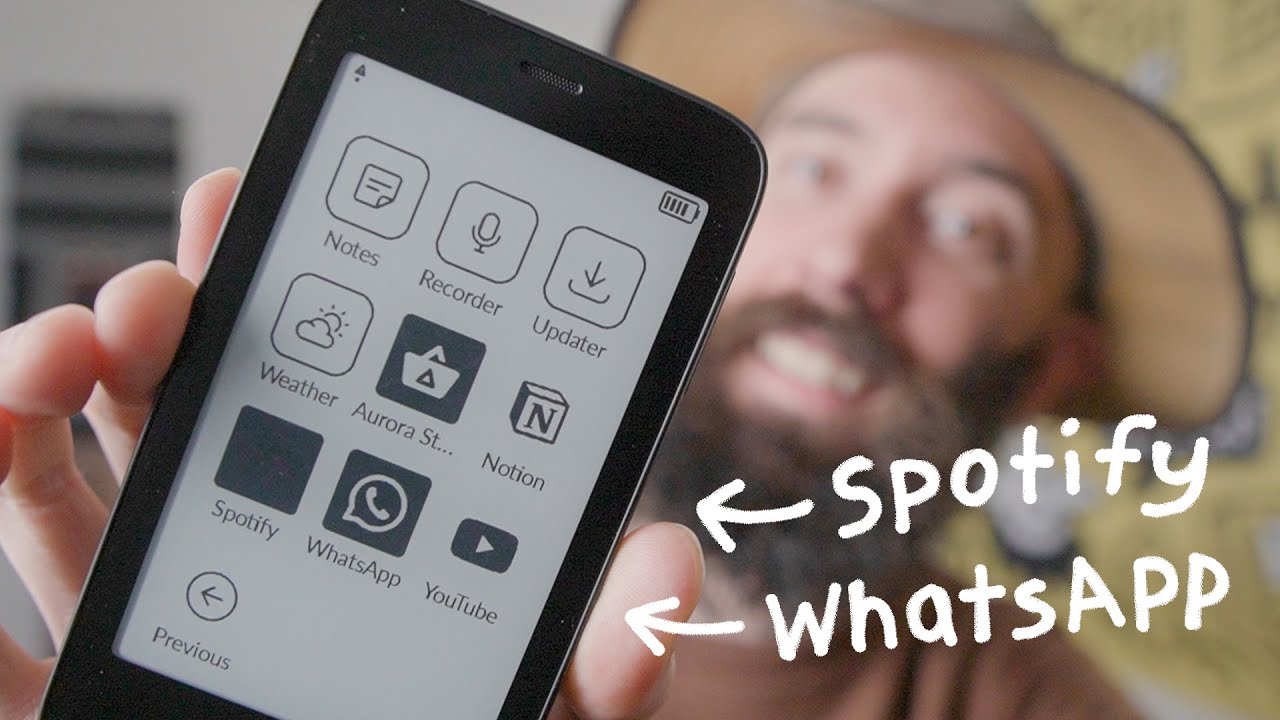
EDIT:
1 Like
Hello,
I downloaded Batch uninstaller from F-droid.
You can uninstall everything with this app, regarding you installed from Mudita desktop app or F-droid or Aurora
super easy and fast.
3 Likes
Are you able to delete this app once downloaded?
1 Like
Linking an old discussion here:
2 Likes
Batch uninstaller is seriously soooo underrated
1 Like
I have ink OS and that allows it!!
1 Like
This was legit Worked perfectly. Thank you.
1 Like