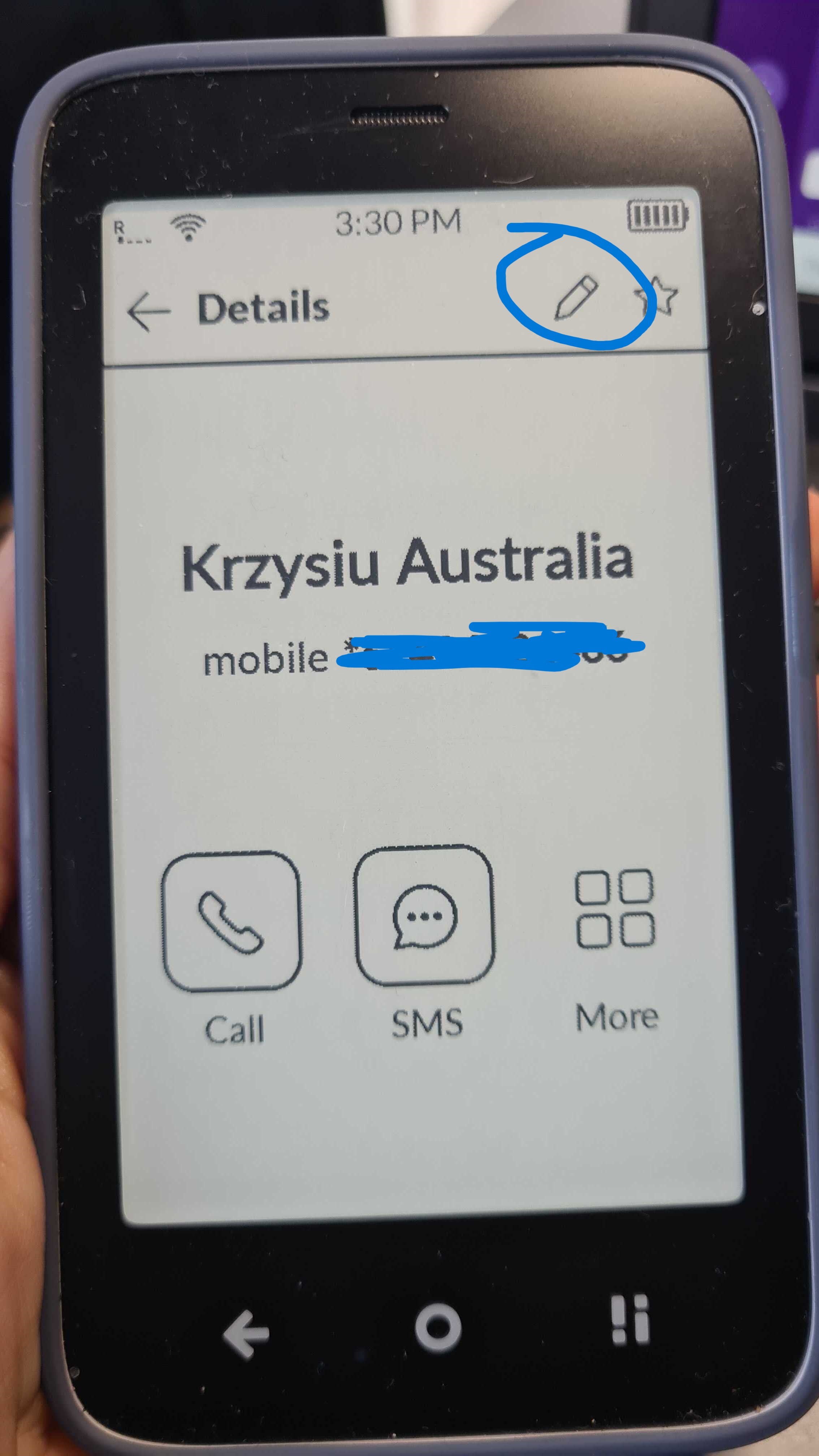
I imported my contacts recently using the Mudita Center and .vcf files I had cleaned before. I need to perform some last minutes changes, which I tried on the phone itself.
I tried to change the first name from “Mom’” (with apostrophe) to “Mom” (without), but it doesn’t work. The first name is properly set on the Edit view, but not on the list view
I have set most of the numbers to “mobile”, but they appear as “other” on the phone
All of my contacts were imported via the Mudita Center app, I have 0 contacts on my SIM. I recreated the contact by hand, I could not reproduce the issue for other contacts, only this one was glitchy.
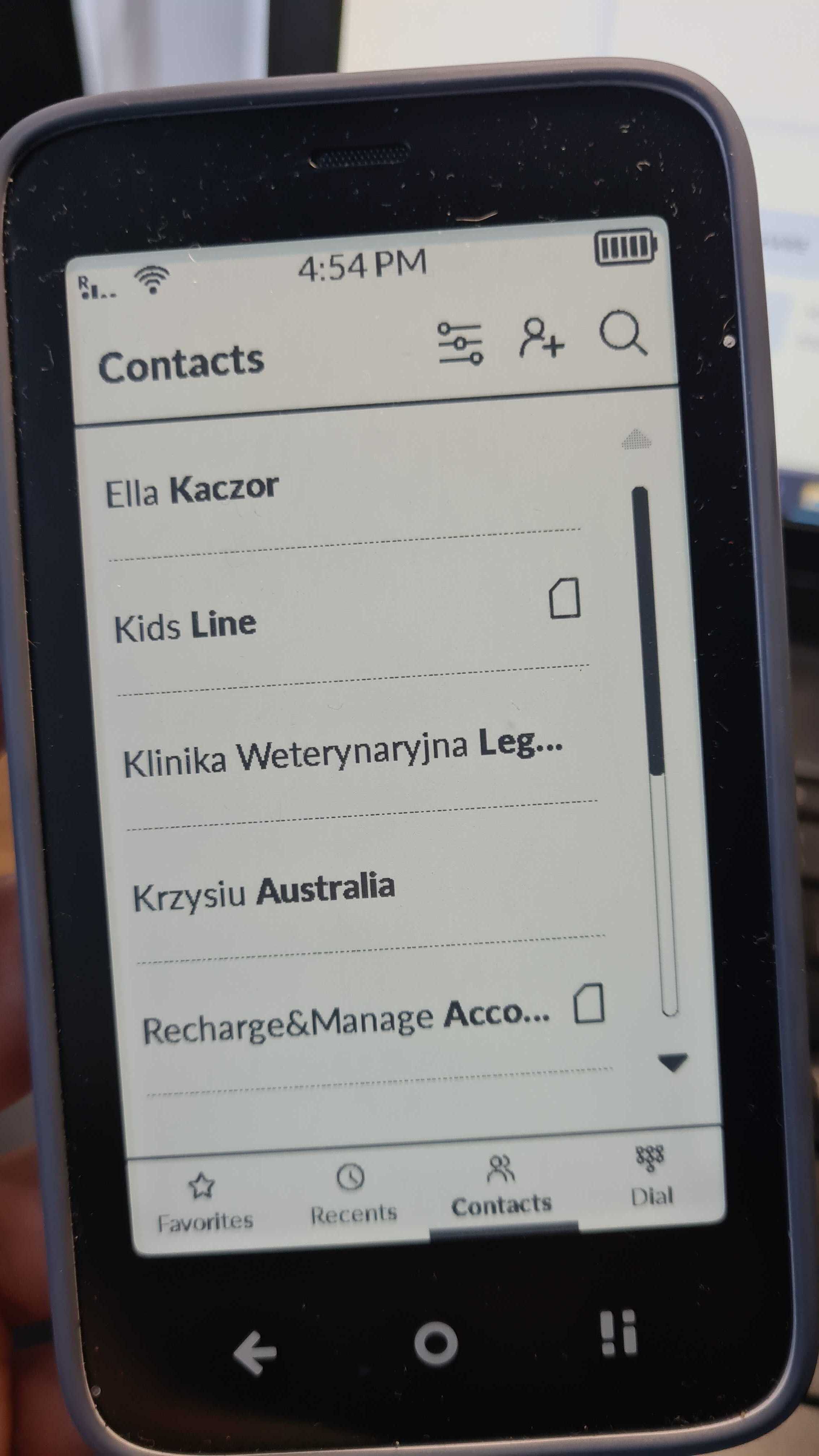
I meant in the Contact list, not on a specific contact page. In the contact list, all names have first name normal, last name bold. I didn’t find a settings to change that.
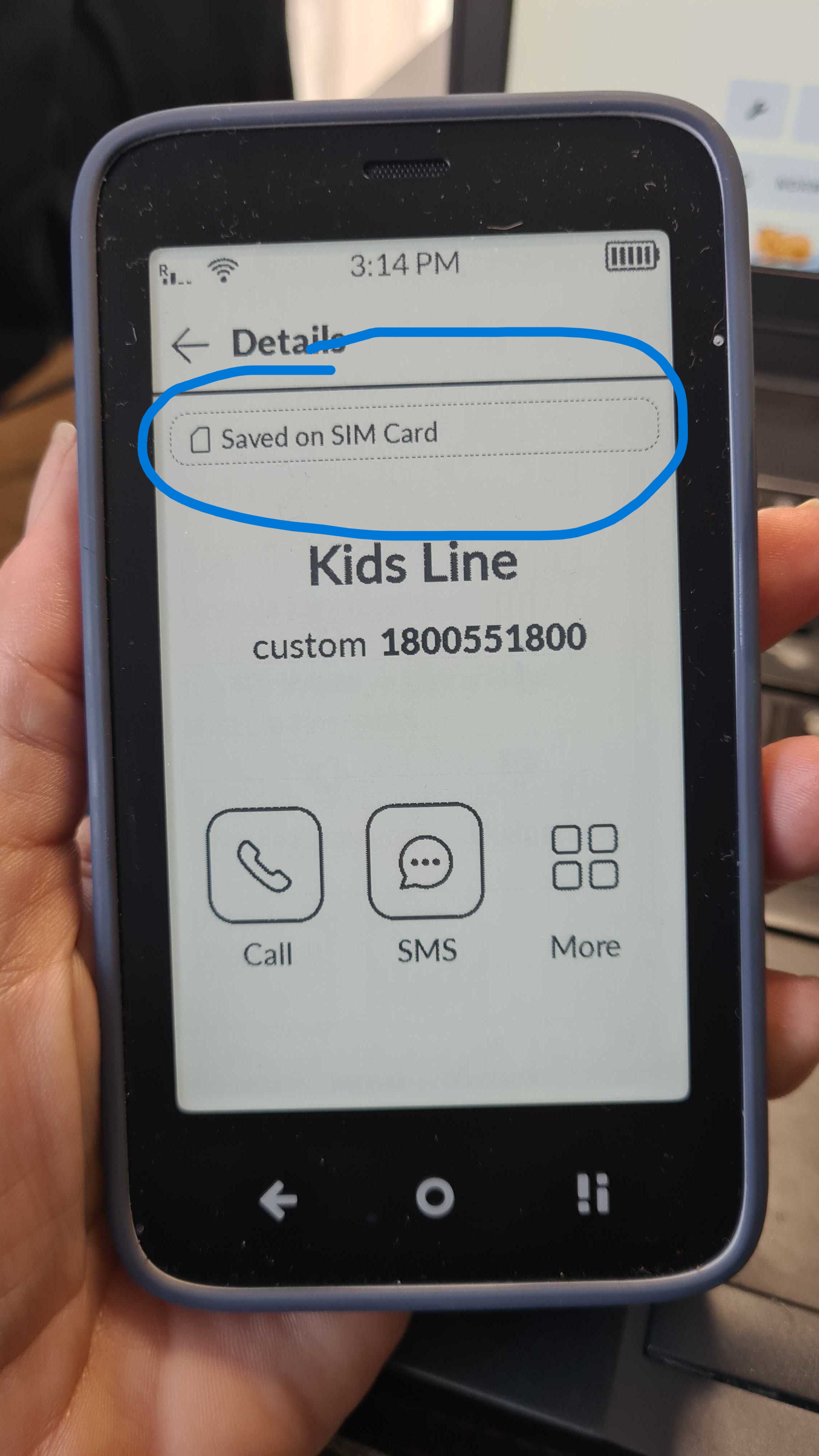
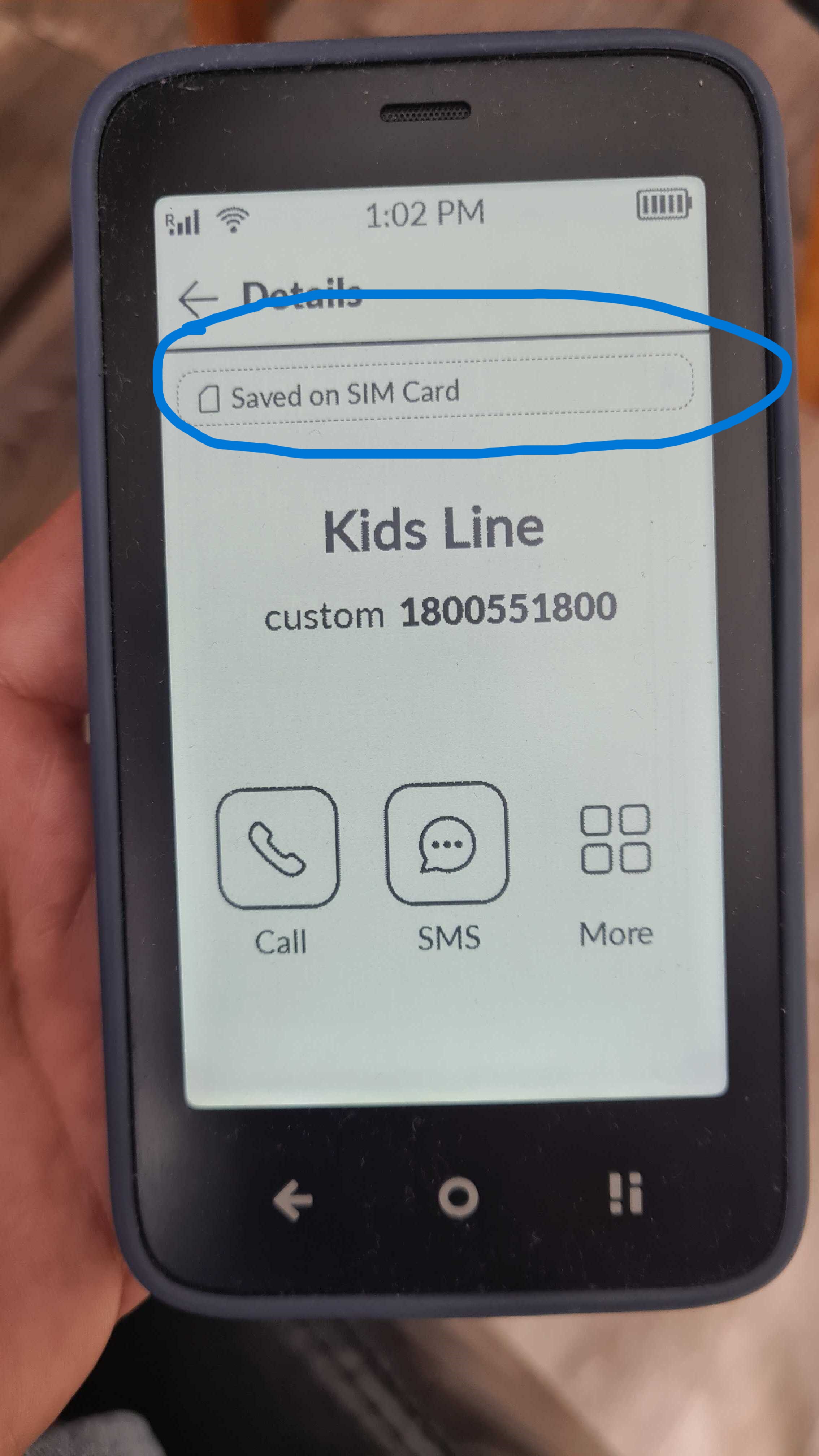
You might have seen my recent posts trying to figure out why new contacts saved in the native Kompakt Contacts app aren’t syncing with Davx5. I see in the picture above the Saved on SIM Card option - how do you access that pop-up window?
I started to think that might be the underlying cause why the system keeps saving contacts locally, not allowing them to be synced with Davx5. I’m certain that i have Davx5 set up properly, as the third-party calendars are syncing with no difficulty.
I don’t have much experience with DavX5, so I’m not sure I can be of much help, but I can ask our team if they have any ideas how to make it work. When it comes to editing SIM CARD contacts, you can delete them via Mudita Center, but from what I know, you can’t edit them (I’ve asked the team if there are other options).
That SIM Card indicator is just that- an indicator. It’s not meant to be tapped. Tapping it does nothing.
The Davx5 sync works fine and seems rather seamless with Calendar and Contacts. The only issue is that new contacts entered on the phone, whether in the native Contacts app or a third-party app, aren’t synced via Davx5. However, deleting or editing a previously synced contact on the phone syncs back to the cloud.
I recently read that a native Davx5 is in the works, and I look forward to trying it out once it’s released. Will it be included in the new system update?