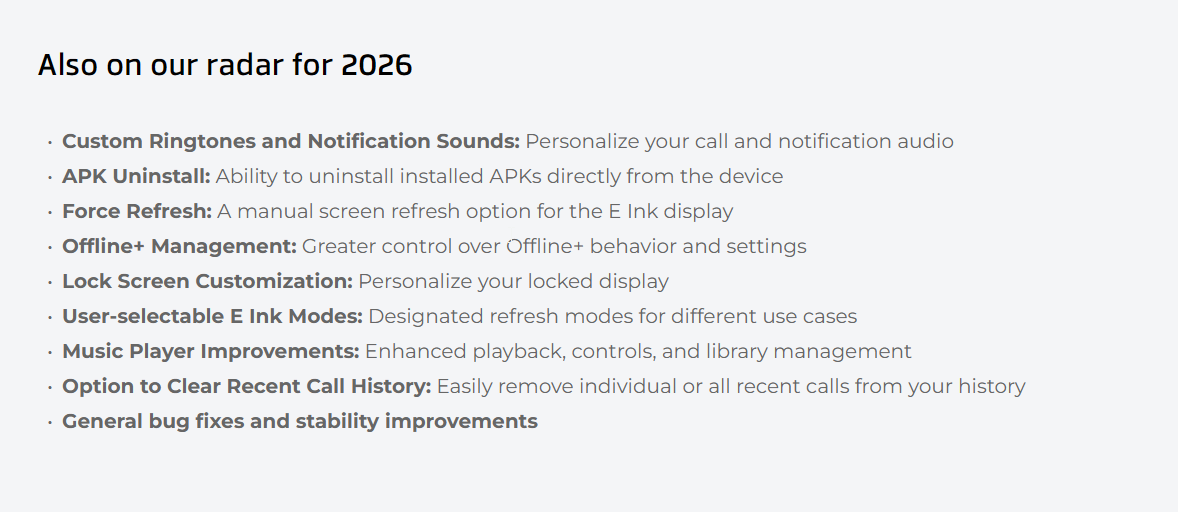
I would like e-ink modes too! I love my. Please provide per app e-ink modes that can be saved. Doing this will not affect your core group of users who only use the Mudita ‘official’ apps on their phone but will improve the usability of the phone for those of us that sideload apps.
3 Likes
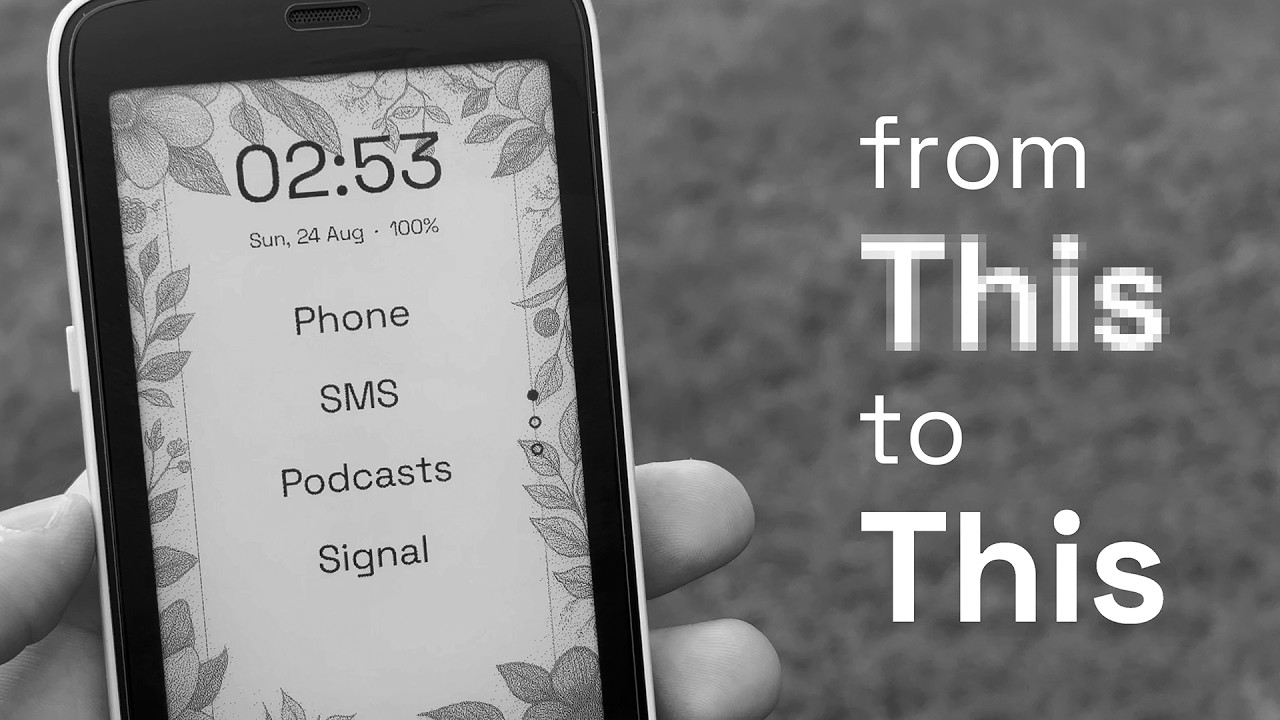
A quick video to show I’ve been able to activate the Quality mode in my inkOS launcher.
- But i’ve only been able to access quality mode, the other variants including gamma mode are tied to Mudita Service app that is a system app and will only allow other system apps to access it.
- It does suffer from ghosting and refreshes if you’re using wallpapers and dark mode, but it honestly works very well in light mode without wallpaper.
2:47 you can see Gamma mode in action. What is Gamma mode?
Basically the fast mode that Mudita uses for its own apps and the MuditaOS. It makes everything black, if it’s grayscale it makes it as black as it can by adding contrast to it.
However this mode is not allowed for sideloaded apps, and I still don’t understand why.
It would make the fuzzy grayscale apps with stupid material design like Signal and Whatsapp look better (text easier to read).
The only way I was able to access is:
I made a “widget” on my app that calls for the “default android brightness dialog” that appears over the app and the system thinks that my app is a system app for a second. Which makes everything gray very “dark” to improve visibility.
I’ll try to take some screenshots of some popular apps and put them as wallpapers to show how would they look like with Gamma mode.
9 Likes
Has there been any change in the accessibility of Gamma mode to non-system apps? Very much agreed that this is an ideal display mode and it should be accessible to third party apps.
1 Like
@ArmchairSetup No change from Mudita side, however @jordan added the e-ink modes in his KompaktX app, they run as an action service so it can run on top of third-party apps as well.
2 Likes