Mine Doesn’t . If I forget to manually switch it off it will stay on and eat the battery. This is with all devices it could possibly be hotspotting for powered off or even in the middle of a jungle.
Is this just me or same for everyone else?
Mine Doesn’t . If I forget to manually switch it off it will stay on and eat the battery. This is with all devices it could possibly be hotspotting for powered off or even in the middle of a jungle.
Is this just me or same for everyone else?
Hi Urzula , I have that button pressed (black) to the right of course, but it doesnt make a difference , the Hotspot will stay on.
Is this a common issue or just mine?
Its so strange to me that I have this issue , I mean surely firmware stuff is universal , how could I have the only software that does this ? or is it hardware potentially?
I’ve asked our team about this. Could it be possible that your KOMPAKT is connecting to another device? Like another device with which you used the hotspot on previousy? That’s the only thing I can think of at the moment as to why it’s not disconnecting, because it’s connecting to something else?
Hi Urzula ,
I did an experiment and went for a bike ride around town with the hotspot on , no other gadgets on me , no watch , nothing like that.
Still the hotspot did not switch off.
Am I the only one reporting this issue ?
From what I know, yes. Mine turns off automatically IF I set it to TURN OFF.
If I set it to keep being ON it will not turn off.
I’ve passed this bug on to the team. They are investigating it.
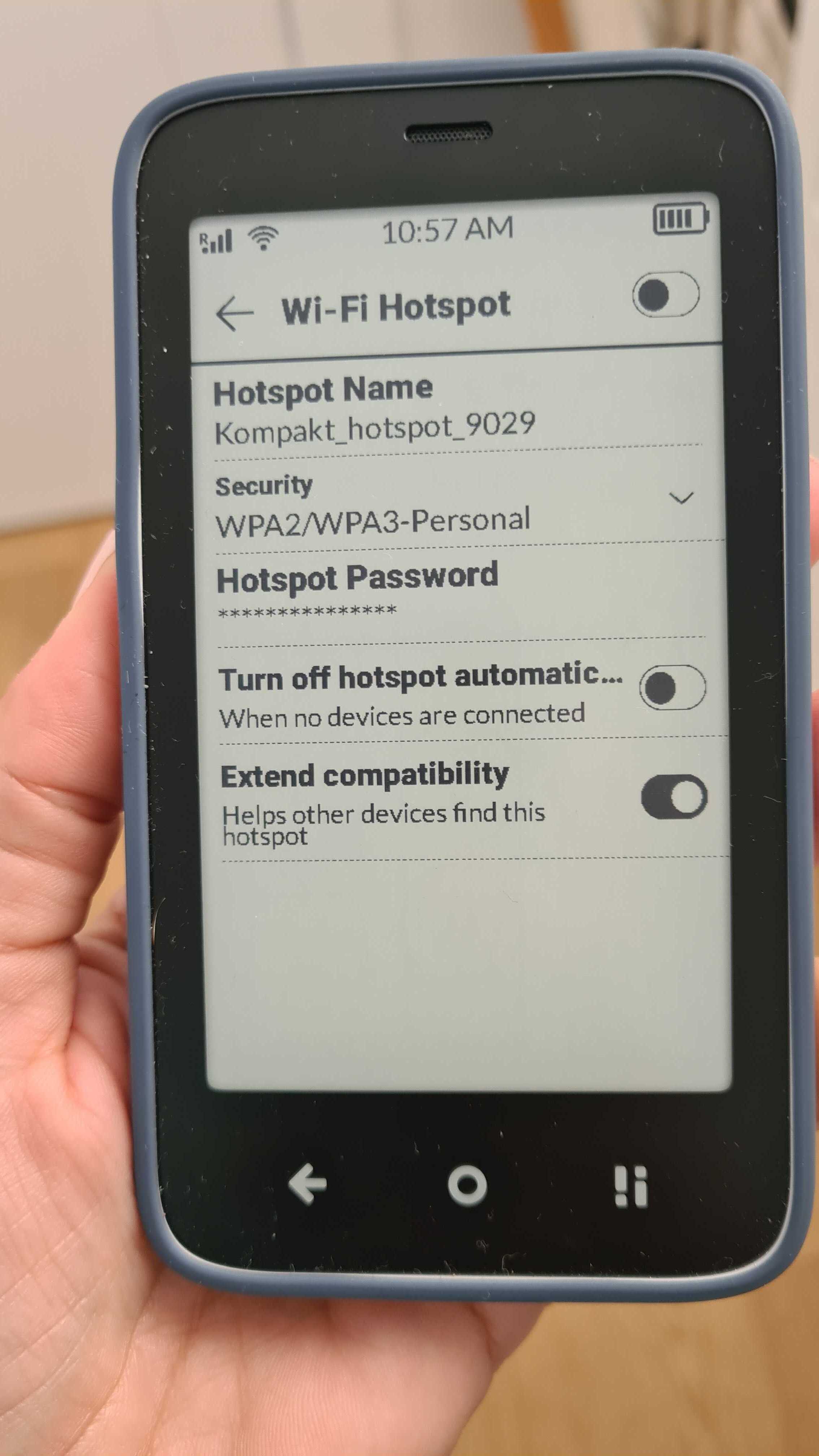
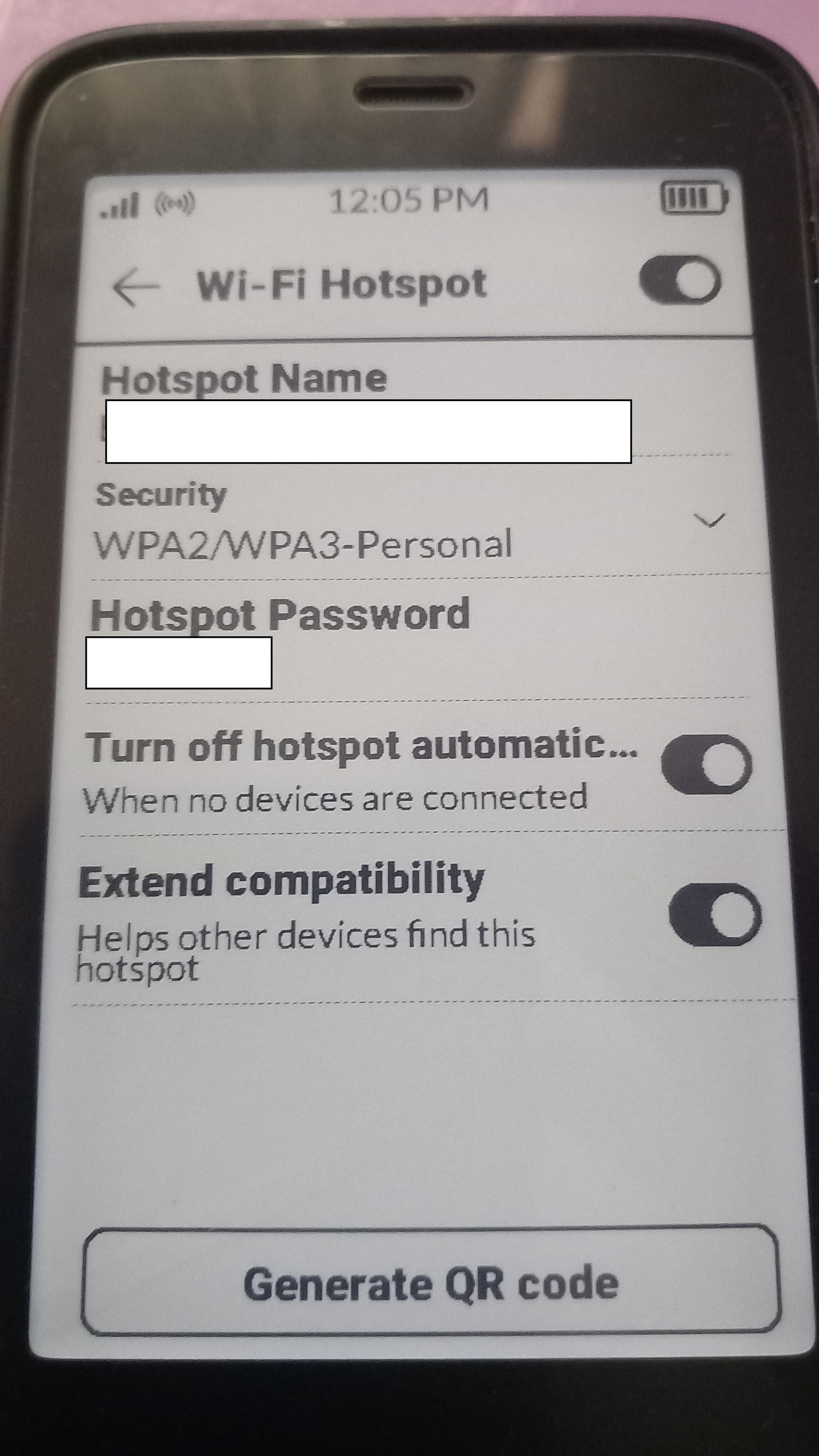
Just to be clear , this is what I have my hot spot settings at . Is that all correct for having the Hotspot automatically switch off with no devices connected? Thanks
@jambon Our team is testing this & would like some more information:
Thanks Urszula appreciate the help
@jambon Our team did some testing & I have an answer for you:
Amazon Firestick and PlayStation are the reasons that your HOTSPOT is not disconnecting.
These devices are always online if plugged to AC power. You have to manually disconnect them. They are keeping your HOTSPOT on, even if you’re not using the devices.
Hi Urzula,
Is this really it ? It cant be surely ? I mean if I go to the pub and have forgotten to turn the hotspot off it will stay on . If I go for a bike ride or a drive and have forgotten to turn the hotspot off then it will stay on sucking battery . I have performed a test where I went for a bike ride with just the kompakt , no watch , no garmin , nothing and the hotspot will remain on despite not being connected to anything.
In these instances I am kilometers from the PS4 and firestick. Every night we unplug all devices. Yet the hotspot will stay on all night if I have forgotten to disconnect it.
this has to be a hardware issue ? There is no way I have dodgy firmware that no one else has?
@jambon This is according to our team. This is not a Kompakt issue, but more of a system-level tethering / provisioning state that certain devices trigger. And apparently Fire stick & PlayStation are some of the ones that do this.
I Question this .
I have never had this issue with my previous phones which all had an auto switch off feature for the hot spot when not in use, using the exact same devices that I currently have in my house , playstation , pc , firestick etc.
So it must be a kompakt issue.
Also how could these devices affect the Kompakt and keep the hotspot on when I leave the house and am kilometers away from them?