I have watch all the videos and i just dont have the computer knowledge to understand what and how to download a app/sideload then transfer them to my phone.I never owned a computer for work only a chrome book to browse the internet. My wife does all the computer work but she does not understand the process. I anyone will reach out to me I will be willing to pay a fee to navigate thru the process. Thanks Jerry
1 Like
Step 1: Download Mudita Center
You need a Windows, Mac or Linux, can’t use Chromebook.
Step 2: Download Aurora Store apk
https://auroraoss.com/files
Aurora Store / latest / latest.apk
Step 3: Open Mudita Center and connect your phone and unlock it.
MC should be able to see your device.
Go to: Manage files / App Installers
- Add app files
- Choose the apk of AuroraStore u downloaded.
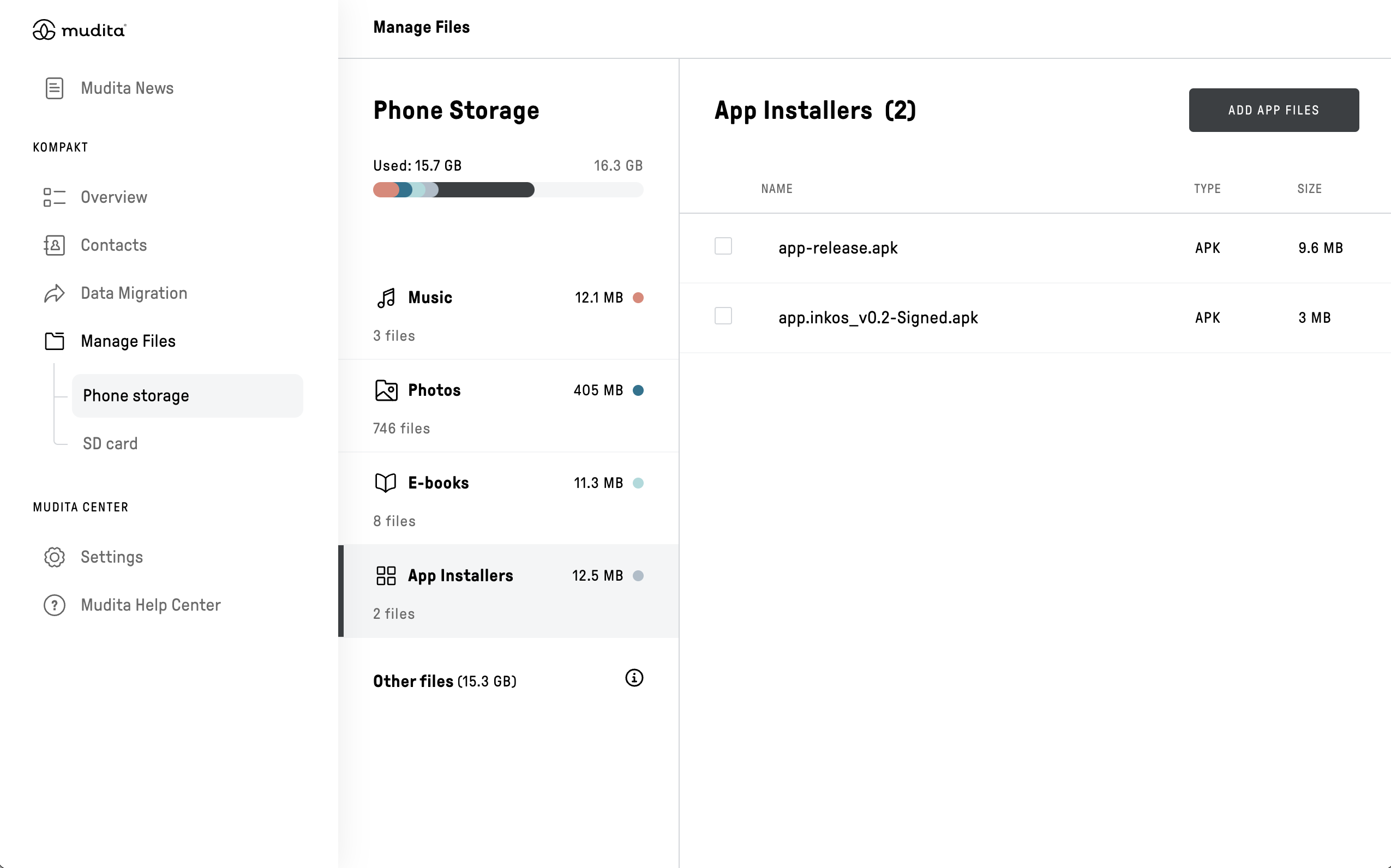
And it will be installed.
Then in your phone you’ll have an app called AuroraStore which is like GooglePlayStore and you can download the apps from there.
3 Likes
Well tried it and all that was added was a new web browser so I give up.Thx
@tex4ever Thank you for reaching out KUDOS to @gezimos for the quick reply to a fellow Mudita Community Member 


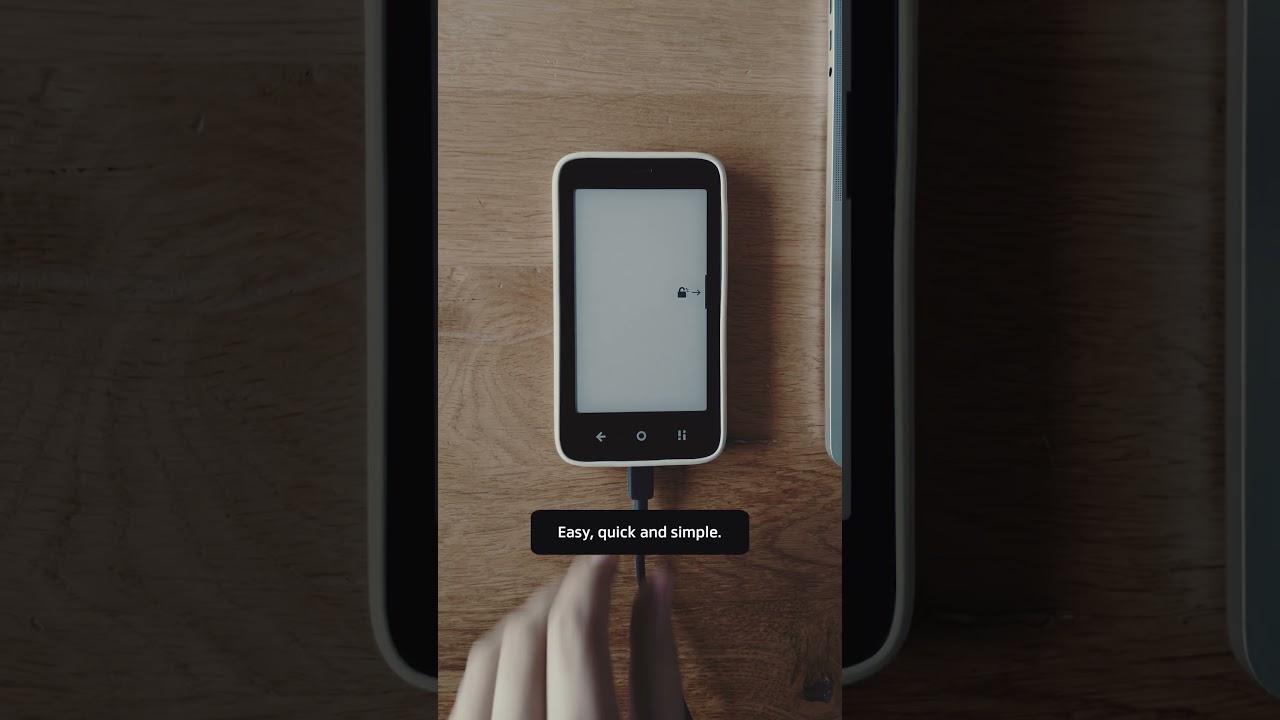
We also have a video here:
1 Like
Got it installed, Dont know how but its there, Thanks for the help…
1 Like
Quick question on this: When I go to the APK Mirror site, I downloaded their copy of apple music version 5.0.2, but the file is in a .apkm format not .apk. Is that an issue or something to be worried about before I install it on the kompakt?
1 Like
apkm is a propritery apk file that u need to use the ApkMirror installer to install them.
Mudita Center doesn’t support bundled apk’s (apkm, apks, xapk).
1 Like
Hi Urzula. For some reason the App Installers section is missing from Mudita Center. Is this a bug or perhaps am I missing a setting that needs toggled? Appreciate your help.
1 Like
Can you explain this a little more? I’m trying to add discord to my Kompakt and found only apkm format. Would I have to install ApkMirror installer on my Kompakt then install the files through that?
1 Like
Yes APKM is a apk format for apkmirror so you can’t install it without installing apkmirror.
The best way is to install AuroraStore and get apps from that.
2 Likes
Appreciate the response. Unfortunately the App Installers section from Mudita Center is missing for me. Will have to troubleshoot that before I can add anything.
1 Like
I understand, there are ways to install apps via adb/web adb if the lack of app installers doesn’t get solved.
1 Like
I replied to your main post- could you please let me know what version of Mudita Center you’re running because you should see this:
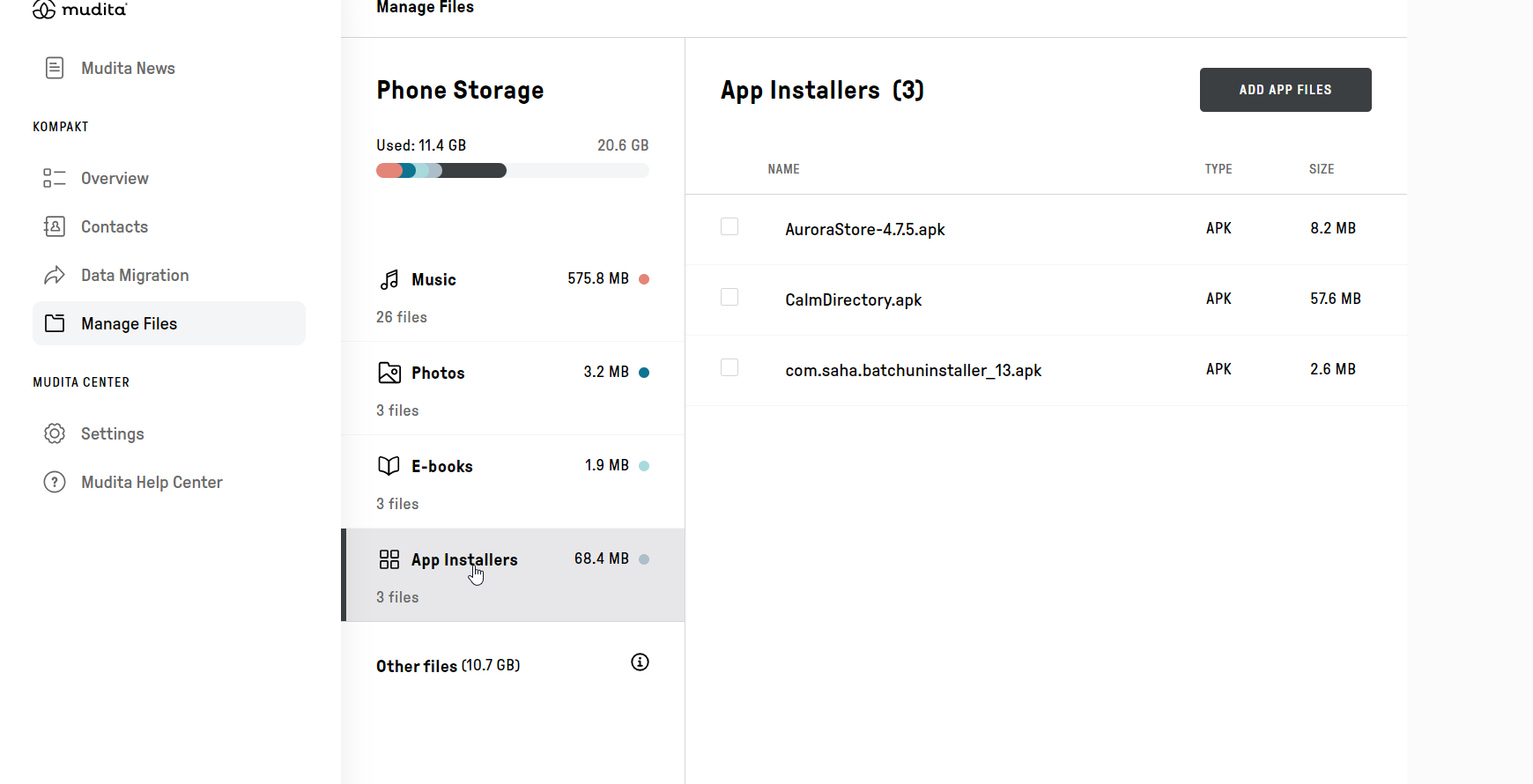
Sorry for taking so long to answer. All I needed to do was update and I was able to access App Installers.
Thank you for always being so helpful 
1 Like
@gloriouslysimplelife No problem!
Happy sideloading
Happy sideloading
Lol this could be one of the marketing catchphrases for the MK!
1 Like
@buiosu
You know, not everyone is a fan of sideloading. I personally find it exciting, checking out all the apps It’s not always a good experience. Some apps, as you know, if not created specifically created for the MK tend not to work
2 Likes
I see that it says you cannot use Chromebook, but Chromebook is able to run Linux programs, so I was able to download and open Mudita Center. But I cannot get either device to recognize the other over a USB-C connection. I am using the brand new USB-C cable provided with the Mudita Kompakt, and it is charging the phone when I connect it to the Chromebook. Is there a way to get this to work? Thanks in advance!
1 Like
I’m not familiar with Chromebooks, so I will ask the team about this & get back to you.