Wow, fantastic! You’re making the Kompakt so more functional. Thank you! I’ve been testing it with HERE maps data today and it seems to work very well so far.
3 Likes
Hi David, is this how users (such as myself) can obtain an API key to install in the app?
Google Cloud Console → Select/Create Project → Enable Places API → Credentials → Create API Key → Paste the generated key into CalmDirectory app.
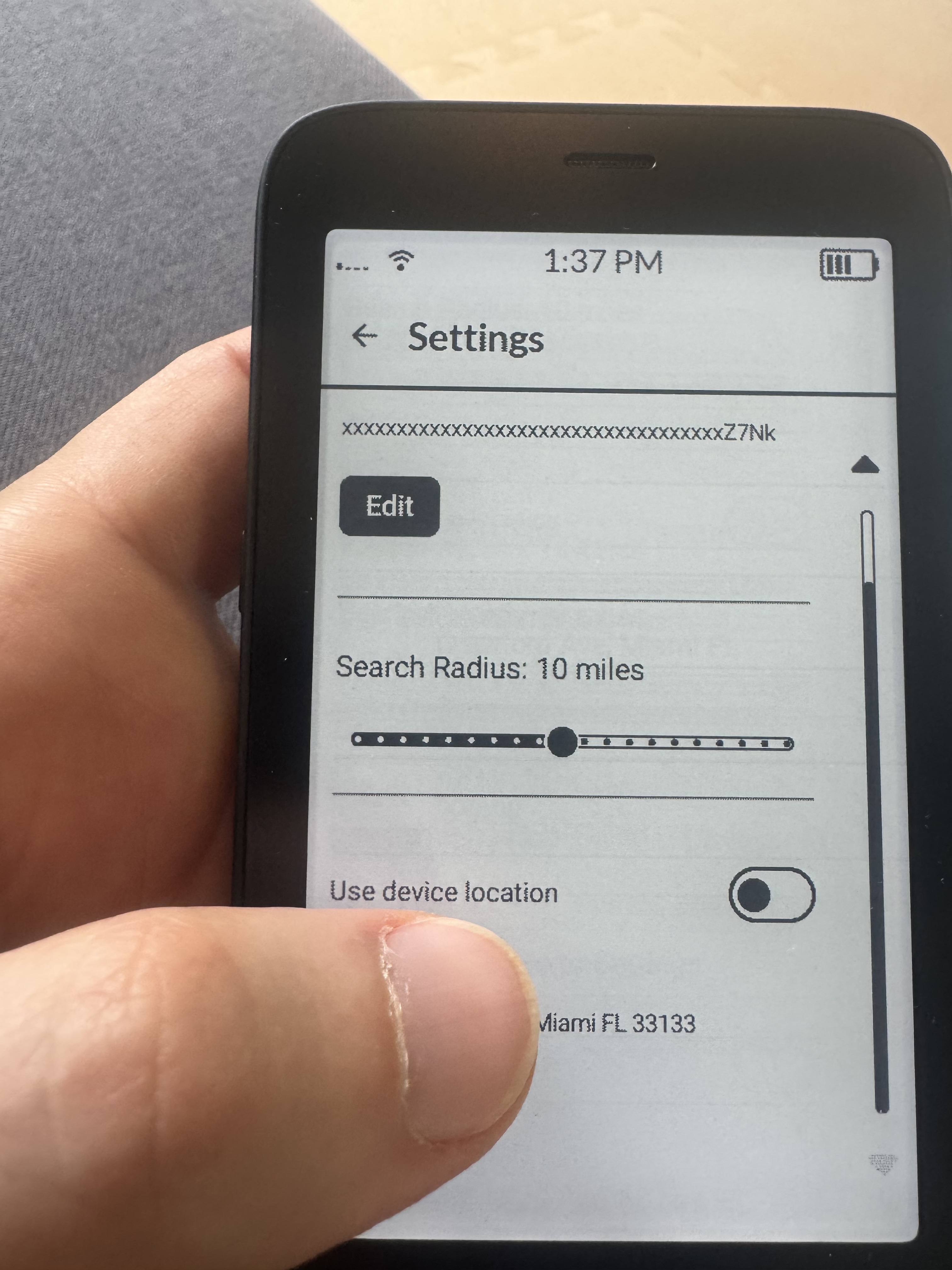
If so, I manually inserted my API Key into the CalmDirectory app (it doesn’t look like Mudita Kompakt offer a copy/paste feature yet?), toggled “Ue device location” however it says “Current Location: Location not available”. Is the app able to find my location while on Wi-Fi (poor cellular signal in my home)? Could this perhaps be because in inserted the API Key incorrectly?
1 Like
Great job on the HERE option, it works well even in my remote area. I would never have used it with Google, so this is a great alternative.
2 Likes
I think I might have to fix some onboarding stuff for selecting location. It should prompt you at that point to allow location sharing. Let me debug this. In the meantime, are you able to turn off device location and set a default location? (make sure you close your keyboard after you type the location so you can see the results from the search.)
For the api-key, you also need “Geocoding API” so it can convert your location to a workable format.
1 Like
Was going to wait a couple of versions, but I’ve been playing with it all day and it’s fantastic, exactly what the Kompakt needs - Mudita should absolutely pay you and have it installed as standard.
It works fantastic as is, but if you’re open to requests/feedback for something down the line, being able to saved places similar to how you can on Google Maps would be amazing. E.g. in my home city, or whenever I go somewhere on holiday, I always make food maps so I can easily see restaurants I like to want to try that are nearby.
3 Likes

I’ll see what I can do about a timer app!
6 Likes
Don’t forget a slot machine 
1 Like
Thanks for giving it a go! Glad it’s working out for you. The saved places is an interesting idea. I’ll think on how to implement this mindfully.
1 Like
It should prompt you at that point to allow location sharing: It did prompt me and I clicked yes.
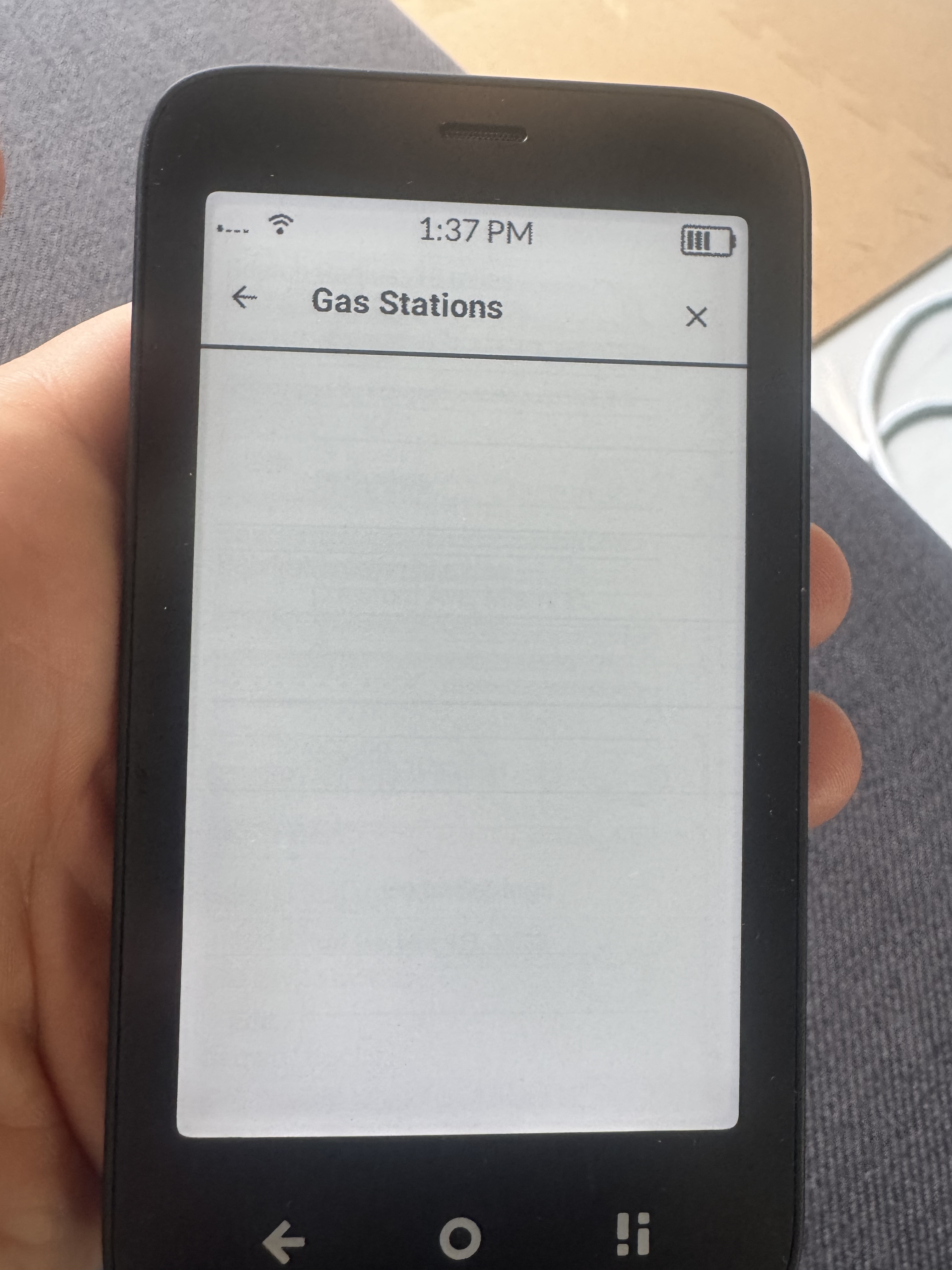
are you able to turn off device location and set a default location?: yes however the directories are still showing blank (see screenshot).
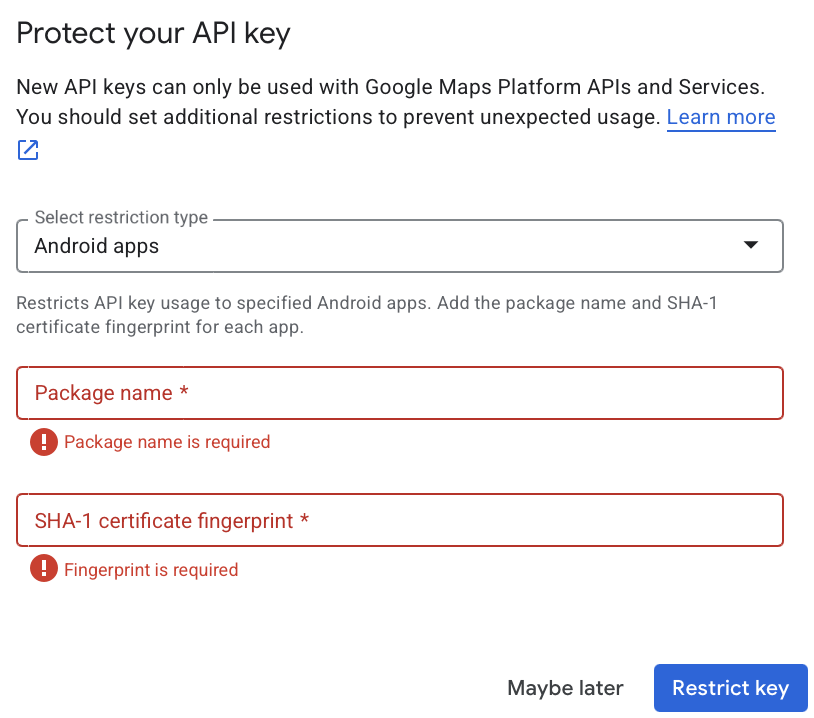
Also, might you know the “Package Name” and “SHA-1 certificate fingerprint” (screenshot attached too)?
1 Like
You can skip that dialog using the “maybe later”. We do not use any of the Google Cloud services that require SHA-1. When you have that set up you should be able to search for your location.
Also, unless you just really want the Google Places data, HERE maps seems to be a pretty decent alternative that doesn’t require the setup. Just make sure you’re running v0.3.0 to get that option as a data provider.
1 Like
Thank you - I selected Here Maps and everything is working (and simple)!
1 Like
@davidray, I just noticed something. When I set the location to Vienna, Austria, I get all the info but ONLY for Vienna’s first district. However, Vienna has 23 districts. So a lot of info is missing.
1 Like
Hmm. It might be picking a central area in Vienna and creating a radius from there based on your setting.
I’ll have to think about the UX on that or look into how HERE handles it.
1 Like
Looks like the same developer made a podcast app! CalmCast! GitHub - davidraywilson/CalmCast: A minimal mindful podcast app built to work on de-googled E-ink devices utilizing the Mudita Mindful Design library.
3 Likes
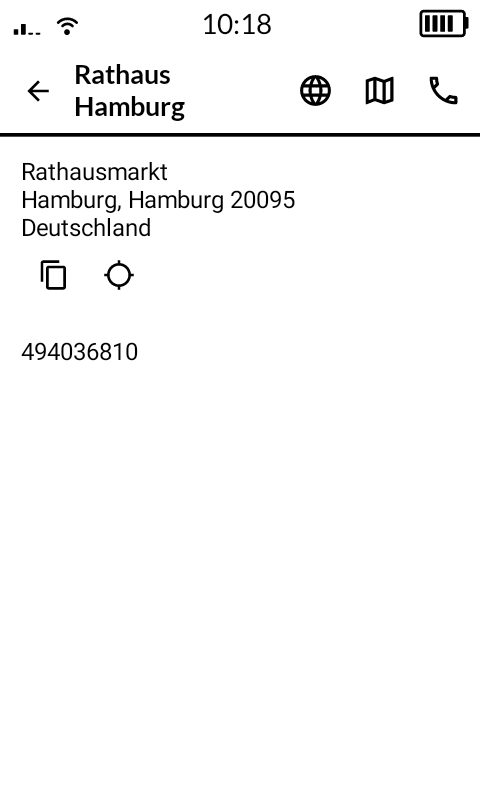
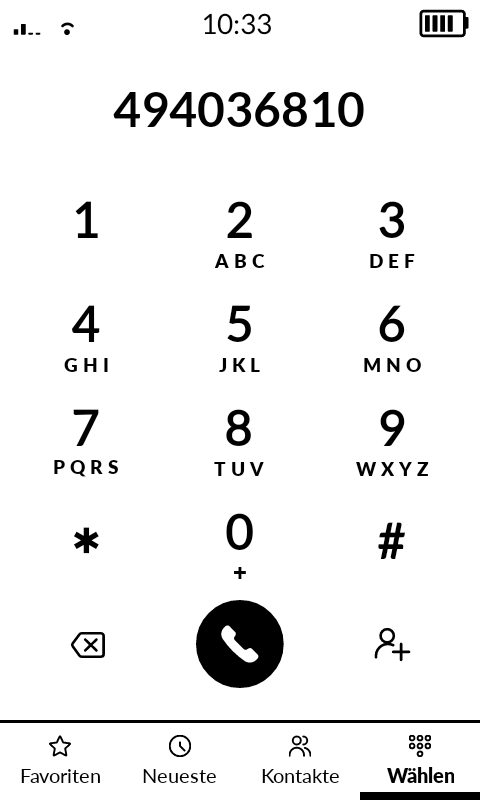
One thing I noticed about phone calls. I’m not sure about the US but outside of the US, phone numbers from the directory need to be preprocessed to include the country code to work. @davidray
In this example (true for data from Google and HERE) the numbers include the country code 49 at the start.
However, when calling this number, it needs to start with +49 or 0049. Currently, when you tap the phone icon, the number is entered directly into the dialer (494036810), which does not work. In this example, the phone should dial +49 40 368 10.
2 Likes
You are right, @csllr. For now, one has to replace the prefix (00+country code) with the correct prefix e.g. when dialled nationally, numbers in the UK begin with a 0.
Perhaps @davidray will get around to this in due course. Fingers crossed.
2 Likes
I just increased the radius to the maximum, but it still only shows info for the 1st district. I’m sure the 1st district is not even 10 miles in diameter, and definitely not 20. So somehow it seems to mistake the 1st district for the whole of Vienna. And I’m sure the same problem happens with other larger cities. So this issue needs to be addressed.
1 Like
Great callout! I’ll look into international formats for the app.
1 Like
I’d bet that HERE handles this natively, I just need to make sure I’m calling the API correctly. It’s been a busy week at my 9-5 (forced week in office this week plus a bunch of holiday festivities) so I haven’t been able to spend much time on these. I’ll post as soon as I have an update though!
4 Likes
No stress 
1 Like