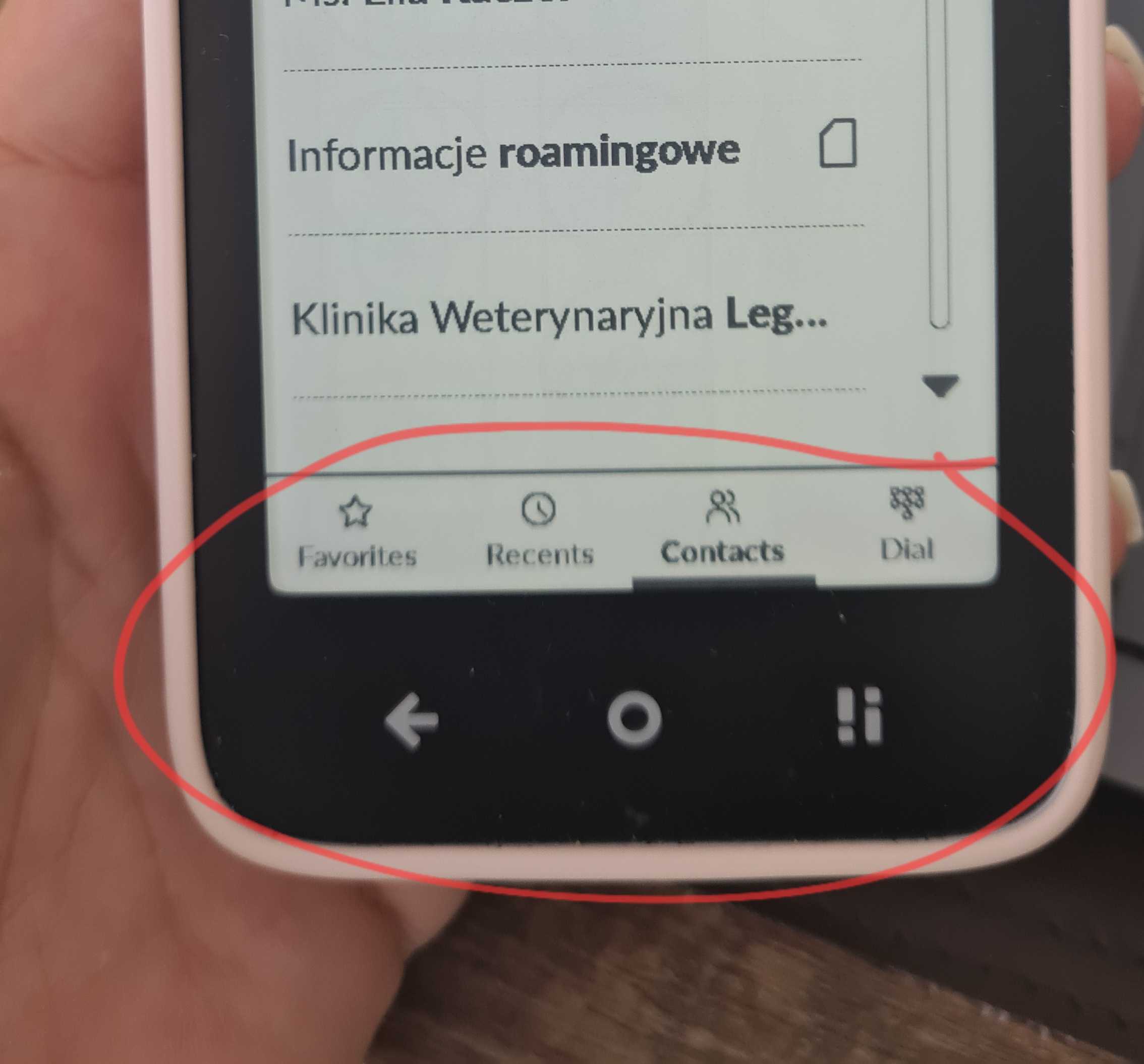
In Manage Apps, I can’t seem to find the Contacts app. Is there an option to choose the default account or default storage location for new contacts
In addition, is there a way to open one of the newly created contacts on the phone and review whether the contact is stored in DAVx⁵ Cloud Contacts or Phone / Device / Local / Accounts?
Unfortunately, I don’t have much experience with DAVx⁵ Cloud Contacts (I’ve never used it) and I don’t know how that third-party app works, but I can reach out to our team. Also, maybe someone from the community can help with DAVx⁵ Cloud Contacts.
I have the same issue, I don’t think you can specify from the stock apps - it’s annoying but I try to create the contacts on the cloud side. Alternatively you could side-load a contacts app which does allow specifying contact account (i.e. fossify contacts).