@urszula
Out of curiosity I installed Open Camera from F-droid to see if there was any difference in photo quality compared to using MK’s native camera app. Breaking news: The difference is stark.
In this thread I’ve posted photos taken with the MK native camera app. So, I went back to recreate the same photos using Open Camera. I’ve tried to mirror the same positioning and lighting conditions as far as humanly possible for these photos.
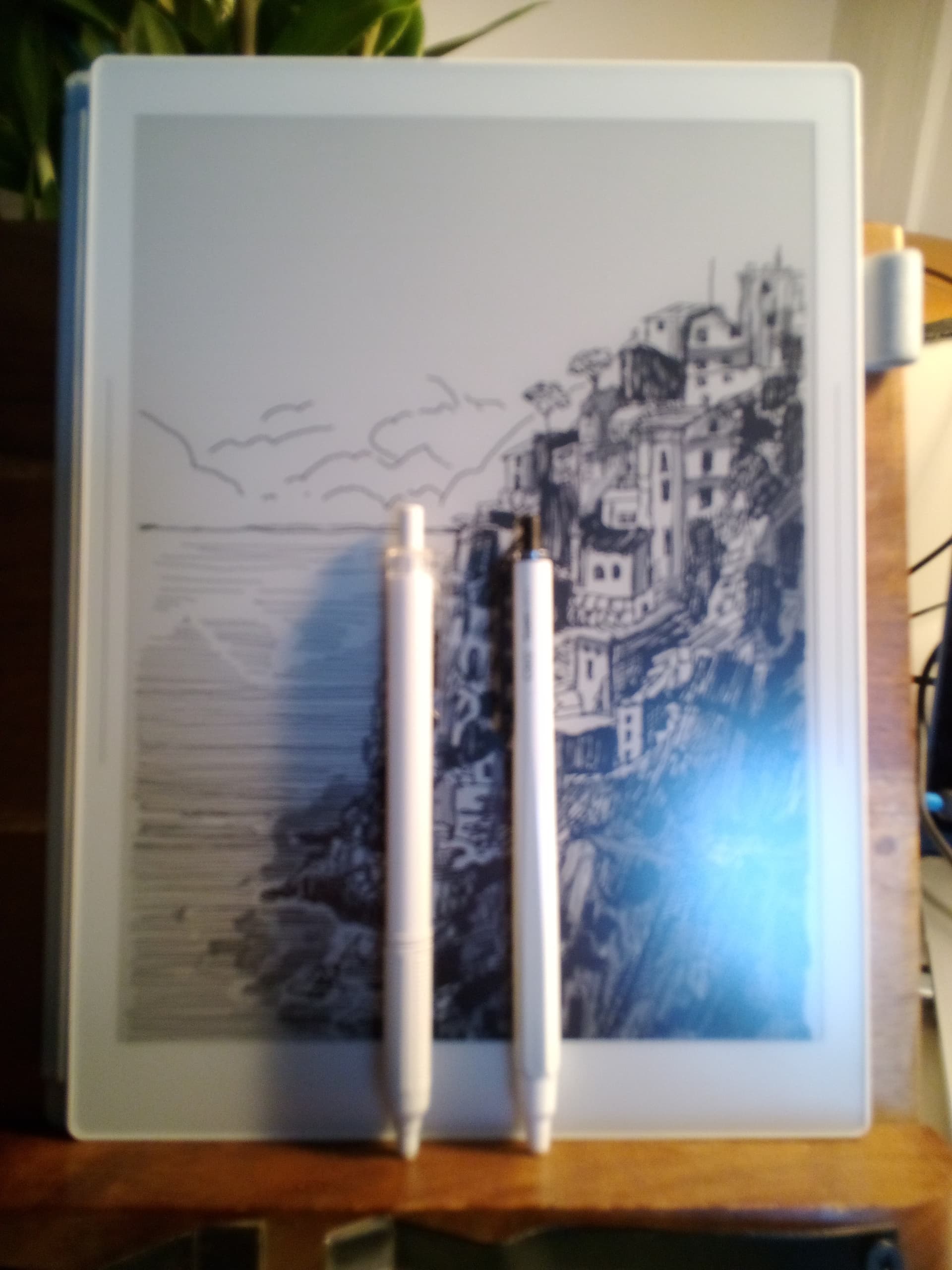
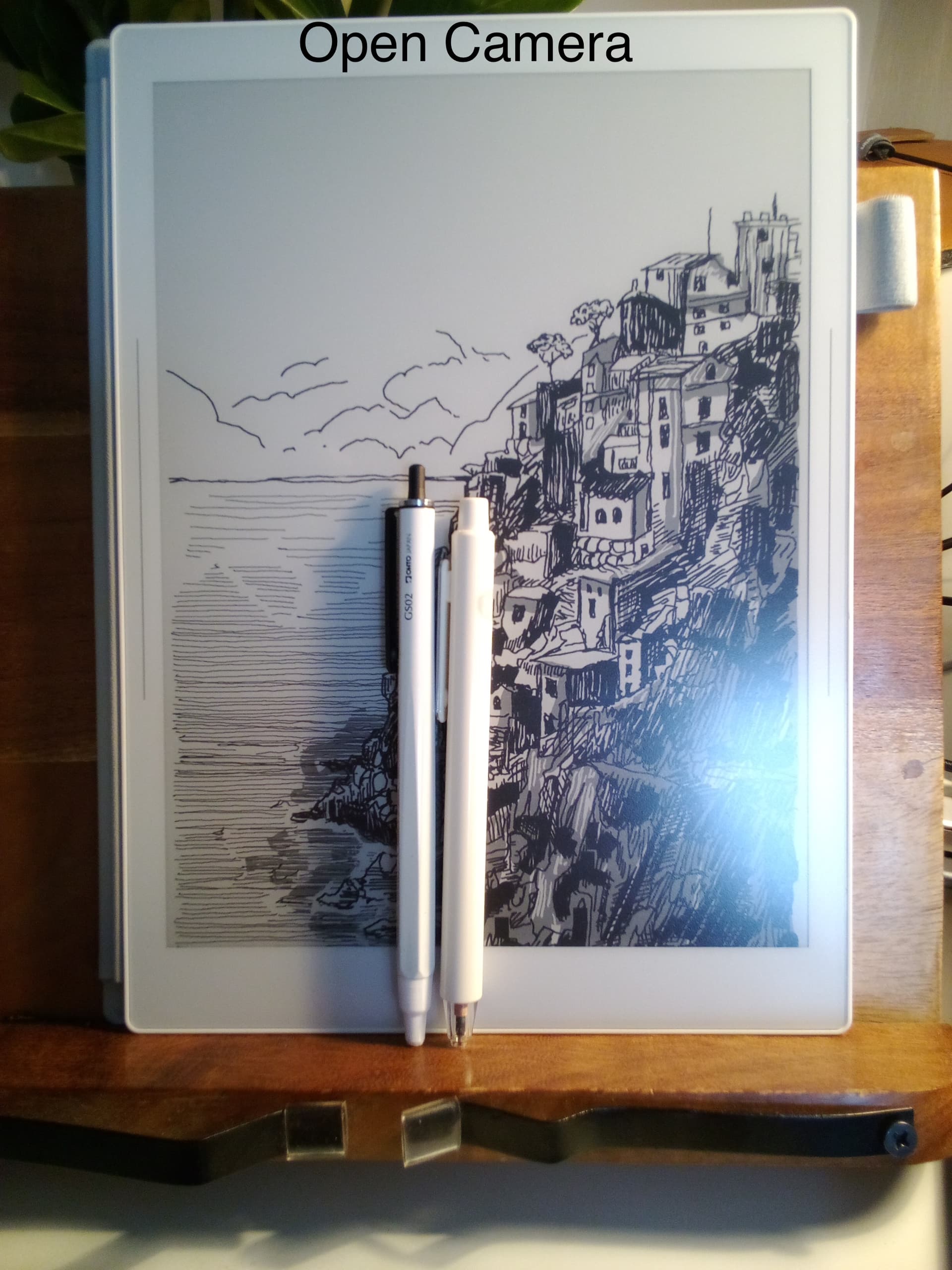
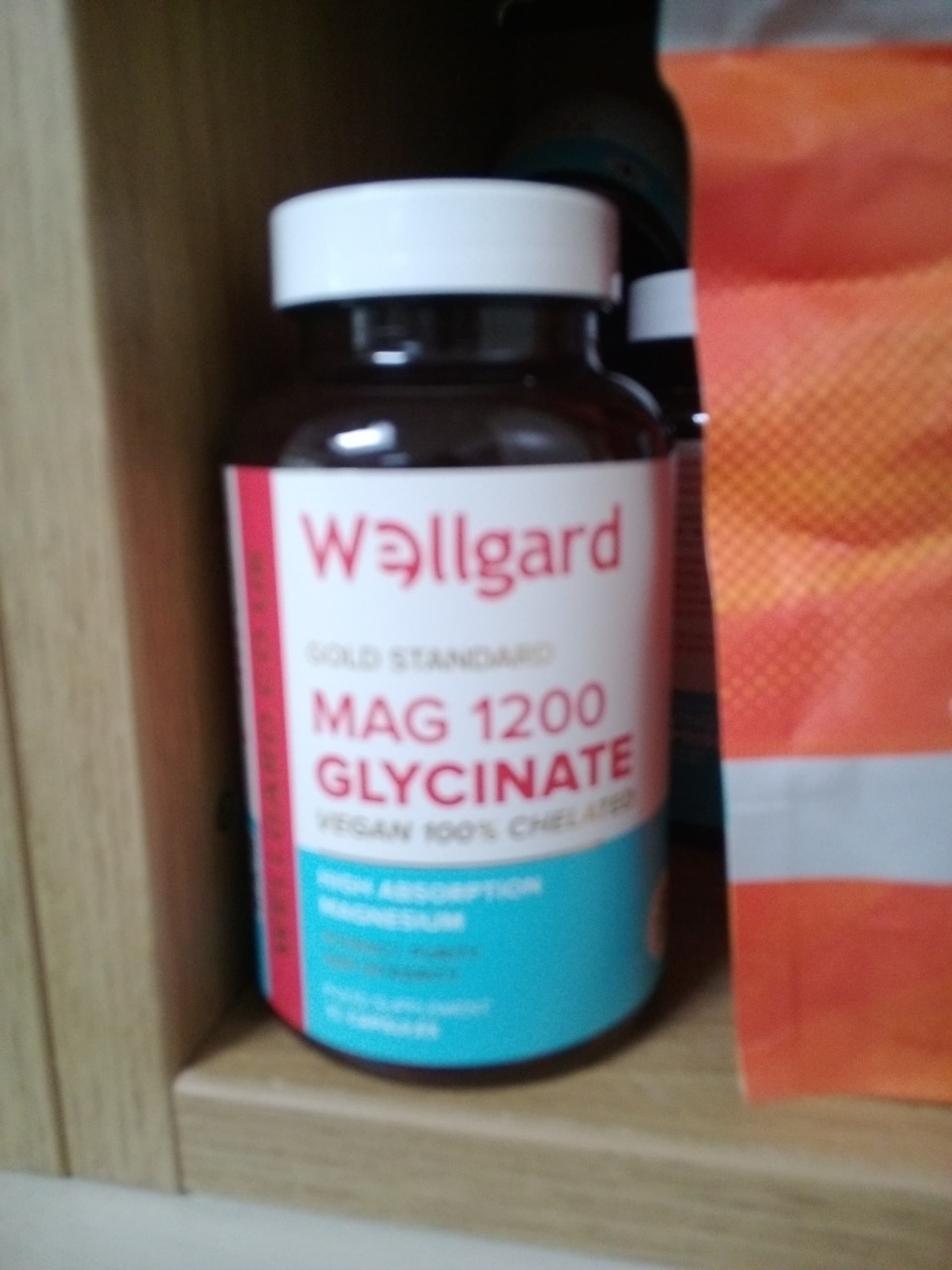
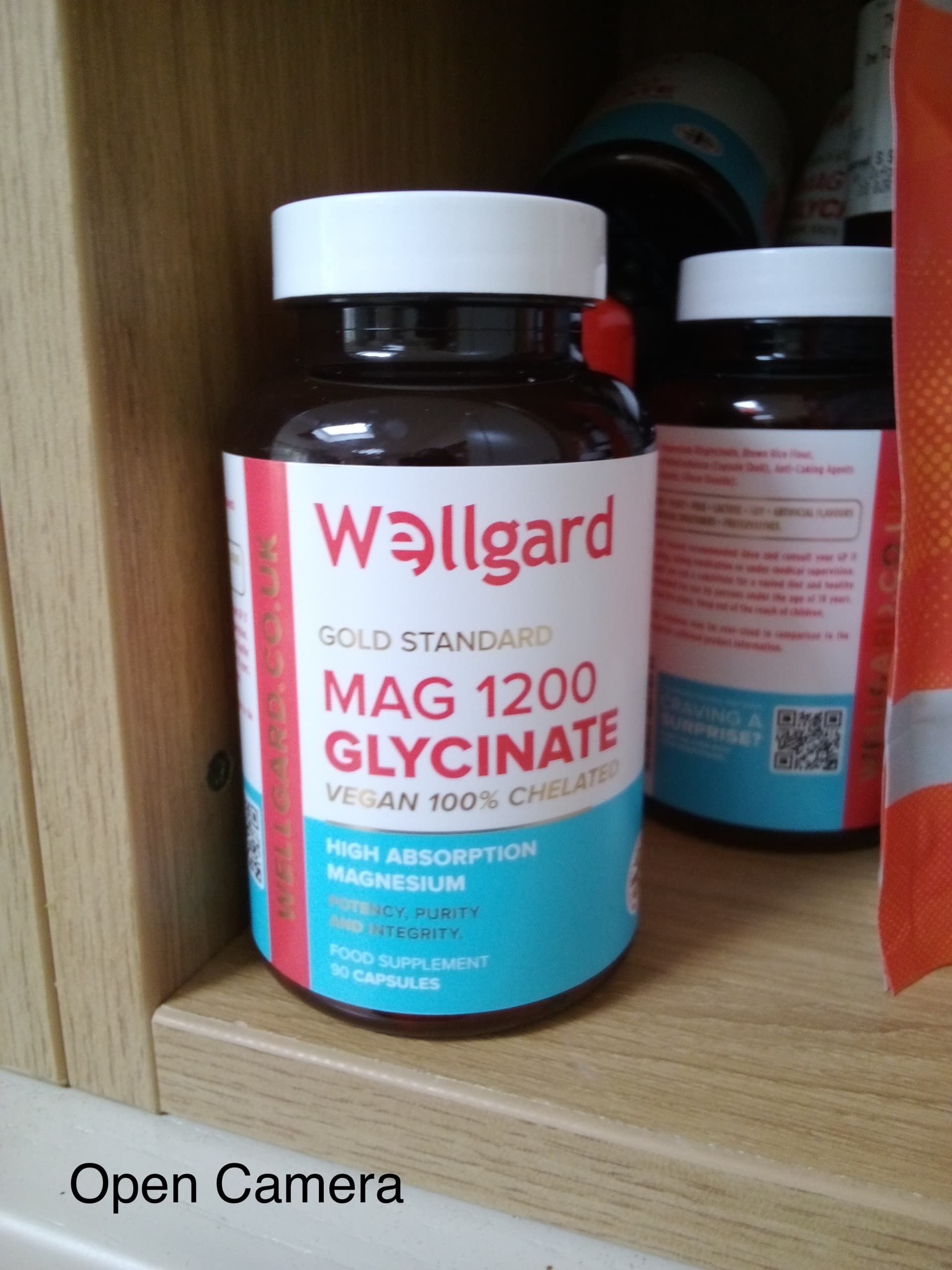


I don’t think there’s any question that the photos taken with Open Camera are leagues better.
So, why is this?
My contention is that it comes down to a number of factors. The other photos posted on this thread, which do show serviceable photos, were taken in optimal conditions. There’s no substitute for really excellent natural light. Under those conditions, the MK camera app can take OK photos. But in the following instances, photos tend to come out blurred:
- Poor lighting conditions
- The subject makes focusing difficult: perhaps because it’s very cluttered/busy, or there’s a curvature of the subject onlines, or reflections which break up the outlines
- Poor contrast between objects in the frame
The auto stabilisation plays a significant role in this. The way the native app handles focusing in these conditions results in blurry photos.
I’m now using Open Camera. I’m afraid that means the only native apps I’m using are Phone and SMS.