I see a few people mentioning issues with the camera after the July OS update. I’m also having issues. It works, but the focus is wrong. Perhaps it’s always been this way and I’ve only come to notice it. Last week required me to snap my driving licence, passport etc. This meant zooming in close enough to keep the writing legible in the photos. Firstly, there doesn’t appear to be any stabilisation whatsoever. Secondly, every resulting photo was too blurry to be used. In the end, I had to dig out my iPhone from the drawer to complete the tasks.
Is anybody else experiencing similar? If so, do you use 3rd party apps instead?
I don’t recall seeing any improvements to the camera app mentioned on the roadmap for 2025/6, which is a concern. I believe it does need to be addressed.
Focusing on large subjects far away is less the issue, but place something intricate and detailed on a desk and try and take a sharp close up with the MK. Then let’s compare.
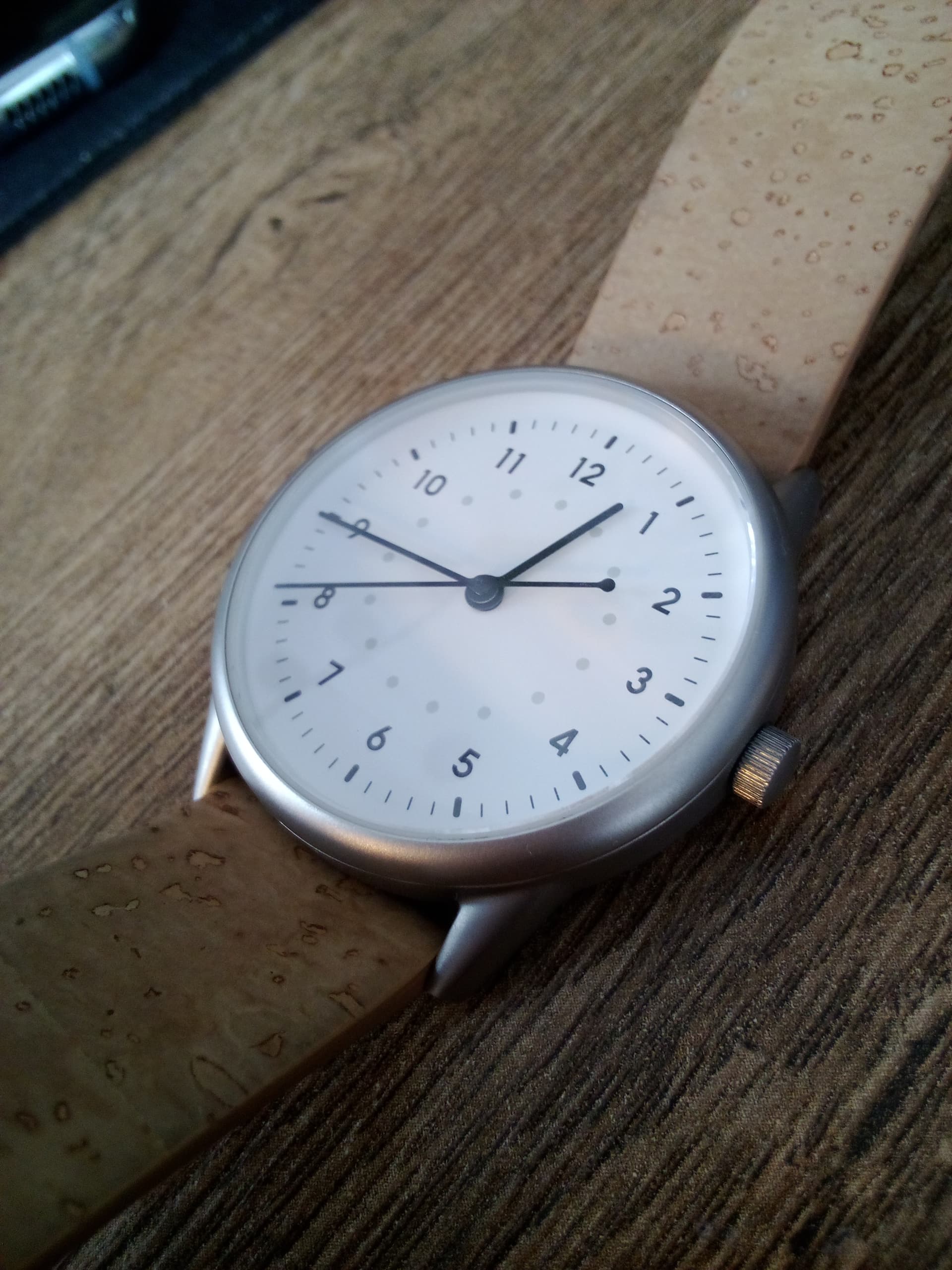
Sorry to flood this thread with images of my watch, but for comparison, these images are quite revealing. Here are the images I took of my watch using the MK. I only took this many because they appeared blurry on the MK.
However, after seeing your close ups of your (nice) watch I downloaded these from my MK to my Mac and looked at them. I’m surprised because I see that they are up to snuff / cut the mustard, after all. Having browsed the Gallery app, I see that they look OK.
So, perhaps the blurriness is in the immediate preview functionality of the camera app.
@urszula Agreed. However, let’s not overlook the observation that these images look OK in Gallery. (I can’t remember if that’s a 3rd party app or a native one.) By contrast, they looked unusable in the camera preview. And it is important that the camera preview serves its purpose.
Photos taken this past weekend on 1.3.0 - the first one for information so I didn’t wait long for focus, just tapped the screen (btw if you take photo directly from a messaging app, it’s camera screen has that circle indicator of tapping for focus):
@petemeister this needs some further investigation. I’m going to ask the team about this. I’ve tried a few different ways to take pix & mine never turn out blurry.
But that happens even with a smartphone & I tested my BBQ10, a Sony Xperia & a Samsung S20. All had blurry photos.
Moving or the phone or target is moving while taking the picture. Here- it happened when I was taking the picture & while that was happening I moved my hand closer towards the the Mudita Harmony.
Thanks @urszula for experimenting. I’m beginning to suspect that the way the camera works under poor lighting conditions is subpar. Your blurry photos and mine were both taken in low lighting conditions. The camera struggles to focus while we, the users, try our best to hold the camera steady. But with the camera unable to focus and poor stabilisation functionality, the result is blurry photos.
The camera is capable of focus but it’s not that easy to see. You can tap on an object to attempt adjusting the focus. If you do that with WhatsApp, you’ll even see what is IMO missing in the stock camera app - a circle that shows where you tapped and what the desired focus area is.
Agreed that artificial light/low intensity daylight makes the photos of worse quality. It’s an issue with almost all digital cameras of any kind per my experience, not sure if it has something to do with UV or what.
Unfortunately I haven’t been able to take a single proper photo yet. ALL of them are blurry. The camera seems to work best at long distance, but anything in my room or up close is very blurry.
@YYZ The team is aware that this is a requested feature- the one thing to keep in mind is that sometime vibrations come from third-party apps & that’s not something we can really regulate in our system.
@urszula I don’t use that many third-party apps and also never experienced any vibrations from any of them, otherwise I wouldn’t use them. It’s really mostly the power on/off and the USB plug vibrations that are unnecessary. Maybe I forgot some other system vibrations. That’s what they do to me… my mind goes blank













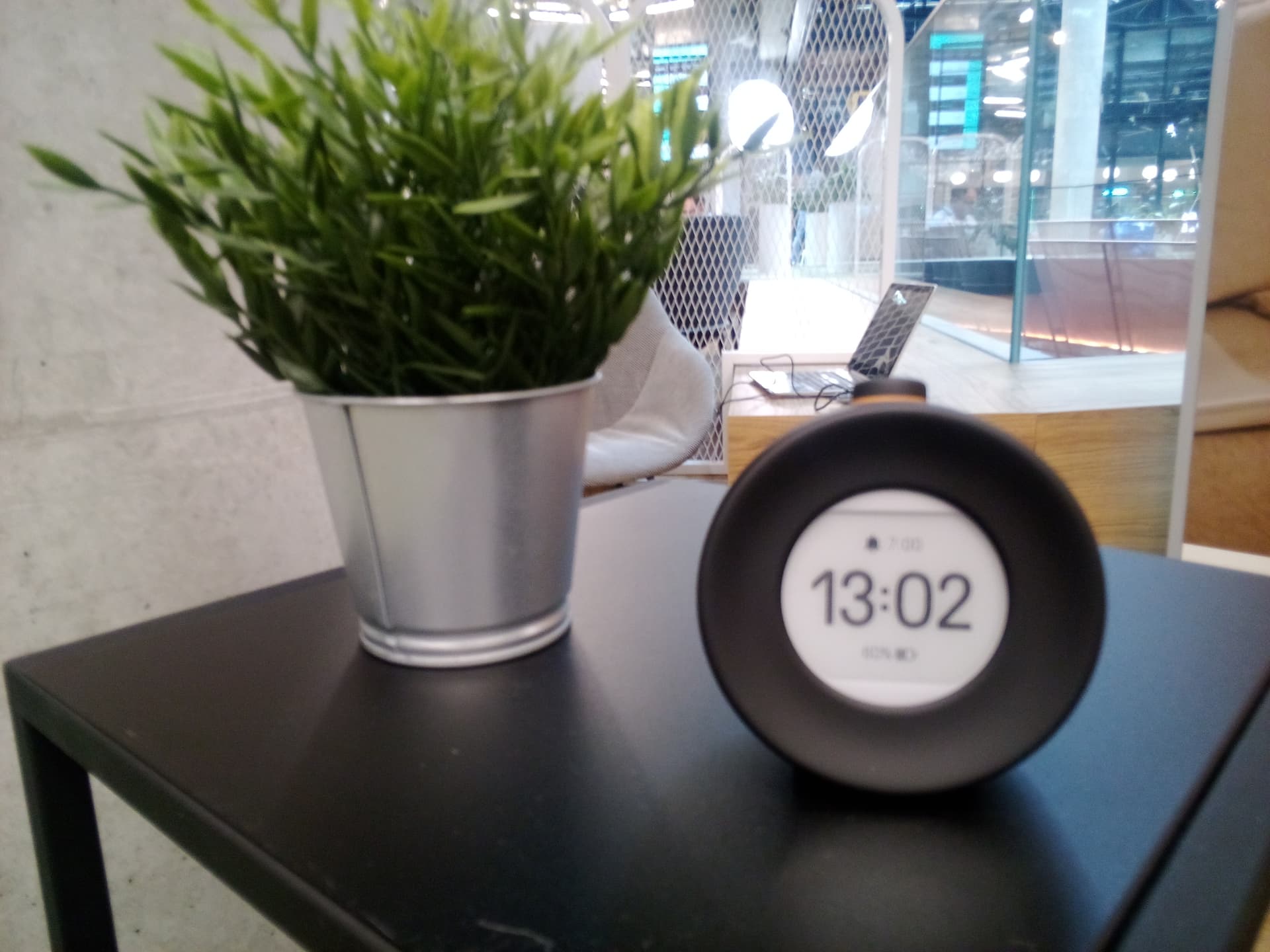

 Planned: Turn off vibration for alarms
 It’s really mostly the power on/off and the USB plug vibrations that are unnecessary. Maybe I forgot some other system vibrations. That’s what they do to me… my mind goes blank