Hi,
I sideloaded F-droid successfully then downloaded Ironfox browser and Tuta mail, however, neither can do anything after opening, it seems they cannot access the network? There is not even a network access permission available in settings. Maybe sideloading F-droid allowed its connectivity, but I had to borrow a computer to do that, and that defeats the purpose of downloading an app store. Is there a work around to get these apps on the network?
Thank you,
Dawson
1 Like
@dwb Do you have mobile data enabled? Or are you connected to wifi?
Connected to wifi
1 Like
@dwb And you’re able yo connect to the network & use data with native apps, like the weather app?
Of course. Half why I mentioned F-droid working.
1 Like
@urszula anything?
1 Like
Do you have the Aurora Store installed? Where did you get these APKs from because I just tried them & they are also not working for me. After many tries, it could be these apps.
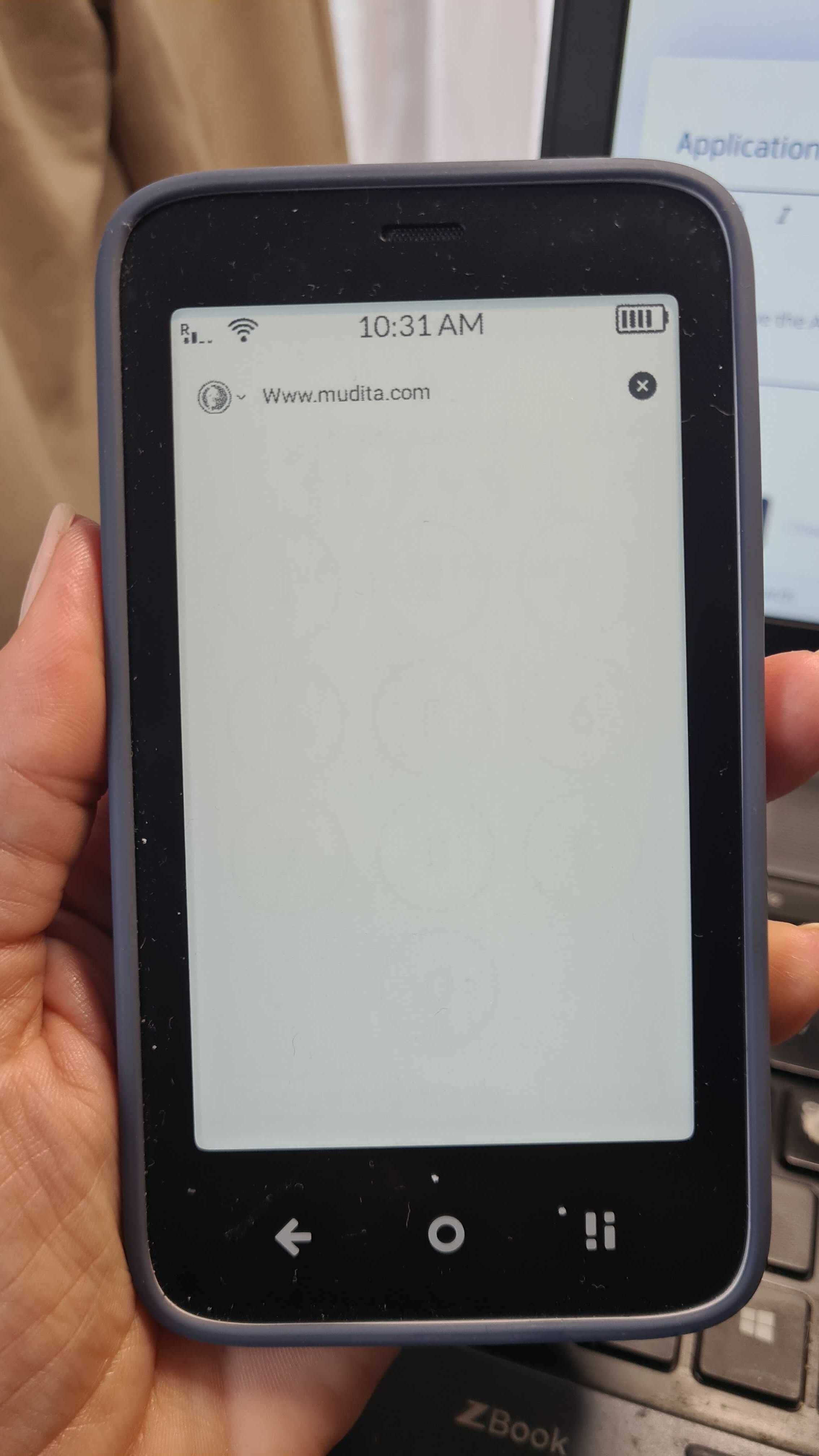
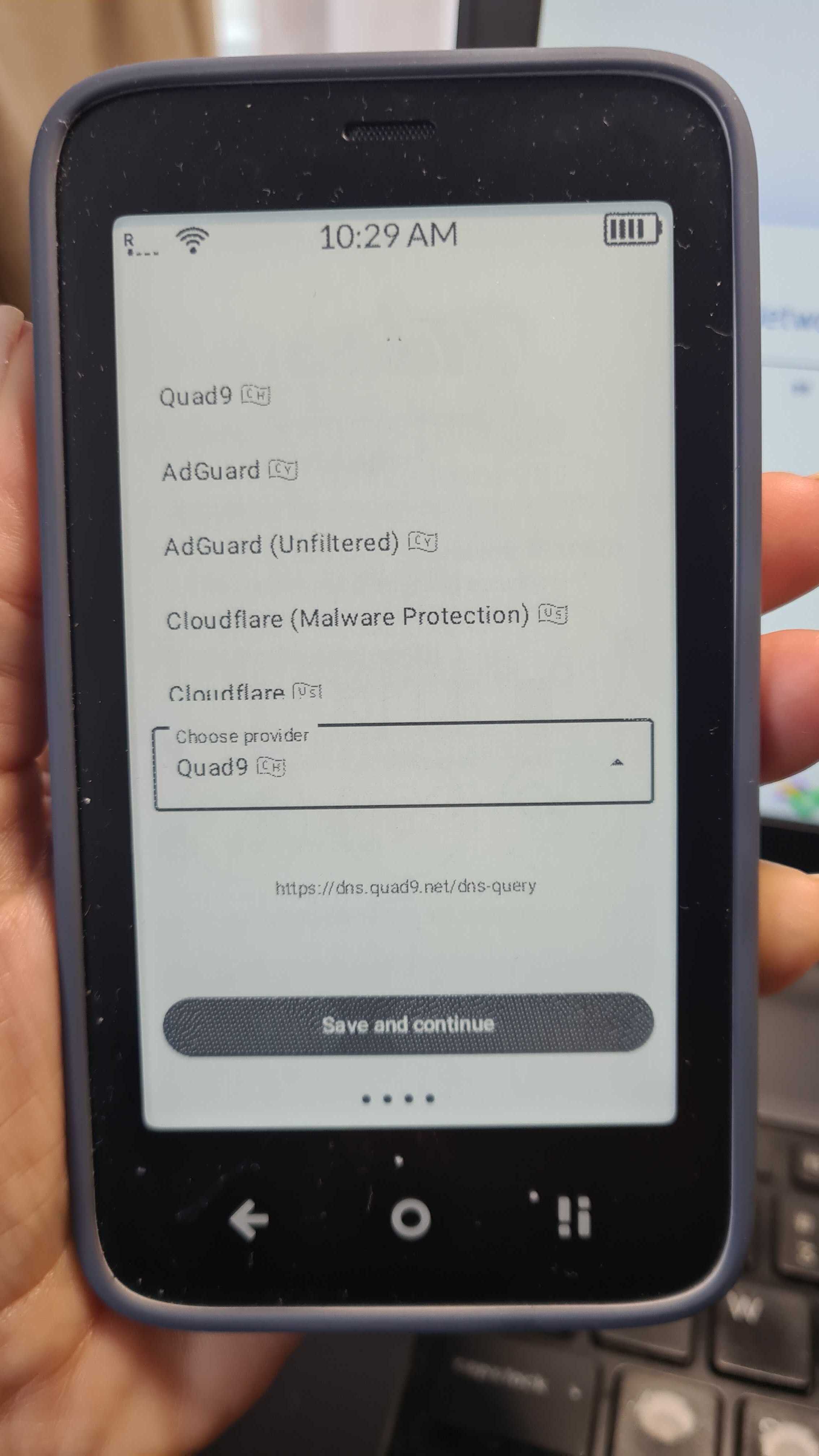
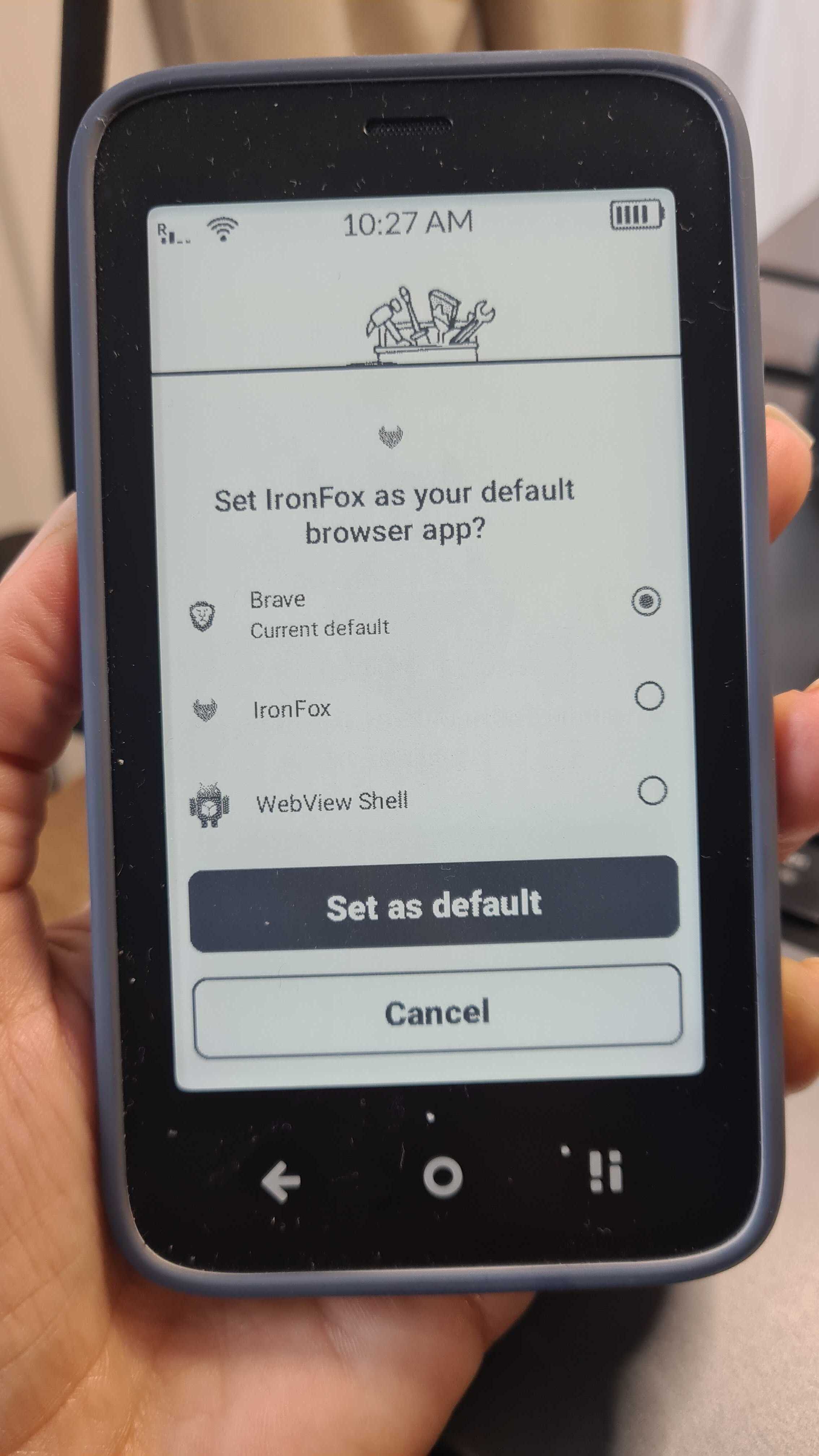
I’m wondering if it has anything to do with these providers.
I couldn’t get anything working on the Tuta Mail.
Meanwhile, the Brave browser works like a charm.
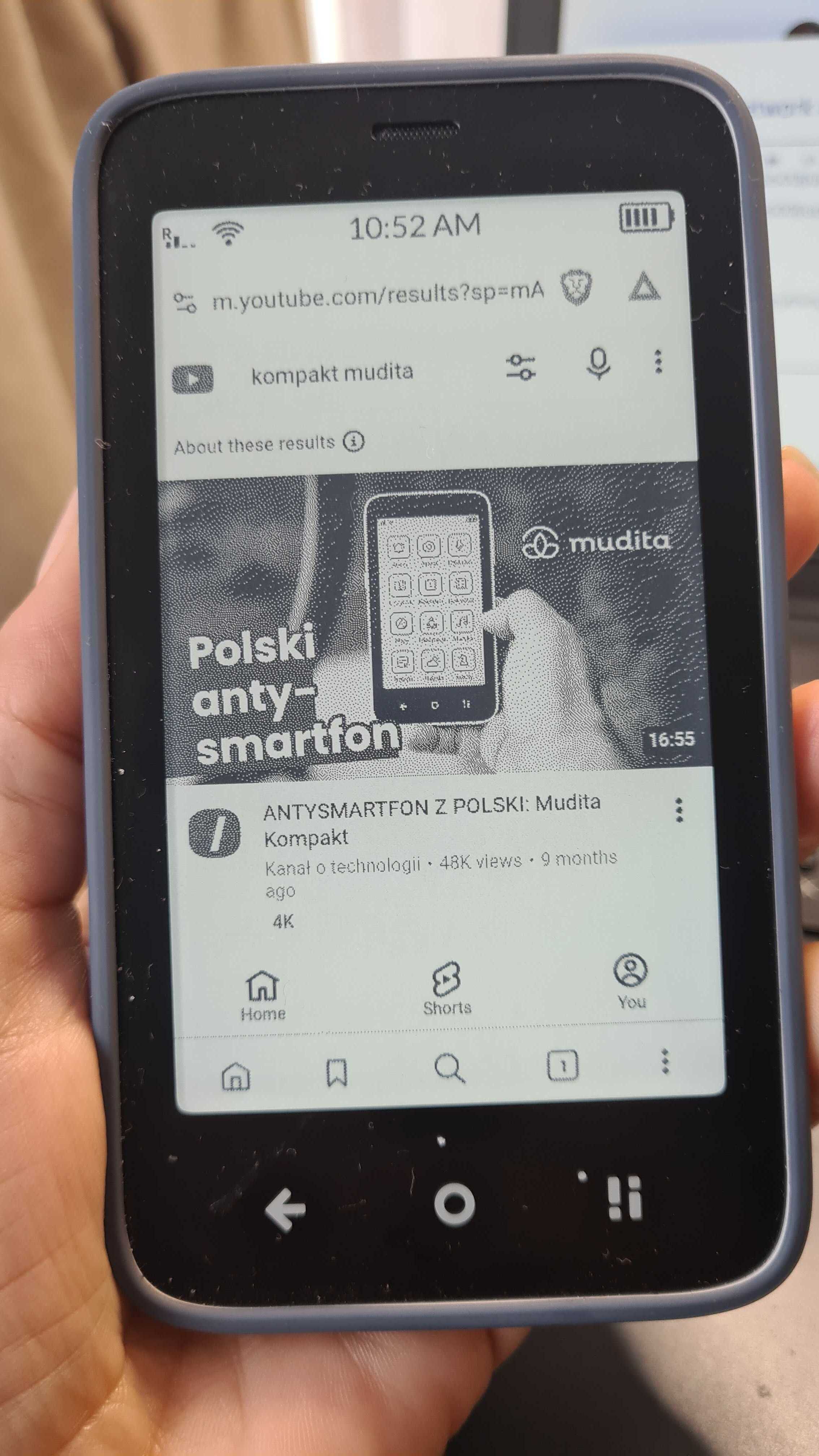
Maybe someone else in the Mudita Community can chime in & share their experience with these apps because they are NOT working for me either while other are working just fine.
1 Like
Strange, they both work on my other phone. I got the F-Droid app store apk off the official site, then downloaded the other applications from there.
1 Like
@urszula could you being up the Tutamail issue with support? I switched browsers fine but Tutamail is not supported by other clients…
1 Like
@dwb I will ask them to see what this could be.
1 Like
Libretube also doesn’t work (at least with an “instance”), but does on my other phone.
1 Like
I’ve been trying to troubleshoot this & I’ve asked the team for help.
I was finally able to download the app, BUT I cannot log in. It just keeps on loading & loading.
@urszula thats exactly what I get. Some browsers work, some open youtube frontends work (I am using Pipepipe now), but I haven’t tried any other email clients since I only have 1 email
1 Like
@dwb Our team said that this behavior can be triggered by a million things, like:
slow internet
outage of tuta mail app
tuta mail rejecting the device
organizing calendar events takes too long because milions of events
firewall (on wifi)
roaming
low signal
Our team suggested connecting device to PC and use advanced debug services from Android (Android Debug Bridge) to read logs from the app. Are you familiar with ADB?
Well the app works on my other phone and on the same wifi, plus you found the same issue. I will see, I don’t have a PC anymore, will look into getting ADB on my other phone.
1 Like