Hi all, sorry to keep making threads for every little question, but I didn’t see this answered elsewhere.
I would like to transfer voice recordings using the phone’s Recorder app to my computer, but I don’t see any way to do so via the Mudita Center app or any other means on my Mac. Being able to text the recording would also work so I can send it to my work phone. My Kompakt is running version 1.5.0. Thanks in advance for your help!
Connect a USB data cable from Kompakt to a Windows PC - (This method is without using Media Center - sorry, I know you have an Apple Mac so I hope this works for you)
Open Windows File Explorer (or equivalent on your Apple or Linux computer)
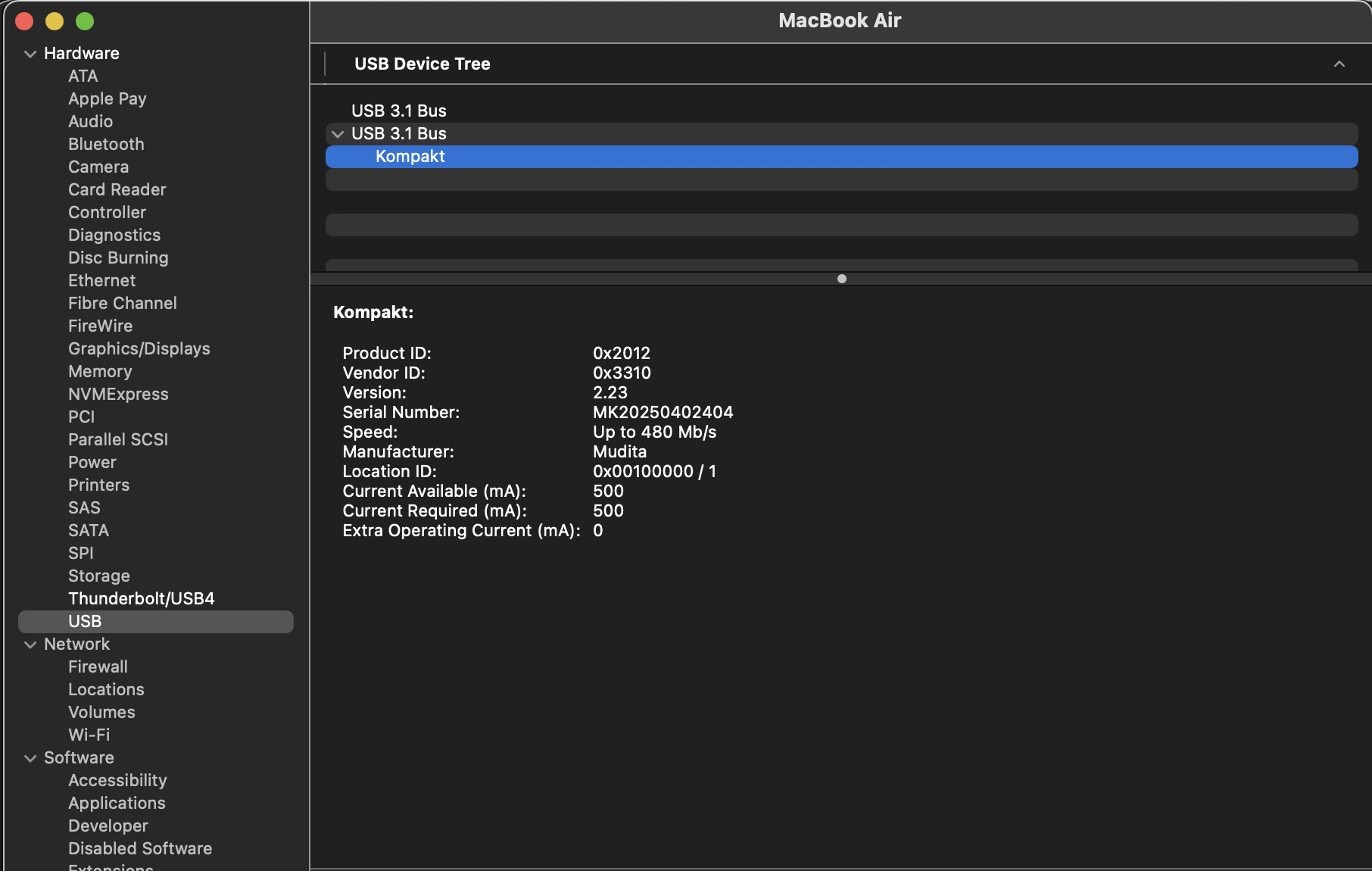
Thanks to both of you! I am not able to locate the Kompakt anywhere in the Mac’s file explorer (Finder), even by showing hidden files, sorting through settings in the system preferences and showing everything possible, etc. The only time I see the computer registering the Kompakt outside of the Mudita Center app is in this system information dialog, where it’s shown as a connected USB device. Unfortunately, there’s no way to jump to the contents of the phone from this page, and I don’t see any filepath guiding me to locate it on the computer. Oh well, I’ll keep trying. Thanks!
There is also Droidmac https://www.droidmac.com/ and if you search the AppleStore for “droid” you find other apps to connect your MK with your Mac. Even the old Android File Transfer still works.
I found only one problem: the connection fails when preview is open on the Mac.