Hello fellow Kompakt users, so far enjoying the phone.
I just updated to the new OS.
I noticed this feature has been added in the notes:
*** The “None” option has been introduced as a security option to unlock the phone.**
However, I only see ‘passcode’, ‘swipe up’ or ‘fingerprint’ options when I go to security settings?
1 Like
@daken Welcome to the Mudita Forum! We’re glad that you’re here.
I have asked our team for feedback on your situation because I’m not sure what could be happening there.
@daken Can you check if you installed the most recent update: 1.2.0
Because this is what you should see:
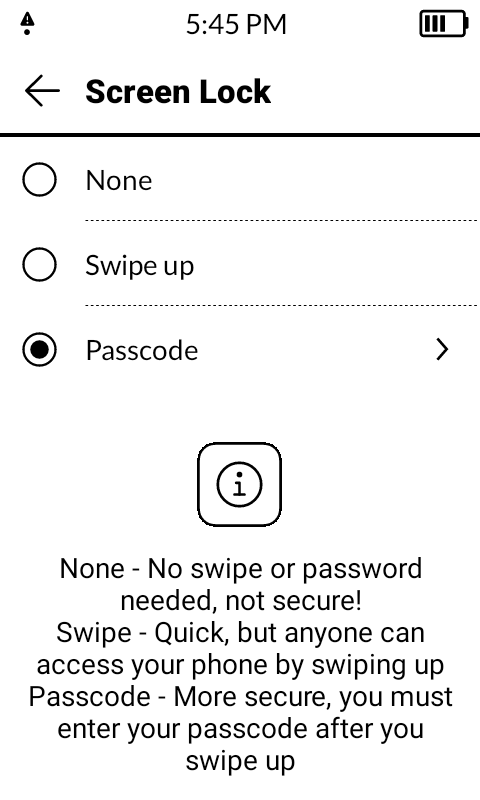
1 Like
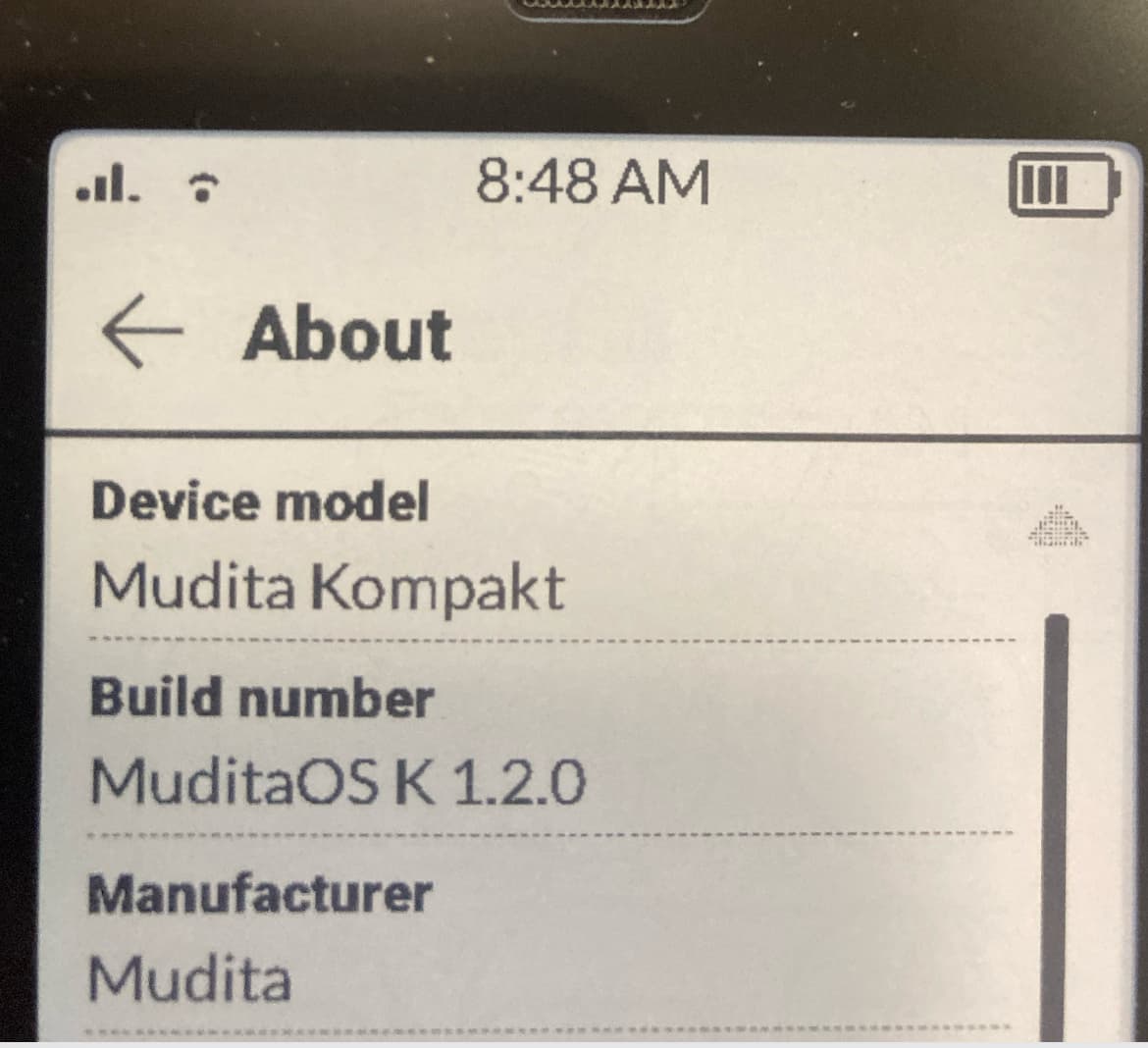
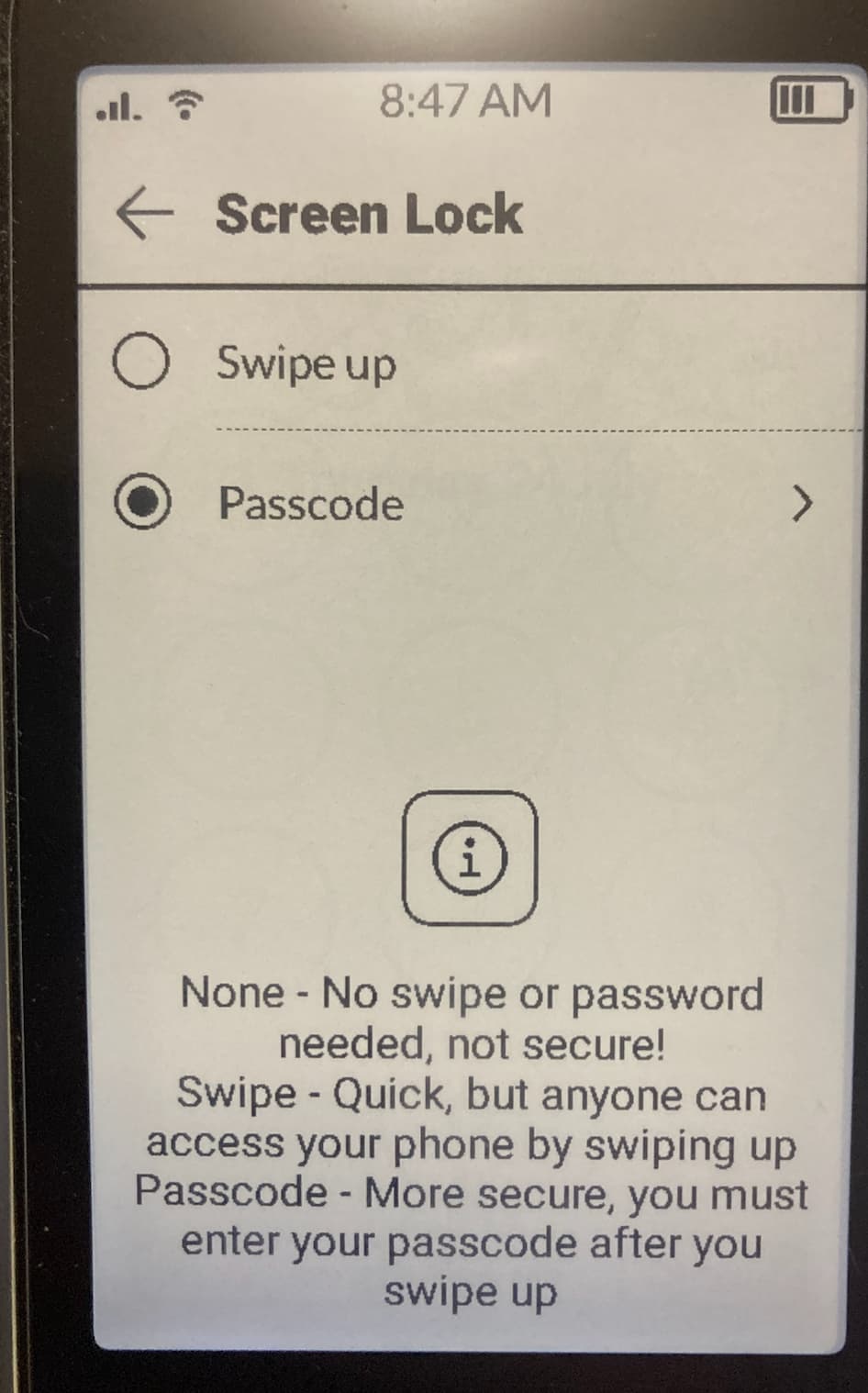
@daken Thank you for sharing the pictures. I’ve passed this on to the team & they are looking into it.
1 Like
I have the same issue / or a simmular one, I think , pascode is acivated but if i press on the power button it opes without enter the code
1 Like
I have exactly the same as this.
Shows the description for the ‘None’ option at the bottom, but no selectable option up top
2 Likes
UPDATE:
We’ve investigated this case & it looks like certain countries have legal or regulatory requirements that do not allow users to completely disable lock screen security (choosing “None”). In these regions, manufacturers are required to enforce at least some form of protection (e.g., PIN, password, or pattern).
So, the “None” option is intentionally hidden in Australia (MCC 505) by Android’s design via this config overlay.
1 Like
that’s me, I’m in Australia 
thanks for the follow-up. Glad to hear it’s not a bug.
Not a big deal for me really.
1 Like
@rcink You can thank the Cyber Security Act 2024 for this
1 Like